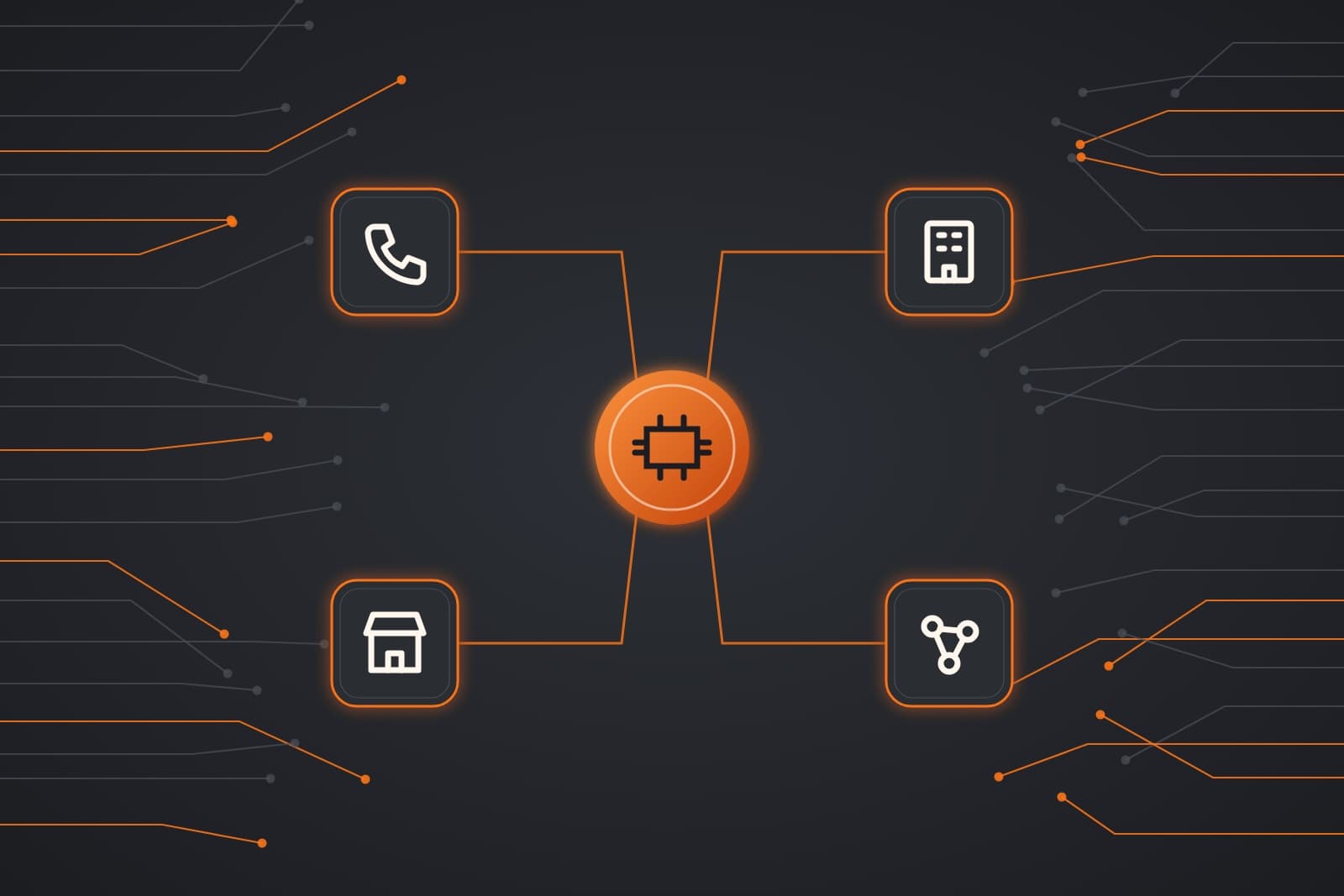
Businesses that use AI are no longer only tech companies. Electricians, law firms, boutiques and manufacturers now use it to answer inquiries, sort paperwork or keep data current.
Below are examples sorted into four kinds of company, each with the first workflow worth automating.
What sets businesses that use AI apart?
The clearest gains go to companies whose skilled work comes wrapped in repeat tasks: calls to answer, forms to sort, invoices to send and data to reconcile. Size matters less than volume: a five-person crew with steady inquiries can gain as much as a fifty-person office.
Adoption is still early. The Census Bureau's Business Trends and Outlook Survey (opens in a new tab) found that 17 to 20 of every 100 U.S. firms reported using AI in each survey from December 2025 to May 2026.
The gap by size is wide. Among firms with no more than four employees, under 20 in 100 used AI. Among firms with 250 or more employees, the figure was 37 in 100.
AI agent: software that handles one defined job, such as answering inquiries or drafting invoices, inside the tools a team already uses.
Workflow automation: connecting the steps of a process so data moves from one tool to the next without retyping.
Where do field crews gain the most?
Crews that run on phones, schedules and estimates feel the strongest early effect. An agent answers the call a technician cannot take, books the visit, then sends the estimate follow-up. The office stops re-entering job details by hand, so the day closes with clean records.
Examples of local service companies that fit this group:
- Electricians
- Auto repair shops
- Cleaning services
- Pest control companies
- Moving companies
- Painting contractors
- Garage door installers
- Appliance repair
- Locksmiths
- Pool services
- Towing companies
- Flooring installers
The first workflow is usually after-hours calls. A missed call often goes straight to the next company on the list. Our guide to missed calls in home services shows what each one tends to cost.
From there, most crews connect scheduling to invoicing. Our guide on how to stop missing leads checks every channel an inquiry can arrive through.
Here is how a day could look after setup: a homeowner calls at 7 p.m. about a broken garage door. The agent books a morning slot, texts a confirmation, then logs the job.
The technician arrives with the details already in the app. When the work closes, the invoice drafts itself for the office to send.
Faster intake for professional firms
Firms that live on documents gain hours back at intake. An agent reads each incoming form, files it to the right client record, then drafts the follow-up a staff member approves. Billing reminders go out on schedule, so people spend more of the day on client work.
Examples of offices and professional firms that fit this group:
- Law firms
- Accounting practices
- Insurance agencies
- Medical clinics
- Dental offices
- Real estate brokerages
- Financial advisors
- Architecture firms
- Engineering firms
- Consulting firms
- Mortgage brokers
- Veterinary clinics
Each office keeps a person on every judgment call. AI drafts while staff decide.
Here is how an intake could look after setup: a new client uploads tax documents through a secure link. The agent sorts each file, flags anything missing, then schedules the review call.
The accountant opens a complete folder instead of chasing attachments by email.
Our posts on AI for Kansas City law firms and accounting firms cover intake in detail. Clinics can start with our guide to AI for medical offices.
One live view for retail operators
Stores with several locations gain the most from one live view of the numbers. Orders, inventory and sales from every site sync into a single dashboard. Automated alerts flag low stock or an unusual sales dip before it becomes a lost weekend, with each manager seeing only their own store.
Examples of retail and multi-location businesses that fit this group:
- Specialty retail stores
- Restaurant groups
- Franchise locations
- E-commerce brands
- Salons and spas
- Fitness studios
- Car dealerships
- Hotels and venues
- Jewelry stores
- Pharmacies
- Coffee shop chains
- Furniture stores
Customer questions are the second job. An agent answers questions about hours, stock and order status around the clock. It hands harder requests to staff.
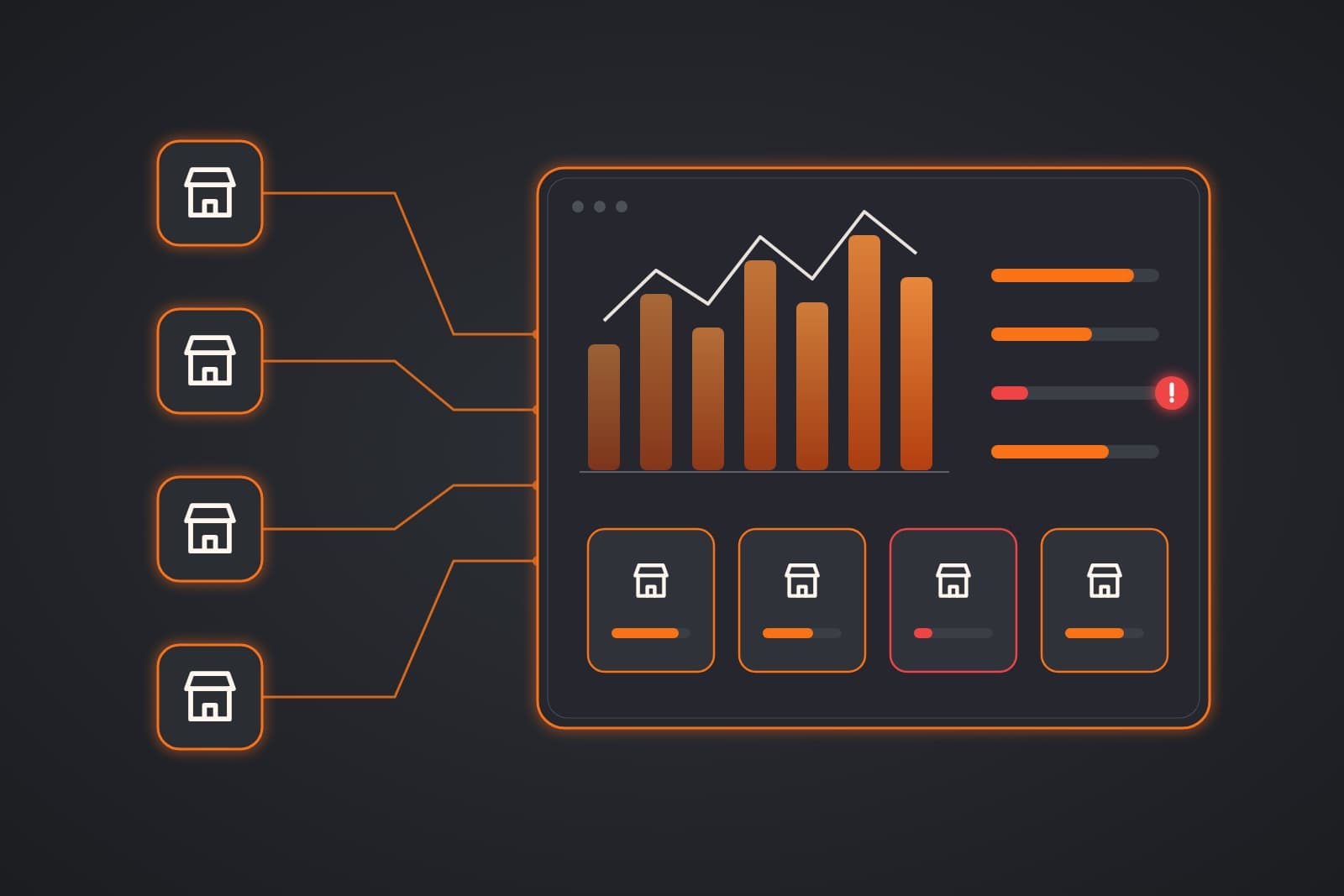
Here is how a week could look after setup: a café chain sees oat milk running low at two stores by Tuesday. The alert reaches each manager before the weekend rush, so the reorder lands in time.
Our guide to software for multi-location businesses explains the shared view. Single shops can read our post on AI for Kansas City retail stores.
Custom builds for complex operations
Companies that outgrow off-the-shelf software need tools built around their own process. That can be a custom platform, an integration between systems that do not talk, or AI agents that carry intake and reporting. Each build connects to existing systems through APIs, so nothing has to be replaced at once.
Examples of growing companies with complex operations that fit this group:
- SaaS startups
- Logistics firms
- Manufacturers
- Wholesale distributors
- Healthcare groups
- Construction firms
- Property managers
- Staffing agencies
- Fleet operators
- Senior care operators
- Import-export firms
- Food producers
These teams usually start with the bottleneck that slows every order. Our guide to custom software for small business walks through the build options.
Agents then take the repeat steps around that system. Our post on AI agents for business operations shows the inbox, booking and invoice jobs they handle.
Picture a distributor's sales desk that retypes emailed purchase requests into its inventory system. An integration could read each one, check stock, then post it for approval.
Staff would review the exceptions instead of keying every line by hand.
The AI Agent lineup covers customer service, marketing, operations, finance, sales and admin. Most teams find a ready starting point there.
How do the four sectors compare?
Each category reaches AI through a different first job: service crews start with calls, offices with intake and retailers with inventory. Growing companies start with the system that holds them back. The table shows who each group includes and where AI helps first.
| Group | Example businesses | First workflow to automate |
|---|---|---|
| Local service companies | Electricians, pest control, towing | After-hours calls, booking, estimate follow-up |
| Offices and professional firms | Law firms, clinics, brokerages | Document intake, client follow-up, billing reminders |
| Retail and multi-location | Boutiques, restaurant groups, franchises | Inventory sync, stock alerts, customer questions |
| Growing companies | Logistics, manufacturing, staffing | Custom integrations, order intake, reporting |
The rows overlap. A franchise of cleaning crews fits two of them at once, so the plan draws from both.
What does an AI rollout cost?
Cost depends on how many workflows you automate, rather than on company size. A single agent for one job sits at the low end, while a custom platform connecting several systems sits higher. The written plan prices each phase upfront, so you know the cost before any build starts.
Three things move the price:
- Scope: one workflow costs less than five connected ones.
- Integrations: each extra tool an agent connects to adds setup time.
- Data: clean, current records shorten the build.
Every AI agent comes with a free 30-day trial, so you can test the fit on your own workflow first.
Which workflow should come first?
Start with the one workflow that costs the most time each week, then measure it before changing anything. A clear baseline shows whether the change worked. Most teams pick missed calls, slow follow-up or manual data entry, since each is easy to count and quick to improve.
- List the repeat work. Write down every task someone does more than ten times a week.
- Pick the costliest one. Choose the task that loses leads or eats the most hours.
- Measure it first. Count calls missed, hours spent or orders delayed.
- Automate that one job. Keep a person on every decision that needs judgment.
- Review, then expand. Add the next workflow only after the first one holds.
You can see each group in more detail on our Who We Serve page.
Frequently asked questions
What kinds of businesses use AI?
Service crews, professional offices, retailers and growing companies all use AI today. The common thread is repeat work, such as answering calls, sorting documents or syncing inventory, rather than company size or industry.
Is AI only for large companies?
No. Larger firms adopt AI faster, but small teams can gain more per person. One agent answering after-hours calls can matter more to a five-person crew than to a large office with a full front desk.
What is the first thing a small company should automate?
Start with the task that repeats most often and costs the most time. For many teams that is missed calls or lead follow-up, because each one is easy to count before and after.
Does AI replace staff?
No. AI takes the repeat steps around skilled work, while people keep every judgment call. Staff approve drafts, handle exceptions and talk to customers, with more of their day spent on work that needs them.
How long does it take to set up an AI agent?
A single agent for one workflow is often running within a few weeks. The timeline depends on how many tools it connects to, which the workflow review maps out before any build begins.
Next step
Book your free consult meeting. We will map how work moves through your company today, then show which workflow to automate first.
Our standards
- The examples in our guides are illustrations, not customer stories.
- Your AI runs on private and on-premise models, not public AI tools, and nothing you give us is used to train AI models.
- Agents are built so each action is logged in a record that shows any later edit.
- Every call and text opens with a short line saying it is the business's AI assistant, and asking for a person always works.
- Texts go only to people who contacted you or gave you permission, and every message says how to stop.
- If anyone may be hurt or in danger, the only instruction an agent gives is to call 911.
- Depending on the investment package you choose, you get either the right to use the software we build for you or full ownership of it.
- We work from the Kansas City metro and meet owners face to face or by video call.
- Same team. Same jobs. More capacity.
About the ScaleAlphaSi team
ScaleAlphaSi is a Kansas City AI advisory firm specializing in Advanced Marketing and AI Engineering. We advise small businesses, trades and growing companies on where AI fits first, then design the agents with the custom software to deliver it. Each guide draws on our work with owners and office teams. It covers where AI pays off, where your people stay in charge and how to begin with a single workflow.
Meet the team