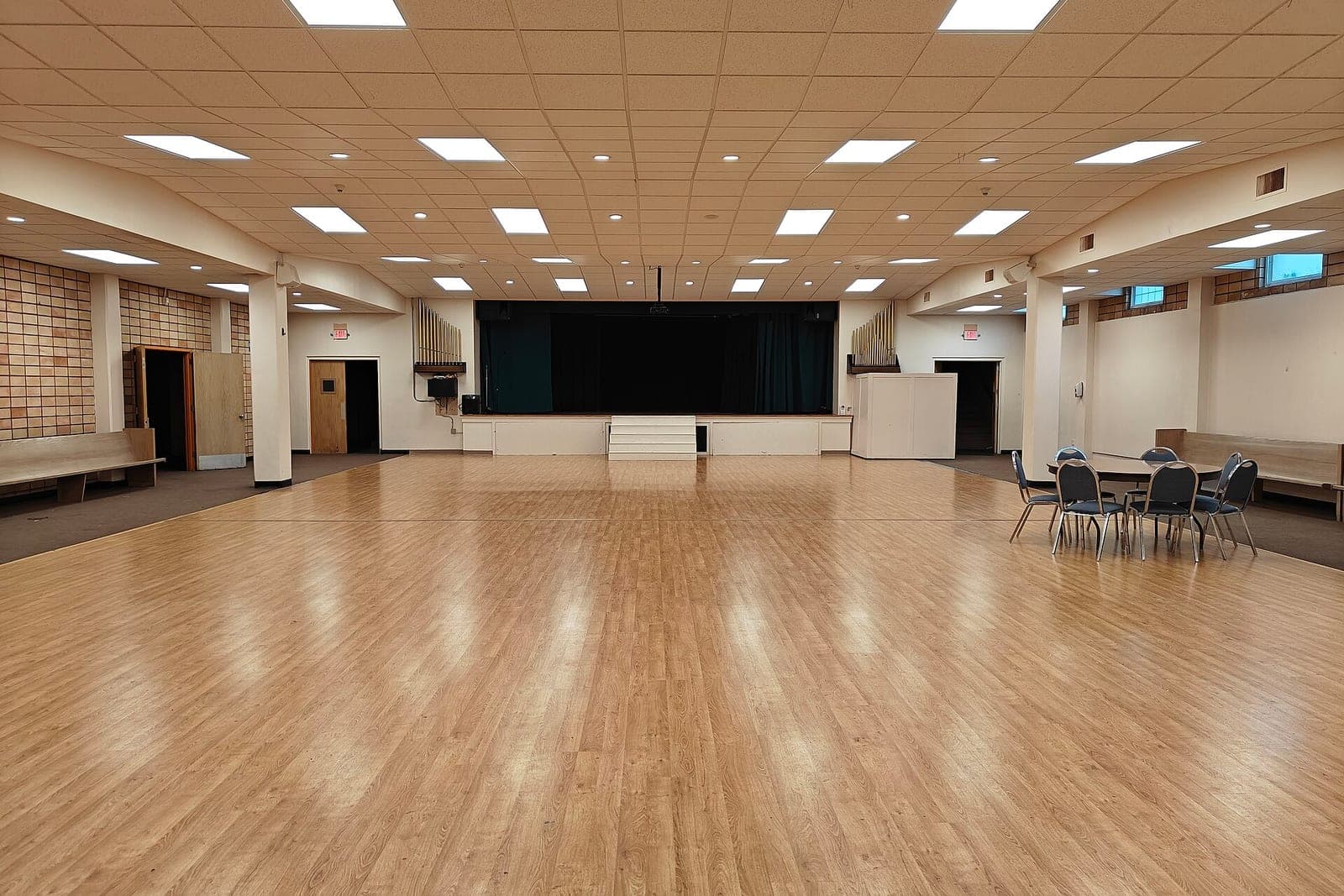
A church room booking system gives every group one form to request a room, checks each request against the church calendar and blackout dates, and sends it to the right staff member to approve. Once a booking is approved, it shows on one calendar every group can see, so the choir and the quilters stop arriving at the same door.
This guide is for church administrators and facility coordinators. Our guide to AI for small business covers the wider picture, and our post on AI for Kansas City nonprofits covers donors and volunteers. This post covers rooms: who asks, who says yes, and how everyone sees the answer.
What should a church room booking system do?
A church room booking system should take every request on one form, check it against the calendar and blackout dates, and route it to the person who approves that space. After a yes, the booking appears on a shared calendar, with the setup notes the custodian needs. Every step leaves a record of who asked and who answered.
In practice, that means:
- One request form per room. The fellowship hall, the chapel, the kitchen and each classroom get their own form, asking only what that space needs.
- Conflict checks. Each request is compared with approved bookings, recurring meetings and time for setup and cleanup.
- Blackout dates. Holy days, weddings, funerals and deep-cleaning days close a room to new requests.
- Approval routing. Kitchen requests go to the kitchen coordinator, sanctuary requests to the pastor, and outside groups to the church administrator.
- One shared calendar. Every group sees what is booked, and staff can also view what is waiting.
Why does church room booking turn into a free-for-all?
Church room booking turns into a free-for-all when requests arrive by hallway chat, email and sticky note, and nobody owns the calendar. Each ministry leader books in good faith from what they last saw. Two groups show up for the same room, and friction between groups grows from there.
The common tools each leave a gap:
- A paper calendar in the office is right only when someone is in the office to update it.
- A shared online calendar lets anyone add an event, with no approval and no check for recurring meetings.
- The calendar inside church management software tracks events, but rarely routes a request to the person in charge of that room or holds blackout dates.
- Boxed church facility management software often handles rooms and upkeep, but its forms and approval steps rarely match how your staff divide the building.
- Email to the office works until the administrator is on vacation.

Recurring meetings cause the quiet clashes. A weekly men's group booked the library a year ago, and a new grief group asks for it on the same evening. Without a check, both are told yes. Historical societies and small galleries hit the same clashes when group tours, docent shifts and evening rentals share one calendar, as our guide to museum ticketing software shows.
What we build: a room booking app, screen by screen
We build the room booking app as one of our small-business tools, with a login for staff and a simple form for ministry leaders. It runs in any web browser and links from your church website. Each screen covers one step, from a leader's request to the custodian's setup list for the week.
- The request form. Your church facility use request form, online. A leader picks a room, a date and time, whether it repeats, and the setup needed: tables, chairs, screen, kitchen use.
- The conflict check. Before a request reaches anyone, the app compares it with approved bookings, recurring meetings, setup and cleanup time, and blackout dates. A clash shows the open rooms and times nearby.
- Blackout dates. Staff close a room for a wedding, a holy day or a cleaning day, with a short reason groups can see.
- The approval queue. Each approver sees only their rooms' requests, with the clash check already done.
- The shared calendar. Approved bookings by room, by day and by group, with a weekly setup list for the custodian.
The Admin Agent checks each request against the calendar and drafts the approve or decline note, with a nearby open time when the room is taken. A staff member approves every booking and reads each note before it goes to the group leader. The package your church picks sets whether you get the right to use the app we build or full ownership of it.
Children's classrooms show as held during services and classes. The check-in side of those rooms, with labels and pickup tags, is covered in our guide to a kids church check-in system.
How the build works
The build starts with a written spec: your rooms, the groups that use them, who approves each space, your blackout rules and how much setup and cleanup time each room needs. Then a pilot runs for one season of real requests in one building before every ministry relies on it.
What we test before we hand it over:
- A request that clashes with a recurring meeting is flagged before an approver sees it.
- A blackout date blocks new requests for that room and shows the reason.
- A kitchen request reaches the kitchen coordinator and no one else.
- A declined request never shows on the shared calendar.
- The custodian's weekly list matches the approved bookings.
This is an illustration, not a customer story. Willa is the church administrator at a congregation in Lee's Summit with a fellowship hall, a chapel, a library and six classrooms. In the pilot, the quilting group asked for the fellowship hall on a wedding Saturday. The blackout date showed the hall as closed and pointed to the library, and Willa approved the library with a note the Admin Agent drafted.
What about outside groups that use your rooms?
Outside groups use the same request form, with extra fields for the rental agreement and the proof of insurance your church asks for. Their requests go to the church administrator, who approves each one. One set of rental terms for every outside group is fair, simple to explain and easy to show later.
The IRS tax guide for churches (opens in a new tab) says renting a hall to a candidate on the same first-come, first-served terms offered to everyone else is not campaign intervention. The app keeps one set of rental terms and records who asked and when, so your administrator can show that every group got the same offer. Sports complexes that rent fields and courts to outside teams all week face the same question with deposits attached; see sports facility scheduling software.
Access rules can differ for outside programs. Under the ADA's public accommodation rules (opens in a new tab), places of worship are exempt, but a non-religious group that rents your space to run a public program is not. Rental fees, tax questions and agreements go to your administrator, with your attorney or accountant. The app does not make your church or any outside group licensed, approved or legally covered. Commercial-style holds, tours and deposits are covered in our guide to an event venue booking system.
What stays with your staff?
Your staff keep every call about who uses the church and when. People decide which group gets a room when two ask, when a blackout date bends, whether an outside group may rent at all, and what anyone pays. A funeral can move a booked meeting, and a person makes that call and tells the group.
- Granting exceptions to blackout dates and setup rules.
- Keys, alarm codes and who may be in the building after hours.
- Talking with a ministry leader whose request was declined.
Same team. Same jobs. More capacity.
Frequently asked questions
What are the rooms in a church called?
The main worship room is usually called the sanctuary or nave, with the chancel or altar area at the front. Other common spaces are the narthex or foyer, the fellowship hall, a chapel, classrooms, the church office and the kitchen. Traditions name things differently, and the booking app uses your words.
What is church management software?
Church management software keeps a church's records in one system: members and visitors, giving, groups, volunteers and events, often with a calendar. Many products treat room booking as one small feature. When rooms cause friction, a booking tool with your own approval rules can sit beside it.
How do you make a church calendar?
You make a church calendar by entering fixed dates first: worship times, holy days and recurring meetings. Add blackout dates for weddings, funerals and cleaning, then open the rest to requests. Keep one master calendar that staff edit and every group can see, so nobody books from an old printout.
How do you organize church events?
You organize church events by naming one lead, booking the room early and writing down the setup, the helpers and the cleanup. Check the date against the calendar and other ministries' plans. Share the event once it is approved, and keep a short note on what to change next time.
Next step
Book a free workflow consult and bring your room list, a month of requests and the names of the people who approve each space. We will map where requests get lost, which rooms clash most and who should see what, then sketch the form and calendar for your building. We work from the Kansas City metro and meet owners face to face or by video call.
Our standards
- The examples in our guides are illustrations, not customer stories.
- Your AI runs on private and on-premise models, not public AI tools, and nothing you give us is used to train AI models.
- Agents are built so each action is logged in a record that shows any later edit.
- Every call and text opens with a short line saying it is the business's AI assistant, and asking for a person always works.
- Texts go only to people who contacted you or gave you permission, and every message says how to stop.
- If anyone may be hurt or in danger, the only instruction an agent gives is to call 911.
- Depending on the investment package you choose, you get either the right to use the software we build for you or full ownership of it.
- We work from the Kansas City metro and meet owners face to face or by video call.
- Same team. Same jobs. More capacity.
About the ScaleAlphaSi team
ScaleAlphaSi is a Kansas City firm specializing in Advanced AI Engineering. We design and build AI agents and custom software for small businesses, trades and growing companies. Each guide draws on our experience with owners and office teams: where AI delivers, where your people stay in charge, and how to begin with a single workflow.
Meet the team