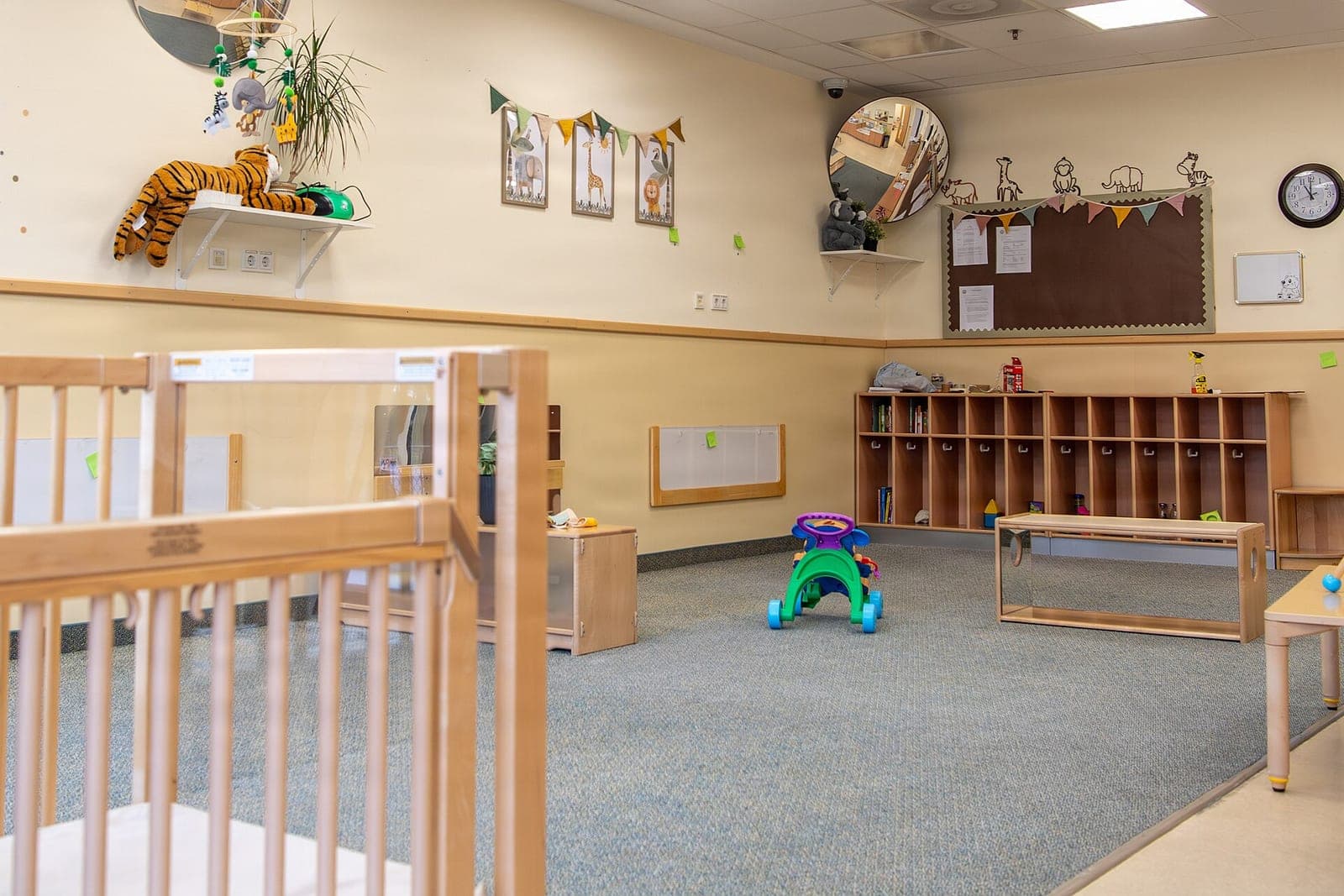
A daycare sign in app is the tablet at your front door where parents sign children in and out, with every entry time-stamped and saved to a log where any change shows. Built as a custom app for your center, it follows your rooms, your pickup rules and the records your state's licensing rules ask you to keep.
This guide is for owners and directors of child care centers and home daycares. Our guide to AI for small business covers the wider picture, and our overview of custom software for small business shows what we build at each tier. This post covers the daily sign-in and the care log behind it. Running a dog daycare instead? Our post on dog boarding booking software covers kennel check-in.
What should a daycare sign in app record?
A daycare sign in app should record each arrival and departure with the child, the time, the adult at the door, the room and the staff member who checked them. Once saved, an entry locks. A correction is added as a new line with a name and a reason, so the original stays readable.
Beyond the door, the same log can hold the small care tasks your staff write on clipboards today. A teacher taps a badge and picks the child and the task. The app stamps the time and the teacher's name. Nap checks, bottles and diaper changes land in one place, in order.
At the end of the month, the director pulls one report: attendance by child and by room, every late pickup and every correction, as a PDF ready to print or file.
Why do paper sheets and visitor kiosks leave gaps?
Paper sign-in sheets and general visitor kiosks leave gaps because neither knows your families or your rules. A paper sheet holds a scribbled initial and a guessed time. A visitor kiosk logs a name at the door, but not the child, the room or the adults allowed to take that child home.
The weak spots show up on a busy Monday:
- Missing times. A parent in a hurry signs without writing the time, or puts down the wrong one.
- No staff name. Nobody can say which teacher was at the door for a given pickup.
- Lost history. A sheet gets crossed out, recopied or misfiled, and the old version is gone.
- Hard reports. Adding up a month of attendance means a night with a calculator and a stack of paper.
Which screens does our daycare check in app have?
Our daycare check in app has a sign-in kiosk on a tablet at the door and staff screens on phones. It sits in our small-business tools tier, tied to the billing or enrollment system you use now. Each screen matches a step your staff already take, from morning drop-off to the monthly report.
- Parent sign-in. The parent enters a family code at the kiosk, taps each child and signs with a finger. The time stamps itself.
- Pickup. At sign-out, the screen shows the family's authorized list with photos for the teacher to check before the child leaves.
- Staff badges. Each teacher badges in to the room and badges on each care task, so every line in the log carries a name.
- The locked log. Saved entries cannot be edited. The director adds a correction as a new line, with a reason, and both stay visible.
- The monthly PDF. Attendance by child and by room, late pickups and corrections, in one report.
A daycare check in system like this keeps family details private. Teachers see the children in their own rooms, the director has the whole center, and every view is logged. We offer plans for the right to use the app we build or for full ownership of it, and your families' records stay yours under either plan.
Who decides at pickup?
Your staff decide at pickup, every time. The app shows the family's authorized list and the photos parents provided, but a teacher looks at the adult, checks the ID when needed and makes the call. The app never decides who may take a child, and it does not make a center licensed or legally covered.
If someone not on the list insists on taking a child, staff follow your center's own policy and call the director. If anyone is in danger, staff call 911. The app records what happened afterward, with the time and the names of the staff involved.
What else stays with your people:
- Custody questions and court orders, which go to the director.
- Changes to a family's authorized list, which a parent requests and the director approves.
- What to tell a parent about a hard day.
Same team. Same jobs. More capacity.
What Kansas and Missouri ask centers to keep
Kansas and Missouri both ask licensed child care programs to keep records of each child, but they ask in different ways. In Kansas, licensing now sits with the Kansas Office of Early Childhood. In Missouri, centers and group homes answer to their own state's licensing rules, which say more about what each record must hold.
The Kansas Office of Early Childhood (opens in a new tab) explains that child care licensing moved there from KDHE, and that the licensing staff moved with it. Kansas's day care records law (opens in a new tab) asks each licensed facility to keep a record of every child, with the child's name and age and the parents' names and addresses, and treats that information as confidential.
On the Missouri side, Missouri's licensing rules for centers and group homes (opens in a new tab) require daily attendance records and an enrollment record that names the people authorized to take each child. The app keeps both. A Kansas City center follows the state it sits in, and the app's reports match that state's rules. Neither state's licensing office approves software, so we never call the log licensing-approved.
How the build works
The build moves from a short written spec to a pilot in one classroom, and only then to the whole center. The spec covers your rooms, family list, pickup rules and reports, and our guide on how to write a software spec shows what one looks like in plain words.
What we test before we hand it over:
- A sign-in with no internet saves on the tablet and syncs when the connection returns.
- A saved entry cannot be edited, and a correction shows the director's name and reason.
- The pickup screen shows only that family's authorized list.
- A teacher's badge puts their name on every task they log.
- The monthly PDF matches the day-by-day log for each room.
A church with a kids' program faces a similar Sunday rush, and our post on a kids church check-in system covers that version. Sign-in starts on a child's first day; the steps before it, from a ranked waitlist to the enrollment forms, are in our guide to childcare enrollment software.
This is an illustration, not a customer story. At a four-room child care center in Gladstone, the director, Noor, used to total paper sign-in sheets on the last Friday of each month. In the pilot, the toddler room used the kiosk, and at month's end Noor printed that room's report in one step.
Frequently asked questions
How long do daycares keep child care records?
Your state and the kind of record set the period. Kansas and Missouri set record rules in their licensing regulations, and records tied to subsidy billing can carry their own periods. Your licensing office can confirm the current rule, and the app can hold each record for that long or longer.
What is a daycare pick up policy?
A daycare pick up policy is the written rule for who may take a child home and how staff check. It names the adults on each child's authorized list, asks for photo ID from anyone staff do not know, and says what happens when someone not on the list arrives.
What is a daycare late pick up policy?
A late pick up policy says what happens when a parent arrives after closing, including who stays with the child, when staff start calling the contacts on file and any late fee your center charges. The app time-stamps each late pickup so the record matches the policy.
What is a daycare attendance policy?
An attendance policy sets how families report absences, how staff mark each child in and out, and how attendance ties to enrollment and billing. A daycare attendance app keeps the daily record that policy depends on, with a time and a name on every entry.
What is an authorized pickup form for daycare?
An authorized pickup form is the list a parent signs naming each adult who may take their child from the center, with contact details and often a photo. Missouri's licensing rules for centers ask for those names in each child's enrollment record. In the app, the list shows at pickup for staff to check.
Next step
Book a free workflow consult and bring a week of sign-in sheets and your pickup policy. We will look at where times go missing, how your rooms and badges should work and which reports your director builds by hand today, then sketch the kiosk and log screens. We work from the Kansas City metro and meet owners face to face or by video call.
Our standards
- The examples in our guides are illustrations, not customer stories.
- Your AI runs on private and on-premise models, not public AI tools, and nothing you give us is used to train AI models.
- Agents are built so each action is logged in a record that shows any later edit.
- Every call and text opens with a short line saying it is the business's AI assistant, and asking for a person always works.
- Texts go only to people who contacted you or gave you permission, and every message says how to stop.
- If anyone may be hurt or in danger, the only instruction an agent gives is to call 911.
- Depending on the investment package you choose, you get either the right to use the software we build for you or full ownership of it.
- We work from the Kansas City metro and meet owners face to face or by video call.
- Same team. Same jobs. More capacity.
About the ScaleAlphaSi team
ScaleAlphaSi is a Kansas City firm specializing in Advanced AI Engineering. We design and build AI agents and custom software for small businesses, trades and growing companies. Each guide draws on our experience with owners and office teams: where AI delivers, where your people stay in charge, and how to begin with a single workflow.
Meet the team