Dental office computer systems are usually a stack: a practice system, imaging software, a phone system, a texting tool and a card reader, each with its own login. Custom software makes sense when your team spends every morning copying lists between them, not when the main system already does the job. A small tool that sits on top of what you have often helps more than switching systems.
This guide is for dentists, office managers and practice owners who feel the gaps between their tools every day. If you want AI agents on the phones and recall messages, our post on AI for Kansas City dental offices covers that side. This one is about software built around your systems.
Why don't dental office computer systems talk to each other?
Because each one was bought to solve a different problem, often years apart. The practice system holds the schedule and the ledger, imaging holds the pictures, and the phones and texting tool keep their own lists. Your team ends up as the connection, rebuilding the same lists by hand each morning.
So your team becomes the connection:
- The huddle sheet is built by hand from three screens before the first patient.
- The recall list is exported to a spreadsheet, then marked up with highlighters.
- Insurance checks live on sticky notes until someone types them in.
- Lab cases are tracked on a whiteboard by the sterilization area.
- Messages sit in the texting tool, the voicemail box and on notes stuck to monitors.
Even messages are spread across three tools and a pile of sticky notes, which is nobody's idea of a dental office communication system. The tools were never built to share.
What should a dental office dashboard show each morning?
It should show the day's open chair time and loose ends on one screen, so everyone starts the huddle with the same list. Every item on it is a task for a person, never a decision the software makes. It updates on its own, so nobody prints or retypes anything.
A good huddle dashboard shows:
- Open chair time today and tomorrow, by dentist and hygienist.
- Unconfirmed visits, with who has been reached and how.
- Patients due for recall with no visit on the books.
- Treatment the dentist recommended that is not scheduled yet, listed for a staff follow-up call. The dentist made the recommendation. The dashboard only shows that nobody has booked it.
- Insurance checks still open for tomorrow's patients.
- Lab cases due back before a seat appointment.
It updates on its own, and nobody prints anything. Our post on business dashboard software covers the owner's view of revenue and cash. A huddle dashboard is the team's view of today.
Small tools that fit around your practice system
Most of what a dental office needs is a set of small tools, each doing one job well. They read from the systems you already have and give your team a place to work the list. Common ones are recall lists, insurance verification checklists, lab case tracking and a team message board.
Recall lists your team can work
The tool pulls overdue patients each night and sorts them the way your office calls them. Staff mark who was called, who was texted and who asked not to be contacted, so nobody gets the same message twice. Only text people who contacted you or gave you permission, and make opting out easy.
Insurance verification checklists
Each patient on tomorrow's schedule gets a short checklist: plan on file, card photo, subscriber details and what still needs a call. Your coordinator checks the benefits and decides what to tell the patient. The software keeps the list and never decides coverage.
Lab case tracking
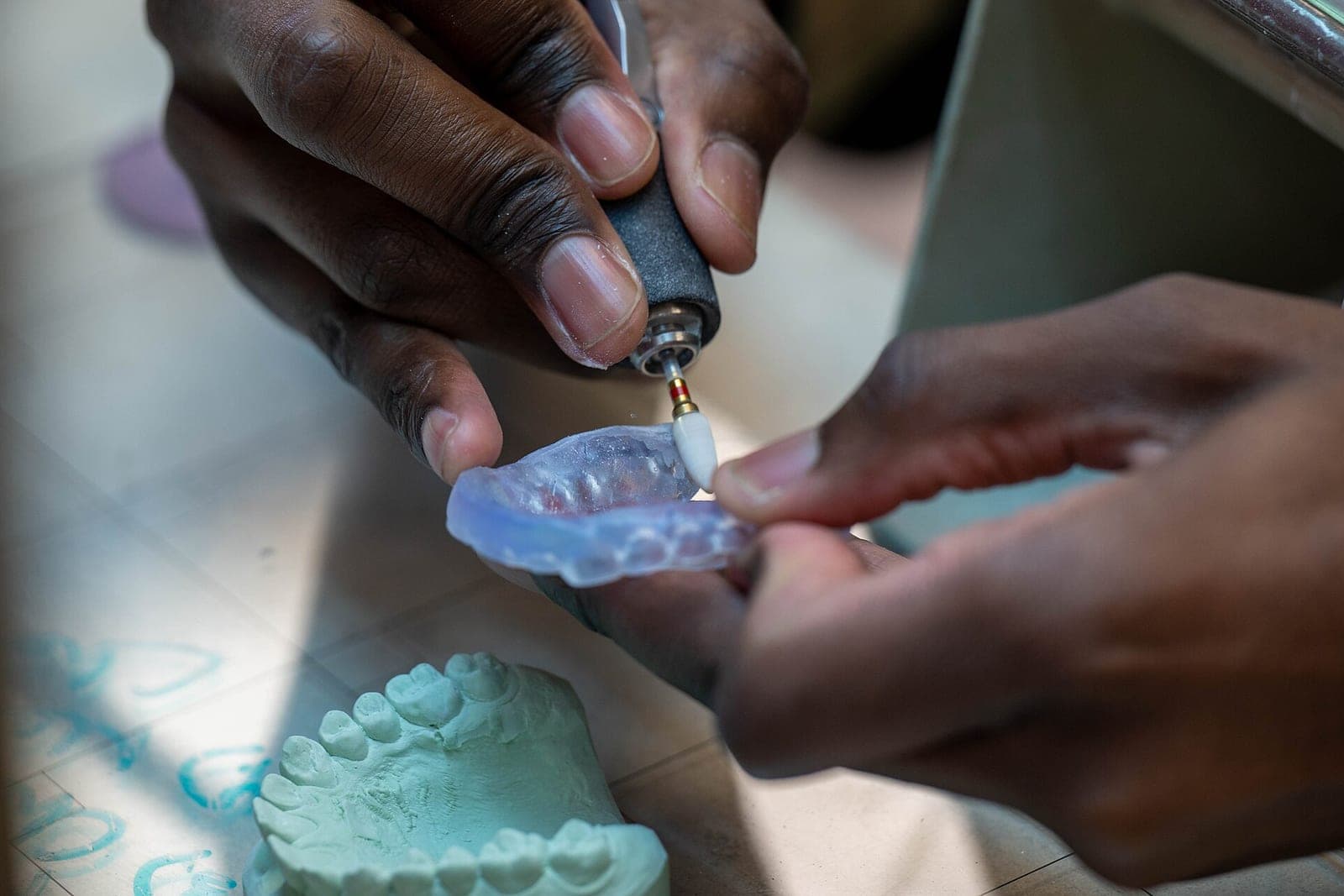
Every crown, bridge, night guard or other appliance gets a line: when it went out, which lab, when it is due and when the seat appointment is. If a case is not back in time, the front desk sees it before the patient is in the chair.
A team message board
Callbacks, notes for the next shift and questions for the dentist live in one place, in place of sticky notes. Each note is tied to a task, and only staff with a login can see it.
Is AI software for dentistry the same thing?
Not the kind we build. Much of what is sold as AI software for dentistry reads x-rays or suggests a diagnosis, and that work belongs to the dentist and the tools made for it. Ours drafts recall messages, sorts the inbox, builds the huddle list and flags missing insurance details.
Our AI does office work. It drafts recall messages for staff to approve, sorts the office inbox, builds the huddle list and flags missing insurance details. It never reads images, judges what treatment a patient needs or decides coverage. For night and weekend phones, see our guide to a dental office answering service.
What are dental automation best practices?
Automate the lists and the reminders, and keep every judgment with a person. Start with one gap, give each tool only the access it needs and log everything it does. HHS guidance under HIPAA (opens in a new tab) asks covered providers to make reasonable efforts to use and share only the minimum patient information needed for each task.
- Start with one gap. The huddle dashboard is a good first tool because it only reads.
- Read before you write. A tool reads from the practice system for a while before it is ever allowed to change anything there.
- Least access. A recall tool needs names, numbers and last visit dates. It does not need charts or images. The SBA advises (opens in a new tab) giving admin access only to trusted staff and checking who has access on a regular basis.
- Plain messages. Texts carry a day, a time and a way to reply, never a treatment name.
- A person approves bulk sends. Nothing goes to a whole list without a staff member's okay.
- Log every action in a record built to show any later edit.
Patient records stay in your practice system. Names, phone numbers and appointment details are patient information too. For a practice covered by health privacy law, the right agreements, settings and access controls are in place before any part of the build touches them. The HIPAA Security Rule (opens in a new tab) sets national security standards for health information kept or sent electronically. Your own privacy review stays with your team and advisers.
When is custom software worth it?
It is worth it when your team rebuilds the same list by hand every day, or when a gap costs chair time. It is not worth it when your practice system already does the job and nobody has had time to learn that part.
Off-the-shelf add-ons make you work their way. A build fits yours. Our Solutions page shows the tiers. For your office we would build tools around your huddle, chairs and recall list, reading from your practice system, with people making every call.
- A huddle dashboard, recall tool or lab tracker is a small-business tool (Tier 3): a database, a simple login and a connection to one or two systems you already use.
- A system your whole team logs into every day, with roles, several connections and a patient-facing piece such as booking with payments, is a full web application (Tier 4).
Depending on the investment package you choose, you get either the right to use the software we build for you or full ownership of it. Your patient data and your logins stay yours.
What stays with the dentist and the team
Dentists and hygienists keep diagnosis, treatment plans and reading images, and no tool we build touches that work. Your insurance coordinator keeps benefits and estimates, while the front desk and office manager keep prices, balances, refunds and complaints. The tools only keep lists.
People make the calls:
- Dentists and hygienists: diagnosis, treatment plans, reading images and what a patient needs. No tool we build touches that work.
- Your insurance coordinator: benefits, coverage and estimates for patients.
- Your front desk and office manager: prices, balances, payment plans, refunds and complaints.
Same team. Same jobs. More capacity.
A huddle that starts on time
This is an illustration, not a customer story. A two-dentist office runs four hygiene chairs. Each morning, the office manager builds the huddle sheet by hand from the schedule, the texting tool and a lab spreadsheet.
With a huddle dashboard, the list is ready when the lights come on. It shows two open hygiene slots this afternoon, three unconfirmed new patients and a crown case that has not come back for tomorrow's seat appointment. It also lists four patients due for recall with no visit booked.
The team splits the list in the huddle. One person calls the lab, and the front desk works the confirmations and recall calls. Nothing on the screen asks the dentist to decide anything new.
Frequently asked questions
Do we have to switch practice management systems?
No. The tools sit next to the system you have and read from it where it allows. If it allows very little, a nightly export can often fill the gap.
Who can see the dashboard?
Only the people you choose, by role. The front desk might see confirmations and recall, while balances stay with the people who handle money. Each login sees only what that role needs, and every action is logged.
Does every tool need AI?
No. Many of these are plain, well-built software. AI earns a place where there is repeat reading or writing, such as drafting recall messages or sorting the inbox.
What is a dental recall system?
A dental recall system keeps track of which patients are due for their next cleaning or checkup and reminds them to book. A good one shows your team who was called or texted, so nobody is missed and nobody hears the same reminder twice.
Next step
Book a free workflow consult. We are a Kansas City metro team, and we can sit in on a morning huddle in person or join by video. We will look at which lists your team builds by hand, which systems hold the data and which small tool would give back the most time first.
About the ScaleAlphaAi team
We are a Kansas City company that designs and builds AI agents and custom software for small businesses, trades and growing firms. We write these guides from our work with owners and office teams: what AI handles well, what stays with your people, and how to start with one workflow.
Meet the team