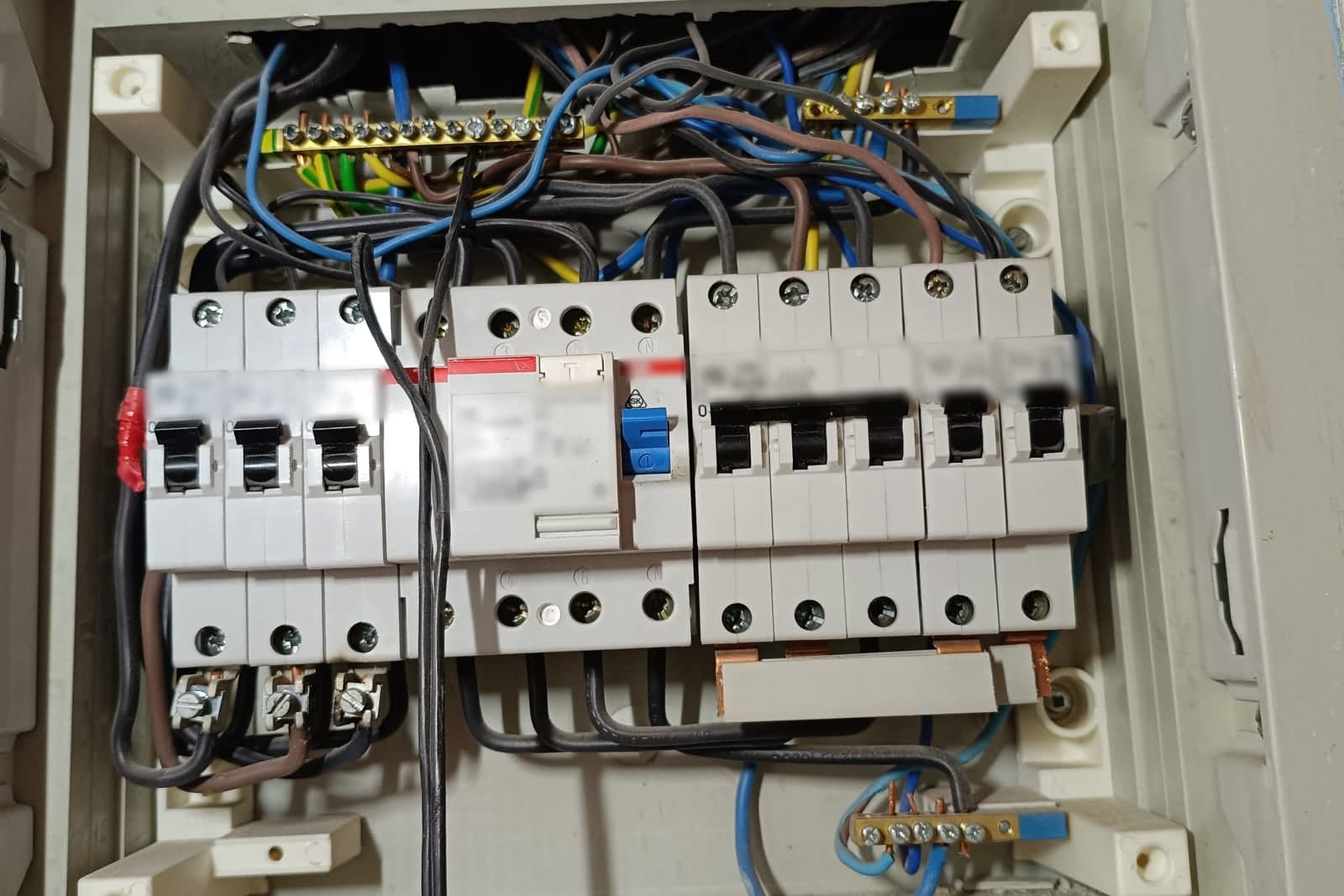
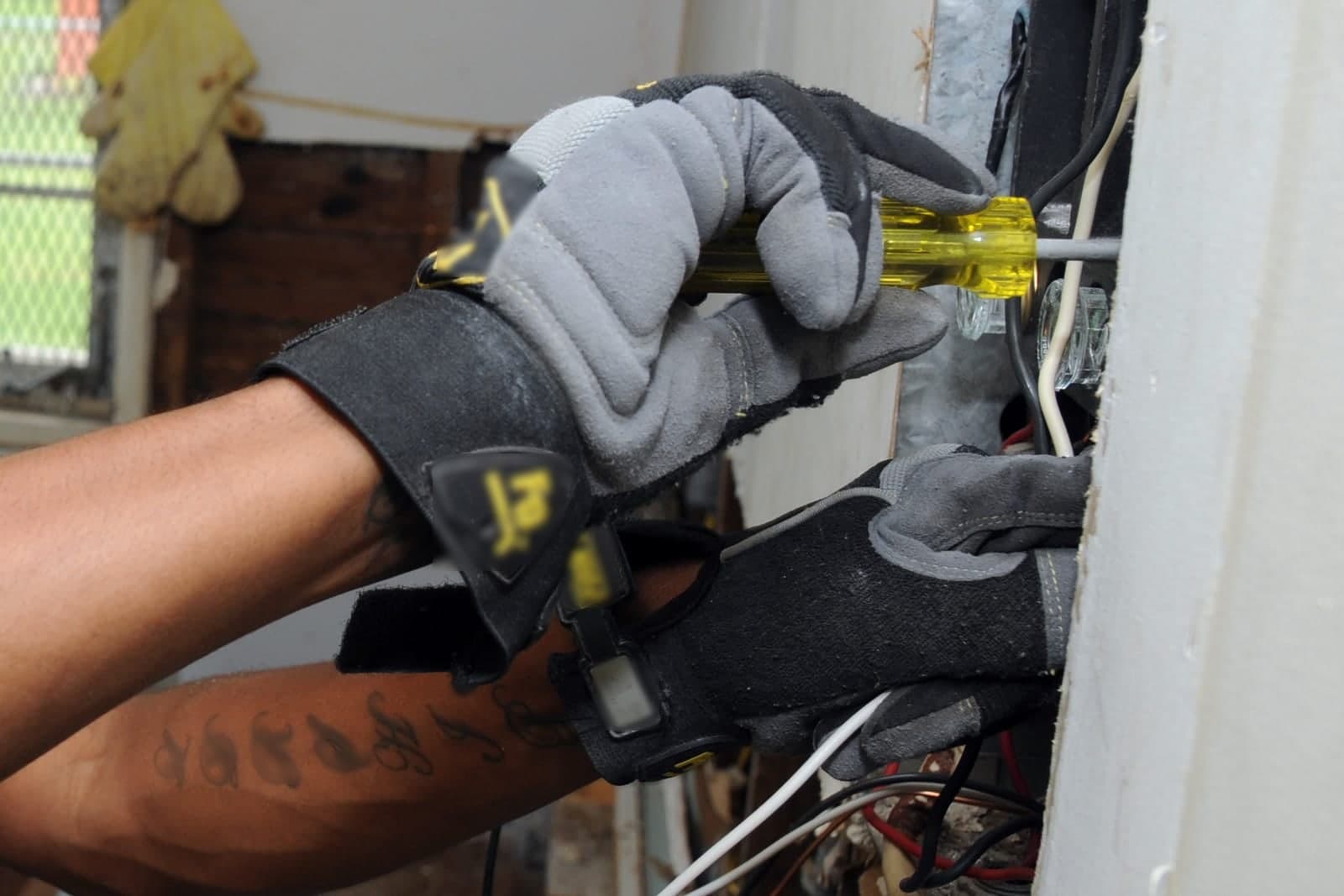
Electrical contractor scheduling software has a harder job than most: it has to fit same-day service calls around construction work that moves on someone else's clock. A rough-in cannot close up until it passes inspection, the city sets the inspection window, and the general contractor's schedule shifts every week. The board that works keeps all of that in one view and tells each crew where to be tomorrow.
This post is for electrical contractors who run both service and construction, and who are tired of a whiteboard that is wrong by ten in the morning. It covers the two kinds of work, inspections, permits, crews, material pickups and the daily plan. For how field service systems work in general, see field service management software.
Why is electrical contractor scheduling so hard?
It is hard because you are running two businesses on one calendar. Service work is short, urgent and unpredictable. Construction work is long, planned and dependent on other trades. A plain calendar only shows where people should be, so it cannot tell you what pulling a crew or moving an inspection does to the rest of the week.
On a typical day, a crew might be pulling wire in a new house when a service customer calls with a dead circuit. Do you pull someone off the job? Does the rough-in still finish before the inspector comes? Is the general contractor expecting your crew back Thursday? A plain calendar cannot answer those questions. It only shows where people are supposed to be, not what depends on what.
How do you schedule electricians around inspections?
Treat each inspection as a fixed point the rest of the job is built around. Work backward from the inspection window to set the rough-in, and forward from a passed inspection to release the next phase. When each result is logged on the job, the board can hold drywall after a failed inspection and tell the general contractor right away.
A simple rule set many shops use:
- Request the inspection when the rough-in is close to done, using the city's process.
- Hold the window on the board as soon as the city confirms it.
- Block drywall for that job until the result is logged as passed.
- If it fails, schedule the fix first, then a re-inspection, and tell the general contractor right away.
- After it passes, release the job for the next phase and notify the GC.
The key is that the result goes on the job, not in someone's head. When the board knows a rough-in failed, it cannot quietly let the drywall crew show up.
How should an electrical contractor track permits?
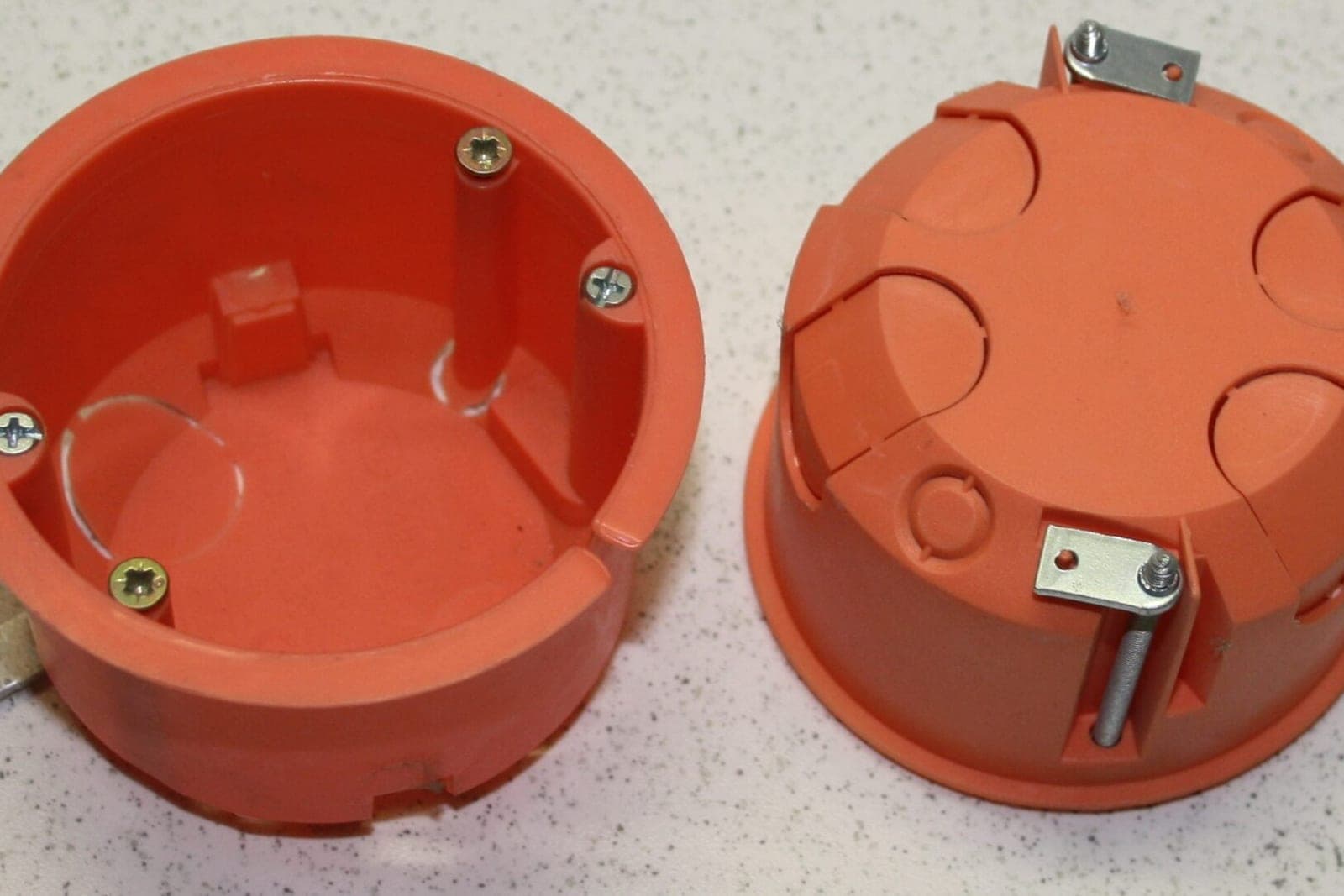
Keep every permit and inspection on the job record itself, not in a binder or an inbox. Losing track of one can stall a job for days. The record should show the permit number, the issuing city and each inspection's status, so anyone in the office can say where a job stands without digging.
A good system keeps, for each job:
- The permit number and the issuing city
- Each required inspection and its status: not requested, requested, scheduled, passed, failed
- The inspector's notes or correction list, as a photo or file
- Who requested it and when
Kansas City, Missouri's contractor licensing rules (opens in a new tab) require contractors doing regulated work to hold the right city licenses before they pull permits or start work.
An AI can read permit emails and inspection results as they arrive, attach them to the right job and update the status for your office to confirm. The decisions stay with your people.
How electrical contractor scheduling software fits service calls around construction
Electrical contractor scheduling software fits service calls into the gaps between construction phases without breaking a construction promise. It protects inspection days, keeps a lane for service work and moves every later phase when the general contractor moves a date. For a true emergency, it tells the caller to call 911 and alerts your on-call person.
A few rules, written down, make it work:
- Protect inspection days. A crew with an inspection on the board does not get pulled for routine service.
- Keep a service lane. Some shops keep one tech or one van mostly on service so construction crews stay steady.
- Flag true emergencies. For a burning smell or a sparking outlet, the only instruction the system gives is to call 911, and it alerts your on-call person at once. It never gives other safety advice.
- Track the GC's schedule. When the general contractor moves a date, every phase after it moves too.
Electrical contractor scheduling and crew levels
Who can work alone, who must work with a journeyman, and who can run a job is the owner's call, and it often depends on licensing rules where you work. The system can store each person's role and warn the scheduler before a job is booked with the wrong crew. It never makes that call itself.
Material pickups and the daily plan
Electrical jobs stall when the wire, boxes or panel are not on the truck. Material pickups belong on the schedule, not on a sticky note. Put each pickup on the job it serves, with where to get it, so the evening text tells the crew what to grab before the first stop.
A useful daily plan, texted to each crew the evening before, includes:
- The jobs in order, with addresses and site contacts
- Which phase each job is in and what must get done
- Material pickups and where to get them
- Inspection times and who meets the inspector
- Any notes from the GC or the customer
When something changes overnight, the update goes out by text and the office sees who read it.
Why off-the-shelf electrician scheduling software often falls short
Most electrician scheduling software is built for service work: one tech, one job, one invoice. That works until construction enters the picture. Then you end up running inspections in one place, permits in another and the GC's schedule in your head.
A custom build can be shaped around how you actually work. We build systems at Tier 4 on our Solutions page, such as a field service app where the office creates jobs, crews see the day's plan on a phone, permit numbers and inspection results attach to each job, and photos and signatures land in one record. It can tie into the tools you already use, and AI can take the repeat work, like reading inspection emails, updating job status and drafting the evening text, while your people decide. The SBA's guidance on AI (opens in a new tab) notes that AI can take on repeat tasks such as calendar reminders and sorting email. Your data and logins always stay yours. For billing those jobs, see invoicing software for electrical contractors.
What stays with your people
The scheduler and the owner keep the judgment calls. They decide who goes where, set crew levels and who can work alone, and approve every price and change order. Safety calls stay with a licensed person on site, and your people keep the relationships with general contractors and inspectors.
- Who goes where. The scheduler and the owner decide.
- Crew levels and licensing. The owner sets who can work alone and who leads.
- Safety. Every safety call belongs to a licensed person on site.
- Talking to the GC and inspectors. Your people own those relationships.
- Prices and change orders. A person sets and approves them.
Same team. Same jobs. More capacity.
A week with one failed inspection
This is an illustration, not a customer story.
A six-person electrical shop has three construction jobs and a steady stream of service calls. On Monday, a rough-in inspection is on the board for Wednesday morning. On Wednesday, the inspector fails it for a missing box support. The crew lead snaps a photo of the correction notice.
The system attaches the photo to the job, marks the inspection failed, and holds drywall. It flags the fix for Thursday and drafts a note to the general contractor for the office to send. The scheduler moves one service call to Friday so the crew can finish the fix. The re-inspection passes Friday afternoon, and the GC gets the update before the drywall crew is due.
Frequently asked questions
Can the system request inspections from the city for me?
It depends on the city's process. Many shops keep the request with a person and let the system track the status and window once it is set. We look at your cities' processes before deciding.
Will my crews need a new app?
Not always. The daily plan can go out by text, and crews can reply or send photos the same way. Some shops add a simple phone view later.
Can it handle jobs where we are a sub to several GCs?
Yes. Each general contractor gets their own contact and schedule notes, and each job keeps its own phases, permits and inspections. When one GC moves a date, only that GC's jobs shift, and the scheduler sees the knock-on effect before anyone gets pulled.
Next step
If your board is wrong by mid-morning, book a free workflow consult. We are based in the Kansas City metro and meet owners in person or by video. In the consult we look at how you schedule service and construction today, where inspections and permits slip, and what a build on our Solutions page could look like for your shop.
About the ScaleAlphaAi team
We are a Kansas City company that designs and builds AI agents and custom software for small businesses, trades and growing firms. We write these guides from our work with owners and office teams: what AI handles well, what stays with your people, and how to start with one workflow.
Meet the team