Good locksmith dispatch sends the nearest available tech who has the right blanks and programming tools in the van, then texts the customer an honest arrival time. A car lockout across town and a rekey that can wait until afternoon need different answers, and your dispatcher should see both on one board instead of in their head.
This post is for locksmith owners with a few vans on the road who run dispatch from a phone, a whiteboard or a calendar that was never built for mobile work. It covers how to sort calls, match techs and van stock, send ETAs, and keep commercial accounts first in line. If your nights are the bigger problem, see our post on locksmith after-hours calls.
How should a locksmith dispatch mobile jobs?
Sort by urgency, then send the closest tech who can actually do the job. Distance matters, but a tech ten minutes away without the right key blank is slower than one twenty minutes away who has it. Urgent lockouts come first, then commercial accounts, same-day work and booked jobs.
A simple order for the board:
- Urgent first. Someone locked out of a home or car, or a business that cannot lock its doors at closing.
- Commercial accounts next. Property managers, offices and shops you have agreements with, in the order your contracts set.
- Same-day work. Rekeys after a move-in, broken keys in a lock, a sticking deadbolt.
- Booked jobs. Hardware installs, master key systems, safe work, scheduled for a set window.
Then match the job to a tech using three facts: where they are now, what they are finishing, and what is in their van.
What does dispatch board software for locksmiths need to show?
It needs to show every tech, every open job and every van's stock on one screen. Most general dispatch board software for locksmiths shows the first two and forgets the third. Each tech's status, the job type, vehicle details, call notes and time on the job round out the picture.
What a useful board shows at a glance:
- Each tech's location and status. On a job, driving, free, off for the day.
- The job type and urgency. Home lockout, car lockout, rekey, commercial service, safe.
- Vehicle details for car jobs. Year, make, model, and whether it needs a transponder key or a fob programmed.
- Van stock. Key blanks, transponder chips, programming equipment, cylinders and common hardware.
- Notes from the call. Gate codes, which door, who will meet the tech, and the customer's callback number.
- Time on the job. So the dispatcher sees who is running long.
We can set up the Ops Agent to keep that board current for a locksmith shop: read each new call into a job with the vehicle or door details, suggest the nearest tech whose van has the right blanks, send the customer the ETA your dispatcher confirms, and keep the job notes in one record. It is one of the six Starter Upgrades, built to fix one part of the business at a time.
Van stock decides who goes
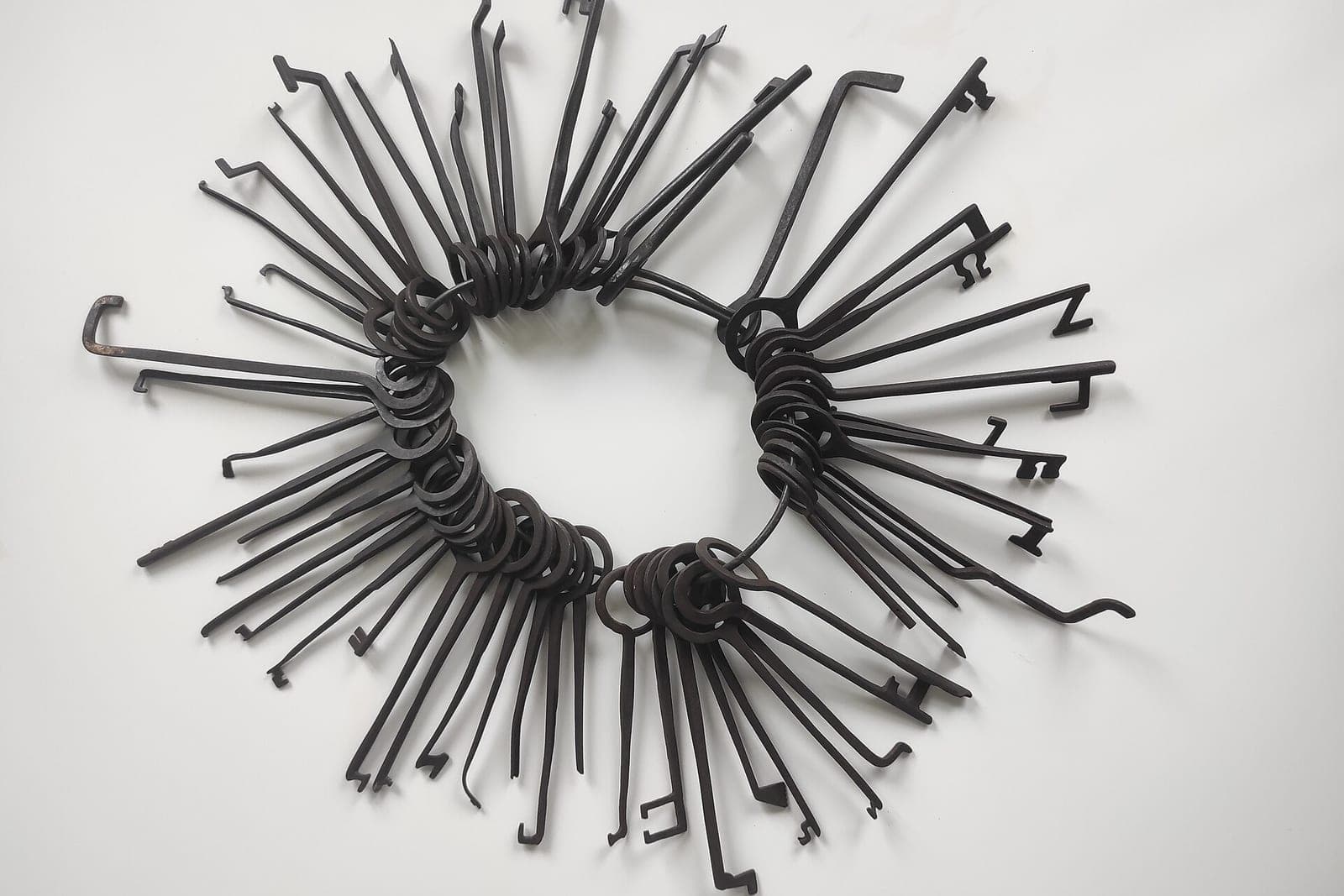
Van stock decides who goes, because in locksmithing, the van is the shop. A tech can be close and still not be the right pick. Flagging car jobs that need a specific blank or programmer, and alerting on low stock, lets the board show which vans can do each job.
Ways to keep stock in the dispatch picture:
- A short stock list per van, updated when techs restock or use the last of something.
- Flags on car jobs that need a specific blank or programmer, so the board shows which vans can do them.
- Low-stock alerts when a common blank runs out, so it gets reordered before the weekend.
- Parts notes on the job, so the next visit has what it needs if the first tech had to come back.
The AI can suggest the match. Your dispatcher picks the tech, because they know things the board does not, like who is best with high-security locks.
How honest should the ETA text be?
The ETA text should be honest enough that the customer can plan around it. A lockout customer standing in a parking lot would rather hear "about forty minutes" than "soon" followed by an hour. Every window comes from your dispatcher or tech, and an update goes out before the customer has to call and ask.
A good ETA flow:
- First text when the job is assigned, with the tech's first name and the arrival window your dispatcher or tech confirmed, based on where they are and what they are finishing.
- An update if the window slips, sent before the customer has to call and ask.
- An on-the-way text when the tech leaves the last job.
- A short line saying it is an automated message, with a way to reach a person.
Only text people who contacted you or gave you permission, and make opting out easy, in line with the FCC's rules on automated texts (opens in a new tab). If anyone may be hurt or in danger, like a child locked in a hot car, the only instruction the AI gives is to call 911, and it alerts your on-call person at once. It does not try to schedule its way through an emergency.
Commercial accounts get their own lane
Commercial accounts get their own lane because the work is steady, pays on terms, and those clients expect to be treated that way. A property manager with a failed lock on a vacant unit should not wait behind a rekey that could go tomorrow. Priority rules, site notes and approval limits are set per account.
What helps commercial accounts run smoothly:
- Priority rules you set for each account, written into the board.
- Site notes saved per location: who has keys, alarm details, which doors are on the master key system.
- Approval rules, like a spending limit before the tech calls the manager.
- Job reports sent to the account contact after each visit, with photos of the work.
Pricing, contracts and the terms of each account stay with you.
What should locksmith scheduling software leave to your people?
Locksmith scheduling software should leave anything that needs judgment, trust or a legal call to your people. It can sort, match and text; it should not decide who gets let into a building. Proof of ownership, prices, the final pick of tech, complaints and every safety call stay with a person.
What stays with your team:
- Proof of ownership or residence. Your techs check it on site under your policy. The AI never decides whether someone has the right to enter.
- Prices and after-hours rates. Quotes and discounts come from a person.
- Which tech goes. The board suggests; the dispatcher decides.
- Complaints and damage. A scratched door or a lock that failed after service goes to the owner.
- Safety. If anyone may be hurt or in danger, the only instruction the AI gives is to call 911, and it alerts your on-call person at once.
This matches the SBA's guidance on AI (opens in a new tab), which suggests starting small and having a person check every message and outreach campaign that AI writes.
Same team. Same jobs. More capacity. Your dispatcher spends the day making calls, not hunting for which van has the right chip.
A busy Friday on the board
This is an illustration, not a customer story.
At four on a Friday, three calls land within a few minutes. A woman is locked out of her car at a grocery store. A property manager needs a vacant unit rekeyed before a showing tomorrow. A homeowner wants a quote on new deadbolts.
The AI turns each call into a job. For the car, it notes the year, make and model, and flags that it needs a transponder key. Two techs are close, but only one van has that blank, so the board suggests her. The dispatcher agrees, and the customer gets a text with the tech's first name and a window. The property manager's account has priority, so the rekey goes to the next free tech before the end of the day, with the unit's lockbox code on the job. The deadbolt quote is booked for Monday morning, and the owner will price it.
At four forty, the car job runs long because of a second key request. The board shows it, and the rekey customer gets an updated window before anyone has to call.
Frequently asked questions
Do we need new locksmith software to do this?
Not always. We can often connect to the locksmith software or calendar you use now and add the board, the matching and the texts around it. If your current tool cannot share the data, we will tell you.
Can the AI verify that a caller owns the car or home?
No. It can ask the caller to have ID and proof of address ready, but your tech checks it on site, under your policy. That decision always stays with a person.
Will customers get too many texts?
We keep it to the few that matter: assigned, delayed if it happens, and on the way. Customers who reply STOP stop getting them. Each one is about the job they asked for, not marketing.
Can it handle our after-hours calls too?
The board works around the clock, and the AI can take after-hours calls and page your on-call tech. Every call and text opens with a short line saying it is the business's AI assistant, and asking for a person always works. Our post on after-hours calls covers that side.
Next step
If dispatch lives in one person's head and a few text threads, book a free workflow consult. We will look at how calls reach you, how you track van stock today, which commercial accounts need priority, and how ETAs get sent now. For more on routing between jobs, read our post on route optimization software for service companies, and see field service management software for the bigger system. We are a Kansas City metro team and can meet at your shop or by video.
About the ScaleAlphaAi team
We are a Kansas City company that designs and builds AI agents and custom software for small businesses, trades and growing firms. We write these guides from our work with owners and office teams: what AI handles well, what stays with your people, and how to start with one workflow.
Meet the team