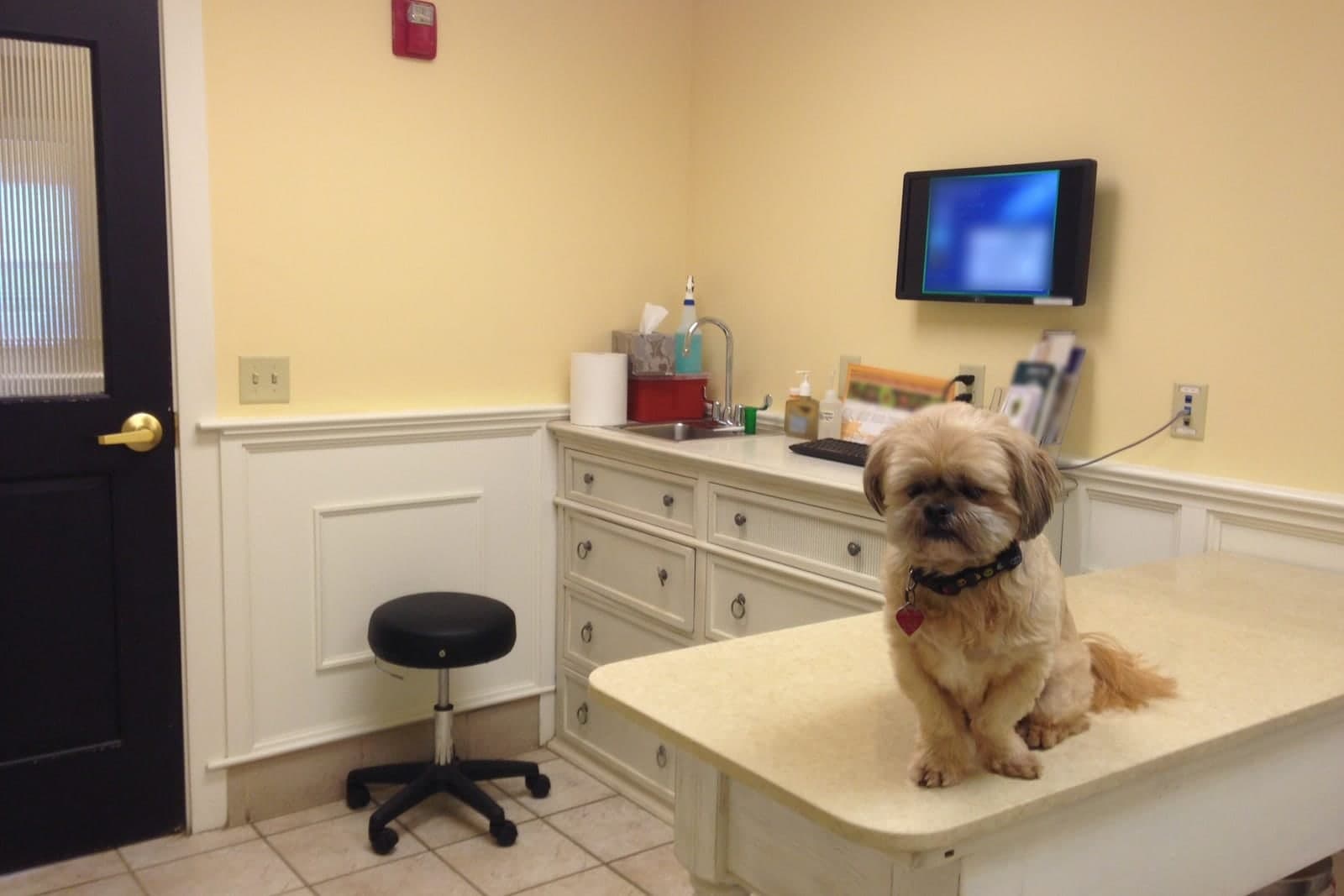
Vet clinic software usually means one big practice management system that holds your records, invoices and schedule. Many clinics keep it, because moving years of pet records is a heavy lift. A custom build fills the gaps around it: booking that follows your doctor rules, a boarding calendar, a client portal and a dashboard across locations.
This post is for owners and practice managers who watch their team work around the software every day. It shows what clinics build, which level each piece sits at, and how it ties into the system you already run. For the full range of builds, see our guide to custom software for small business.
Where does vet clinic software leave gaps?
Vet clinic software usually leaves gaps at the edges. Most systems hold records and send invoices well, but they struggle with online booking, boarding, client self-service and reports across sites. The workarounds give the gaps away, from sticky notes about doctor rules to boarding charts on a whiteboard.
You can spot the gaps by the workarounds:
- The front desk keeps a sticky note of which doctor sees rabbits and birds, because the system cannot hold that rule.
- The online booking page offers any open slot, so a short slot gets booked for a long new-client exam.
- Boarding lives on a whiteboard and a spreadsheet that never quite match.
- Daycares and groomers call every day asking for a client's vaccine records.
- On Sunday night, someone pastes reports from two locations into one spreadsheet.
Off-the-shelf software makes you work its way. A build fits yours. You keep the system that holds your records, and the new pieces follow your rules.
What do vet clinics build around their practice management system?
Vet clinics usually build the pieces their system does least well, one at a time. The common ones are online booking that follows doctor rules, a boarding and grooming calendar, a client portal, reminder flows, a supply stock list and a dashboard across locations. The practice management system keeps holding the records.
Online booking that knows your rules
Good veterinary online booking software asks the right questions first: new or existing client, dog or cat or something else, which visit, which doctor. It then offers only the slots that fit, with the right length. A surgery request lands as a request, and your staff confirm it.
A boarding and grooming calendar
Kennel runs by dog size, check-in and check-out days, and the bather's schedule, all in one view. Before check-in, the calendar shows whether vaccine records are on file, and a staff member checks them. If boarding is a business of its own at your site, our guide to dog boarding booking software goes deeper on run capacity, holiday minimums and deposits.
A client portal
Owners log in to see upcoming visits, fill out forms and download the records your clinic chooses to share, such as vaccine certificates for boarding and daycare. Your vets decide what appears there.
Reminder flows
Texts and emails that go out on your schedule, to owners who agreed to get them, with plain wording. A reminder never names the reason for a visit. When your team marks that a pet has passed, every reminder for that pet stops.
A supply stock list
Counts, reorder points and a list of what to order this week. It tracks supply counts only. Anything clinical stays with your vets.
A dashboard across locations
Visits, boarding nights, new clients and open invoices for each site, in one owner's view. Our post on business dashboard software covers how a dashboard pulls from the tools you already use.
We can build these pieces for your clinic as one system around your exam rooms, kennel runs and front counter, reading from the practice management system you already use, with the AI sending reminders and filling the board while your vets and techs make every call. These pieces sit in Tiers 3 to 5 on our Solutions page: small tools, full web applications, and multi-location platforms.
Is custom vet clinic scheduling software worth it for one location?
Sometimes. If your system's own scheduler already follows your doctor rules, keep it, and build only the piece your staff work around most. A single clinic often starts with a waitlist or a weekly summary email and saves the full platform for when it adds sites.
A single clinic often starts small. A waitlist that texts the next owner in line when a slot opens is a Tier 3 tool. So is a weekly email that sums up visits, cancellations and new clients. A booking page with deposits, or a full client portal, is a Tier 4 build.
Groups with several sites get the most from a shared view. One schedule, one boarding calendar and one report across locations is where a Tier 5 platform starts to pay its way.
Whatever the size, building one piece at a time keeps spending in step with your cash. Our guide to upgrading software without draining cash flow shows how to rank the pieces and phase the work.

How does a build connect to the system you already run?
Through the connections your system allows, starting with read-only access where we can. Records stay in your system, under your logins. Where your system allows it, online bookings sync both ways; where it does not, we agree on the next best path before anything is built.
Many practice systems let other tools read the schedule and client contacts, and some let them write appointments back. Where your system allows it, we set up two-way sync so a booking made online lands on the same schedule your front desk uses. Where it does not, we find the next best path with you before anything is built. Our guide on how to connect business software explains the options in plain words.
We follow the same practices on every clinic build:
- Each piece gets only the access its job needs, following NIST's least privilege principle (opens in a new tab). A booking page needs the schedule, not the medical record.
- Pet medical records stay outside the AI unless the right agreements, settings and access controls are in place first.
- Each piece is built so each action is logged in a record that shows any later edit.
- Your AI runs on private and on-premise models, not public AI tools, and nothing you give us is used to train AI models.
Your clinic's privacy review stays with your own team and advisers. Depending on the investment package you choose, you get either the right to use the software we build for you or full ownership of it. Your data, records and logins always stay yours.
Where does AI fit in animal clinic software, and where does it stop?
AI fits the repeat work around the clinic. It stops at anything clinical, every time. It can draft reminders, sort record requests, flag low supplies and write a morning summary, while exams, treatment, results and every clinical question stay with your vets and technicians.
Good jobs for AI in animal clinic software:
- Drafting reminder and follow-up texts from your own templates.
- Sorting record requests from kennels and groomers so staff can send them in a batch.
- Flagging items below their reorder point.
- Writing a short morning summary of the day's schedule and open tasks.
The SBA's guidance on AI (opens in a new tab) names repeat tasks such as calendar reminders and sorting email as good fits.
What stays with people:
- Your vets and technicians. Exams, records, treatment, results and every clinical question. The AI never reads images and never suggests a diagnosis. Missouri law (opens in a new tab) makes it unlawful for anyone who is not a licensed veterinarian to practice veterinary medicine for pay.
- Your front desk and manager. Estimates, prices, deposits, refunds, complaints and anything unusual.
Same team. Same jobs. More capacity.
A two-location clinic on a Monday
This is an illustration, not a customer story. A small-animal practice has two sites, and the second one runs boarding and daycare. Its records system stays exactly where it is.
Before the build, boarding lived on a whiteboard, the online booking page let anyone book any doctor, and the manager spent Sunday nights merging reports.
After the build, the booking page knows that Dr. Okafor sees rabbits and birds only on Thursdays. The boarding calendar shows open runs by dog size, with a flag beside any stay that is missing vaccine records. Owners whose dogs go to daycare download vaccine certificates from the portal instead of calling. On Monday morning the owner opens one dashboard: visits, boarding nights and open invoices for each site, plus a note that exam gloves are below their reorder point.
The vets did not change how they work at all.
Frequently asked questions
Will we have to leave our current practice system?
No. You can keep the system that holds your records and build the missing pieces around it. If you are already planning to move, we can help plan the data move as part of the build.
Can online booking follow each doctor's rules?
Yes. That is often the first reason a clinic builds its own booking page. You tell us who sees which species and visit types on which days, and the page offers only the slots that fit.
Will the AI see our pet medical records?
Not by default. Booking, reminders and reports work from the schedule and contact details. Medical records are kept away from the AI until the right agreements, settings and access controls exist.
What software do veterinary clinics use?
Most clinics run a practice management system for records and billing, plus tools for online booking, reminders, payments and client messages. Custom tools can fill the gaps between them without leaving the system you have.
Next step
Book a free workflow consult. We will look at your practice system, the spreadsheets and whiteboards around it, and the calls your front desk takes because the software cannot answer them. Then we will sketch which pieces to build first and where each one sits on our Solutions page. Our team is based in the Kansas City metro, and we meet in person or by video.
About the ScaleAlphaAi team
We are a Kansas City company that designs and builds AI agents and custom software for small businesses, trades and growing firms. We write these guides from our work with owners and office teams: what AI handles well, what stays with your people, and how to start with one workflow.
Meet the team