An AI implementation plan is a short written roadmap that says which work AI takes on first, who owns it, what it costs, how you will measure it and when you will decide on the next step. For a small business, it fits on a page or two and moves in waves: get ready, launch one workflow, add the next wave, then review. Nothing gets switched on all at once.
This guide is for owners who have tried AI in one corner of the business and now want to know how to implement AI in business more widely. It lays out the waves, who does what, the data and policy work, the budget, what to measure and what tends to stall. If you have not picked your first jobs yet, our plain guide to AI for small business helps you choose them before you plan the waves.
What goes in an AI implementation plan?
A good plan answers seven plain questions, in writing. If a line is blank, that is the work to do before anything goes live. The seven cover the job, the order, the owner, the tools it touches, what goes to a person, the cost and how you will know it worked.
- What job, in one sentence? "Every web inquiry gets a reply and a booked estimate by morning" is a job. "Use AI in sales" is not.
- In what order? Which workflow goes first, which comes second, and what has to be true before the second one starts.
- Who owns it? One named person per workflow.
- What does it touch? The tools, records and logins each workflow needs, and nothing more.
- What always goes to a person? The approvals and judgment calls, listed before launch.
- What does it cost? One-time and ongoing, wave by wave.
- How will you know? Your own numbers from before, and a date on the calendar to compare.
That list is your AI implementation strategy in miniature: start where the leak is biggest, keep people at the gate, and expand on proof.
The AI implementation roadmap, wave by wave
AI implementation for small businesses works best in four waves. Each one ends with a decision, not a deadline. Wave zero gets you ready, wave one runs a single workflow, wave two adds the connected ones, and wave three reviews the numbers.
Wave 0: Get ready
Run the AI readiness checklist with the people who do the work. Clean up the records the first workflow will read, name its owner and write a one-page set of rules for how your team uses AI. Our AI policy for small business has a sample you can adapt.
Wave 1: One workflow
Pick the repeat task that leaks the most time or money and run it on its own. Our guide on how to start using AI in your business walks through that first workflow step by step. In this wave, a person approves every message before it goes out. The SBA's guidance on AI (opens in a new tab) likewise suggests starting small and having a person check every message AI writes.
Wave 2: The next wave
Once the first workflow earns its place, add the next two or three that connect to it. A booked inquiry leads to a schedule, and a finished job leads to an invoice. Loosen the approval rules only where the drafts have proven reliable.
Wave 3: Review and decide
Put the numbers next to your baseline. Keep what works, tune what is close, stop what is not paying off, and choose the next wave. Then the plan starts again from the top.
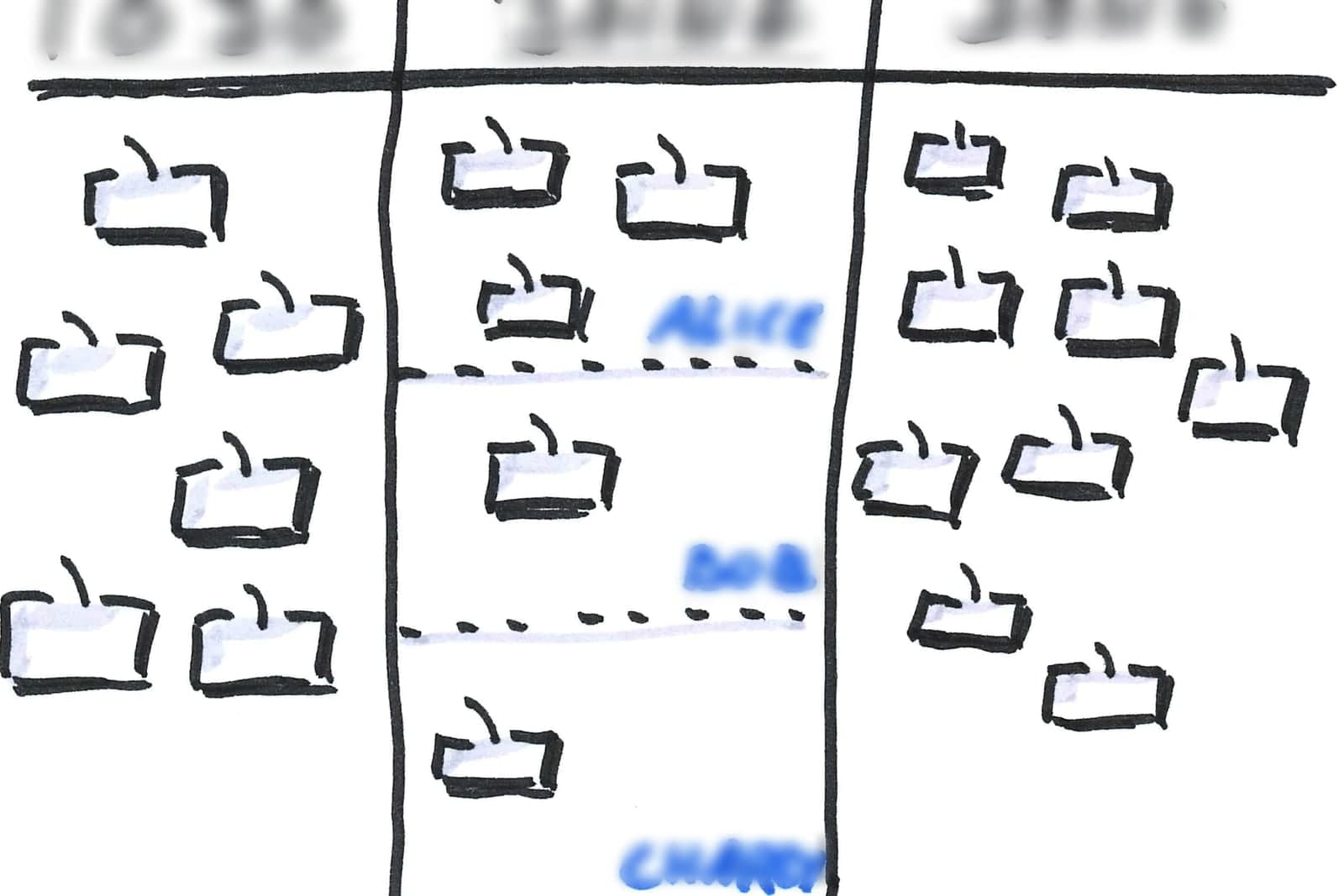
Who owns what in an AI rollout?
The owner sets the direction, and one named person runs each workflow day to day. Without that second person, even a good setup drifts. Approvers sign off on public, money and judgment calls, and a build partner sets up and looks after the agents.
- The owner picks the order of the waves, sets the budget and decides when to expand.
- The workflow owner, often the office manager, reads the log, tunes the rules and speaks up when something looks off.
- The approvers are the people who sign off on anything public, any money decision and any judgment call.
- The build partner sets up the agents, connects your tools, tests them against real situations and looks after them once they are live.
The data and policy work most plans skip
AI works from your records, so messy records make messy results. Before each wave, decide which records the agent may read and which stay out entirely, such as payroll or medical files. Write down who checks those choices in a short AI policy.
In everything we set up, permissions match the wave: a wave-one phone agent never sees payroll. That follows the principle NIST calls least privilege (opens in a new tab). Each step is recorded, and the record shows if someone edits it later. Models run in private hosting or on site instead of public AI tools, and none of your data is used to train AI models. Those are practices, and your written policy should say who checks them. NIST's AI Risk Management Framework (opens in a new tab) is a voluntary guide that helps organizations build trustworthiness into how they design, use and check AI.
How do you budget for and measure the rollout?
Budget wave by wave, not all at once. Each wave gets its own one-time column for mapping, setup, connections, testing and training, plus an ongoing column for support and care. Then compare each wave with the numbers you recorded before it went live.
What drives the cost is scope: how many workflows, how many tools to connect, how much a person reviews and how much care you want after launch. Our guide on how to budget for AI shows how to lay out both columns. If you would rather spread the one-time cost, our Financing page explains how monthly payments work; the lender makes every credit decision.
Measure each wave against its own baseline, captured before launch:
- The leak itself: calls answered after hours, quotes with a second touch, time from finished job to invoice.
- The human side: how often people edit the drafts, how many threads get handed to a person, and whether the team actually uses it.
What stalls most AI rollouts?
Most AI rollouts stall because of the plan, not the technology. Launching too much at once, leaving a workflow with no owner, feeding the agent messy records and skipping the approval gate cause most of the trouble. A team that hears about the change last can stall it too.
- Too much at once. Launch several workflows together, and nobody can tell what worked.
- No owner. A workflow nobody checks drifts quietly.
- Messy records. The agent repeats whatever errors your customer list already holds.
- Skipping the gate. AI can be wrong. A review queue, an action log and approvals catch it before a customer does. Our guide to AI mistakes small businesses make covers the common slips.
- A team that hears about it last. Tell people early what the agent does and what stays with them.
Which decisions stay human in every wave?
Public posts, money decisions, hiring and staff matters, and legal, medical and tax calls stay human in every wave. Write that human list into the plan before wave one, and keep it through every wave after. On our projects, the agents draft, sort, answer routine questions and handle repeat steps around those decisions.
Your people sign off on public posts, list emails and review replies before they go out. Your people decide prices, discounts, refunds and quotes. Hiring and staff matters never touch the agents, and legal, medical and tax calls go to a person.
Same team. Same jobs. More capacity.
An example roadmap, wave by wave
This is an illustration, not a customer story. A local moving company has a small office, a few crews and a spring rush that buries the phones.
Wave 0. The owner and the office lead run the readiness checklist. Quote requests arrive by phone, text and web form, and the customer list has duplicates. They clean the list and write a one-page AI policy.
Wave 1. We can set up the Customer Agent to answer quote requests by call, text and web chat, tell callers up front that it is AI, collect the move date and both addresses, and book an estimate on the estimator's calendar. Callers can ask for a person at any time. The estimator sets every price. The baseline is last spring's after-hours requests that went unanswered.
Wave 2. With intake working, the Ops Agent drafts the next day's crew schedule, sends day-before reminders to customers who booked, and flags conflicts to the dispatcher, who makes the final call. Both agents come from our Starter Upgrades, so each wave starts from a working agent fitted to your tools rather than a blank page.
Wave 3. At the review, the owner compares the numbers and decides whether payment reminders are the next wave.
Frequently asked questions
How do you implement AI in a small business?
Start with readiness, then one workflow with a person approving every step, then expand in waves. Measure each wave against your own numbers before you add the next.
What are the steps of AI implementation?
Get ready, launch one workflow, add the next wave of connected workflows, then review and decide. Each step has an owner and ends with a decision.
What is an AI implementation strategy?
It is the reasoning behind the plan: which problems you solve first, how much risk you accept and what proof you need before expanding. The plan is the written order of work that carries it out.
What are the biggest AI implementation challenges?
Doing too much at once, no named owner, messy records and skipped approvals. Each one is a planning problem, so each one has a planning fix.
How much does AI implementation cost?
It depends on scope: the number of workflows, the tools to connect, how much a person reviews and the ongoing care. Budgeting wave by wave keeps each decision small.
Next step
If you want help turning this into a plan for your business, book a free workflow consult. We look at how work moves through your shop today, pick the workflow for wave one, list what stays with your people, and sketch what the waves after it could look like. We can sit down with you anywhere in the Kansas City metro, or talk by video.
About the ScaleAlphaAi team
We are a Kansas City company that designs and builds AI agents and custom software for small businesses, trades and growing firms. We write these guides from our work with owners and office teams: what AI handles well, what stays with your people, and how to start with one workflow.
Meet the team