Construction proposal software turns your field notes and your own price book into a branded proposal, with options, terms and an e-signature line, so fewer estimates wait for midnight. You talk or type notes on site. An AI drafts the scope lines overnight, prices come from your book, and you check every line before it goes out.
This guide is for remodelers, specialty trades and small general contractors who write every proposal themselves. It sits beside our guides to AI for small business and AI quote follow-up for contractors, which picks up once a proposal is sent.
What construction proposal software should build for you
Construction proposal software should build a proposal you would sign your name to, with your scope lines, your prices, your options and your terms under your logo. It should start from the notes you take on site, pull prices from your own price book, and follow the proposal until the customer signs and pays the deposit.
A proposal that wins work carries five things.
- Scope lines in your crews' words, grouped by room, area or trade.
- Prices built from your labor, your materials and the markups you set.
- Options and allowances, so the customer sees what each choice covers.
- Terms, exclusions and an expiry date that tie the price to a set scope.
- A signature line and a deposit request, so a yes books the job.
Homeowners get similar advice from federal regulators. The FTC's guide to avoiding home improvement scams (opens in a new tab) says to collect more than one written estimate, check that each covers the work, materials, finish date and price, and ask for a written contract.
Why do generic proposal tools leave gaps?
Generic proposal tools leave gaps because they were made for every kind of business. A contractor prices from a book and bids from a truck. Template builders make a neat document that knows nothing about your costs. Contractor suites bring their own item lists, and a shared spreadsheet breaks easily.
- No notes from the site. Many tools need a signal and a laptop, so notes wait in the truck.
- Someone else's price list. Your markups get squeezed into fields made for another trade.
- No record of price edits. Nothing shows who changed a number, or why.
- A dead end after the signature. Someone types the signed file into the job, the schedule and the books.
IT support firms quoting from a service catalog meet these gaps too; see MSP proposal software.
What we build: site notes to a signed proposal
We build proposal software for contractors around how your shop already bids, from the notes you take on site to the deposit that books the job. It is a full web application. You, your office and your estimator each log in with your own access, and the customer opens and signs from a link.
- Site notes. You talk, take photos or type short lines on your phone, even with no signal. When customers send photos first, see AI estimates from photos.
- The scope draft. Overnight, the AI turns those notes into scope lines in your format and your words, and it flags thin spots as questions. Our post on estimating software for remodeling goes deeper on drafting scope.
- Your price book. Labor, materials and the markups you control, which fill the draft's prices.
- Options and allowances. Good, better and best side by side, with each allowance spelled out.
- The proposal. Your logo, terms, exclusions and an expiry date on every one.
- Signature and deposit. The customer signs online and gets the deposit request in the same step. Customers can later see payments and job status through a customer portal for contractors.
- Status. Sent, viewed or signed, with a reminder to you when one goes quiet.
- Job and budget. A signed proposal becomes the job, and its lines become the budget that job costing software tracks.
We offer plans for the right to use the app we build or for full ownership of it, and under either plan your price book and records stay yours.
The AI never sets a price. We can set up the Sales Agent to check in when a proposal sits unsigned, by email or, for customers who agreed to texts, by text, and anyone can opt out. Each message says it comes from your company's AI assistant, and any customer can ask for a person. You approve every price and send every proposal yourself.
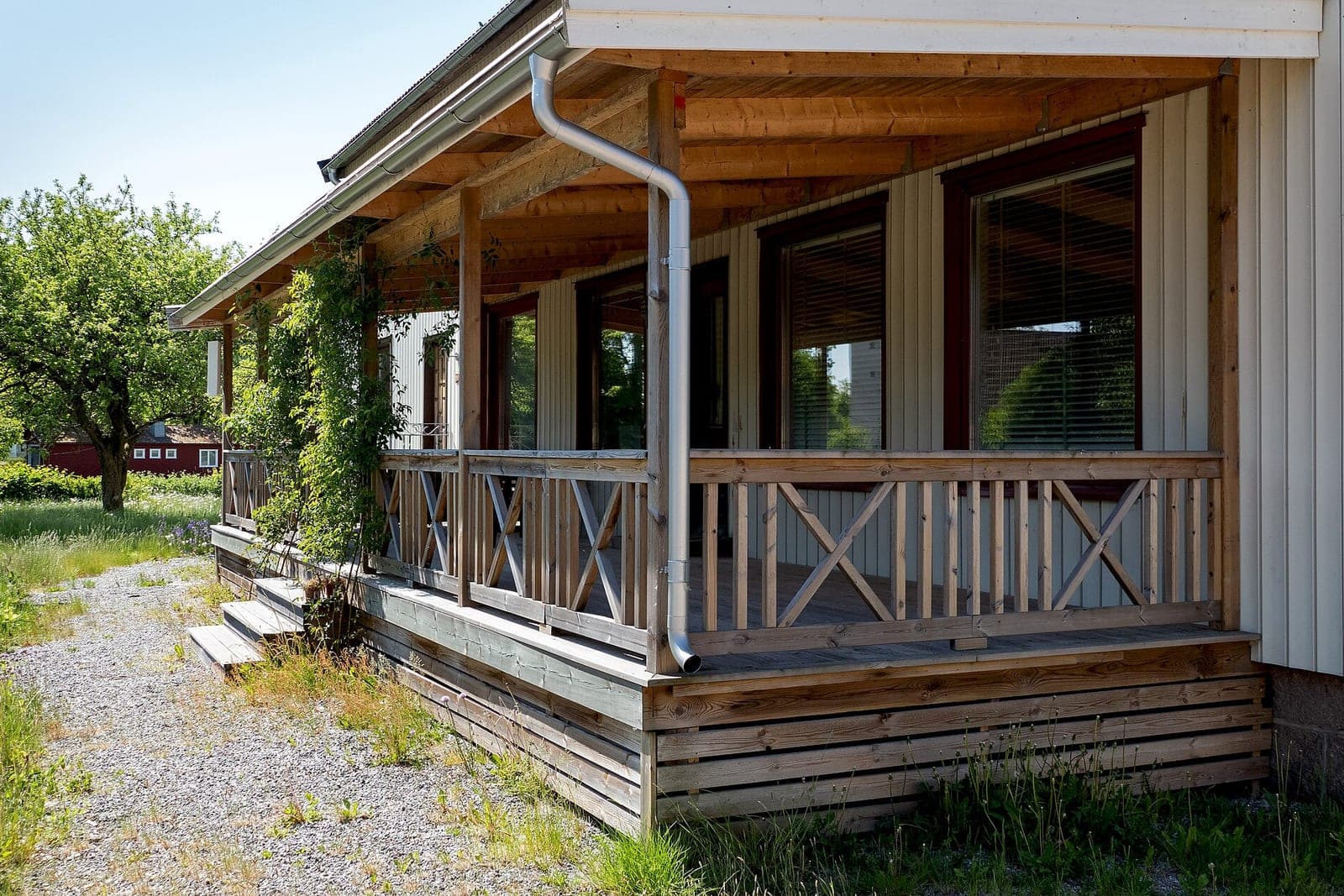
This is an illustration, not a customer story. Bianca runs a deck and porch company with two crews. She walks a backyard and talks into her phone about the deck, slope and stairs. By morning the draft holds the scope and one question about where the stairs land. She sets three levels, from plain wood to a covered deck, raises the railing price after a supplier call and sends it. The customer signs the middle level, and the job and its budget are ready for her crew lead.
How do we build and test a proposal app?
We start by writing down how you bid today, from your note habits and scope wording to your markups and terms. You approve that written spec before we build. Then we run a pilot on live proposals with one estimator and fix what trips them up before the rest of your team moves over.
Our post on how we build software with AI covers the steps. Before we hand it over, these must work on real proposals.
- Notes taken with no signal land on the right job later.
- Every draft price matches the price book, and a changed markup shows up on the next draft.
- An edited price keeps the old number, the new one, who changed it and when.
- A customer can pick an option and sign on an older phone with nothing to install.
- A signed proposal creates the job and its budget with the same totals.
The app connects to your accounting software, calendar and CRM, so a signed job shows up in each.
What stays with you?
You keep every price, every markup and every promise about scope and dates. The AI drafts and fills in from your book, but you check each line, decide what goes in and press send. Contract terms, change requests and any pushback from a customer stay with you or your attorney.
Sales closed in a customer's home add a judgment call only a person should make. The FTC's Cooling-Off Rule (opens in a new tab) gives buyers a short window to cancel many sales made in their home, and the seller must tell them about that right at the time of the sale. The rule has limits, such as a price floor and repairs the homeowner asked you to come and do. You or your attorney decide which proposals it reaches.
Same team. Same jobs. More capacity.
Kansas City proposals in two states
Kansas City contractors who work in both states face two sets of rules for sales made at a customer's home. Kansas has its own cancel right for door-to-door sales, and your attorney checks which rules apply on the Missouri side. So each job in the app carries its state and the papers that go with it.
Kansas's door-to-door sales law (opens in a new tab) gives consumers a short right to cancel a door-to-door sale after they sign, and the seller must hand over a completed receipt or contract that explains that right. Its own definition and exceptions mean it does not reach every in-home proposal. Your attorney picks the notice for Kansas jobs, and the app attaches it. A person checks Missouri's own rules before a Missouri template goes live.
Frequently asked questions
What is a construction proposal?
A construction proposal is a written offer to do a defined job for a stated price. It lists the scope, materials, options, allowances, price, terms and how long the offer stands. Once signed, it often serves as the agreement both sides work from.
How do you write a contractor proposal?
Start from your site notes and write the scope as plain lines, one task per line, in the order your crews work. Price each line from your own costs and markups. Add options, clear allowances, exclusions, terms, an expiry date and a signature line, then read it as the customer would.
What is proposal software?
Proposal software builds, sends and tracks written offers to customers. Contractor proposal software holds your price book and scope wording, lays each proposal out under your logo, collects the signature and deposit, and shows whether each one was sent, viewed or signed.
Can a proposal be a contract?
Yes, a signed proposal can serve as a contract when it states the work, the price and the terms clearly and both sides agree to it. Whether yours does depends on its wording and on your state's law, so have your attorney review your proposal form first.
What is the difference between a contractor estimate and a quote?
An estimate is a contractor's best guess at the price, and it can change as the job becomes clearer. A quote is a firm price for a set scope that holds until its expiry date. Many proposals carry both, with allowances for choices the customer has not made yet.
Next step
Book a free workflow consult and bring a recent proposal with the notes behind it. We will look at where your evenings go between site visit and signature, and which steps a proposal app built on your price book could handle. We work from the Kansas City metro and meet owners face to face or by video call.
Our standards
- The examples in our guides are illustrations, not customer stories.
- Your AI runs on private and on-premise models, not public AI tools, and nothing you give us is used to train AI models.
- Agents are built so each action is logged in a record that shows any later edit.
- Every call and text opens with a short line saying it is the business's AI assistant, and asking for a person always works.
- Texts go only to people who contacted you or gave you permission, and every message says how to stop.
- If anyone may be hurt or in danger, the only instruction an agent gives is to call 911.
- Depending on the investment package you choose, you get either the right to use the software we build for you or full ownership of it.
- We work from the Kansas City metro and meet owners face to face or by video call.
- Same team. Same jobs. More capacity.
About the ScaleAlphaSi team
ScaleAlphaSi is a Kansas City firm specializing in Advanced AI Engineering. We design and build AI agents and custom software for small businesses, trades and growing companies. Each guide draws on our experience with owners and office teams: where AI delivers, where your people stay in charge, and how to begin with a single workflow.
Meet the team