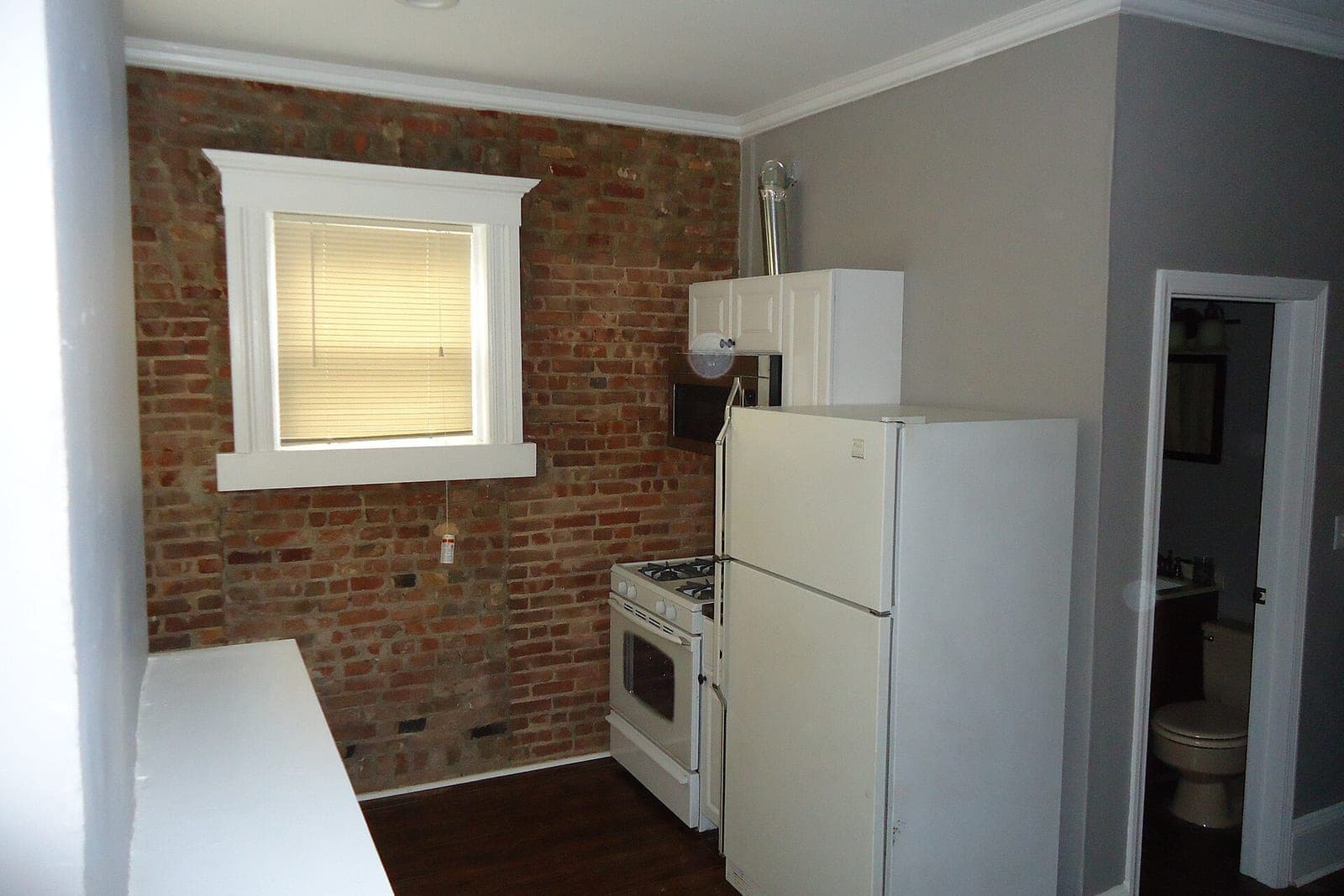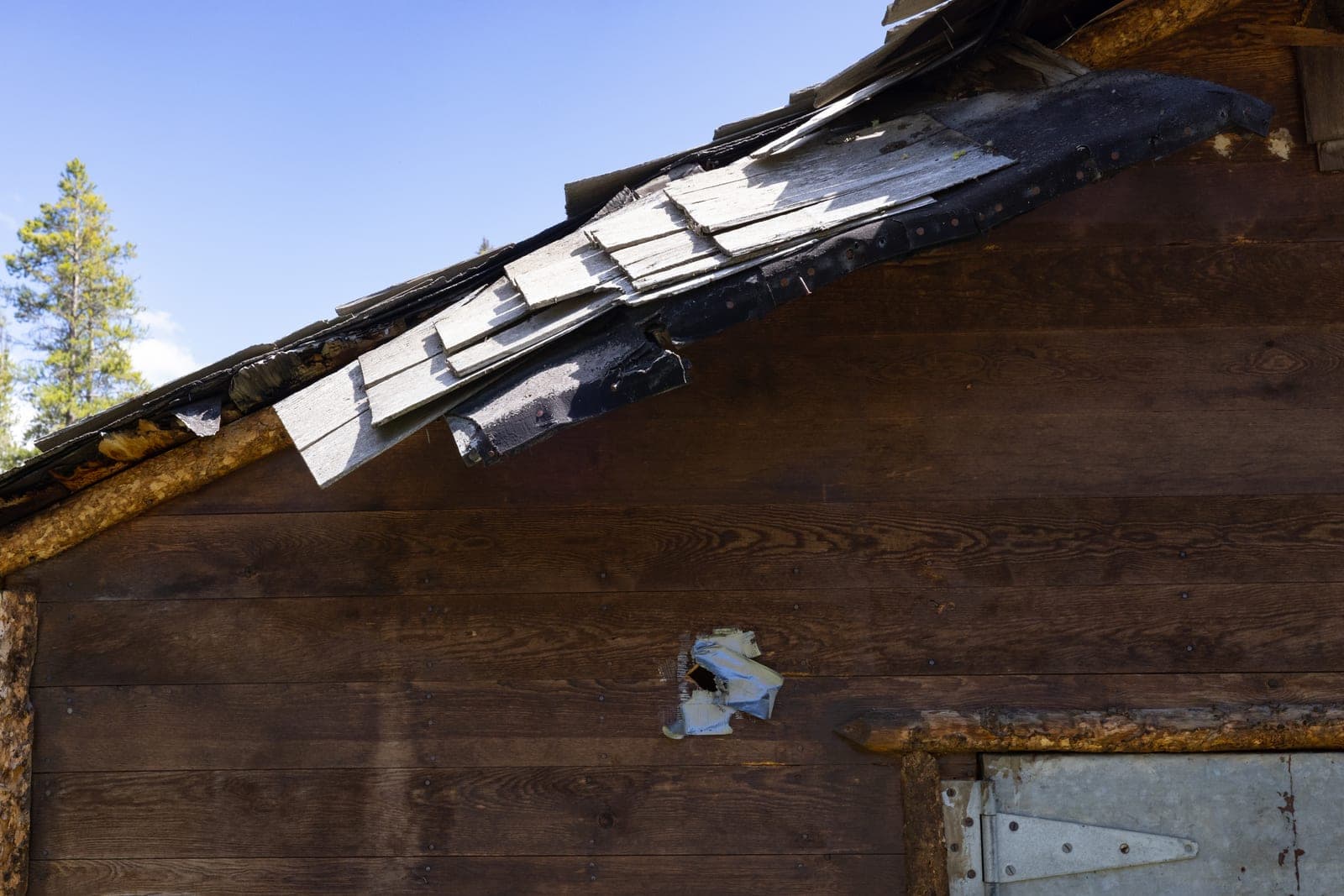
AI estimating software for contractors can start from photos. It works like this: the customer uploads pictures of the roof, the panel or the problem, AI drafts a scoped estimate from your own price book, and your estimator checks it and approves it before it goes out. The customer gets a real number sooner, and your estimator spends time on judgment instead of typing line items.
This guide explains how photo estimates work, which jobs they suit, what the AI does and does not decide, and how a photo estimate tool fits with the rest of your quoting.
How AI estimates from photos work
AI estimates from photos work in five steps. The customer sends photos, the AI reads them with the customer's answers, drafts line items from your price book and flags what it cannot see, and your estimator reviews and approves. Nothing reaches the customer until a person signs off.
- The customer sends photos. From a link in a text, a form on your website or a customer portal. The form asks for the shots your estimator needs: the whole roof from the street, the damaged area up close, the label on the unit, the panel with the cover off.
- The AI reads the photos and the answers. It looks for what your estimator would look for: the type of material, the rough size, visible damage, the equipment model, anything that changes the job.
- It drafts the estimate from your price book. Line items, quantities and options come from your prices and your rules, not from a guess about what the market charges.
- It flags what it cannot see. Missing angles, unclear damage or anything outside your rules gets marked for the estimator, or turns into a request for more photos.
- Your estimator reviews and approves. They adjust what needs adjusting, decide whether a site visit is needed, and send it.
That loop is what we build as estimates from photos at Tier 5 on our Solutions page.
Which jobs suit photo estimates
Photo estimates suit jobs a trained eye can scope from good pictures, such as roof repairs, panel upgrades, equipment swaps, fence and deck repairs, and painting or flooring work. Big, complex or hidden work, like a full tear-off or anything behind a wall, usually still needs a site visit.
- Roof repairs and smaller roofing jobs, where the damage and the material are visible from the ground or a ladder.
- Electrical panel upgrades, where a photo of the panel and the label tells the estimator a lot.
- Water heater and HVAC equipment swaps, where the model plate and the install space drive the price.
- Fence, deck and concrete repairs, where size and condition show in a few shots.
- Painting, flooring and small remodel work, where room size and surfaces set the scope.
They suit big, complex or hidden work less well. A full tear-off, a whole-house rewire or anything behind a wall usually still needs a site visit. A good tool is built to flag that, instead of drafting a number it should not.
What the AI drafts and what your estimator decides
The AI drafts a first read of the photos, line items from your price book and notes on what is unclear, while your estimator decides whether a visit is needed, the final scope and every price change. This split matters more than anything else in a photo estimating tool.
The AI drafts:
- A first read of what is in the photos.
- Line items and quantities from your price book.
- Notes on what is unclear or missing.
- A clean, branded estimate ready for review.
Your estimator decides:
- Whether the photos are enough, or a visit is needed.
- The final scope, quantities and options.
- Any price change, discount or exception.
- What the company promises the customer.
Nothing goes to a customer until a person approves it. That matches the SBA's guidance on AI (opens in a new tab), which suggests a person check what AI writes. The AI makes the estimator faster. It does not make the estimate.
Building AI estimating software for contractors on a real quoting engine
Photo estimates sit on top of something more basic: a quoting engine. That is the system that builds a quote from your price book, sends it for e-signature and turns it into a job when the customer accepts. We build that as a full web application at Tier 4.
Under the federal E-SIGN Act (opens in a new tab), a contract generally cannot be denied legal effect just because it is signed electronically.
If you do not have a clean price book in one place yet, start there. The AI can only draft from prices it can read. Getting the price book into a quoting tool can help on its own, before any AI is added.
The two pieces then fit together:
- The customer uploads photos.
- The AI drafts from the price book in your quoting engine.
- The estimator approves.
- The customer signs online.
- The signed quote becomes a scheduled job in your field service system.
For more on where AI fits around the rest of the office, see our guide to AI agents.
What stays with your people
The final number, the call on a site visit, hidden conditions and insurance or warranty work all stay with your people. A photo estimate tool takes typing and first reads off your estimator's desk, but it does not take the trade knowledge that wins the job.
- The final number. Your estimator approves every estimate.
- The site visit call. A person decides when photos are not enough.
- Hidden conditions. Rot under shingles, old wiring, a cracked heat exchanger: your people find those on site and price them.
- Insurance and warranty work. Claims, adjusters and promises go to a person.
- The customer conversation. Explaining options and answering questions is still your estimator's job, and often where the job is won.
Same team. Same jobs. More capacity. Your estimator reviews drafts instead of starting from a blank page, so more homeowners hear back while they are still deciding.
How to start
Start by picking one job type you quote often and that photos show well. Write down the photos your estimator always asks for and the price book lines that job uses. That list becomes the first version of the tool for your shop.
Run it on real requests next to your normal process for a few weeks and compare: how fast customers hear back, and how often the estimator has to change the draft.
If you want to see what drives the cost of a build like this, read how much AI costs a small business. For where photo estimates fit among the other first steps, see our guide to AI for small business.
More guides on quotes from photos
- Moving Company Estimates: Inventory Lists and Video Walk-Throughs: inventory lists and video walk-throughs.
- Gutter Estimates: Linear Feet, Downspouts and Guards: linear feet, downspouts and guards.
- Junk Removal Online Booking: Photos, Windows and Load Sizes: photos, arrival windows and load sizes.
- Tree Service Estimate App: Photos, Access Notes and Fast Quotes: photos, access notes and fast quotes.
- Garage Door Estimates: New Door Quotes Homeowners Can Compare: new door quotes homeowners can compare.
- Carpet Cleaning Estimates: Rooms, Stains, Pets and Add-Ons: rooms, stains, pets and add-ons.
- House Cleaning Estimates Without a Walk-Through: quotes without a walk-through.
- Duct Cleaning Estimates: Vents, Returns and Dryer Vent Add-Ons: vents, returns and dryer vent add-ons.
Frequently asked questions
How do you use AI in construction estimating?
Start with one job type that photos show well. AI reads the photos and drafts line items from your own price book, and your estimator checks every number and approves the quote before it goes out.
How accurate are AI estimates from photos?
As accurate as the photos, the price book and the estimator who checks them. The AI drafts and flags what it cannot see. Your estimator makes the final call, so the estimate that goes out is one a person stands behind.
Can AI estimate a roof from photos?
It can draft a scoped estimate for many roof repairs from good photos and your price book. Larger or hidden work usually still needs a site visit, and your estimator decides when.
Do customers have to download an app to send photos?
No. They tap a link in a text or open a form on your website, upload the photos from their phone and answer a few questions.
What if the customer's photos are not good enough?
The tool asks for the missing shots, or flags the request for your estimator to call the customer or book a visit. Either way, no draft goes out until your estimator is satisfied with what the photos show.
Next step
If quotes are piling up on your estimator's desk, book a free workflow consult. We work with contractors across the Kansas City metro and beyond. We look at how quotes move today, which jobs suit photo estimates, and give you a plain-English plan that starts with your price book.
About the ScaleAlphaAi team
We are a Kansas City company that designs and builds AI agents and custom software for small businesses, trades and growing firms. We write these guides from our work with owners and office teams: what AI handles well, what stays with your people, and how to start with one workflow.
Meet the team