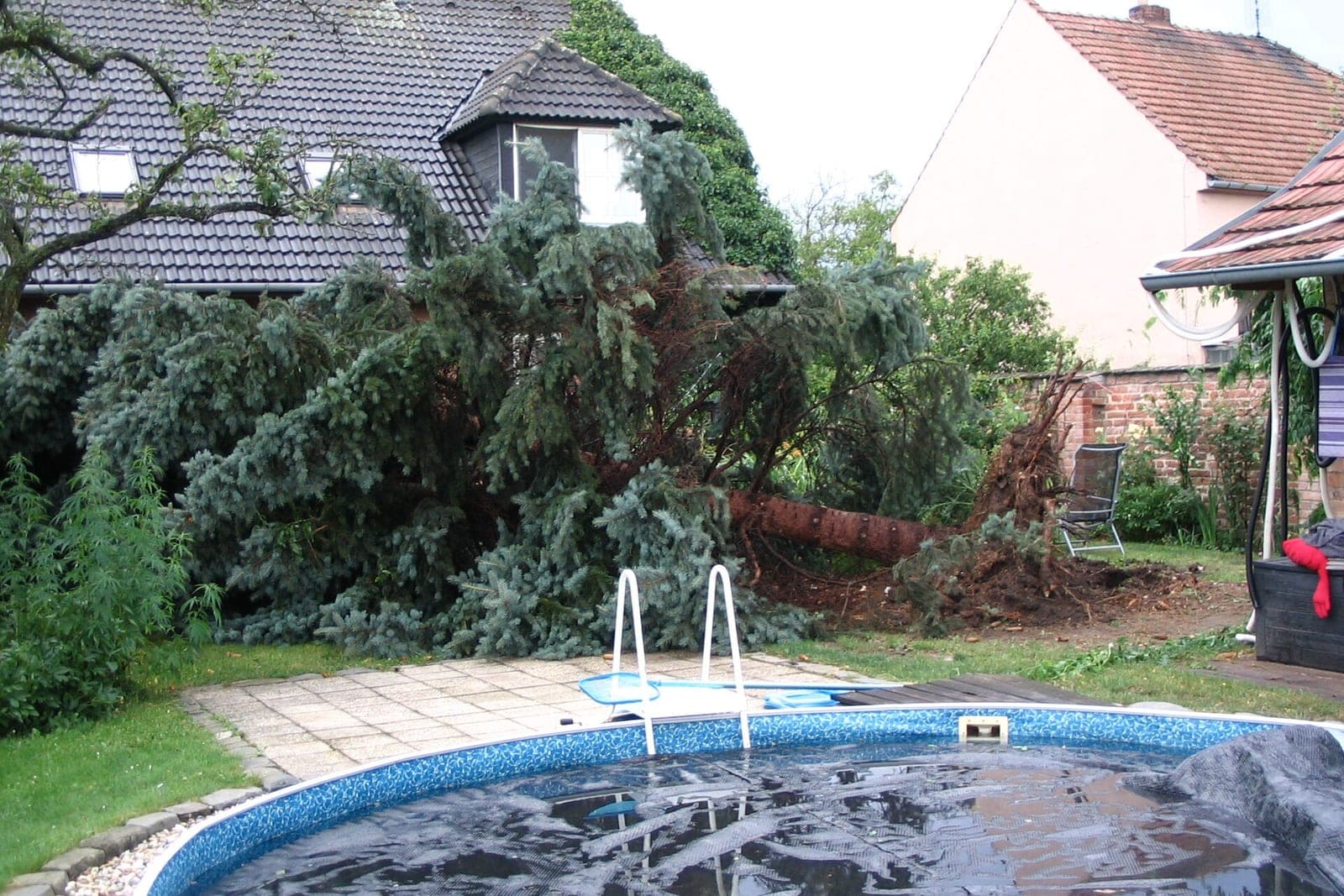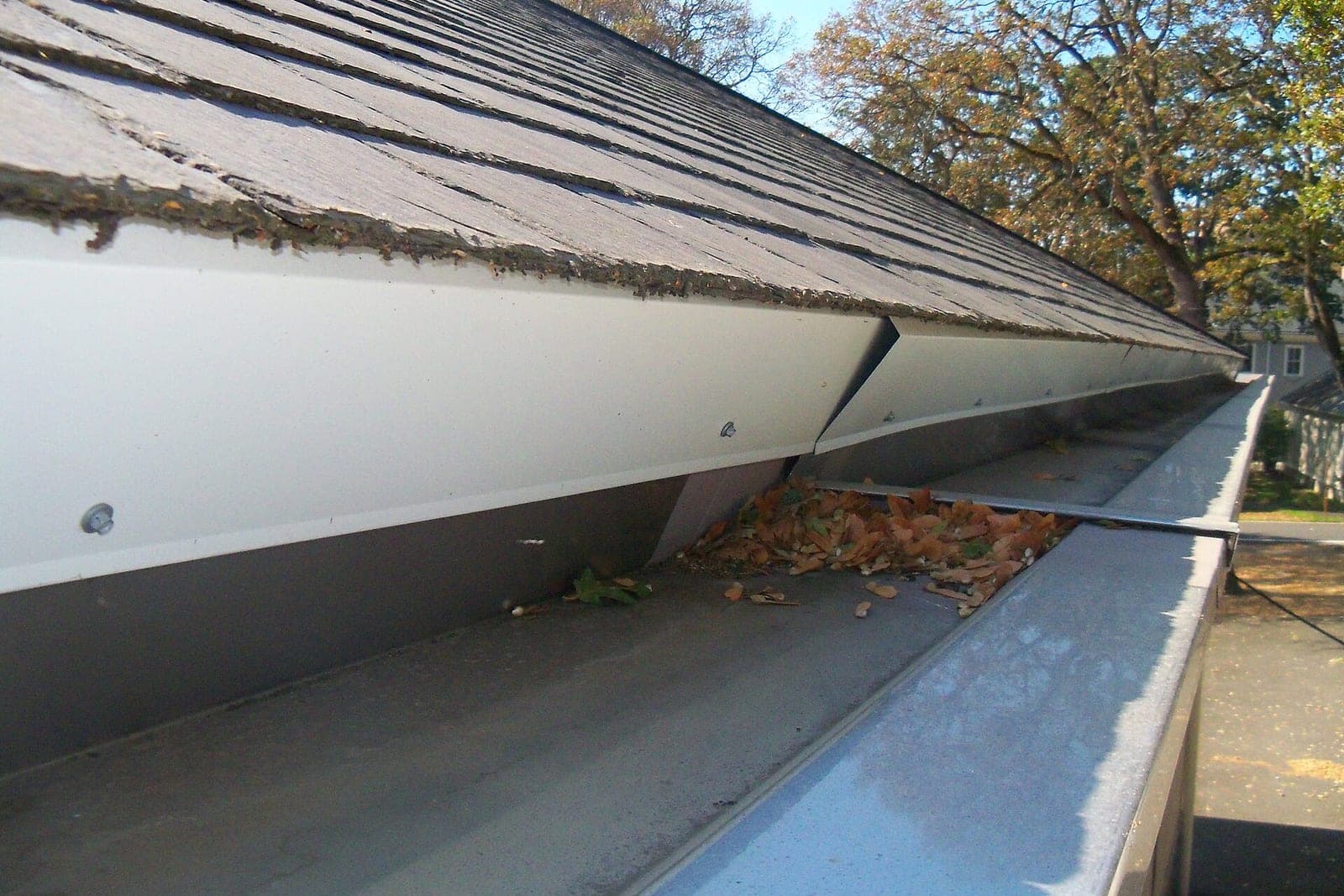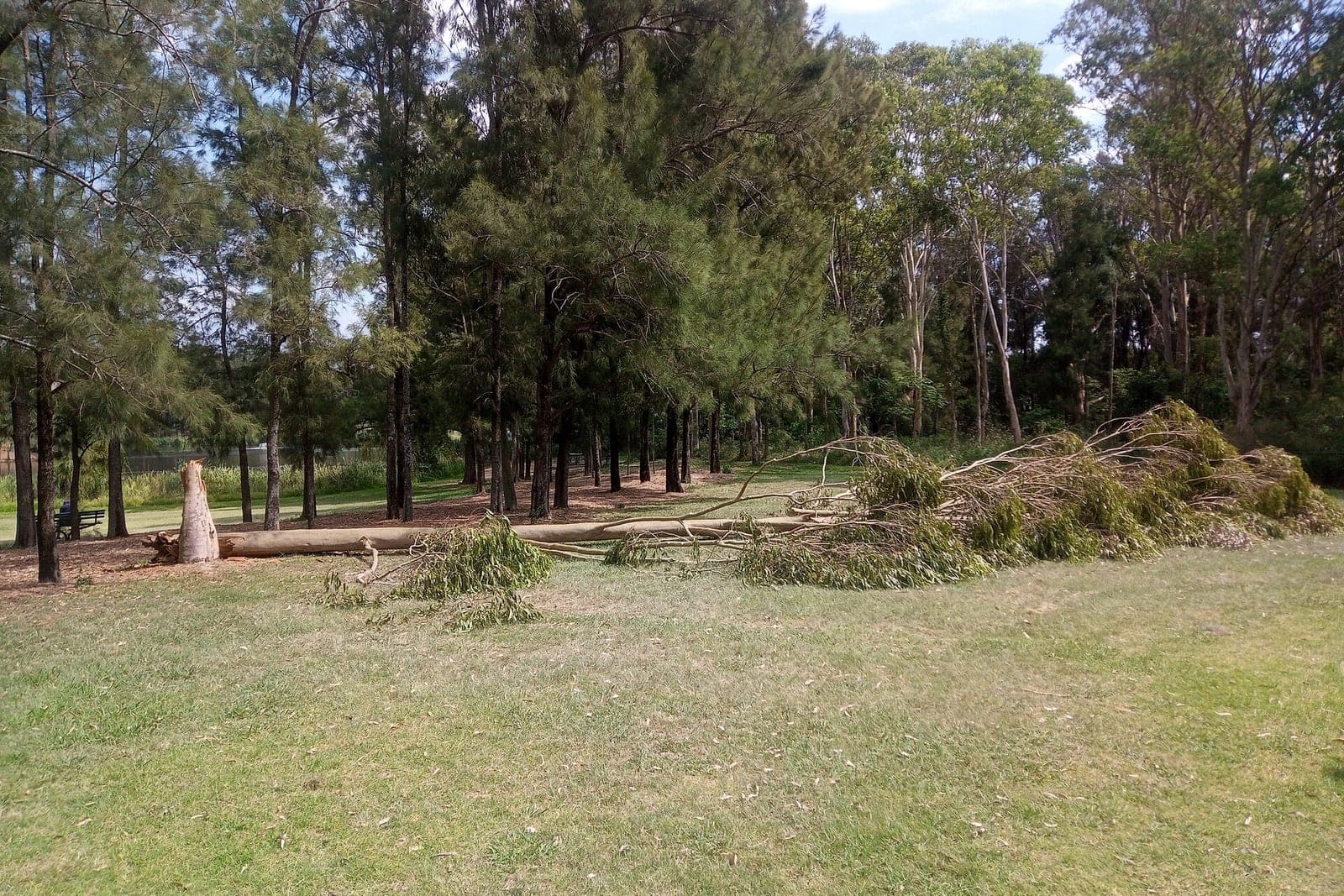
A tree service estimate app should let your arborist walk the property once, capture everything the crew will need, and send the homeowner a clear quote before the next stop. That means photos marked up with which limbs or trees come down, the height and trunk size the arborist noted, how the bucket truck or crane will reach the work, and whether the wood stays or goes. The arborist sets the price; the software just makes the whole thing fast and complete.
This post is for owners of tree care and tree removal companies, and the arborists who write their estimates. It covers what a good estimate holds, why calculators fall short, and what a system built around your crew looks like. For the bigger picture on quoting from pictures, see our post on AI estimates from photos.
Why tree estimates are harder than most
A roof has a size. A tree has a story. Two oaks of the same height can be very different jobs: one in an open front yard, the other leaning over a garage with a fence, a shed and a power line in the way. The price depends on what the arborist sees standing under it.
That is why most estimates live in a notebook, a phone camera roll and the arborist's head. The office types them up later, the crew lead asks questions on job day, and something always gets missed: the gate was too narrow for the chipper, nobody mentioned the septic field, or the customer thought the wood would be left as firewood.
What should a tree service estimate include?
It should spell out the work, the conditions and the cleanup so the homeowner and the crew read it the same way. A good estimate answers "what exactly are you doing, and what will my yard look like after?" The arborist sets every price and decides the method.
Most strong tree estimates include:
- The work, tree by tree. Removal, trimming, crown thinning, deadwood removal, cabling, or stump grinding, each tied to a specific tree.
- Annotated photos. Arrows or circles on each tree or limb, so "the big maple by the driveway" cannot be confused with the one by the fence.
- Height and trunk size, as noted by the arborist. These drive crew size, equipment and time.
- Access notes. Can a bucket truck reach it? Is a crane needed? Is there gate width for the chipper? Will the crew cross a lawn, a driveway or a neighbor's yard?
- Hazards and nearby structures. The house, the garage, fences, and especially power lines. These are noted for the crew; the software never gives advice about them.
- Wood and debris. Hauled away, left in rounds, chipped and left as mulch, or stacked as firewood.
- Stumps. Ground, left at a set height, or not included.
- What is not included, in plain words.
The arborist sets every price and decides the method. Nothing in the software suggests how to cut, climb or rig a tree.
Is a tree service estimate calculator worth using?
A simple tree service estimate calculator can help homeowners get a rough idea before they call. It cannot price the real job, because height, lean, access and hazards change everything. Use it as intake on your website, and let your arborist set the real number.
Some companies put a short calculator on their website to collect the first details: how many trees, roughly how tall, removal or trimming, and a few photos. That is useful as intake. On our Solutions page, that kind of calculator or estimator page sits in Tier 2. But the number that goes on the estimate still comes from your arborist after seeing the tree.
What should you look for in tree service software?
In tree service software, look for photo markup, access notes that reach the crew, and open-estimate tracking. Those three save the most callbacks on job day. Also check that one estimate can hold several trees and that online approval creates the job.
Most tree service software covers scheduling, invoicing and a basic estimate form. Where it often falls short is the estimate itself: marking up photos, carrying access notes into the crew's job sheet, and tracking which estimates are still open.
Questions to ask before you choose:
- Can the arborist mark up photos right on the phone?
- Do access notes and hazards flow straight into the crew lead's job sheet?
- Can one estimate hold several trees with different work on each?
- Can the homeowner approve online, and does that create the job?
- Does it follow up on open estimates without someone remembering to?
Once a homeowner says yes, the job needs a crew and a day; our post on tree service scheduling picks up from there.
What a custom tree service estimate app looks like
A custom tree service estimate app takes the arborist's photos and notes, has AI draft a scoped estimate from your own price book and wording, and lets the arborist check and approve every line before it goes out. Boxed tree software asks your arborists to quote its way; a build follows the way they already quote.
In Tier 5 on our Solutions page, this is the "estimates from photos" system. We would build it around how your company quotes, tie it to your scheduling and accounting tools, and carry access notes and hazards straight to the crew.
AI drafts the write-up, labels the photos and keeps open estimates from going quiet. People decide the method, the price and what the crew will do near the house or the lines. Your data and logins stay yours, and each part of the system gets only the access its job needs, following the security principle of least privilege (opens in a new tab).
For estimates that stall after they are sent, our post on quote follow-up automation shows a polite follow-up sequence. Only text people who contacted you or gave you permission, and make opting out easy, in line with the FCC's rules on automated texts (opens in a new tab).
What stays with your people
Your people judge each tree's health, lean and risk, and choose the method, the crew and the equipment. Every price, discount and scope change stays with them, as does anything near power lines or structures. Storm calls and anything urgent go to a person, and anyone in danger is told to call 911.
- Judging each tree's health, lean and risk.
- Choosing the method, the crew and the equipment.
- Every price, discount and change to the scope.
- Anything near power lines or structures. The software never advises.
- Storm calls and anything urgent. If anyone may be hurt or in danger, the only instruction given is to call 911, and your on-call person is alerted at once.
Same team. Same jobs. More capacity.
One afternoon of estimates
This is an illustration, not a customer story.
An arborist visits three homes in one afternoon. At the first, a tall pine leans toward the garage. She takes photos, marks the tree, notes the height and trunk size, and writes that the bucket truck can reach it from the driveway. The homeowner wants the wood left in rounds for firewood. At the second, it is a trim on two maples and stump grinding on an old cut. At the third, a large oak in the backyard will need a crane, and the gate is too narrow for the chipper.
Before she reaches her truck at each stop, the system drafts the estimate from her photos and notes in the company's wording. She sets the prices, adjusts one line, and sends it. The first homeowner approves that evening. The job lands on the schedule with every access note and photo attached for the crew lead.
Frequently asked questions
Can AI price a tree job from photos alone?
No. AI can draft the write-up and organize the photos, but the arborist sets the price after seeing the tree in person. Height, lean, access and hazards change the job too much to price from a picture.
Will the crew see the same notes as the homeowner?
They can see more. The homeowner gets the clear estimate, while the crew lead also gets access details, hazards and equipment notes. Hazard and equipment notes stay on the crew's job sheet rather than the homeowner's copy.
Can homeowners send photos before the visit?
Yes. Intake can collect photos and basic details first, so the arborist arrives knowing what to look at. The arborist still visits and sets the price, but the first conversation starts with the right details.
Does this work for storm cleanup?
It can help organize storm calls and photos. Urgent and risky jobs are always triaged by a person. If anyone may be hurt or in danger, the only instruction is to call 911, and your on-call person is alerted.
Next step
If your estimates live in notebooks and camera rolls, book a free workflow consult. We are headquartered in the Kansas City metro and can meet at your office, your yard or by video. We would follow one estimate from the first call to the crew's job sheet, see where details get lost, and show which build on our Solutions page would fit your company.
About the ScaleAlphaAi team
We are a Kansas City company that designs and builds AI agents and custom software for small businesses, trades and growing firms. We write these guides from our work with owners and office teams: what AI handles well, what stays with your people, and how to start with one workflow.
Meet the team