Tree service software has one hard job: rebuilding the week after a storm without losing track of anyone. When limbs are on roofs and the phone will not stop, it should rank the calls by the owner's rules, match each job to the right crew and equipment, and tell every pruning customer their visit is moving. The owner sets the order. The software keeps the board and the texts straight.
This post is for tree care owners and office staff who run crews, chippers and bucket trucks across a mix of planned work and storm cleanup. It covers priorities, equipment, crew skills, rescheduling and the daily plan. Our post on tree service storm calls covers the phone side of a storm in more depth.
A normal week versus a storm week
On a normal week, the board is a puzzle you can solve the night before. Pruning on Monday and Tuesday, two removals midweek, a stump grinding route Friday, an estimate or two in between. Crews know where they are going.
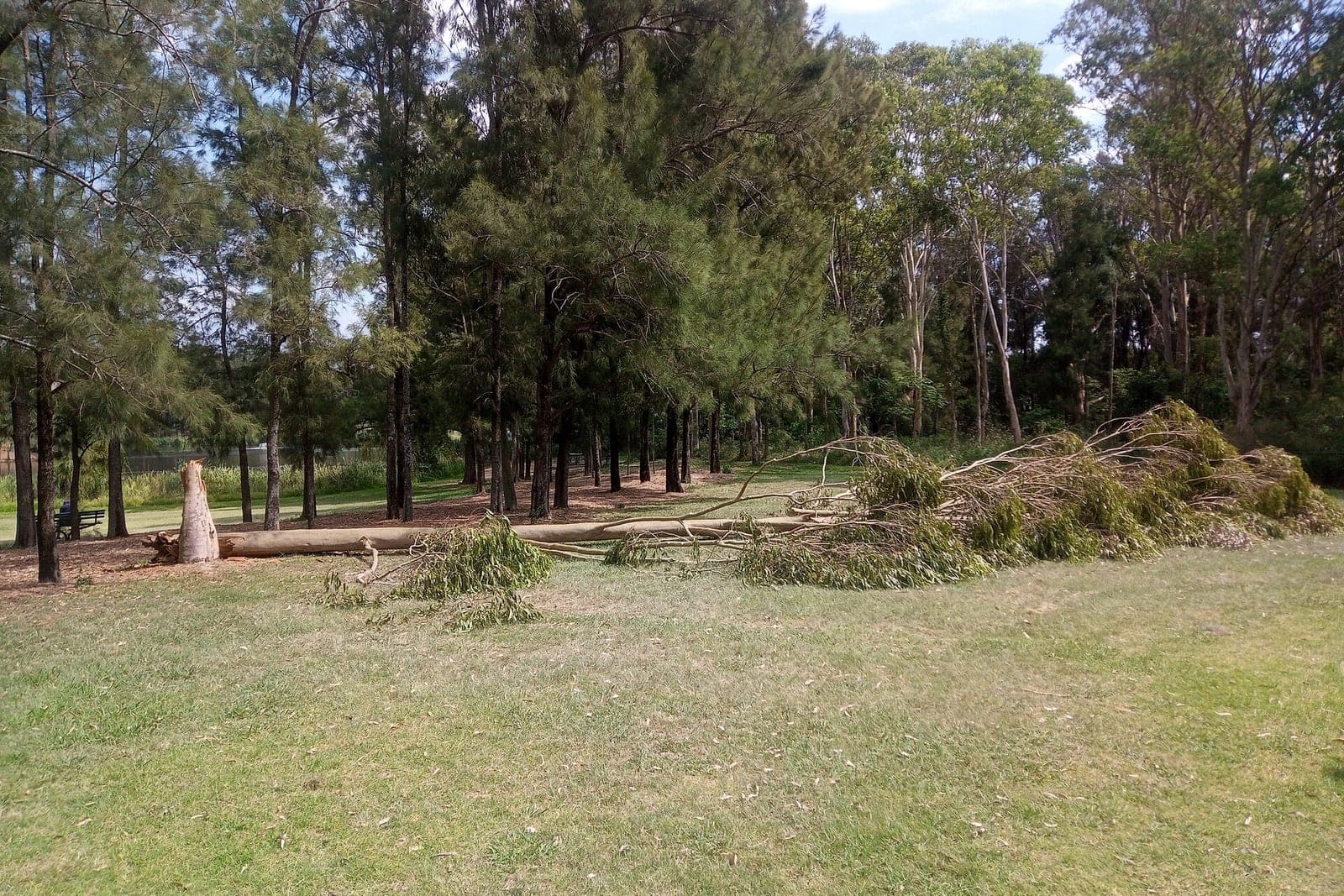
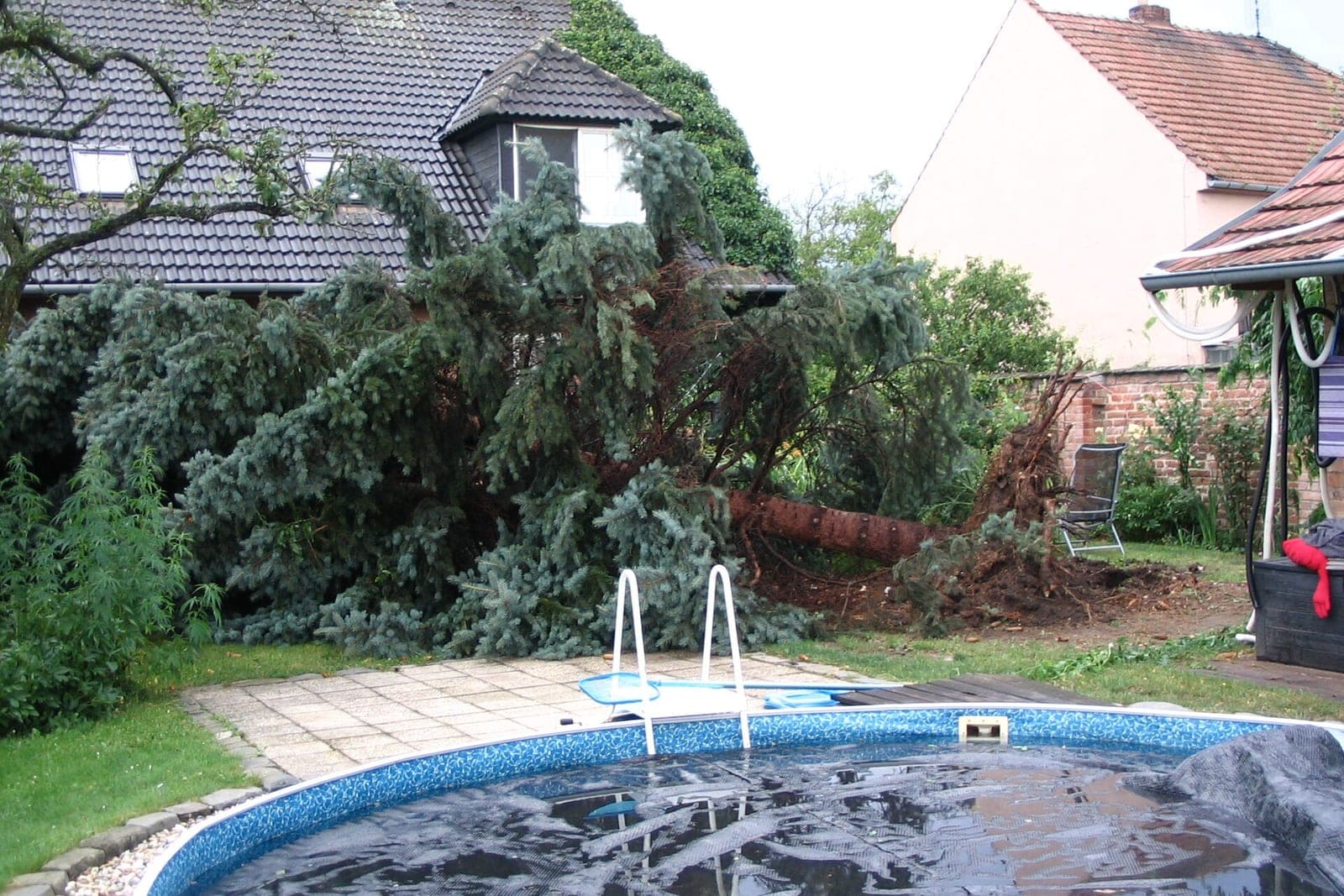
Then a line of storms comes through on Wednesday night. By Thursday morning there are trees on houses, limbs on cars, a split oak hanging over a driveway and dozens of messages asking when someone can come. Every planned job is now in question, and every crew lead is asking where to go first.
That is the moment the schedule needs a system, not a whiteboard.
Who goes first after a storm?
The owner decides, ahead of time, and writes it down. A tree on an occupied house usually comes first. A tree blocking the only way out of a driveway comes next. A limb in the backyard can wait. Planned pruning moves back to make room.
A simple priority list many owners use:
- Trees on homes or blocking an exit. People need to get in or out safely.
- Hanging limbs over driveways, walkways or roofs.
- Trees down across yards or fences.
- Cleanup of fallen debris with no hazard.
- Planned work, moved to make room.
The software sorts new calls into that list based on what the customer reports and the photos they send. Anything involving power lines goes straight to a person. If anyone may be hurt or in danger, the only instruction the AI gives is to call 911, and your on-call person is alerted at once.
How tree service software matches gear and crews
Tree service software matches gear and crews by tracking equipment, crane rentals, crew skills and travel, because tree work depends on gear more than most trades. A removal over a house may need a crane. A tall limb needs a bucket truck or a climber. Every job needs a chipper and a truck to haul.
A good tree service schedule tracks:
- Equipment. Which chipper, bucket truck, stump grinder and log loader is on which job, and when it frees up.
- Rentals. Crane bookings, with the rental company's window and the operator's time.
- Crew skills. Who climbs, who runs the bucket, who has the training your company requires for certain work. Your records decide who is cleared.
- Travel. Which jobs sit close together, so one crew can work a street.
When the board knows all of that, the owner sees real options: "Crew B with the bucket truck can reach the split oak by ten. The crane is free Friday afternoon." The owner picks.

How do tree services reschedule after a storm?
They move planned pruning and maintenance work back in a set order, then tell each customer right away with a polite text. People who booked a crown thinning a month ago are usually understanding if they hear early and get a new window.
A clean reschedule flow:
- Pick the jobs that move. Usually pruning, maintenance and stump grinding first. Removals already in progress stay.
- Send the text the same morning. "The storm last night means our crews are clearing fallen trees this week. We are moving your pruning visit and will offer a new time shortly. Thanks for your patience. [Your company name]. You're texting our AI assistant. Reply STOP to opt out."
- Offer new windows. Once the storm work is under control, the system offers the next open slots in order of the original booking.
- Keep notes. Gate codes, dog in the yard, the neighbor who agreed to let the bucket truck on their lawn, all of it moves with the job.
Only text people who contacted you or gave you permission, and make opting out easy, in line with the FCC's rules on automated texts (opens in a new tab). Anyone who replies upset goes to a person.
The daily plan, every evening
The daily plan, drafted every evening, keeps the next morning from starting in chaos during a long storm week. It lists each crew's first job, address and equipment, crane bookings, jobs carrying over, newly ranked storm calls and customers still waiting on a new pruning date. The owner approves it.
A short evening plan includes:
- Each crew's first job, address and equipment
- Which crane or rental is booked where
- Jobs that ran over today and carry into tomorrow
- New storm calls ranked by the owner's list
- Customers who still need a new pruning date
We can set up the Ops Agent to rank storm calls by your priority list, track which crew has the chipper and bucket truck, hold crane rental windows, send polite reschedule texts to pruning customers, and draft each evening's crew plan for the owner to approve. The Ops Agent is one of six Starter Upgrades, and it works with the calendar and job list you already keep.
Do I need arborist software for tree care businesses?
Maybe, but software alone does not fix a storm week. Most tree service software can hold jobs and crews. What it lacks is someone keeping it current at six in the morning when the calls are coming in faster than anyone can type.
That is the gap an agent fills. It reads the messages, sorts the calls, drafts the board changes and sends the texts, all inside the tools you already use. The SBA's guidance on AI (opens in a new tab) notes that AI can take on repeat tasks such as calendar reminders and sorting email. If you are still choosing a system, our guide to field service management software walks through what to look for.
What stays with the owner and crew leads
The owner and crew leads decide the priority order and any exceptions, whether a tree is safe to climb or needs a crane, and who goes where. Every price, anything near power lines, upset customers and damage questions stay with people too, while the agent only sorts calls and drafts plans.
The agent sorts and drafts. People decide:
- The priority order and any exceptions
- Whether a tree is safe to climb or needs a crane
- Who goes where, and which crew is cleared for which work
- Every price, including storm work and insurance-related jobs
- Anything near power lines, which always goes to a person
- Upset customers and damage questions
Same team. Same jobs. More capacity.
One storm, three days
This is an illustration, not a customer story.
A tree service with four crews has a full week of pruning booked. A storm hits Wednesday night. By Thursday at seven, the agent has sorted the overnight messages. Three trees are on houses, five limbs hang over driveways and the rest are yard cleanup.
The owner reviews the ranked list, moves a house with an elderly owner to the top, and books the crane for the largest removal on Friday. The agent drafts the crew plan with the bucket truck on the hanging limbs. Pruning customers get a polite text that morning.
By Saturday the urgent work is done. The agent offers new pruning dates in the order people first booked. Most customers pick one by Monday.
Frequently asked questions
Can the software decide which storm call is most urgent?
It sorts calls by the priority list the owner wrote. The owner can change the order at any time, and anything unclear goes to a person.
Can customers send photos of the damage?
Yes. Photos help the owner judge the job and pick the crew and equipment before anyone drives out. They also help with estimates. The owner still decides the order and the crew.
What about crane rentals?
The schedule can hold each crane booking with its window, so you see conflicts before they happen. The owner still makes the call with the rental company.
Will this work for a small tree service with one crew?
Yes. A one-crew company feels a storm even more, because there is nobody else to absorb the calls. The same priorities and texts apply. The agent handles the sorting and texts so the owner can stay on the job.
Next step
If storm weeks turn your schedule into a pile of sticky notes, book a free workflow consult. We are based in the Kansas City metro and meet tree care owners in person or by video. In the consult we look at how your crews, equipment and priorities work today, then sketch a storm-ready schedule you can approve.
About the ScaleAlphaAi team
We are a Kansas City company that designs and builds AI agents and custom software for small businesses, trades and growing firms. We write these guides from our work with owners and office teams: what AI handles well, what stays with your people, and how to start with one workflow.
Meet the team