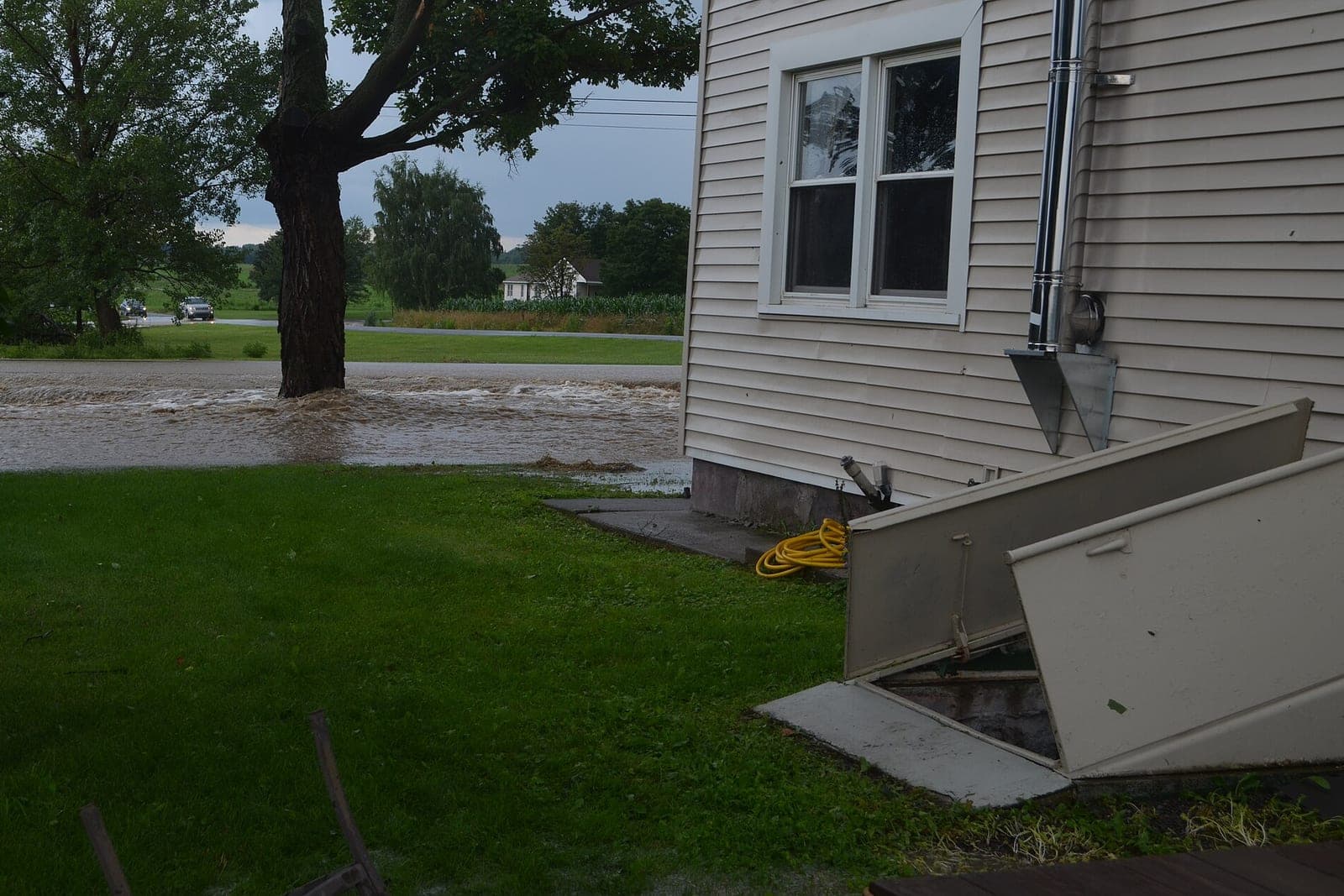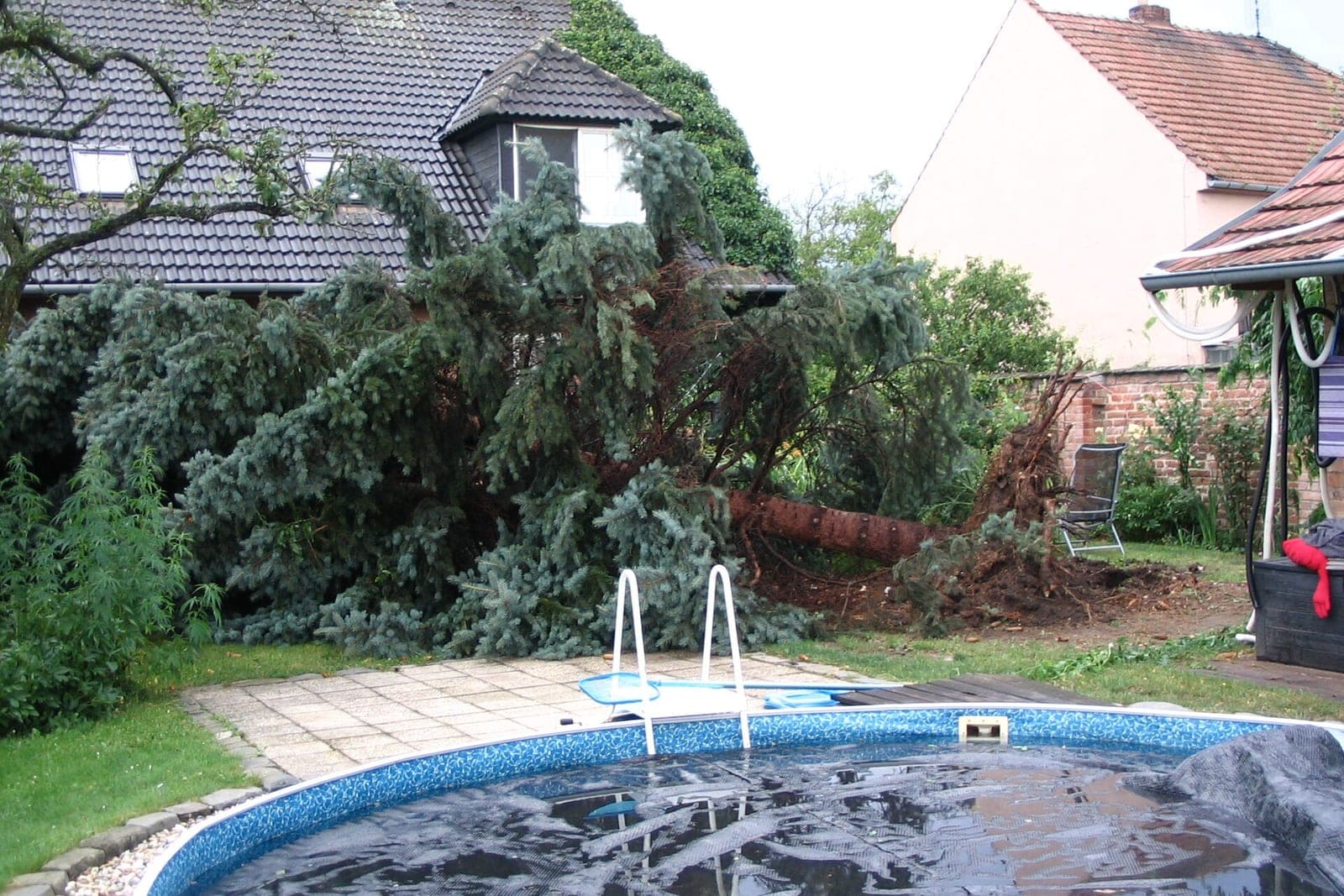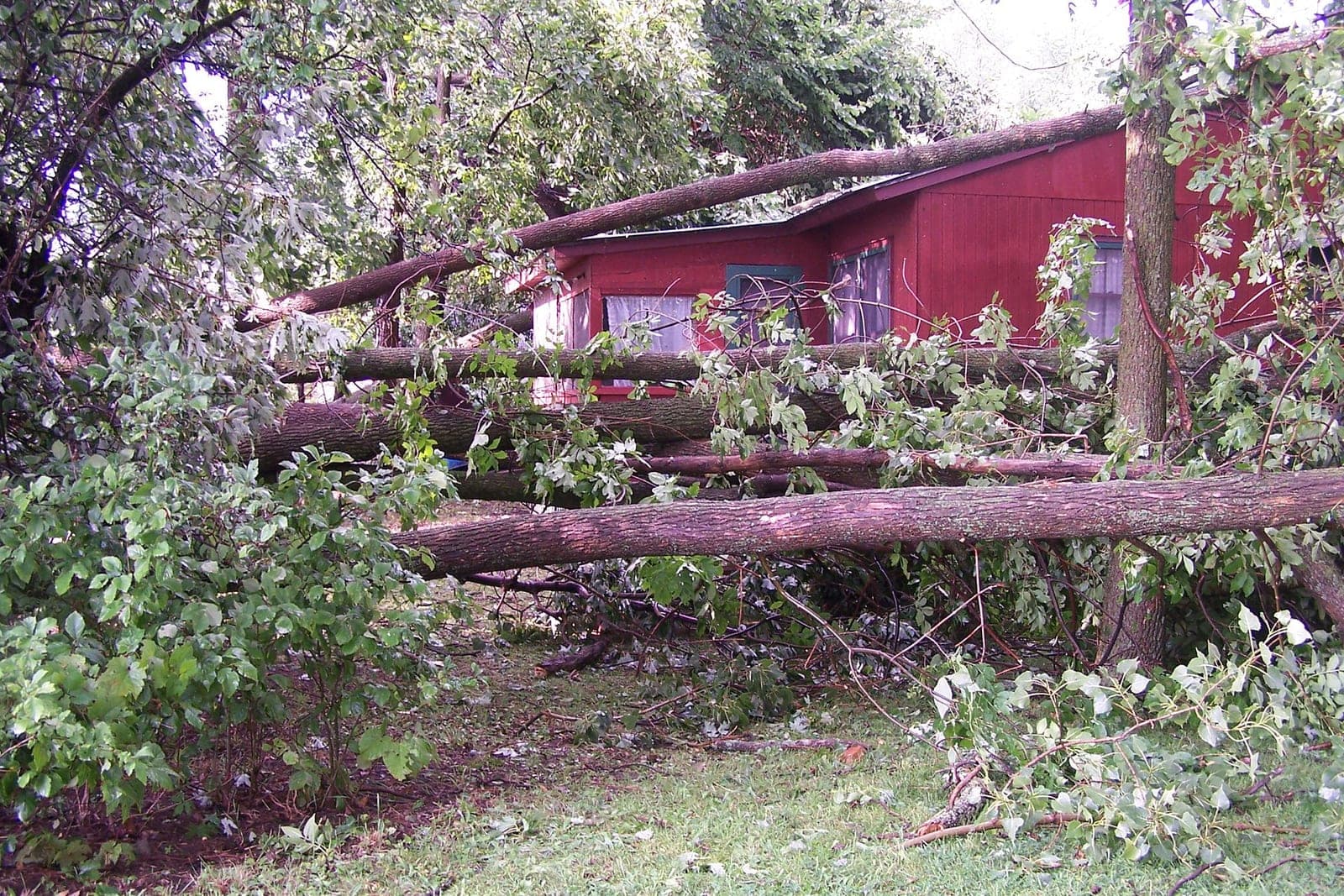
Tree service storm calls all land at once: in the hours right after a storm, every line rings and each caller thinks theirs is the worst tree in town. An AI built to pick up calls and texts day and night, including several at once, can ask where the tree landed, collect photos, tell anyone who may be hurt or in danger to call 911 and put the rest on a fair, sorted callback list. Your crew leads still decide who gets a truck first.
This post is for tree service owners and office managers who dread the morning after a big wind. It covers what to ask storm callers, how to sort and queue them, how to handle a flood of calls and what stays with your people. For daytime overflow in general, see our post on overflow call answering.
Why do tree service storm calls jam the phone?
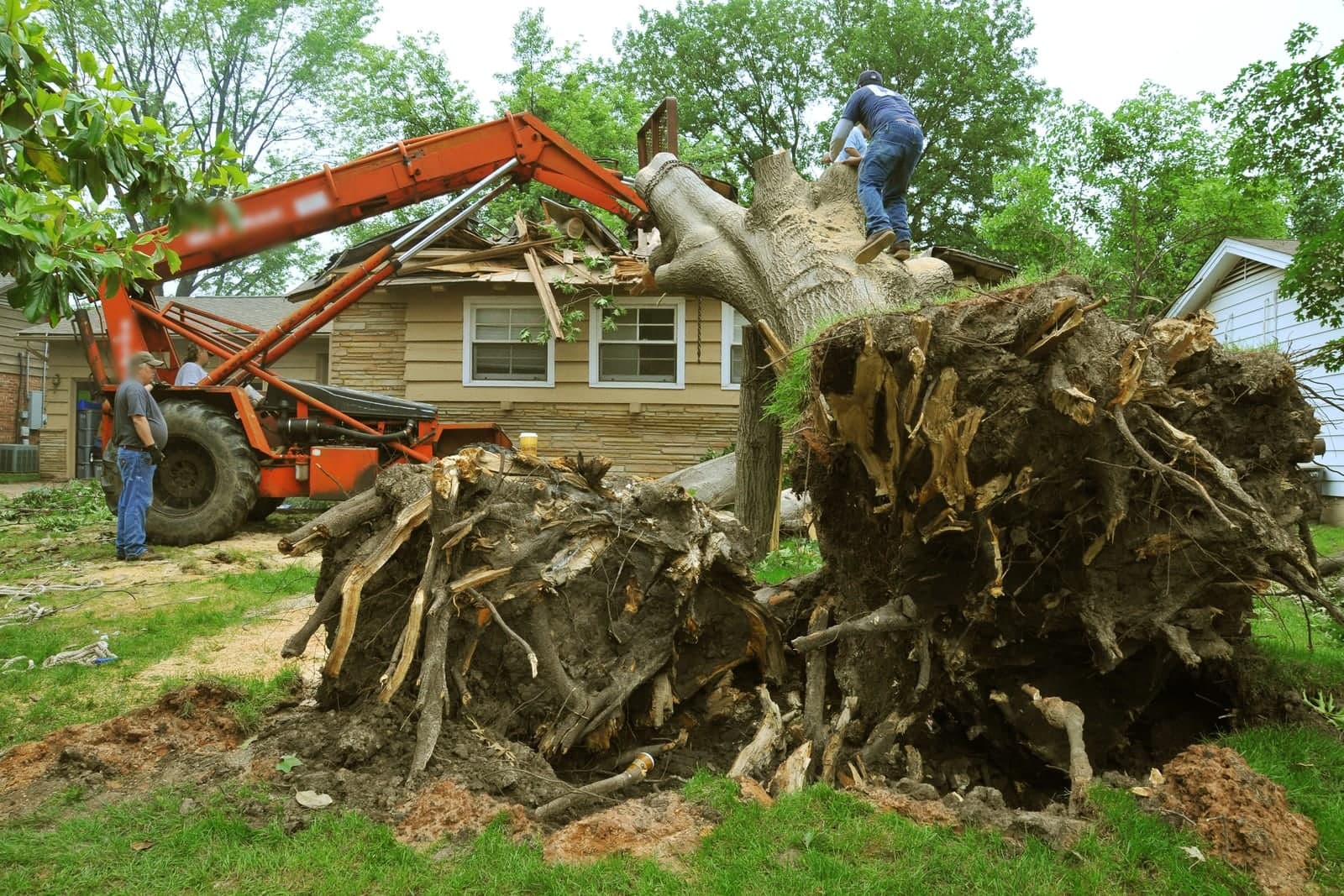
Tree service storm calls jam the phone because the whole area gets hit at the same moment. A storm that drops limbs across a few neighborhoods can send more calls in one night than a normal month. With one office line and a couple of cell phones, many callers hit voicemail and call the next company.
Most tree companies have one office line and a couple of cell phones. When they are all busy, callers get voicemail. Many do not leave a message. They call the next company instead. Meanwhile your crew leads are out looking at the worst jobs, and nobody is free to sort the rest. The loss is not just missed calls. It is the high-value tree-on-house job that went to whoever picked up.
What should a tree service ask a storm caller?
Ask where the tree is, what it is touching and whether anyone is in danger, then ask for photos. Those answers let your crew lead sort the list without driving to every address. A short address and callback number round out each call.
Here are the questions, in order:
- Is anyone hurt, or are there power lines down? If yes, the AI tells the caller to call 911. That is the only instruction it gives. It alerts your on-call person right away.
- Where did the tree land? On the house, on a car, across the driveway, on a fence or shed, or in the yard.
- Is the house open to the weather? A roof or wall broken through is a different priority from a tree resting on gutters.
- Can people get in and out? A blocked driveway or front door moves up most owners' lists.
- How big is it? Whole tree, large limb or small branches, in the caller's own words.
- Photos. The AI texts a link and asks for a wide shot and a close shot.
- Address and best callback number.
The AI never judges whether a tree is safe to stand near or whether a house is safe to stay in. It records what the caller says and passes it on.
How do you keep the callback queue fair?
Sort first by your written priorities, then by the time each call came in. Callers accept waiting when they know where they stand. Use three simple levels, urgent, soon and scheduled, and go first come, first served inside each one. The AI never promises a callback time.
Many owners use simple levels:
- Urgent. Tree through a roof or wall, blocked exit, tree on an occupied car.
- Soon. Tree on a roof without a breach, blocked driveway, tree on a fence with pets in the yard.
- Scheduled. Limbs in the yard, small trees down, cleanup work.
Inside each level, first come first served. The AI tells each caller, in a friendly line, that the team is working through calls in order of urgency and that someone will call back. It does not promise a time. If a caller's situation changes, like water starting to come in, they can text again and move up.
We can set up the Customer Agent, our AI receptionist, to answer your tree service line through the night after a storm, ask those questions, gather photos by text, alert your on-call crew lead for anything urgent and keep a sorted callback list ready for the morning.
How does an on-call tree service handle every line ringing at once?
It sends overflow to an AI that can take many calls at once, so far fewer callers hit a busy signal. Your office keeps taking calls too, and the AI takes the rest. Your office starts the morning with one sorted list instead of a full voicemail box.
After a storm, set the AI to answer when your lines are busy and all night. Each caller gets the same questions and a text with a photo link. Calls about past jobs, current customers or anything off-script go to a person. The office starts the morning with one list, sorted and with photos, instead of a full voicemail box. Our post on after-hours answering for service businesses covers night coverage across the year.
Every call and text opens with a short line saying it is the business's AI assistant, and asking for a person always works: the AI alerts your on-call person and puts the caller at the top of the callback list, following the order you set.
Who answers insurance questions?
Your people do. Storm callers often ask whether insurance covers removal, what they should tell their adjuster or whether you bill the insurer directly. The AI notes each insurance or price question on the callback list for a person to answer.
The AI does not answer those questions. It notes them on the callback list, so your office can talk about it with the caller. The same goes for prices. If a caller asks what removal costs, the AI says a person will follow up with a quote after seeing the photos or the site. That matters after a storm, since the FTC's guidance on home repair scams (opens in a new tab) warns that scammers often show up after windstorms and other disasters and tells homeowners to check licenses and insurance and get written estimates.
What stays with your crew and office
- Who gets a truck first. The crew lead reads the list and decides.
- Quotes and prices. Always a person, after photos or a visit.
- Insurance talk. Always a person.
- Safety calls on site. Your crew decides how to approach any tree.
- Upset callers. They go to a person with the full notes.
The Customer Agent is one of six Starter Upgrades, and it can run only during storm season if that is what you want.
The night after a straight-line wind
This is an illustration, not a customer story.
A wind storm rolls through after dark. A four-crew tree service starts getting calls right away. The AI picks up the calls the office cannot reach. One caller says a tree came through the bedroom roof and rain is getting in; the AI flags it urgent and texts the on-call crew lead. Another says a line is down and sparking in the yard; the AI tells the caller to call 911, then alerts the crew lead.
By midnight the list holds dozens of calls with photos. At six, the owner and crew leads sit down with coffee and the sorted list. They send two crews to the urgent roofs, one to blocked driveways and book yard cleanups for later in the week. Our post on tree service scheduling covers how those cleanup days get planned. The office calls people back in order.
Frequently asked questions
Can we turn on storm answering only when a storm hits?
Yes. You can keep the AI on for nights and busy lines all year, then switch to full overflow mode during storms. Either works. Starting small fits the SBA's guidance on AI (opens in a new tab), which suggests starting small with AI and having a person check what it writes.
Will callers be upset talking to an AI after a storm?
Most callers want to be heard and get on the list. A fast answer, clear questions and a text confirming they are in line help more than a busy signal.
How does the AI know which calls are urgent?
It follows your written levels. You decide what counts as urgent, and you can change it at any time. Anyone who may be hurt, or who reports a power line down, is told to call 911 and your on-call person is alerted.
Can photos come in after the call?
Yes. The AI texts a link right after the call. Photos land on the same callback entry. Your crew lead sees them with the caller's notes before deciding who goes first.
Next step
If the morning after a storm buries your office, book a free workflow consult. We work from the Kansas City metro and meet tree service owners at their yard or on video. In the consult we look at how storm calls reach you now, how your crew leads sort them, what your urgent levels would say and where callers drop off, so you can see what the Customer Agent would handle on the next windy night.
About the ScaleAlphaAi team
We are a Kansas City company that designs and builds AI agents and custom software for small businesses, trades and growing firms. We write these guides from our work with owners and office teams: what AI handles well, what stays with your people, and how to start with one workflow.
Meet the team