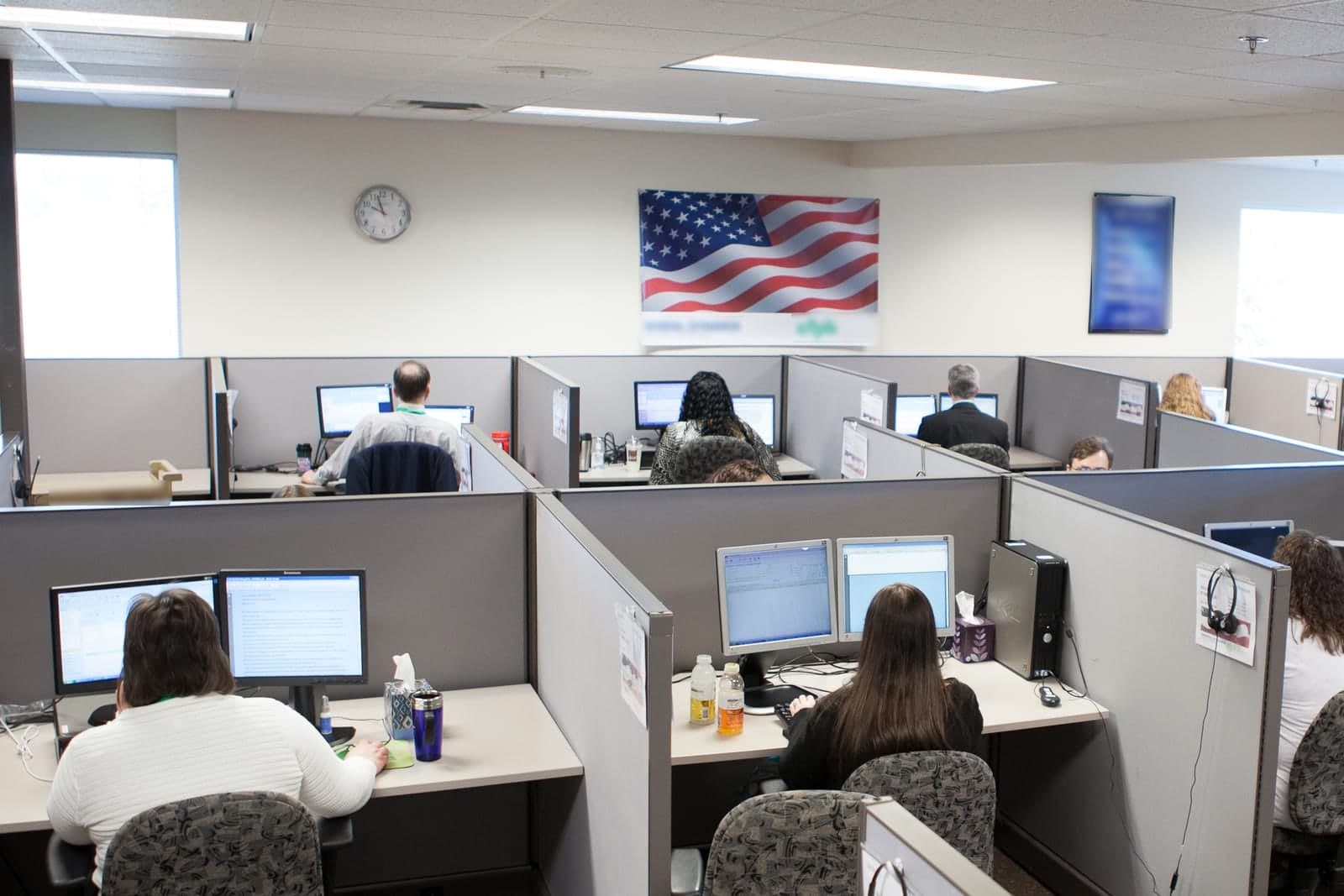
Overflow call answering picks up the calls your team cannot get to during a rush, so the third and fourth callers in a heat wave can hear a helpful answer instead of voicemail. Your office still answers first. The overflow only catches the calls that would have rung out.
This post is for trades and home-service owners whose phones go quiet for weeks and then explode. It covers when the rush hits in the Kansas City area, how overflow routing works, what the AI handles and hands to a person, and how to tell whether it is paying off. It is about busy hours while you are open. For the basics of how AI answers a call, see AI phone answering for small business.
When do service businesses need overflow call answering?
Service businesses need overflow call answering when more people call at once than the office can answer. In the Kansas City area, that usually follows the weather and the calendar. Heat waves, the first hard freeze, spring hail, Monday mornings and your own marketing push are the usual triggers.
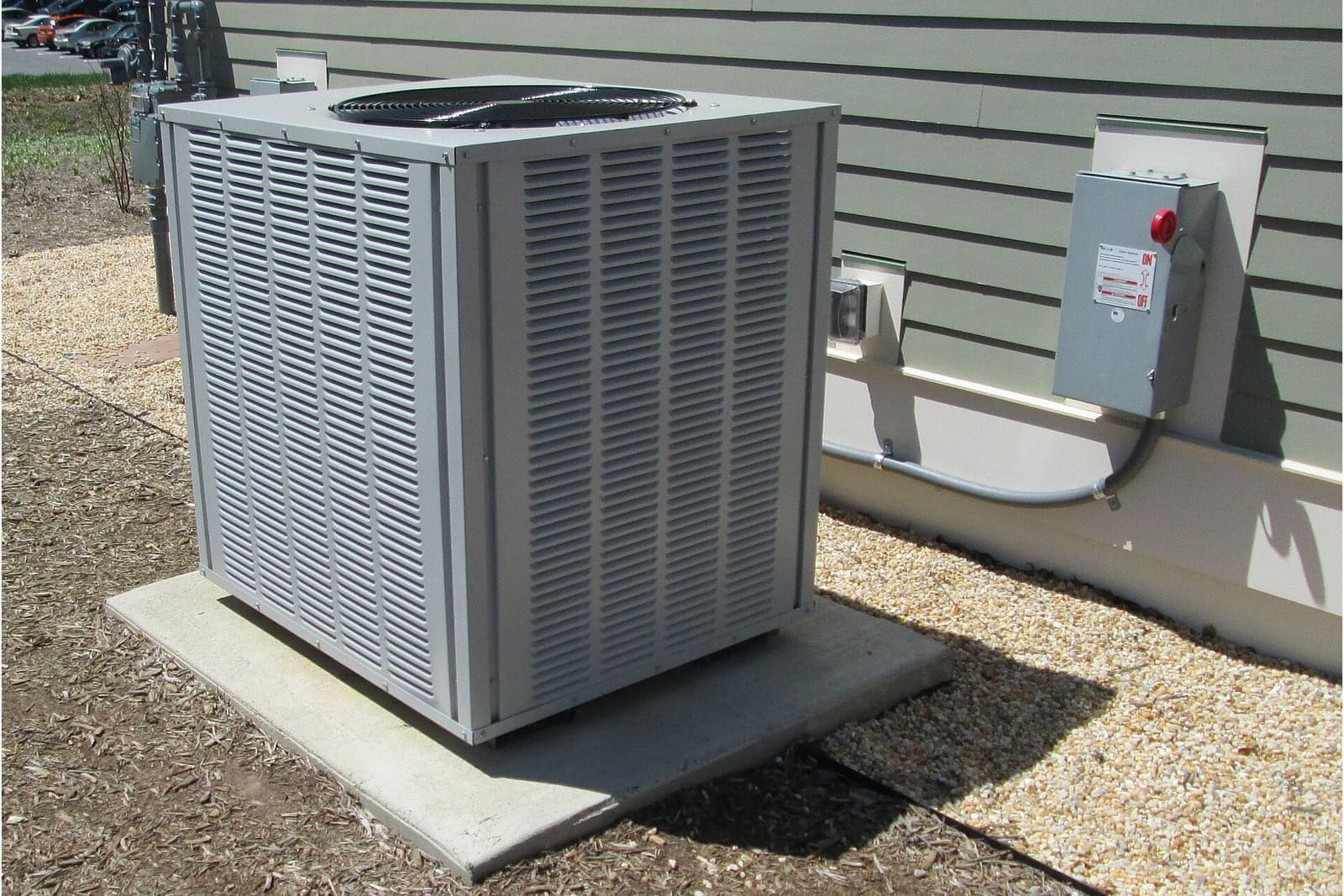
- The first real heat wave. Air conditioners that limped through spring give out in the same few days, and their owners all call at once.
- The first hard freeze. Furnaces that sat idle since spring, plus frozen pipes and water heaters, all in one cold morning.
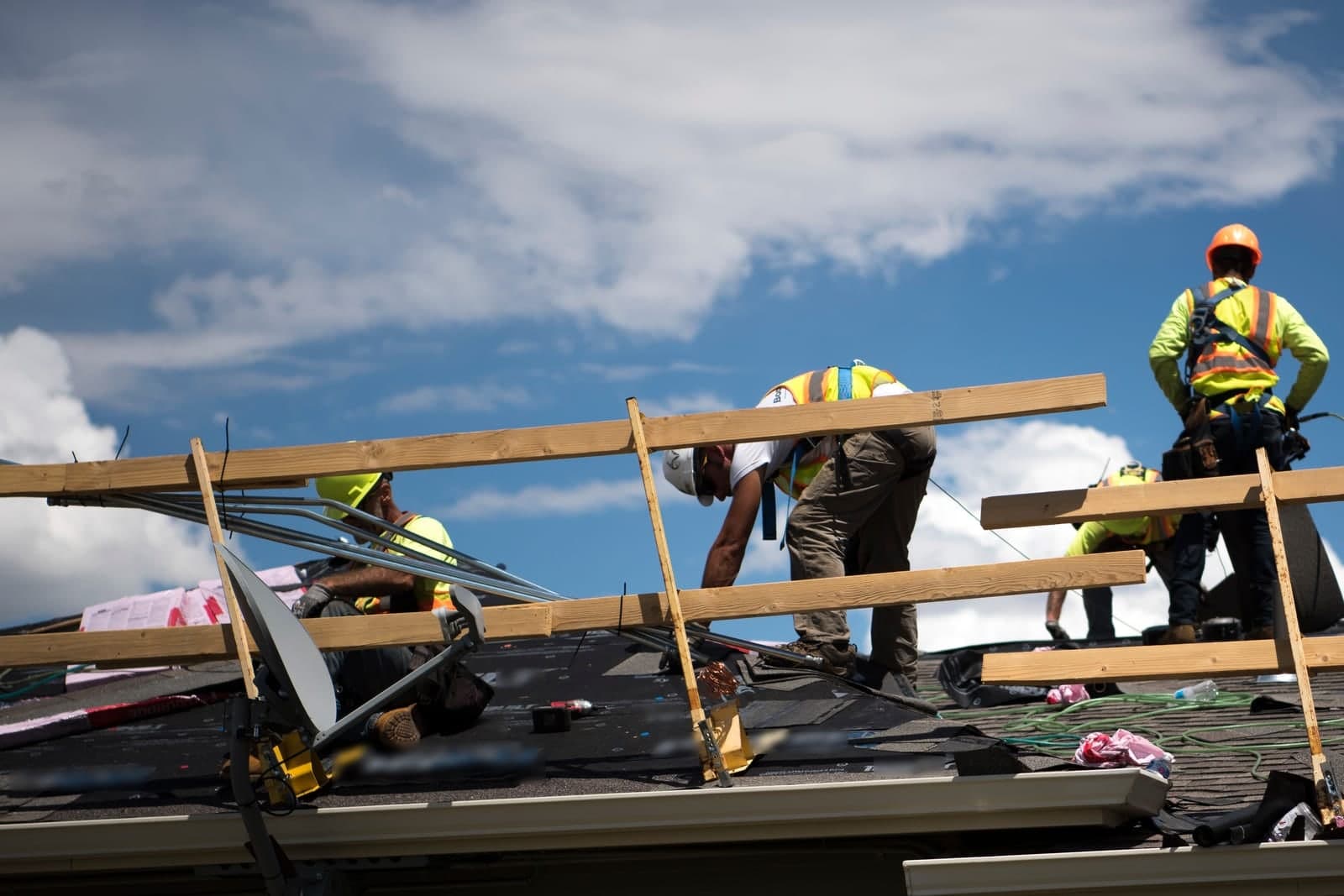
- Spring hail. One storm can put a whole neighborhood's roofs on the phone by breakfast. Roofers, gutter and siding crews feel it first, as our post on AI for roofing companies explains.
- Monday mornings. The weekend's problems all call at eight.
- Your own marketing. A mailer lands or a seasonal offer goes out, and it works better than planned.
A rush is good news that the office cannot keep up with. Overflow answering helps the team you have keep up with it. Staffing is always your call. Restaurants hit the same wall at dinner; see a restaurant phone ordering system.
How does overflow call routing work?
Your phone system rings your team first, exactly as it does today. If nobody picks up within the rings you choose, or every line is busy, the call rolls to the AI instead of voicemail. Bookings and notes land in your calendar and customer records.
- A call comes in and your office phones ring. If someone answers, nothing changes.
- The rings run out or the lines are full. You choose how many rings, and you can change it by season.
- The AI picks up in your company's name. It says it is the company's AI assistant, lets the caller know calls are recorded and transcribed so your team can follow up, and asks how it can help. Federal law on call recording (opens in a new tab) generally allows recording when one party to the call consents.
- It handles the call or hands it off. Routine requests get booked. Anything urgent or tricky alerts a person right away, who calls back with the summary in hand.
- Everything lands where your team looks. Bookings go in the calendar. Notes go in your customer records.
You can switch overflow on for a storm day and off for a quiet week. Or leave it on all the time, with your team always ringing first.
What can the AI handle during a rush?
The routine calls that make up most of a rush. It is built to answer only from your approved answers and your real calendar. When the answer isn't there, it takes the details and flags a person. New repair requests, reschedules and a waitlist are the usual work.
- New repair requests. It collects the address, the problem, the equipment and access notes, then offers open windows and books one.
- "Is my tech still coming?" It reads the schedule and shares the window already on file. Anything about running late goes to dispatch.
- Reschedules and cancellations, with the freed slot offered to the next caller who needs it.
- A waitlist when you are booked solid, so people who can take an earlier opening hear about it.
- Quick answers about service area, hours and what to do before the tech arrives, from your approved list.
Any texts follow the usual rule: only text people who contacted you or gave you permission, and make opting out easy, in line with the FCC's rules on automated texts (opens in a new tab).
This is the kind of work the Customer Agent, our AI receptionist, takes on. Offices and clinics use the same setup for the morning rush at the front desk, as our AI receptionist guide describes. We can set up the Customer Agent to answer your phone calls, reply to texts and website chat, book appointments on your real calendar and alert your team right away about urgent calls.
What does the AI pass to a person?
Anything urgent, anything about money and anything that needs judgment. It hands those to a named person with a short summary, so nobody calls the customer back cold. Emergencies, prices beyond what you publish, promises about arrival times or warranty, and complaints all go to a person.
- Emergencies and safety. A gas smell, water that will not stop, no heat or cooling for someone at risk, or an active roof leak alerts your on-call person or dispatcher right away. If anyone may be hurt or in danger, the only instruction the AI gives is to call 911. For a gas smell, that means leave the building first, then call 911 or the gas company from outside. Federal pipeline safety guidance (opens in a new tab) says to leave the area on foot right away and call 911 from a safe place.
- Money. Prices beyond what you publish, discounts, financing and payment questions.
- Promises. Exact arrival times, dates outside your windows, warranty coverage and damage claims.
- Complaints, and callers who are upset.
- A request for a human. Anyone who asks gets a callback from a person.
Same team. Same jobs. More capacity. Your office still runs the day. The overflow keeps the line from going dead while they do.
What does a rush morning look like with overflow answering?
This is an illustration, not a customer story. An HVAC company runs its phones with two people in the office. On the first truly hot Monday of summer, both lines are lit by eight, and the next callers roll to the AI.
The AI books four repair visits over the next two days, with addresses and symptoms in the calendar. A maintenance plan customer asks when her tune-up is, and it reads her the window on file. An older caller says the house is getting dangerously warm. The AI tells her to call 911 if anyone is in danger and alerts the on-call tech at once. Another caller asks what a new system costs. The AI books an estimate visit and leaves the price talk to the comfort advisor.
By ten, the office catches its breath and works through a short list instead of a voicemail pile. The same seasonal pattern shows up in our post on AI for HVAC companies.
How do you measure overflow answering?
Measure overflow answering by comparing your own numbers before and after. Your phone system's call log shows what rang out, and the AI's records show what happened to the calls it caught. Track rang-out calls, overflow calls answered, handoff speed and what callers said.
- Calls that rang out or hit voicemail in peak hours. Pull a baseline from last season.
- Overflow calls the AI answered, and how each one ended: booked, answered, handed off or hung up.
- Handoff speed. How long callers waited for a person to call back.
- What callers said. Read a handful of call records each week and tune the answers.
- How the office felt. Ask your team whether the rush felt different.
If the rang-out number drops and bookings hold up, it is working. If not, the call records usually show why.
Frequently asked questions
Is overflow answering the same as after-hours answering?
No. Overflow covers busy hours while you are open, and after-hours covers the time you are closed. Many shops use the same AI for both with different rules. Our after-hours answering guide covers the night side.
Will my office lose calls they wanted to take?
No. Your team always gets the first rings, and you decide how many. Key accounts can ring a named person first, before overflow ever starts.
Can we turn it on only for busy season?
Yes. Some owners switch it on before the first heat wave and off in the slow months. Others leave it on all year, since it only answers when nobody else can.
What if a caller wants to wait for a person?
They can. The AI offers a callback from a person, in the order the calls came in, and your office sees the list as it builds.
Next step
Book a free workflow consult. We will look at last season's call log, find the hours when calls rang out, and set ring rules, intake questions and handoffs that fit your busiest weeks.
About the ScaleAlphaAi team
We are a Kansas City company that designs and builds AI agents and custom software for small businesses, trades and growing firms. We write these guides from our work with owners and office teams: what AI handles well, what stays with your people, and how to start with one workflow.
Meet the team