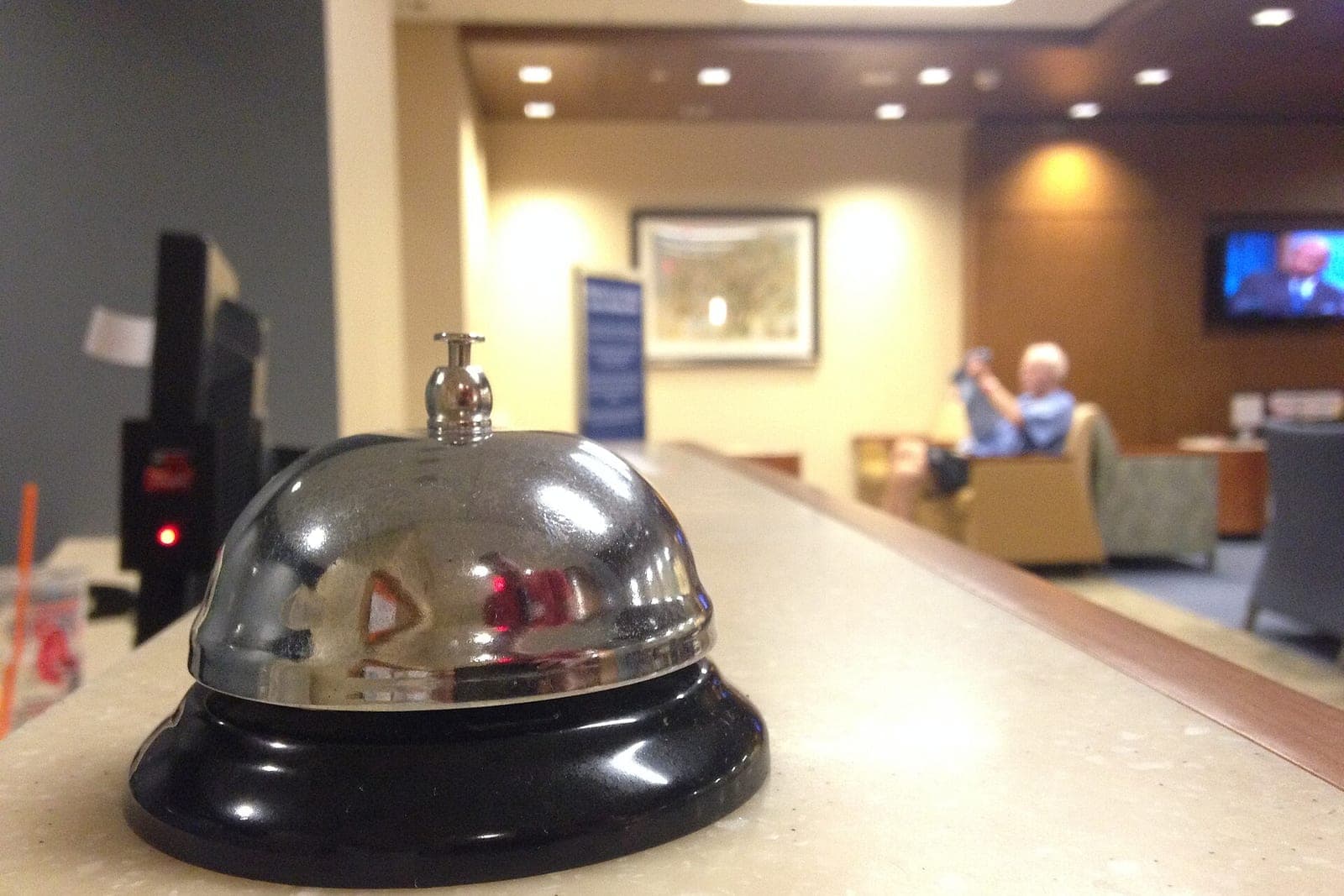
An AI receptionist for small business is software that picks up your calls and texts, asks the right questions, books the job on your real calendar and hands the conversation to a person when it should. Done well, it is built to pick up calls day and night, including several at once, so callers get a useful answer even when your whole team is busy or the office is closed.
This guide explains how AI phone and text intake works, what it should and should not do, how it compares to voicemail and a live answering service, and how to tell a real setup from a demo.
What is an AI receptionist, and how does it work?
An AI receptionist is software that answers your business calls and texts in your company's name. It follows your script and your rules, books on your calendar and pages a person when a call needs one. Every call opens by saying it is the business's AI assistant.
Think of it as a front desk that stays on duty day and night. A typical call goes like this:
- It answers. It is set up to pick up calls and texts quickly. Every call and text opens with a short line saying it is the business's AI assistant, and asking for a person always works. Calls are recorded and transcribed so our team can follow up. Federal law on recording calls (opens in a new tab) generally allows recording when one party to the call consents. Missouri's recording law (opens in a new tab) generally allows it when the person recording is on the call or one person on the call agreed in advance.
- It listens and asks. What is going on, where, how soon, and anything your team needs to know before the visit. The questions come from your own intake script.
- It qualifies. Is this in your service area? Is it work you do? Is it urgent? Your rules decide, not the AI's guess.
- It books. It checks your real calendar, offers an open window and books it. The job, the notes and the caller's details land where your team already looks.
- It hands off. Emergencies, upset callers, price questions and anything off-script are flagged to a named person right away, with a summary so nobody has to start over.
That full loop, with answering, qualifying, booking on the real calendar and handing off, is what we build as AI phone and text intake at Tier 5 on our Solutions page. It is also the heart of the Customer Agent, our AI receptionist. We can set up the Customer Agent to answer your phone calls, reply to texts and website chat, book appointments on your real calendar and alert your team right away about urgent calls.
Calls and texts, not just calls
Many customers would rather text than talk. Good intake treats both the same way. A missed call can trigger a quick text back, and the conversation carries on by text, through the same questions, rules and booking. Only text people who contacted you or gave you permission, and make opting out easy.
If you only want to start there, a business number that rings the right people and texts back when nobody answers is a small Tier 1 fix. Our post on missed calls in home services explains why that one step matters so much.
AI answering service, voicemail or a live service?
AI phone answering does more than voicemail or a typical live answering service, because it can book the visit instead of taking a message. Voicemail is mostly ignored, and live services usually pass along notes. AI's weak spot is judgment, which is why clear hand-off rules matter more than the technology.
Voicemail is free and mostly ignored. Many callers will not leave a message, and the ones who do wait for a call back.
A live answering service gives callers a person, which many like. But most services take a message. They do not book on your calendar, they do not write the job note, and their capacity on your busiest day is whatever they have that day.
AI phone answering picks up at any hour and can do more than take a message: collect the details, book the visit, confirm it and alert your on-call person about urgent calls. Its weak spot is judgment, which is why the rules and the hand-off matter more than the technology.
Some businesses keep a live service or their own staff for the first hello during the day and use AI for after hours and overflow. If you are weighing the front desk itself, our guide to an AI receptionist vs human receptionist compares who does what. That is a sensible design. What matters is that every path ends with a clear next step.
What a good AI receptionist for small business includes
A good AI receptionist for small business includes your script in your words, your real calendar, clear hand-off rules, a summary with every hand-off and a record you can read. Those parts make it useful instead of annoying. Without them, even a smooth voice turns into a message-taker.
What to look for:
- Your script, your words. It asks your questions in your words. It answers only from what you have told it: your services, your area, your hours, your published prices.
- Your real calendar. It books into the same calendar your team uses, with the same rules about job length, travel and who does what. No double bookings.
- Clear hand-off rules. You decide what always goes to a person: gas smells, flooding, no heat in winter, anyone at risk, angry callers, legal threats, and anyone who simply asks for a person.
- A summary with every hand-off. Who called, where, what they need and what was already collected.
- A record you can read. Every call and text logged, so you can check what was said and tune the script.
At the far end, a full voice receptionist that answers after hours, books jobs and escalates emergencies to an on-call tech is a Tier 6 advanced system. Most small businesses start well short of that. For where phones fit among everything else AI can do, see our guide to AI for small business.
What stays with your people
Emergencies and safety, prices beyond the published ones, promises about warranties or past jobs, and the customer relationship stay with your people. AI phone answering handles the routine part of the conversation. Anyone hurt or in danger is told to call 911, and anyone who asks for a person gets one.
People handle everything that needs judgment:
- Emergencies and safety. The AI alerts your on-call person at once. If anyone may be hurt or in danger, the only instruction it gives is to call 911. For a gas smell, it tells them to leave the building first and call 911 from outside. Federal pipeline safety guidance (opens in a new tab) says to leave the area on foot right away and call 911 from a safe place.
- Prices beyond the published ones. Quotes, discounts and exceptions go to a person.
- Promises. Warranty questions, damage claims and anything about a past job go to a named person.
- The relationship. An upset customer, a long-time client or anyone who asks for a person gets one.
The phone is only one part of serving customers. Our guide to AI customer service covers email, chat and follow-up as well.
Same team. Same jobs. More capacity. Your office manager still runs the front desk. The AI takes the calls that would otherwise ring out, so your people can give their full attention to the ones in front of them.
How to tell a real setup from a demo
A real setup books on your actual calendar, shows you exactly what your on-call person sees in an emergency and lets you read every call and text. A demo usually just takes a message. Ask who writes and tunes the script, and whether you can start with after hours only.
Ask these before you sign anything:
- Does it book on our actual calendar, or does it just take a message?
- Show me the hand-off. What exactly does my on-call person see when an emergency comes in?
- Who writes and tunes the script, and who supports it when something changes?
- Can we read every call and text?
- Can we start with after hours only?
If the answers are vague, the setup will be too. Our guide on whether AI is safe for your business data covers the data questions to ask as well.
When you are ready to price calls, texts, chat and email together, see what AI customer service costs.
More guides on answering every call
- Missed call text back: how it works and who it helps.
- After-hours answering: options for service businesses.
- Overflow call answering: covering the busy season.
- AI voice agents: what they can handle.
- How to count your missed calls: find the leak first.
- AI receptionist for contractors in Overland Park: calls while the crew is on a job.
- AI answering service in Lee's Summit: for home service companies.
- Missed call text back in Shawnee: for contractors.
- After-hours answering in Liberty: for Northland service businesses.
- AI receptionist for your cell phone: when your cell is the business line.
- AI for electricians: urgent calls, quotes and permits.
- AI for pest control companies: seasonal calls and service plans.
- AI for cleaning companies: quotes, schedules and repeat clients.
- AI Receptionist for Plumbers: Sort the Leak From the Drip: sorting the leak from the drip.
- AI Receptionist for Painting Businesses: Book More Estimate Visits: more estimate visits on the calendar.
- AI Receptionist for Pool Service: Openings, Green Pools, Visits: openings, green pools and visit calls.
- AI Receptionist for Septic Service: Backups, Pumping and Inspections: backups, pumping and inspection calls.
- AI Receptionist for Appliance Repair: Model Numbers Before the Visit: model numbers and symptoms gathered before the visit.
- Restaurant phone ordering system: to-go calls during the dinner rush.
- AI Receptionist for Car Dealerships: After-Hours Calls: sales, service and parts calls after close.
Frequently asked questions
Will callers know they are talking to AI?
Yes. Every call and text opens with a short line saying it is the business's AI assistant, and asking for a person always works. No caller should ever have to guess, and a person can step in at any point.
Can AI phone answering book appointments into my calendar?
Yes, when it is connected to the calendar your team already uses. It checks real openings and your rules before it offers a time. The job, the notes and the caller's details land where your team already looks.
What happens with an emergency call?
Your rules decide. A typical setup alerts an on-call person about emergencies right away, with a summary, instead of booking them like a routine visit. If anyone may be hurt or in danger, the only instruction it gives is to call 911.
Is AI phone answering only for home-service companies?
No. Any small business that misses calls when the team is busy can use it, from clinics and salons to contractors and law offices. The script and the rules change. The idea does not.
Can AI answer phone calls?
Yes. An AI receptionist can answer calls in your business's name, ask your questions, book on your calendar and page a person when a call needs one. Every call opens by saying it is the business's AI assistant.
How do you get AI to answer phone calls?
Write down your hours, services, booking rules and the questions callers ask most, then connect an AI receptionist to your business number and calendar. Set which calls page a person, run test calls, and start with after hours or overflow before it takes more.
Next step
If your phone rings while everyone is busy, book a free workflow consult. We work with small businesses across the Kansas City metro and beyond. We look at where your calls go today, show you where callers fall through, and give you a plain-English plan for intake that books real work and hands off to your people when it should.
About the ScaleAlphaAi team
We are a Kansas City company that designs and builds AI agents and custom software for small businesses, trades and growing firms. We write these guides from our work with owners and office teams: what AI handles well, what stays with your people, and how to start with one workflow.
Meet the team