AI for HVAC companies helps most in the office, not in the attic. It answers and books calls when the phones stack up, follows up on estimates the same day, keeps maintenance-plan renewals from falling through the cracks, and gets the invoice out the day the job closes. Your techs, your diagnoses and your pricing stay human.
This post walks through the HVAC week, the six places AI earns its keep, what should stay with your people, and how to start before the next peak season.
The HVAC week AI can lighten
AI can lighten the repeat office work of a peak HVAC week, such as overflow calls, estimate follow-up, plan renewals and late invoices. That work piles up when the first hot week hits and the office is answering, dispatching and ordering parts at once. The problem is capacity, not skill.
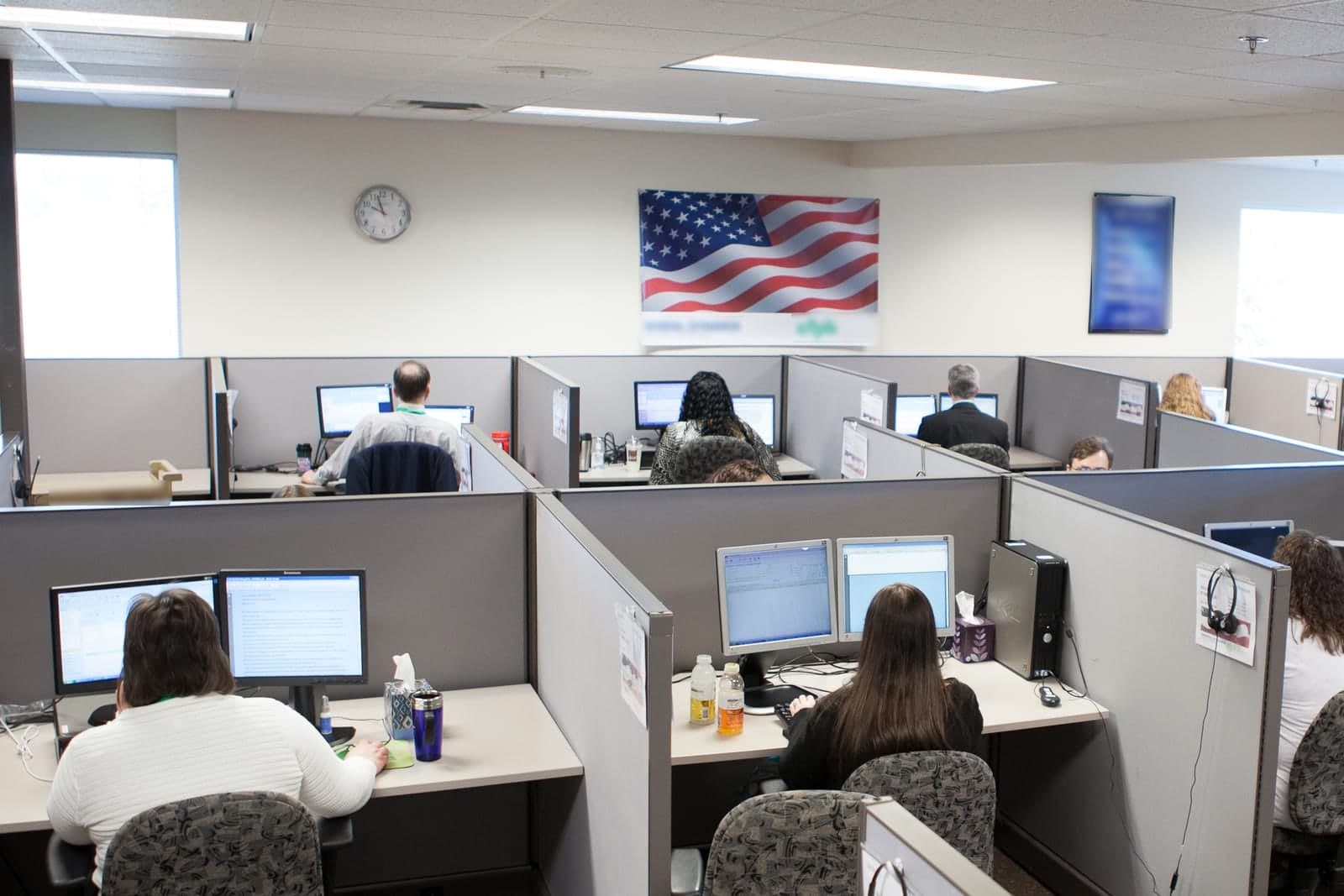
Every HVAC owner knows the shape of the problem. The first hot week of summer hits and the phone does not stop. The office is answering, dispatching, ordering parts and chasing yesterday's invoices at the same time. Calls roll to voicemail. Estimates from last week sit unanswered because nobody has had a minute. Maintenance-plan customers come due and nobody reaches out. The job closes on Tuesday and the invoice goes out Friday, if it goes out Friday.
None of that is a skill problem. Your office is good. It is a capacity problem, and it is made of repeat work.
Six places AI for HVAC companies earns its keep
AI for HVAC companies earns its keep in six office jobs, from first-ring answers in peak season and same-day estimate follow-up to plan renewals, job packets, invoices drafted at job close and seasonal marketing. Each is repeat work, and a person still approves every price, invoice and public message.
1. First-ring answers in peak season. An agent that handles overflow and after-hours inquiries, asks the right questions (address, symptom, anyone at risk from the heat), offers the first open window, and books it into your calendar. For urgent calls, it alerts your on-call person by a rule you set. If anyone may be hurt or in danger, the only instruction it gives is to call 911, and it alerts your on-call person at once. See the Customer Agent.
2. Estimate follow-up the same day. The system estimate that went out Monday gets a plain follow-up Monday afternoon, and another one later in the week if there is no answer. Your comfort advisor still owns the price and the close. See the Sales Agent.
3. Maintenance-plan renewals that never slip. Every customer coming due who said yes to these texts gets a reminder on schedule, signed as your company, with the next available tune-up window. The ones who reply with a question get handed to a person.
4. Job packets and dispatch notes. The address, the equipment on file, the last visit notes and the parts already ordered, gathered into one packet before the tech leaves the shop. See the Ops Agent.
5. The invoice drafted when the job is marked complete. Not Friday. The moment your tech closes the ticket, the draft is ready for a person to review and send. Payment reminders go out on your schedule and stay polite: a few reminders, then a person takes over. A person approves every invoice before it goes out. See the Finance Agent.
6. Seasonal marketing that runs while you are busy. The pre-summer tune-up offer, the fall furnace check, the review request after every closed job. Drafted and scheduled, with the owner setting the message. Sales and seasonal texts go only to customers who said yes in writing to getting them, in line with the FCC's rules on automated texts (opens in a new tab). Every message says how to stop, and we follow quiet hours. Every customer gets the same review request on the same schedule, as the FTC's guidance on review requests (opens in a new tab) advises. See the Marketing Agent.
What stays with your people
Diagnoses, repair-versus-new-system calls, pricing and every refrigerant, code or safety decision stay with your people. An HVAC company runs on judgment, so in the setups we build those calls never go to an agent, and neither do warranty promises, property damage or staffing.
- Diagnoses and repair-versus-new-system recommendations
- Pricing, discounts and scope exceptions
- Refrigerant, code and safety decisions
- Warranty promises and anything involving property damage
- Hiring, staffing and who rides in which truck
- Angry or legal customer threads
Refrigerant work also needs a certified tech, since EPA Section 608 rules (opens in a new tab) require certification for anyone servicing equipment that could release refrigerant.
The agent's job in those moments is to gather what it can, stop, and hand the thread to a named person with the context attached.
How to start before the next peak season
Start before the next peak season by picking the one leak that hurt most last season, such as missed after-hours calls, estimates with no second touch, lapsed plan customers or slow invoices. Do not try to fix the whole office at once. Run one agent on that leak and compare it with last season.
- After-hours and overflow calls that went to voicemail
- Estimates that never got a second touch
- Maintenance-plan customers who quietly lapsed
- Days between job-complete and invoice-sent
Pull your own numbers for that one leak from last season. That is your baseline. Then run one agent on it for a month, keep a person at the gate, and compare. If it earns its keep, add the next one. We never turn on everything in week one, and you should not either.
The step-by-step version is in How to start using AI in your business. Dispatch, billing and the rest of the office come next, and our guide to AI for small business covers each.
What does an AI receptionist for HVAC companies do on a no-heat call?
An AI receptionist for HVAC companies answers the no-heat call at any hour and gathers what your on-call tech needs. Then it alerts a person by the rule you set and sets up a callback, without ever troubleshooting the furnace or judging whether a home is safe.
Here is a winter call, step by step.
- The greeting. The caller hears your company name and a short line saying an AI assistant is answering.
- The situation. It asks whether the house has no heat at all or just weak heat. It also asks who is home right now.
- The danger check. For a gas smell or a carbon monoxide alarm, it tells them to leave the building first and call 911 from outside, and it alerts your on-call person at once.
- The lookup. It checks whether the caller is on a maintenance plan. Your rule may move plan customers up the list.
- Your on-call rule. One owner pages the tech for every no-heat call after dark. Another books first thing next morning unless a baby or an elderly person is in the house. The receptionist follows whichever rule you wrote.
- The handoff. Your tech gets the address, equipment notes on file and the caller's own words before calling back.
It does not walk anyone through thermostat or breaker fixes. Price questions and billing disputes wait for your office staff.
We can set up the Customer Agent to staff your service line all winter, follow your on-call rules exactly and send the tech a ready-to-read summary of each no-heat call.
More guides for HVAC companies
- HVAC After-Hours Calls: Handle No-Heat Nights Without Burnout: no-heat nights without burnout.
- HVAC Booking Software: Fill Tune-Up Slots Before the Rush: filling tune-up slots before the rush.
- HVAC Dispatch Software for the Hottest Day of the Year: the board on the hottest day of the year.
- HVAC Quote Software: Send System Options the Same Day: system options sent the same day.
- HVAC Invoices: Repair Tickets, Plan Billing and Payment Reminders: repair tickets, plan billing and reminders.
- Duct Cleaning Estimates: Vents, Returns and Dryer Vent Add-Ons: vents, returns and dryer vent add-ons.
- Duct Cleaning Reviews: Earn Trust in a Skeptical Trade: earning trust in a doubtful trade.
Frequently asked questions
How do you use AI in an HVAC business?
Start in the office, not the attic. Let AI answer overflow and after-hours calls, follow up on estimates and keep plan renewals on track, while your techs keep the diagnoses and your office keeps the pricing.
Will AI work with the scheduling and dispatch software we already use?
The agents are fitted to the tools you already use rather than sold as a separate platform. Where a tool can connect, the agent reads and writes there. Where it cannot, a person handles that step and the agent prepares everything around it.
What happens on a no-heat or no-cool emergency call?
You set the rule. A typical setup has the agent collect the address and the situation, then alert your on-call person right away by text, with the details already gathered, so they can call back. The agent never decides what counts as safe.
Do customers know they are talking to an AI?
Yes. Every call and text opens with a short line saying it is the business's AI assistant, and asking for a person always works. Only text people who contacted you or gave you permission, and make opting out easy.
Is this only for large HVAC companies?
No. A two-truck company misses the same calls a twenty-truck company does, usually more of them, because the owner is also the tech. The first workflow is sized to the shop.
Next step
If you run an HVAC company in the Kansas City metro and want to know where AI could help most before the next heat wave, book a free workflow consult. We map how work moves through your shop, show you where time and revenue leak, and give you a plain-English plan. No hard sell. No lock-in.
About the ScaleAlphaAi team
We are a Kansas City company that designs and builds AI agents and custom software for small businesses, trades and growing firms. We write these guides from our work with owners and office teams: what AI handles well, what stays with your people, and how to start with one workflow.
Meet the team