Estimating software for painters turns a walk-through into a priced quote by counting what you will paint and how much prep it needs. It measures walls, ceilings, trim and doors, adds prep time from what the painter saw, and lays out paint choices the customer can pick from. The painter sets the price and sends it.
This post is for painting contractors who still write estimates on a clipboard and type them up at night. It covers interior rooms, exteriors and the prep that makes or breaks a job's margin. If you want to see how photo-based quoting works in general, our post on AI estimates from photos explains it.
Counting the room: what estimating software for painters measures
A painting estimate is a count before it is a price. Get the count right and the price follows from your own rates. The software records wall area, ceilings, trim in running feet, doors by side and extras like built-ins, and your rates turn that count into a price.
For each room, the software records:
- Wall area, from length, width and height, minus large openings.
- Ceilings, with a flag for high or vaulted ones that need more ladder time.
- Trim, in running feet: baseboard, crown, window and door casing.
- Doors, counted by side, with a note for panel doors that take longer.
- Extras, such as built-ins, stair rails and closets.
The painter takes the measures or a few photos on the walk. The software turns them into lines. Your rates per wall, ceiling, foot of trim and door do the pricing. The AI never sets a rate.
How do painters estimate prep time?
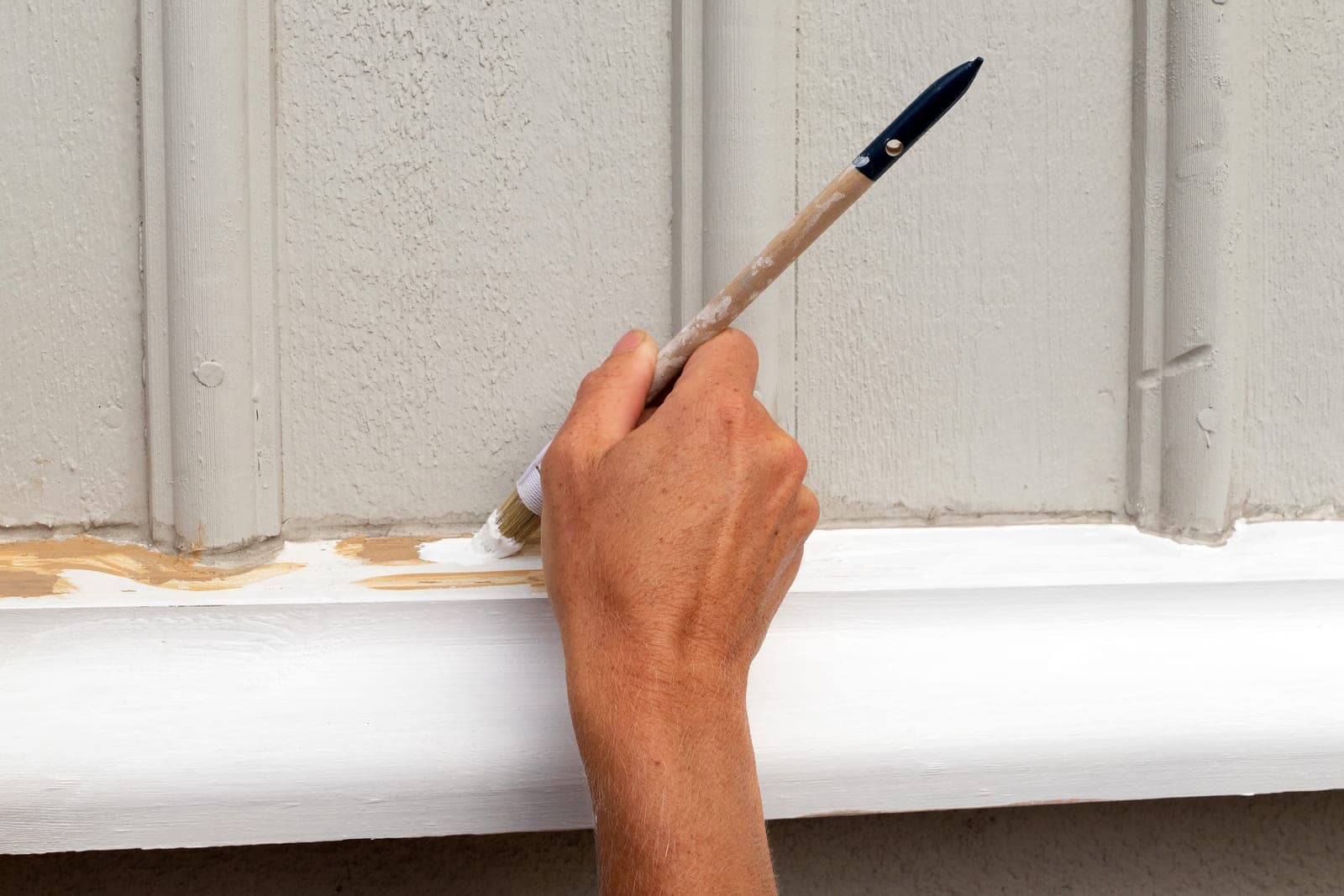
Prep is estimated from what the painter sees, room by room, and priced as its own line. Leaving it buried in the paint price is how a job that looks profitable turns into a long week. The painter picks a level for each prep task on the walk, and your prep rates do the math.
Common prep lines:
- Patching. Nail holes, dents and cracks, counted as light, medium or heavy.
- Scraping. Peeling paint on trim, doors or siding, by area.
- Caulking. Gaps at trim and windows, in running feet.
- Sanding and priming. Glossy surfaces, stains and bare spots.
- Masking and protection. Floors, furniture and fixtures.
- Moving furniture. Whether you do it or the customer does.
The painter picks a level for each one on the walk. The software multiplies by your prep rates and shows it as its own section. Customers can see why one room costs more than another, which cuts down on price pushback.
Exterior estimates: heights, sides and access
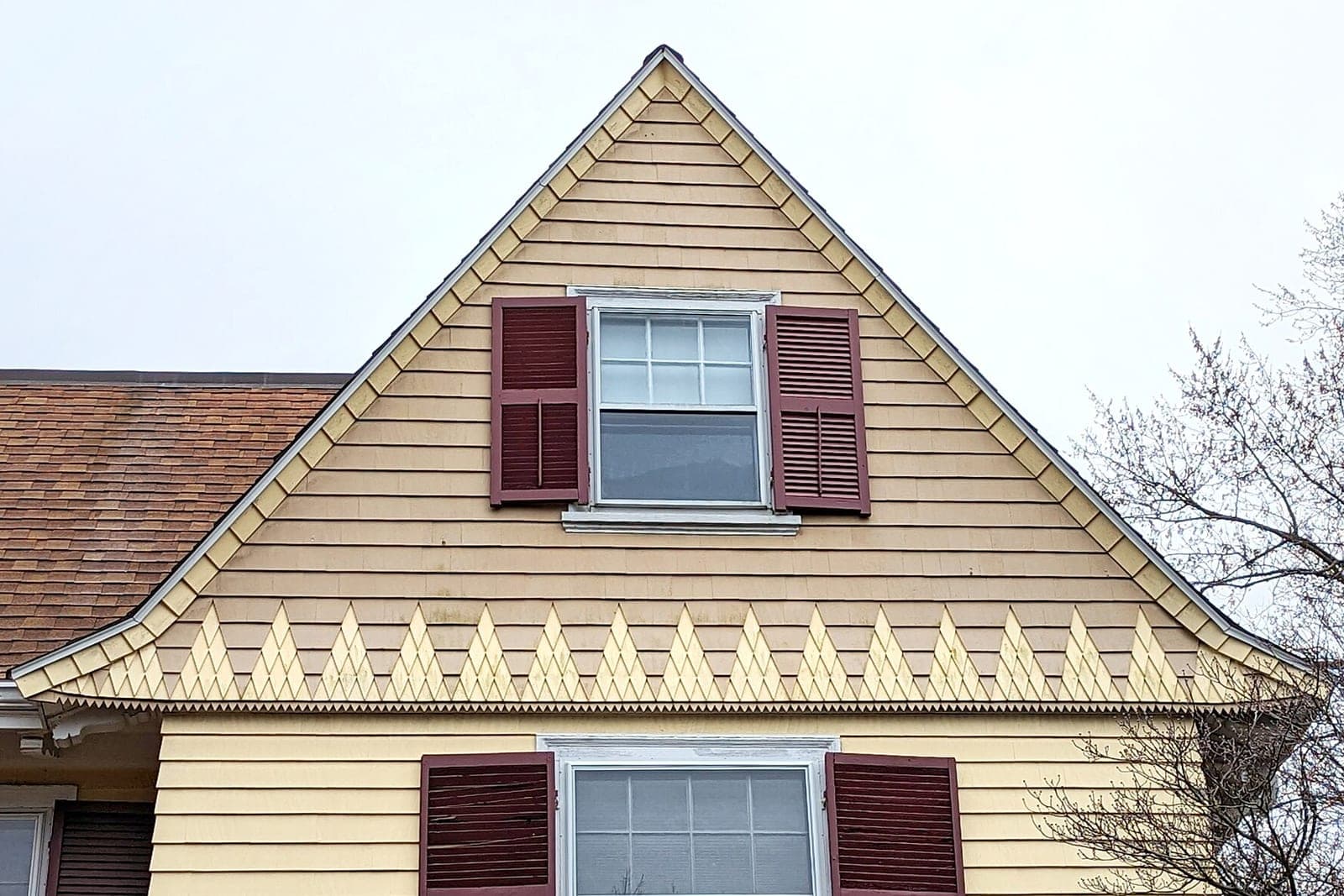
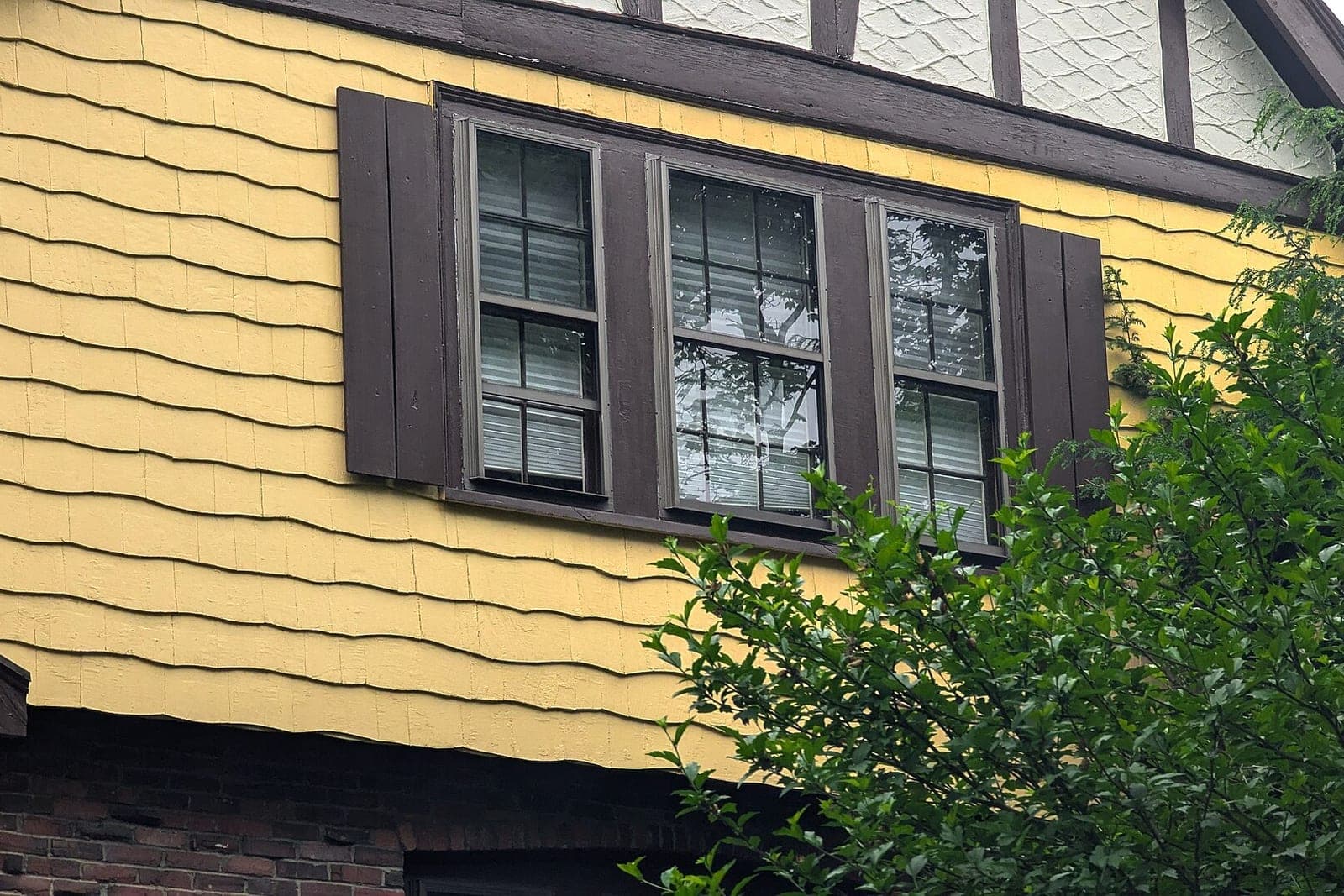
Exterior estimates turn on height, siding and access more than on paint. How tall is each side? What is the siding? Where can a ladder or lift stand? Record stories per side, trim footage and access notes with a photo of each side, and leave the start date to your crew lead.
A useful exterior record holds the number of stories per side, the siding type, the trim and soffit footage, shutters and doors, and notes on access, like a steep slope or a deck in the way. Photos of each side sit with the estimate. The weather window is a note, not a promise. Your crew lead decides the start date.
Good, better, best without the brand talk
Many customers like a choice. Offer three paint lines by what they do, not by name: a solid standard line, a more durable line for high-traffic rooms, and a premium line for the longest life and best finish. Labor stays the same, so only the material line changes.
The software builds all three into one estimate. The labor stays the same. Only the material line changes. The customer picks, and the painter confirms. Color consults are a separate line or a free add-on, as you choose.
Is free quote software for painters enough?
For a one-person shop, often yes for a while. Free quote software for painters can make a neat PDF. What it usually does not do is count prep, reuse your rates, or follow up. Once you have a crew, you want software that knows your rates, prep levels and paint lines.
As the shop grows, you want cost estimating painting software that knows your rates, your prep levels and your paint lines. It should keep every estimate in one place and remind someone when a quote has been sitting. Our post on painting business software looks at the rest of the toolset, from scheduling to invoicing.
How do you follow up a painters estimate?
Check in a few days after it goes out, then again about a week later. A painting estimate with no follow-up is often lost to the next bid, because people want to feel you want the job. Simple questions get answered from the quote, while color, price and date questions go to the painter.
The right setup checks in on every open painting estimate, answers simple questions from what is already in the quote, such as which rooms are included, and passes color, price or date questions to the painter. Most boxed tools make you count rooms their way. We can build a quoting engine that uses your own prep levels, rates and paint lines, one of the full web applications described on our Solutions page. It connects to the calendar and accounting software you already use, AI does the counting and follow-up drafts, and the painter decides the price. Our guide to quote follow-up automation explains the timing.
Only text people who contacted you or gave you permission, and make opting out easy. Under the FCC's rules on automated texts (opens in a new tab), marketing texts need written consent, while purely informational texts can rely on consent given out loud.
What stays with the painter
The painter keeps the calls that need an eye and a license. How to handle an older home that may need a lead-safe approach, every price, discount and change order, start dates and weather calls, and color advice all stay with people. The software only counts and drafts.
- Older homes. Some older homes need a lead-safe approach. The EPA's lead-safe renovation rule (opens in a new tab) says anyone paid to disturb paint in homes built before 1978 must be certified in lead-safe work practices, even a one-person business. The painter decides how to handle it under the rules that apply. The AI never gives that advice.
- Prices, discounts and change orders.
- Start dates and weather calls.
- Color advice beyond what the customer already chose.
- Complaints and touch-ups.
Same team. Same jobs. More capacity.
A two-story exterior, drafted
This is an illustration, not a customer story. A homeowner asks for an exterior quote through your website. The form asks for a photo of each side of the house.
The painter visits, notes two stories on three sides, peeling trim on the south side and a deck in the way on the back. On the walk, they pick heavy scraping for the south trim and light everywhere else. Back at the truck, the software has a draft with siding area, trim feet, prep lines and three paint lines. The painter adjusts the deck access line, sets the price and sends it from the driveway. Four days later the system sends a check-in. The homeowner asks if the shutters can be a different color. That goes to the painter.
Frequently asked questions
Can the software measure a room from photos alone?
It can give a rough count from good photos, but a painter should confirm. Heights, trim details and prep are easy to miss in a picture.
Do I have to show prep as its own line?
No. Some painters fold it in. Showing it separately helps customers see why a room costs what it does, and it keeps your own numbers honest.
Can the estimate include paint colors?
Yes. Colors the customer picked go on the estimate. Recommending colors stays with your painter or a color consult. The estimate can show which rooms and surfaces each chosen color goes on, so the crew paints the right thing.
How much does estimating software cost?
It depends on what it has to do. The main cost drivers are whether you buy a ready-made tool or have one built, how many people use it, whether it measures from photos, and whether it connects to your CRM, calendar and accounting software. A free workflow consult ends with a written quote for a build.
Next step
If estimates take your evenings, book a free workflow consult. We are a Kansas City metro team, and we meet painting contractors in person or by video. We look at how you measure and price today, where prep gets lost, and how quotes are followed up after they go out.
About the ScaleAlphaAi team
We are a Kansas City company that designs and builds AI agents and custom software for small businesses, trades and growing firms. We write these guides from our work with owners and office teams: what AI handles well, what stays with your people, and how to start with one workflow.
Meet the team