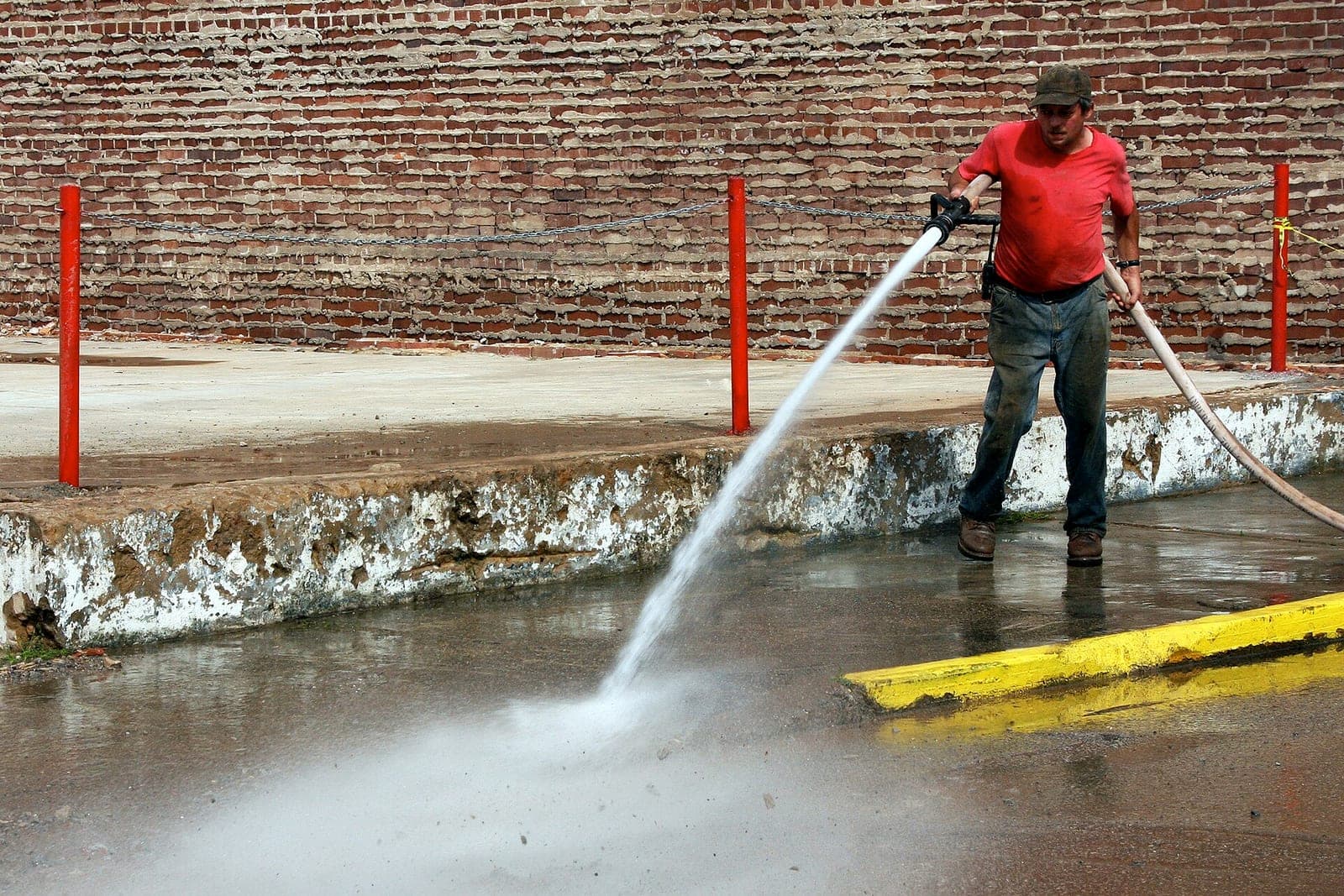
A pressure washing schedule lives and dies by the weather, the water spigot and the route. The best schedules plan around rain and cold, confirm water access before the truck rolls, group repeat storefront jobs into tight routes, and tell customers exactly what to move before the crew shows up. When rain wipes out a day, the rebooking should take minutes, not an evening of phone calls.
This post is for owners of pressure washing and soft washing companies, from a single rig to several crews. It covers how to plan a week around the forecast, what to check before each job, and how recurring commercial work fits in. If your routes already feel messy, our guide to route optimization software for service companies pairs well with this one.
Why is a pressure washing schedule so hard to keep?
A pressure washing schedule is hard to keep because the job depends on things you do not control. Rain, freezing nights, wind and a locked spigot can each stop a job that looked fine on the calendar. It also mixes homes, storefronts, dumpster pads and fleets, each with its own timing.
On top of that, pressure washing mixes very different work:
- Homes. Siding, driveways, decks and fences, often booked weeks out.
- Storefronts and sidewalks. Repeat work, often early in the morning before the doors open.
- Dumpster pads and drive-thrus. Recurring routes for restaurants and shopping centers.
- Fleets and parking areas. Big jobs that need a wide weather window.
Each kind has its own timing. A plain calendar treats them all the same.
How do pressure washing companies plan around weather?
They set clear rules for when a job runs and when it moves, then check the forecast every afternoon for the next day. The rules should be written by the owner, so nobody has to argue with the sky on the spot.
Common rules owners write:
- Rain. Move exterior house washes if rain is likely during the job. Some flatwork can run in light drizzle; that is your call.
- Cold. Skip jobs when the surface or the air is near freezing, since water can turn to ice on a driveway or sidewalk.
- Wind. Move soft washing when wind could carry spray onto cars, plants or neighbors.
- Drying time. Decks and fences that need sealing after washing need dry days on both sides.
Each afternoon, the jobs that break a rule get flagged. The owner or office decides which ones move, and customers hear about it the same day, not at seven in the morning.
What should you check before the crew rolls?
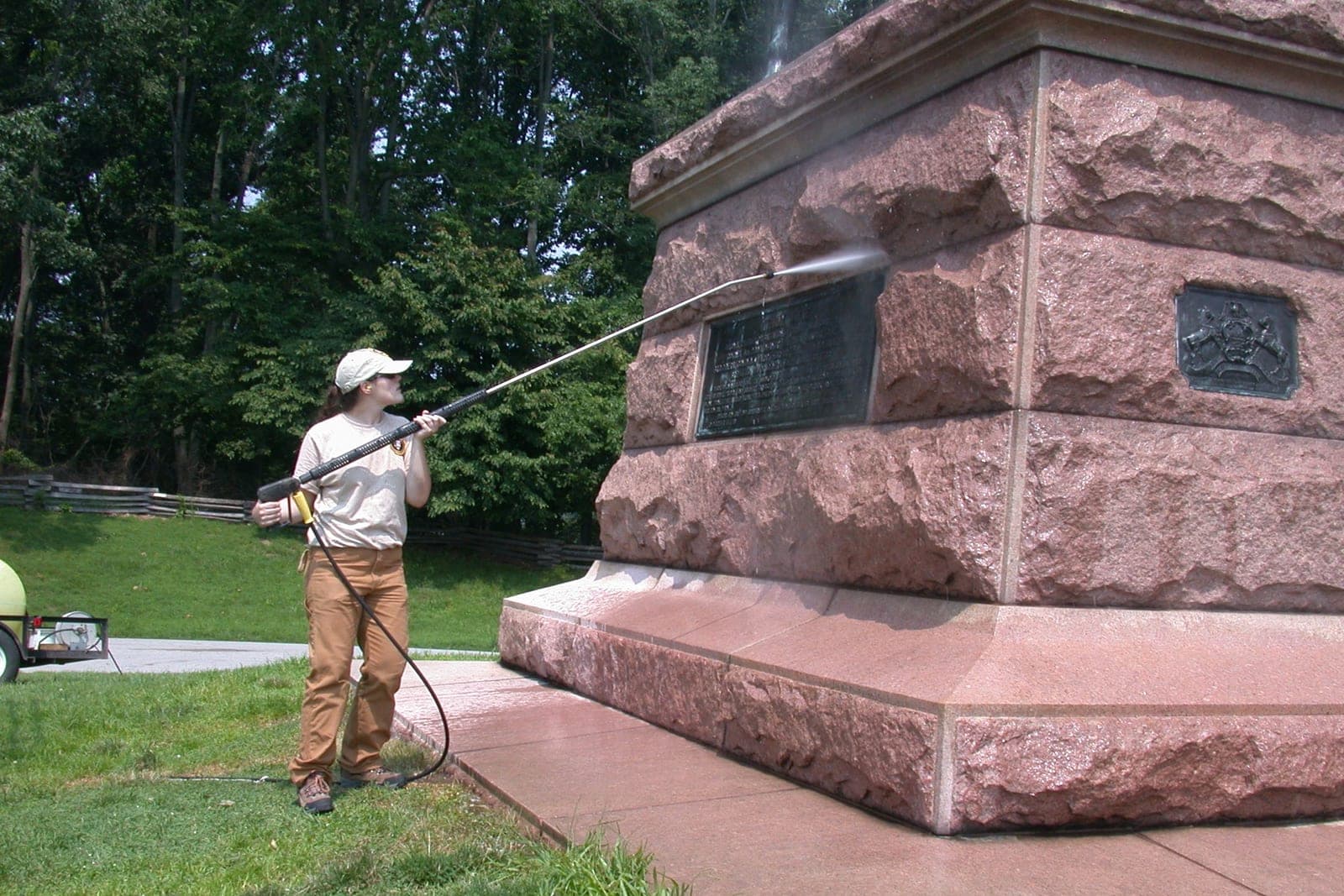
Before the crew rolls, check water access and site prep. A crew that arrives to a locked spigot or a driveway full of cars loses half a morning. Confirm a working spigot, clear cars from the driveway, and make sure windows are closed and pets are inside.
A short pre-job checklist:
- Water. Is there an outside spigot that works, and is it turned on? Some winterized homes have the water shut off outside. For commercial sites, who unlocks it?
- Power. If your rig needs an outlet, is one available?
- Cars. Will the driveway be clear?
- Windows and doors. Closed and latched.
- Pets and kids' toys. Out of the work area.
- Gate codes and access. Handled by your office, never stored in a chat.
A day-before text can cover most of this: "Your wash is tomorrow morning. Please move cars from the driveway, close windows, and make sure the outside spigot is on." The text signs as your company and says plainly that your AI assistant is sending it.
Only text people who contacted you or gave you permission, and make opting out easy, in line with the FCC's rules on automated texts (opens in a new tab).
How do recurring storefront and dumpster-pad routes work?
Recurring storefront and dumpster-pad routes run on a fixed rhythm, usually early in the morning, and they repeat. A shopping center might want sidewalks washed every few weeks and dumpster pads more often. Nearby sites are grouped on the same morning, and a rained-out route slides together to the next good day.
Good recurring routes:
- Group nearby sites on the same morning.
- Start early enough to finish before stores open.
- Note any access rules, like a manager who must unlock a gate.
- Shift together when weather moves a whole morning.
When one rainy morning knocks out a route, the whole set should slide to the next good day as a group, with each site manager told ahead of time.
Where does pressure washing software help most?
Good pressure washing software helps most with the work in between jobs: checking the forecast against the rules, sending prep texts, and rebooking when the weather turns. The owner still approves every proposed move before any customer gets a reschedule text. It never makes the weather call on its own.
We can set up the Ops Agent to check tomorrow's forecast against your weather rules each afternoon, flag the pressure washing jobs that should move, propose new dates on your calendar, and send customers their prep and reschedule texts once you approve. The Ops Agent is one of the six Starter Upgrades we set up for small crews who are tired of evening phone tag. The SBA's guidance on AI (opens in a new tab) notes that AI can take on repeat tasks such as calendar reminders. After the job, a review request can follow; our post on pressure washing reviews covers that step.
What stays with the owner and the crew?
The owner and crew keep the weather call on marginal days, every price, quote and discount, and the choice of chemicals and surface care. Damage claims, complaints and commercial contract terms also stay with a person, while the agent only proposes moves and sends the texts you approve.
The agent proposes. People decide. These stay with a person:
- Whether to run a job in marginal weather.
- Prices, quotes and any discount.
- Chemical choices and surface care. What is safe for a given surface is the crew's call.
- Damage claims and complaints.
- Commercial contract terms.
Same team. Same jobs. More capacity. The crew washes; the schedule keeps itself straight.
A rainy Thursday, rebooked
This is an illustration, not a customer story.
A two-rig pressure washing company has a full Thursday: three house washes, a deck, and an early storefront route at a strip center.
On Wednesday afternoon, the Ops Agent checks the forecast. Rain is likely from mid-morning on Thursday. The storefront route runs early, before the rain, so it stays. The three house washes and the deck break the owner's rain rule.
The agent proposes moving them to Friday and Saturday, where the forecast is dry, and keeps each customer's original time of day where it can. The owner looks it over, moves the deck to Saturday so it has a dry day for sealing, and approves.
Each customer gets a text before dinner explaining the weather move and offering the new day. Two confirm right away. One asks for Monday instead, and the office handles it. Thursday morning, the storefront route runs clean before the first drops fall.
Frequently asked questions
Can the agent read the weather on its own?
It can check a forecast and compare it to the rules you write. It does not make the final call. Your office approves each move.
What if a customer insists on keeping a rainy-day slot?
The agent passes that to a person. You decide whether the job can run and explain why. The customer gets an honest answer from someone who knows your weather rules and the surface.
Can it handle recurring commercial routes and one-time house washes together?
Yes. It treats them by the rules you set for each, so a storefront route can stay put while house washes move. Each site manager hears about any change ahead of time.
Do we need new scheduling software for this?
Not always. The agent can work with the calendar you already use. If your calendar cannot connect, the agent can prepare the changes for a person to enter.
Next step
If rain days turn your evenings into rescheduling marathons, book a free workflow consult. We are based in the Kansas City metro and meet owners in person or by video. We will look at how you book jobs today, your weather rules, how water access gets checked, and how your recurring routes are laid out.
About the ScaleAlphaAi team
We are a Kansas City company that designs and builds AI agents and custom software for small businesses, trades and growing firms. We write these guides from our work with owners and office teams: what AI handles well, what stays with your people, and how to start with one workflow.
Meet the team