Septic software should remember every tank so your drivers do not have to. That means the tank size, a map pin and photos of where the lid is, how deep it sits, and the last pumping date, all tied to a reminder that goes out when you say it is time. Add rural route planning and a way to track real-estate inspection deadlines, and the office stops running on memory and paper cards.
This post is for septic pumping and service owners who know their customers well but keep losing time to hunting for lids, chasing reminders and squeezing in rush inspections. We cover tank records, reminders, routes, inspections and what a system built for septic work can do. Our post on maintenance plan software covers recurring service in other trades.
What should a septic tank record hold?
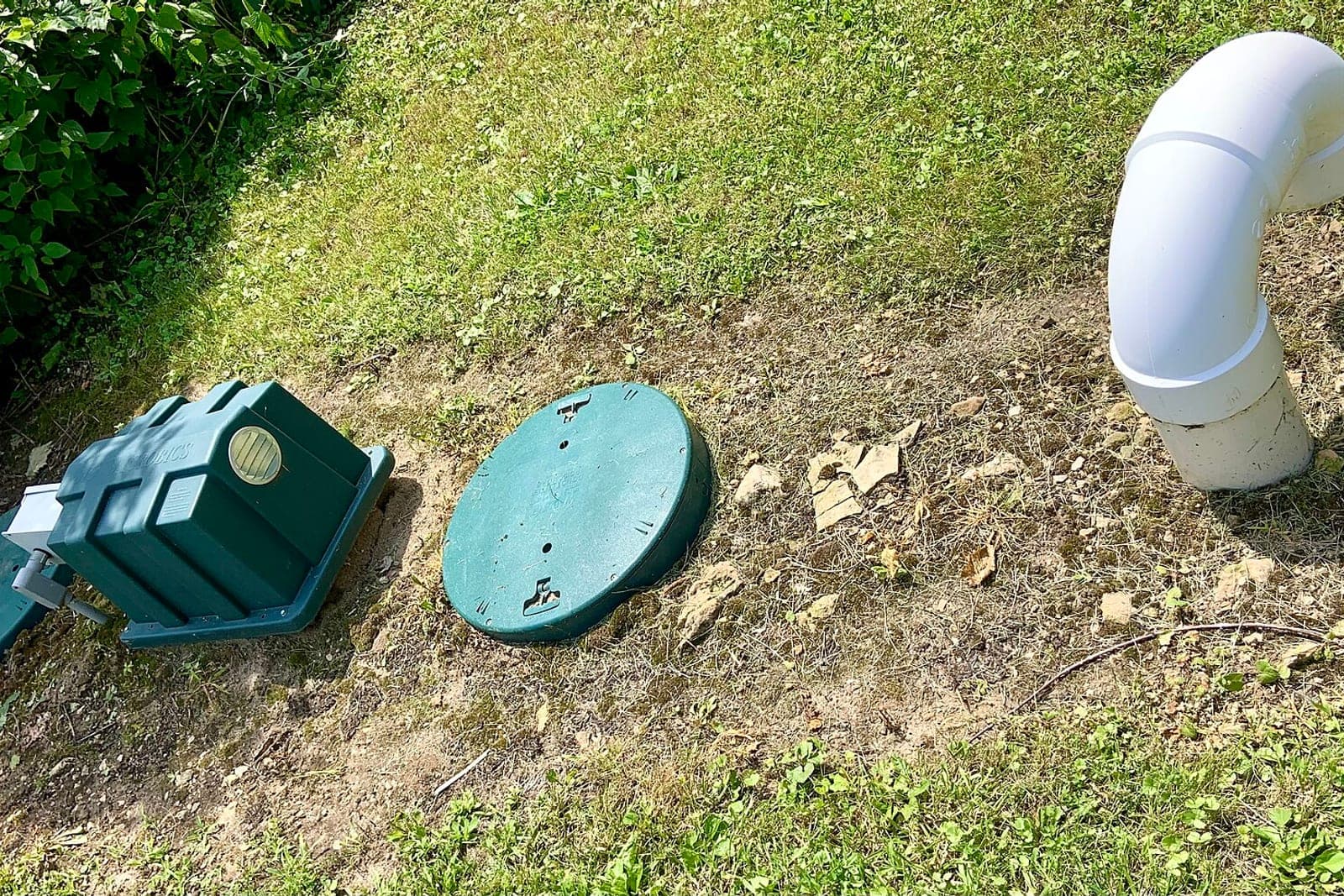
A septic tank record should hold everything a driver needs to find, open and pump the tank without a phone call. A good record turns a new driver into someone who knows the property. That means tank size and type, a map pin, lid photos and depth, access notes and pumping history.
- Tank size and type. Gallons, single or two-compartment, and any pump chamber or aerobic unit.
- Location pin. A map pin dropped at the lid, not just the address. Rural properties often have long drives and big yards.
- Lid photos. One wide shot showing the lid against the house or a fence, and a close shot of the lid itself.
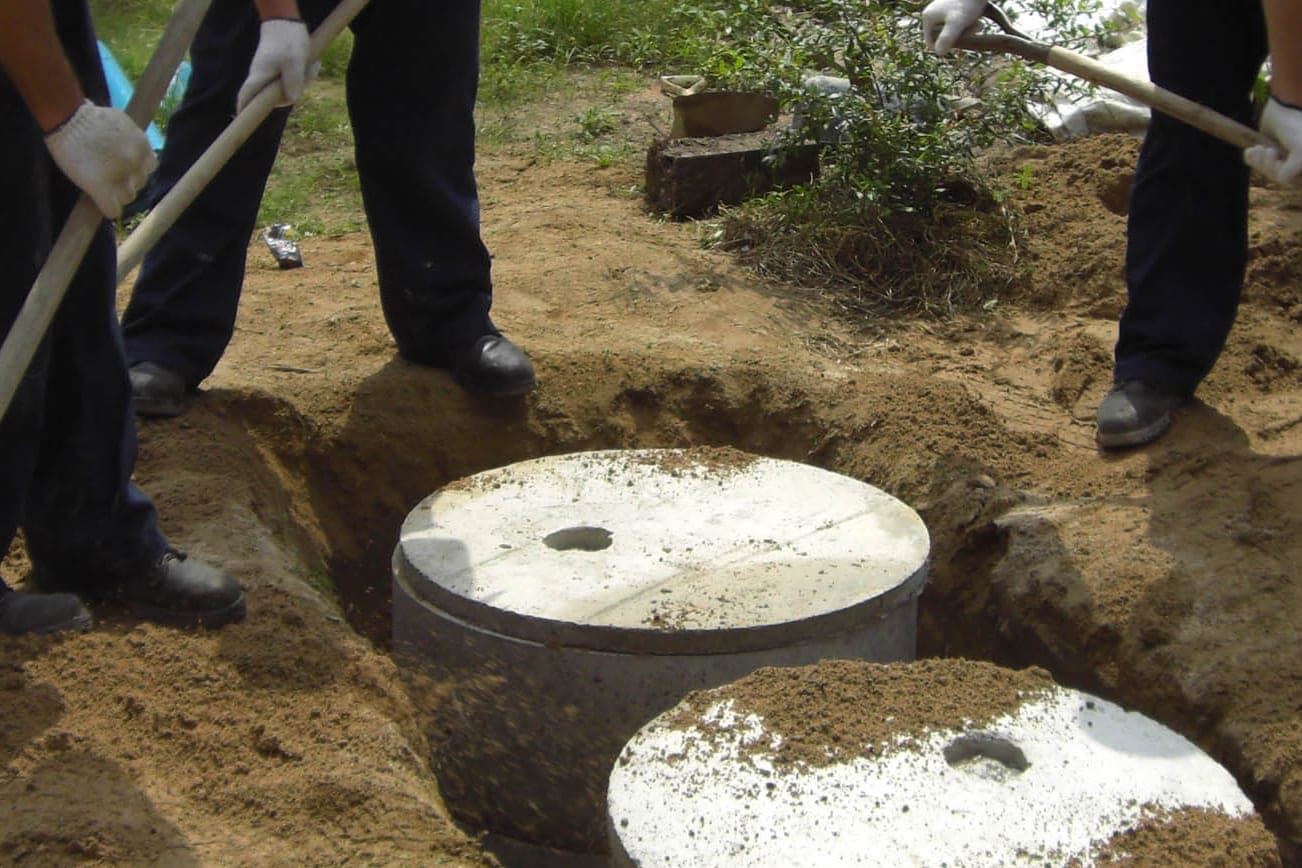
- Lid depth. At grade, a few inches down, or deep enough to need digging. Whether risers are installed.
- Access notes. Gate codes, dogs, soft ground in spring, hose length needed from where the truck can park.
- Pumping history. Each date, the gallons pumped and the driver's notes on condition.
With that record, the second visit is faster than the first, and the tenth visit is faster still.
How often should septic customers get a pumping reminder?
As often as you, the pro, decide for that tank. Most homes get a reminder every few years, but the right interval depends on tank size, household size and what your drivers saw last time. Your drivers' notes after each pumping help set the next date.
A good system lets you set the interval per tank, not one rule for everyone. The EPA's septic care guidance (opens in a new tab) says a typical household system should be inspected at least every three years, and tanks are usually pumped every three to five years. A large tank in a two-person home might go longer. A smaller tank in a busy household might come up sooner. After each pumping, the driver's notes can prompt you to adjust the next date. Reminders then go out on schedule with a link or a reply option to book. Customers who do not answer get a second note later. Customers who say they sold the house get flagged, and your office decides how to introduce itself. No texts go to the new owner unless they reach out or agree.
Only text people who contacted you or gave you permission, and make opting out easy, in line with the FCC's rules on automated texts (opens in a new tab).
How do you build a local septic tank pumping schedule on rural routes?
Group due tanks by area and fill each day's route from one cluster. Rural driving eats more time than pumping, so clustering saves the most. The route also counts truck capacity and a stop at the disposal site when the truck is full.
A local septic tank pumping schedule works best when the office looks ahead a few weeks. The system lists every tank coming due, shows them on a map and suggests clusters. The office books one area on Tuesday and another on Thursday. Customers in that area get a reminder that offers those days first. Drivers also need to fit in a stop at the treatment plant or disposal site when the truck is full, so the route counts truck capacity, too. Our post on route optimization software for service companies explains the routing side in more depth.
How should septic software handle real-estate inspections?
It should treat them as deadline jobs, not regular bookings. Home sales put a date on the calendar that does not move, and missing it can hold up a closing. The inspector writes the findings, and a person sends the report.
Here is what that looks like in septic business software built for the job:
- The request comes in from a realtor, a buyer or a seller, with the closing or contract deadline.
- The job is flagged as a deadline job and shown at the top of the board.
- The system checks the tank record. If it exists, the driver knows where the lid is. If not, the office asks for any known details.
- Reminders go to the office as the deadline gets close, if the job is not yet booked.
- The inspection report gets attached to the job when the inspector finishes, and a person sends it to the right parties.
Your inspector writes the findings. The system never judges a tank's condition, never tells anyone whether a system passes and never gives advice about repairs.
What would a system built for septic work look like?
A system built for septic work would hold tank records with map pins, lid photos and depths, send reminders on the interval you set per tank, cluster routes around truck capacity and disposal stops, and track real-estate inspection deadlines. Off-the-shelf software was built for trades that visit the same home every few months, not every few years.
It forces you into its forms. A build fits your work.
We build small-business tools like maintenance reminder systems and dispatch boards, and bigger operations platforms with route planning. For a septic company, that could be tank records with map pins, lid photos and depths; reminders on the interval you set per tank; route clusters that count truck capacity and disposal stops; and deadline tracking for real-estate inspections. It ties into what you already use, like your calendar, your phone system and your accounting software. AI takes the repeat work, such as drafting reminder texts and suggesting clusters. Your office and drivers decide.
What stays with your people
- Pumping intervals. You set them per tank.
- Prices and any fee for digging or locating a lid. Always a person.
- Inspection findings and repair advice. Your licensed inspector, not the system. In Missouri, state licensing rules (opens in a new tab) require people who assess septic systems for real estate sales to be licensed by the Department of Health and Senior Services.
- Backups, odors and other urgent calls. These go to a person right away. For phone coverage, see our post on an AI receptionist for septic service.
Your customer records and logins always stay yours.
A planning week at a two-truck septic company
This is an illustration, not a customer story.
On Monday morning the office opens the board. Forty tanks come due over the next month. The map shows three clusters: one north of town, one along the river road, one out by the county line.
The office books the river road cluster for next Tuesday and sends reminders that offer that day first. Most customers reply and book. Two say they sold their homes. The system flags them, and the office decides how to introduce itself to the new owners. No texts go out to them unless they reach out or agree.
Then a realtor calls with an inspection due before a Friday closing. The tank record shows a deep lid with no riser. The office books it for Wednesday, tells the driver to bring the probe and shovel, and the board tracks the deadline until the report is sent.
Frequently asked questions
Can old paper tank cards be moved into the system?
Yes. Many companies start by entering the tanks they service most, then add older cards over time. Drivers can add pins and lid photos on their next visit.
Will customers get reminders by text or email?
Either, based on what they agreed to. Customers can reply to book, ask a question or opt out. Every message names your company and says how to stop, and a person answers any question that needs judgment.
Can the system plan around the disposal site's hours?
Yes, if you enter the hours. It counts truck capacity and reminds the office when a route needs a dump stop before closing. Your office still decides the final order of stops for each day.
Does the system write our inspection reports?
No. Your inspector still writes the report. The system attaches it to the job and tracks the deadline, so nothing slips before a closing. It never judges a tank's condition or says whether a system passes.
Next step
If your tank records live in drivers' heads and paper files, book a free workflow consult. Our team is based in the Kansas City metro, and we can meet at your office or on video. In the consult we look at how you track tanks and lids today, how reminders go out, how you plan rural routes and how inspection rushes hit your week. Then we sketch what a build from our Solutions page would look like for your company.
About the ScaleAlphaAi team
We are a Kansas City company that designs and builds AI agents and custom software for small businesses, trades and growing firms. We write these guides from our work with owners and office teams: what AI handles well, what stays with your people, and how to start with one workflow.
Meet the team