Software for equipment rental companies should prove what shape each unit was in when it left your yard and when it came back. That means delivery and pickup photos, hour-meter and fuel readings, and the customer's signature, all tied to one rental. When a skid steer comes back with a dented bucket, nobody has to argue from memory.
This guide is for owners and yard managers who rent out machines, tools and party gear. It builds on our guides to AI for small business and custom software for small business. Tracking your own crew's tools instead? Our tool tracking system for construction guide fits better.
What should software for equipment rental companies record?
Software for equipment rental companies should record each unit's condition at every handoff. That includes photos from set angles, the hour meter, the fuel level, the attachments sent and the customer's signature. Each record belongs to one rental, one unit and one job site, with a time stamp and the name of the person who took it.
- The unit. Its tag, its attachments and any marks already on file, so an old scratch is never pinned on the next customer.
- Delivery photos. The same angles every time: each side, the bucket or deck, the tires or tracks, and the seat.
- Meter and fuel readings. Typed in and photographed, at delivery and again at pickup. A flight school logs the same readings per airplane; see flight school scheduling software.
- Customer sign-off. The customer looks over the delivery photos, notes any mark they spot, and signs on the driver's phone.
- Pickup photos. The same angles in the same order, so every return photo has a partner.
That phone signature carries weight. The federal E-SIGN Act (opens in a new tab) says a signature in a business deal generally can't be denied legal effect only because it is electronic. Keep those records accurate and easy to reproduce later.
Why do off-the-shelf rental tools leave gaps?
Off-the-shelf rental tools are built around bookings and invoices, so the proof of condition ends up somewhere else. Photos sit in a driver's camera roll. Readings go on a paper ticket, and the signature lands in an email. When a customer disputes a charge, someone has to rebuild one rental from three places.
Typical equipment rental management software leaves these gaps:
- No signal at the job site. A rural pad or a basement dig often has no service, and a tool that needs the internet to save a photo loses it.
- Loose condition notes. "Some scratches" means nothing in a dispute. A set list of angles, with each dent marked, means a lot.
- No compare view. Two photo sets in two folders are hard to line up, so new and old damage blur together.
- A messy export. Rentals, hours and charges should reach your books without retyping.
Boat, bike and kayak outfitters work in hourly time blocks instead; see rental booking software.
What we build: the check-out app, screen by screen
We build a check-out app for your drivers and counter staff, plus an office screen that lines up the proof for every rental. It runs on any phone or tablet, saves work with no signal and syncs later. Each screen asks for the shots and readings your yard needs, in the order your drivers already work.
- Delivery. The app walks the driver through your required photos, then the hour meter and fuel gauge. It won't close the delivery until each one is in.
- Customer sign-off. The customer flips through the photos, adds a note about any mark, and signs. A copy reaches them by email.
- Pickup. The same shots in the same order.
- Side-by-side compare. Each delivery photo sits next to its pickup photo, with hours and fuel used worked out. A new mark gets flagged for a person, never charged on its own.
- Unit history. Every rental of a unit, with its earlier marks, service notes and tag-outs.
It is a full web application, with logins for drivers, counter staff and managers. This kind of equipment rental software for small business comes on plans that give you the right to use the software we build, or plans that give you full ownership of it. Your contracts, photos and customer records stay yours either way. The Admin Agent can draft a damage report from the compare screen, and a manager edits and approves it before the customer sees a word.
How does the build work?
The build starts with a written spec of your forms and rules, covering the photo angles, the readings and who may edit what. You can mark it up before any building starts. Then we run a pilot with one driver and a handful of units, so your yard sees it working first.
We use those first rentals to check five things:
- A delivery done with no signal saves every photo and syncs in order later.
- A driver can't finish a pickup without the meter and fuel photos.
- The compare screen pairs each pickup photo with the delivery photo from the same angle.
- A changed reading keeps the old value, who changed it and why.
- The export reaches your accounting tool with the right rental, hours and charges.
It can connect to the booking calendar and accounting tools you already use. Card payments stay with your card processor, so the app never stores card numbers.
This is an illustration, not a customer story. A tool and party rental yard, run by an owner we'll call V., sends a mini excavator to a patio job on Friday. On Monday the customer says the cracked mirror was there all along. V. opens the compare screen and sees a whole mirror in the signed delivery photo and the crack in the pickup photo. V. still makes the call, now with the facts on one screen.
What stays with your people?
Your people decide every charge, every waiver question and when a unit is ready to go back out. The app gathers proof and flags changes, but it never bills a customer for damage, judges who caused a mark or clears a machine for its next rental. A manager reads each flag and decides.
- Damage charges and waivers. Photos help settle "it was like that when it came" arguments. They don't decide them; your manager does, using your contract.
- Customer conversations. A person calls the customer about any charge and hears their side.
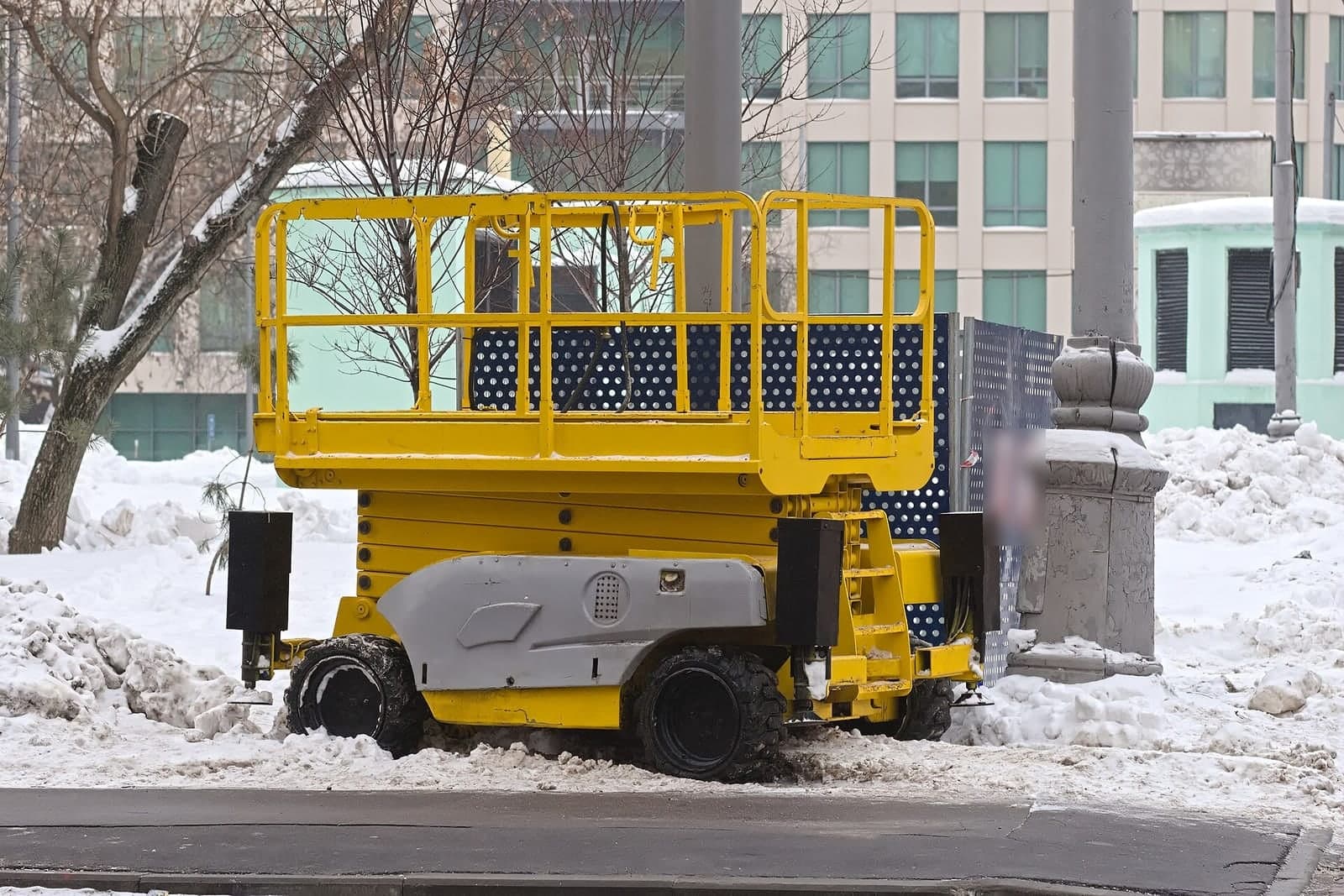
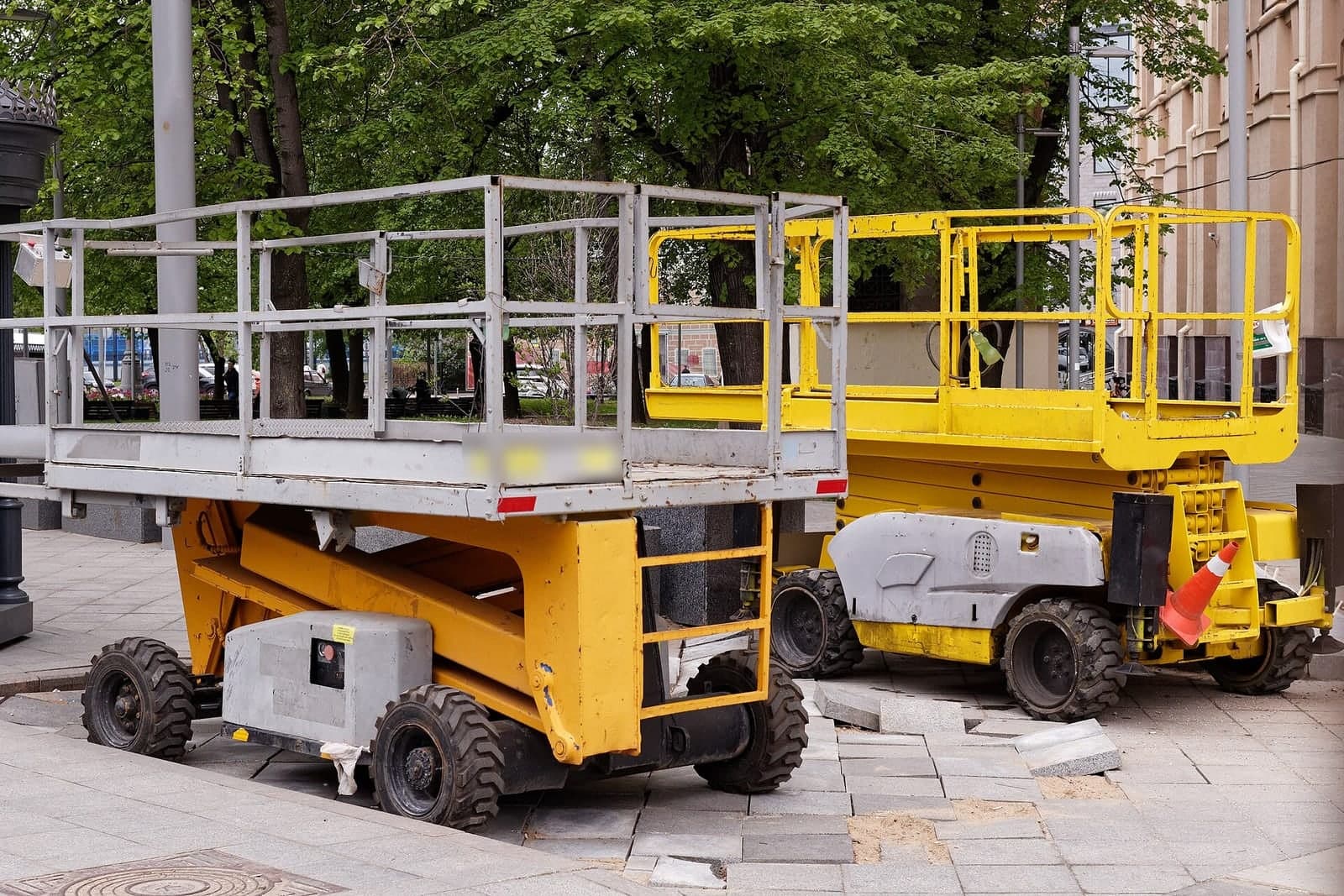
Your customers carry duties of their own once their workers run the machine. OSHA's fact sheet on aerial lifts (opens in a new tab) tells employers to inspect a lift before each work shift and to take a lift with defective parts out of service until it is repaired. Your pickup record shows what came back; their shift checks stay theirs.
Same team. Same jobs. More capacity.
Rental liens on both sides of State Line
Rental liens follow state law, so the app keeps the dates and addresses a lawyer would ask about. Missouri and Kansas both let some unpaid equipment suppliers claim a lien on the improved property, but the steps differ. A Kansas City yard may have units out in both states at once.
In Missouri, the state's mechanic's lien law (opens in a new tab) covers rented machinery and equipment, but only on commercial property and only if the rental company sends the owner a written notice within a short window after the equipment goes into use. Kansas's lien law also names equipment, with its own steps.
The delivery record shows the day each unit reached the site and the site's address. The app can remind your office when a notice date is close. Your attorney decides whether a lien applies and writes any notice.
Frequently asked questions
How do you keep track of rental equipment?
Give every unit its own tag and record each check-out and return against it, with photos, the hour meter, the fuel level and the customer's signature. One board then shows where each unit is, who has it and when it is due back.
What is the best equipment rental software?
The best equipment rental software is the one that fits how your yard already works. A boxed product suits a yard whose steps match its screens. When condition proof, offline photos or your own forms matter more, a build around your process often fits better.
How do you run an equipment rental business?
You run an equipment rental business by knowing where every unit is, what shape it is in and when it is due back. That takes clear contracts, the same check-out and return steps every time, service between rentals and quick follow-up on returns.
What is a damage waiver on rental equipment?
A damage waiver is an optional fee in some rental contracts. In return, the rental company agrees to limit what the customer owes for certain damage during the rental, under terms the contract spells out. It usually is not insurance, and each company writes its own exclusions.
How do you write an equipment damage report?
Start with the unit, the rental, the date and who found the damage. Attach the check-out and return photos of the same spot, add the meter and fuel readings, and describe the damage plainly without guessing at the cause. Note the customer's comments and the reviewing manager's name.
Next step
Book a free workflow consult and bring a recent rental that turned into an argument. We'll look at how a unit leaves your yard and comes back today, then sketch the screens your drivers would use. We work from the Kansas City metro and meet owners face to face or by video call.
Our standards
- The examples in our guides are illustrations, not customer stories.
- Your AI runs on private and on-premise models, not public AI tools, and nothing you give us is used to train AI models.
- Agents are built so each action is logged in a record that shows any later edit.
- Every call and text opens with a short line saying it is the business's AI assistant, and asking for a person always works.
- Texts go only to people who contacted you or gave you permission, and every message says how to stop.
- If anyone may be hurt or in danger, the only instruction an agent gives is to call 911.
- Depending on the investment package you choose, you get either the right to use the software we build for you or full ownership of it.
- We work from the Kansas City metro and meet owners face to face or by video call.
- Same team. Same jobs. More capacity.
About the ScaleAlphaSi team
ScaleAlphaSi is a Kansas City firm specializing in Advanced AI Engineering. We design and build AI agents and custom software for small businesses, trades and growing companies. Each guide draws on our experience with owners and office teams: where AI delivers, where your people stay in charge, and how to begin with a single workflow.
Meet the team