A tool tracking system for construction records every tool your company owns, who has it, which site it went to and when it is due back. A worker scans a badge and then the tool. Each evening, the office sees what never came back, while there is still time to ask.
This guide is for owners and operations managers whose tools leave the yard every morning. Office work around the trade is covered in AI for construction companies in Kansas City, with the bigger picture in AI for small business. Renting gear to customers is a different job, covered in software for equipment rental companies. Restoration crews logging drying gear room by room should see water damage restoration software.
What should a tool tracking system for construction record?
A tool tracking system for construction should record every tool and who has it, the site it went to, when it left and when it came back. It should also keep each tool's history and condition, and show each day what is still out, so the office can ask before a crew starts a job short.
Each record earns its place in a different way:
- The tool. A tag number, a plain name like "framing nailer, trailer two," and the kit it belongs to.
- The person and the site. Who scanned it out and which job it went to, pulled from your schedule.
- Times out and back. Recorded by the scan, so nobody writes a time on a clipboard.
- Condition. Good, needs a look or damaged, marked at return.
- The asset record. Purchase date and cost, and when the tool was sold or scrapped.
That last record does double duty. The IRS's guidance on business records (opens in a new tab) says records for business assets such as machinery should show when and how each was acquired, its purchase price, how it was used, and when and how it was disposed of. A tool register that keeps those fields makes your accountant's year-end request a quick export.
Why do sign-out sheets and tags leave tools missing?
Sign-out sheets and tags leave tools missing because they depend on someone doing an extra step at the worst moment. Nobody writes on a clipboard at dawn with a truck idling. A tracking tag can show where a tool sits, but not who took it or when it was due back.
Packaged tool tracking software closes part of that gap but opens others on a real site. Each worker may need an account and an installed app before the first checkout. Scans can fail in a yard or basement with no signal. Categories follow a generic tool room instead of your trailers. And a late list, if the product has one, seldom puts a name beside each line.
What we build: a badge, a scan and a daily list
We build a tool app, one of our small-business tools, where checking gear out takes a scan of the worker's badge, then one scan per tool. The office gets a simple login, and the scan screen runs on a phone, a tablet or a scanner at the tool crib.
- Badge, then tools. A worker scans a badge, then each tool's tag, and taps done. Returns work the same way.
- History per tool and per person. Every checkout and return, with the site and the time, for each tool and each worker.
- The daily not-returned list. Each evening the office gets one list of everything still out past its due time, grouped by person and site.
- Condition at return. A tool marked damaged leaves the checkout list until someone repairs or retires it.
That last screen follows plain safety advice. OSHA's hand and power tools guide (opens in a new tab) says to inspect each tool before use, to set damaged tools aside, and to tag faulty electric tools so no one picks them up.
Your plan sets the terms, with either the right to use the tool app or full ownership of it. Your tool records stay yours either way. The Ops Agent can draft a morning note to each crew lead listing what their crew still has out, and the office reads it before it goes.
This is an illustration, not a customer story. L. owns a framing company with three crews and one shared trailer. On Friday evening, the not-returned list shows a framing nailer and a laser level still with one crew lead. L. calls, and both come back Monday from the other site.
QR checkout and return for shared equipment
QR checkout puts a code on each piece of shared equipment, such as a lift, a generator or a laser level. Anyone on the crew can check it out with a phone camera. Each checkout gets a due date, a return scan closes it, and a reminder goes out when something runs late.
Due dates follow the item. A generator might go out for one job, while a laser level comes back the same day. The return scan asks one question about condition before it closes the checkout.
Overdue reminders go by text only to crew members and borrowers who agreed to get texts. Anyone can opt out at any time, and the app honors opt-outs as the FCC's rules require. Everyone else gets a call from the office.
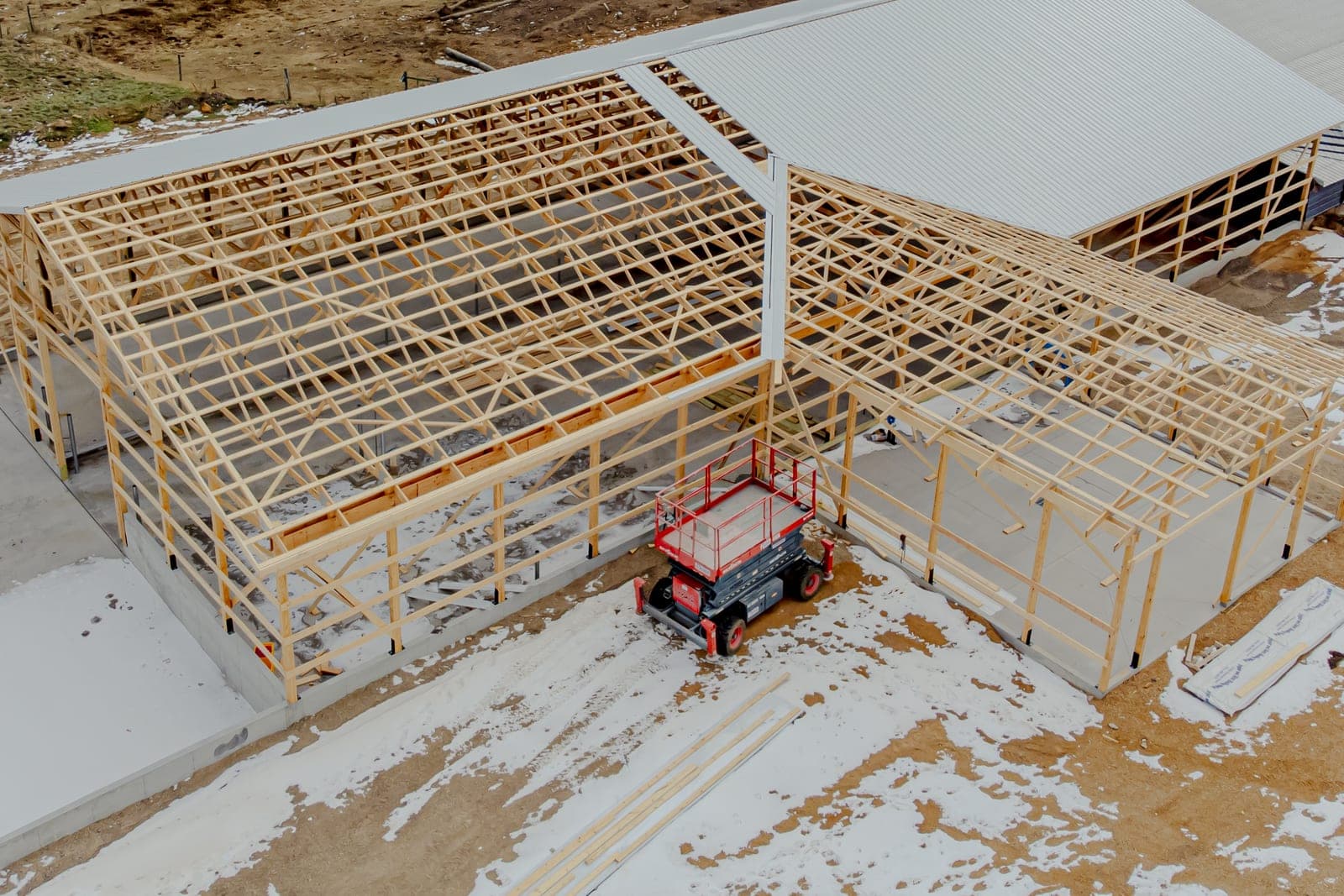
Lifts need one more step. OSHA's aerial lift fact sheet (opens in a new tab) says a lift should get a pre-start inspection before each work shift. A lift with defective parts should come out of service until it is repaired. The checkout can ask for that check, and a lift marked defective stays locked out until a person clears it.
How do we roll it out to your crews?
We roll it out one trailer at a time, starting from a written spec of your tools, crews, sites and the rules for due dates and returns. Once you sign off, we tag the tools on one trailer or in one crib and pilot with one crew, so other crews join a system that already works.
On the pilot trailer, we confirm five things before handover.
- A badge scan plus a handful of tool scans checks out a full kit with no typing.
- A checkout made with no signal syncs later with the right time.
- A tool marked damaged cannot go back out until someone clears it.
- The not-returned list matches a hand count of the trailer.
- A reminder text goes only to a worker who agreed to texts, and an opt-out reply stops them.
Crew sites come from the scheduling board you already use, and the asset list can sync with your accounting software.
Who decides about lost or damaged tools?
Your people decide who gets which tools, when a tool counts as lost rather than late, and whether to repair or retire a damaged tool. The app shows who scanned a tool out last, but it never decides blame. A person also clears any tool marked damaged before it goes back out.
No law requires a tool tracking system, so the rules are yours to set. Pay is the one place to slow down. Before any deduction for a lost tool, check wage law with your accountant or attorney, because a deduction can push pay below the minimum wage.
Same team. Same jobs. More capacity.
Frequently asked questions
What is tool tracking?
Tool tracking is a record of which tools a company owns, who has each one, where it is and when it is due back. It can live on a paper sheet, a spreadsheet or an app with scans. Whatever the form, the aim is fewer lost tools and fewer jobs started without the right gear.
How do you keep track of tools and equipment?
Give every tool and piece of equipment a tag and every worker a badge, then check gear out by scanning both. Record the site and due date, check condition at return, and read a daily list of what is still out. The habit matters more than the software.
How do you track equipment in a company?
Keep one register of every piece of equipment, with its tag, purchase date, condition and current holder. Tie each checkout to a person and a site, set due dates for shared gear, and look at the not-returned list every day. Mark sold or scrapped equipment in the register too.
How do you keep track of tools at work?
Keep tools in one place, such as a crib or a trailer, and check them out by scanning a badge and the tool. At the end of the day, anything not back shows on a list with a name beside it. A simple record turns asking about a missing tool into a short, friendly conversation.
What is the best tool tracking software?
The best tool tracking software for a small business matches how your gear moves, out of a trailer or crib each morning and back each night. Look for quick badge and tool scans, a daily not-returned list and records sorted by your own trailers and sites, so nobody has to rebuild the day from memory.
Next step
Book a free workflow consult and bring your sign-out sheet or a list of what went missing this year. We will trace how tools leave and come back today and sketch a scan-based app built for your crews. We work from the Kansas City metro and meet owners face to face or by video call.
Our standards
- The examples in our guides are illustrations, not customer stories.
- Your AI runs on private and on-premise models, not public AI tools, and nothing you give us is used to train AI models.
- Agents are built so each action is logged in a record that shows any later edit.
- Every call and text opens with a short line saying it is the business's AI assistant, and asking for a person always works.
- Texts go only to people who contacted you or gave you permission, and every message says how to stop.
- If anyone may be hurt or in danger, the only instruction an agent gives is to call 911.
- Depending on the investment package you choose, you get either the right to use the software we build for you or full ownership of it.
- We work from the Kansas City metro and meet owners face to face or by video call.
- Same team. Same jobs. More capacity.
About the ScaleAlphaSi team
ScaleAlphaSi is a Kansas City firm specializing in Advanced AI Engineering. We design and build AI agents and custom software for small businesses, trades and growing companies. Each guide draws on our experience with owners and office teams: where AI delivers, where your people stay in charge, and how to begin with a single workflow.
Meet the team