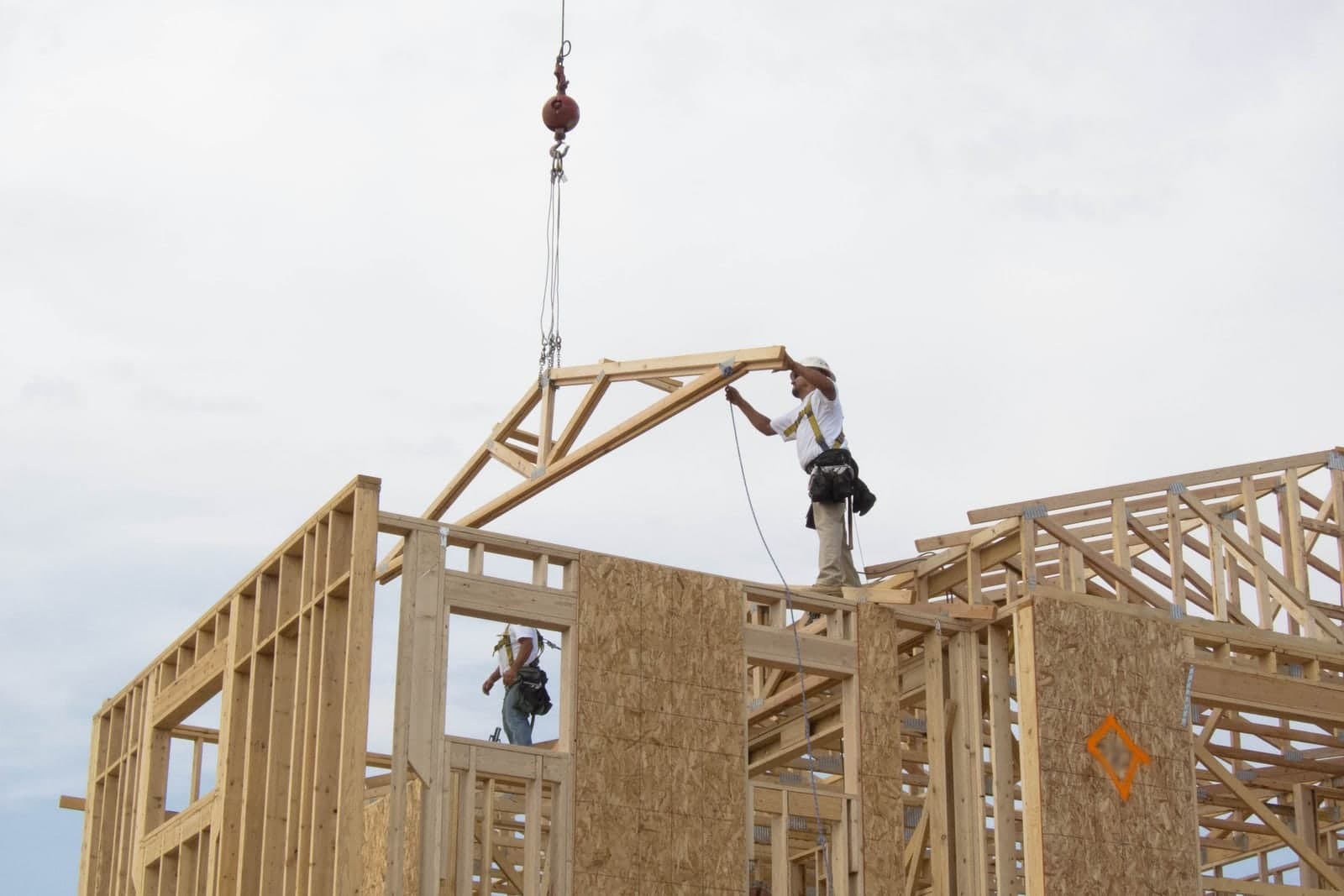
An answering service for general contractors picks up the phone while you are on site with a saw running, figures out who is calling, and gets each message where it belongs. New leads get booked for a walkthrough, clients get a clear answer or a promise of a call back, and subs and suppliers get their message to the right person. A leak on a job site at night triggers an alert to whoever is on call.
This post is for the GC who runs the jobs and the phone at the same time. It covers the three kinds of callers you hear every day, what should happen after dark, and what stays with you. If you are still weighing a live service against AI, our post on AI receptionist vs answering service lays out the trade-offs.
Who should answer a contractor's phone during demo day?
Not you, and not your lead carpenter with a pry bar in one hand. Someone or something should pick up the calls, sort them, and hold anything that can wait until you are out of the dust. Sorting leads, clients and subs that way keeps the crew working.
On demo day the phone rings at the worst times. The dumpster driver is backing in. The plumber wants to know if the old shutoff is still live. A homeowner across town wants a bid on an addition. If you stop to answer each one, the crew stands around. If you let them all go to voicemail, the new lead calls the next contractor on the list.
A good answering setup gives each caller a real answer in your company's name. Every call and text opens with a short line saying it is the business's AI assistant, and asking for a person always works. Then it asks a few questions and gets out of the way.
Three callers, three different needs
A general contractor's phone carries more kinds of calls than most trades, and each kind needs a different path. New leads need a walkthrough booked, current clients need a clear answer or a call back, and subs and suppliers need their message to reach the person running that job.
New leads
A homeowner wants a basement finish, a deck, or a kitchen. They want to know if you do that kind of work, if you cover their area, and when you can come look. The assistant asks about the project, the address, a rough timeline and the best way to reach them. Then it offers a walkthrough slot from your real calendar. It never guesses at a price.
Current clients
These calls sound like "When is the tile coming?" or "Is the inspector still coming Thursday?" The assistant can answer from what you have told it, such as the posted schedule for that job. When it does not know, it says so and promises a call back from you or your project manager. It never makes up a date.
Subs and suppliers
The electrician needs the panel location. The lumber yard says the order is short two headers. The cabinet shop wants to confirm the delivery window. These calls need to land with the person running that job, with the job name attached, so nobody has to guess which kitchen the cabinets are for.
We can set up the Customer Agent to answer your company line while you are on site, sort each caller into lead, client or trade partner, book walkthroughs on your calendar, and text your project manager a one-line summary when a sub or supplier needs an answer. It is one of the six Starter Upgrades we build for small companies.
What should an after hours answering service for general contractors do with a job-site emergency?
It should get the details fast and wake up the right person. Night coverage needs a list of open jobs, an on-call name for each night, and a short rule for what counts as urgent. It never tells a caller how to shut off water or whether a structure is safe.
Picture a bathroom gut with the water turned back on for testing. At ten at night, the homeowner calls because water is coming through the kitchen ceiling below. The assistant asks the address and what they see. If anyone may be hurt or in danger, the only instruction it gives is to call 911. It alerts your on-call person at once, texting the job name, the address and the homeowner's own words, and calls them if the text is not read. It does not tell the homeowner how to shut off the water or whether the ceiling is safe. That is a call for a person.
Other things you might put on the urgent list:
- A break-in or open door at a job site
- A storm that tore off a tarp on an open roof
- A neighbor calling about a fallen fence panel or debris in the street
- A sub locked out of the house on the morning of a pour
Everything else waits for the morning summary.
What does an AI answering service for contractors write down?
It writes a short summary of every call and puts it where you look. The service is only as useful as its notes, so the summary should read like a good office manager wrote it. Each note names the caller, the job, the question, the answer given and who owns the next step.
Each note should include:
- Who called and how to reach them
- Which job it is about, or "new lead"
- What they asked, in their words
- What the assistant told them
- What happens next, and who owns it
You read the stack at lunch or in the truck at the end of the day. New leads already have a walkthrough on the calendar. Client questions sit in one list, sorted by job. Sub and supplier messages are already with your project manager. If you keep job notes in a CRM, the summaries can go there too. Our guide to the AI receptionist for small business shows how these notes fit a whole front desk. Our post on CRM for remodelers goes deeper on that side.
Mid-project worries stay with you
Some calls should never be handled by a script. When a client is worried, they want to hear from the person they hired. The assistant takes the message, flags it, and makes sure you see it soon. Price, change orders, safety questions and payment disputes always go to a person.
Hand these to a person every time, along with the call notes:
- A client upset about a delay, a mess or a crew member
- Any question about price, a change order, or extra work
- Questions about warranty, damage or a past job
- Anything about safety, injury or a code question
- Payment questions, draws and disputes
- A caller who simply asks for you
Keep changes in writing, too, since the FTC's home improvement advice (opens in a new tab) tells homeowners to get written estimates and a written contract.
Same team. Same jobs. More capacity. The assistant handles the sorting and the note-taking. You keep the relationships and every promise about dates, money and quality.
A Tuesday at a small remodeling company
This is an illustration, not a customer story.
A two-crew remodeling company has a kitchen gut on one side of town and a deck build on the other. The owner is on the kitchen job all morning.
At nine, a new caller asks about a basement finish. The assistant asks about size, timing and the address, then books a walkthrough for Thursday afternoon. At ten, the deck client asks when the railing is coming. The assistant does not know, so it says the owner will call back today and adds the question to the list. At eleven, the tile supplier calls to say one box is on back order. That message goes to the project manager by text, with the job name.
At lunch, the owner reads four short notes and makes two calls. Nothing slipped, and nobody stopped working to answer the phone.
Frequently asked questions
Can it tell my subs from my customers?
Yes, if you give it a list of your trade partners and open jobs. It can also simply ask, "Are you calling about a current project or a new one?" Most callers answer that in one line. Our post on an AI receptionist for contractors in Overland Park shows how builder and property manager calls get sorted too.
Will it share job details with anyone who calls?
No. You decide what it may say and to whom. A good setup only answers basic schedule questions for the client on that job, and sends everything else to a person.
Can we keep a live person for business hours and use AI at night?
Yes. Many contractors start with nights, weekends and overflow only. Your office keeps the daytime phone, and the assistant covers the hours when nobody is free.
Does it work if the business line rings my cell?
Yes. The assistant can sit in front of the number you already give out. Calls you want still reach you, and the rest get answered and sorted.
Next step
If your phone keeps ringing while you are on a job site, book a free workflow consult. Our home base is the Kansas City metro; we can stop by your office or job trailer, or talk over video. In the consult we look at who calls you in a normal week, where those calls go now, and which ones slip. Then we sketch how an answering setup would sort them and who would get each one.
About the ScaleAlphaAi team
We are a Kansas City company that designs and builds AI agents and custom software for small businesses, trades and growing firms. We write these guides from our work with owners and office teams: what AI handles well, what stays with your people, and how to start with one workflow.
Meet the team