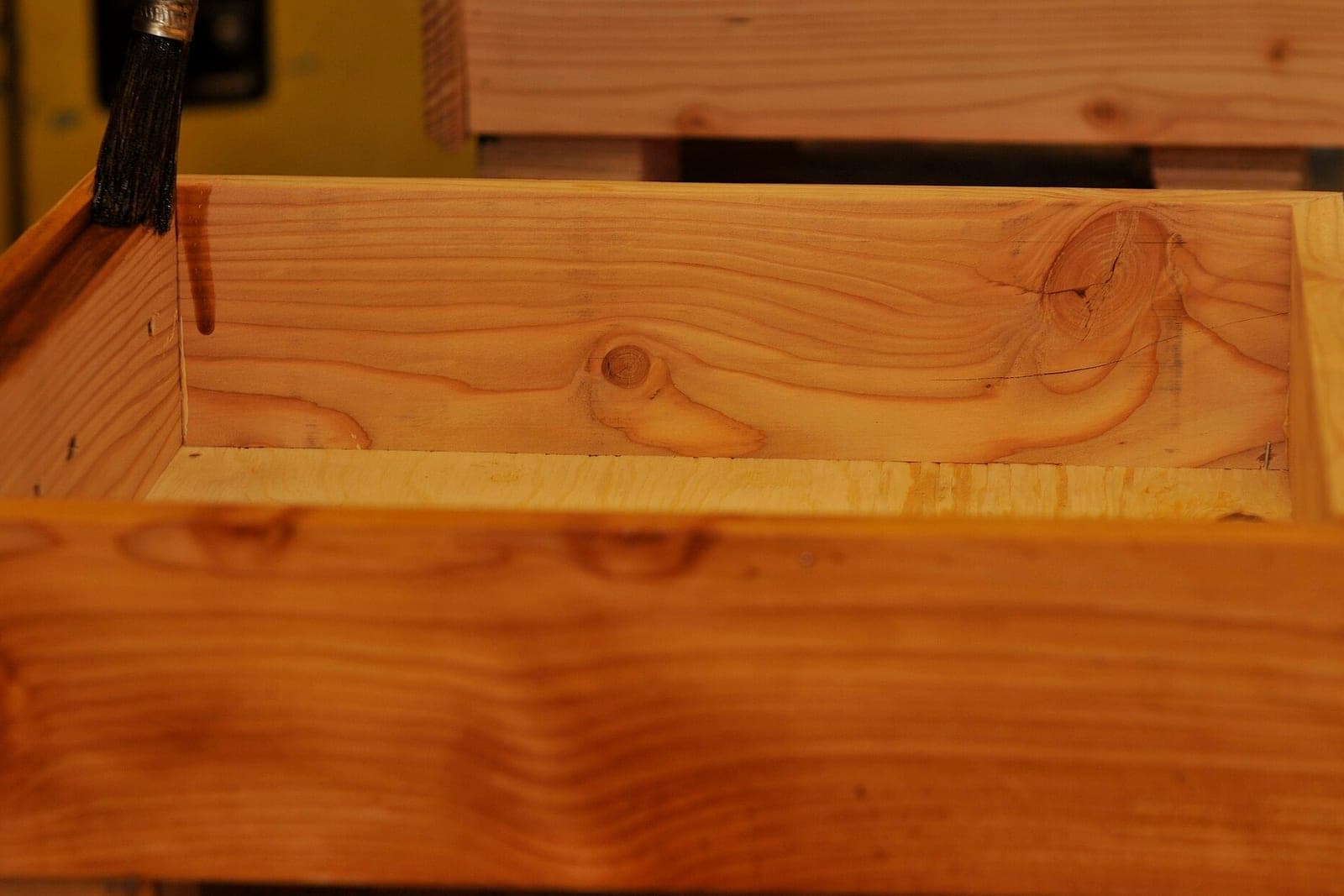
Cabinet shop management software keeps every kitchen, bath and built-in on one job card, from the first quote to the last punch-list item. In a custom shop, one job passes through a salesperson, a designer, the floor and an install crew. When the details live in email threads, a drawings folder and a whiteboard, an old revision gets cut. Then the install date slides.
This guide is for owners and shop leads at custom and semi-custom cabinet shops who sell to homeowners, builders and remodelers. Our guide to AI for small business shows where an app like this fits, and our hub on AI for manufacturers covers the office work around the floor.
What should cabinet shop management software track?
Cabinet shop management software should track each job through its real stages: quote, deposit, design, drawings signed, released to the shop, finishing, install and punch list. It should hold every drawing revision with the customer's sign-off, the cut list the floor builds from and the install date the customer was promised.
A cabinet job is long. The Bureau of Labor Statistics entry for woodworkers (opens in a new tab) describes cabinetmakers reading shop drawings and blueprints, often designing sets of custom cabinets and sometimes seeing a project all the way through to install. Every one of those handoffs is a place where a detail can drop.
Good software for cabinet makers follows the job, not the person holding it this week:
- The quote and deposit. What was sold, at what price from your price book, and whether the deposit is in.
- Drawings and revisions. Each version, who asked for the change and whether the customer signed it.
- The cut list and hardware list. The exact export your design tool produced for the signed revision.
- Floor progress. Where the boxes, doors and drawer fronts sit right now.
- The install. The crew, the date and whether the site is ready.
What do spreadsheets and boxed shop tools miss?
Spreadsheets and boxed shop tools miss the link between a signed drawing and what the floor is allowed to cut. A spreadsheet lists jobs and dates, and generic cabinet shop software tracks orders, but neither stops an unsigned revision from reaching the saw. That gap is where a remake starts.
Design and machine software do their own jobs well. They draw the kitchen and program the cuts. They do not hold the story of the job: who approved what, when the deposit landed and whether the walls are ready.

The usual gaps look like this:
- Shared folders. Three drawing files with similar names, and nobody sure which one the customer saw last.
- Whiteboards. The shop schedule lives on one wall, so the office and the installers cannot see it.
- Email threads. A change request sits in a salesperson's inbox while the boxes are already on the bench.
- Boxed cabinet manufacturing software. Built for large plants, with more screens than a small shop needs and a planner it assumes you have.
The app, screen by screen
We build one job card that every role opens, with a stage bar, a drawings tab, the cut list, a shop board and an install calendar. The card holds what your design and machine software produce. Everyone who sells, draws, builds or installs reads the same record.
We build it as a full web application, with logins for the office, the designer, the shop lead and each install crew.
- The job card. One card per job with stages from quote to punch list. Moving to the next stage asks for what that stage needs, such as the deposit before design starts.
- Drawings and sign-off. Each revision is stored with the date and what changed. The customer signs the current revision on a phone or at the counter. Under the federal E-SIGN Act (opens in a new tab), a signature generally cannot be denied legal effect just because it is electronic, though consumer-consent rules apply where a law asks for written disclosures. Release to the shop stays blocked until the newest revision carries a signature.
- Cut list and hardware. The cut list and hardware list attach from your design tool's export, tied to the signed revision.
- The shop board. Every job by station: cut, edge, assembly and finish. This is the cabinet shop scheduling software view the shop lead runs each morning.
- The install calendar. Crews and dates, with a site-ready check the builder or homeowner answers before the truck is loaded.
- Change requests. A change after sign-off is logged, priced by the owner and signed again before the floor sees it.
- Panel paperwork. EPA's answers on the composite wood rule (opens in a new tab) say a custom cabinetmaker that builds and sells cabinets can have duties under that rule as a fabricator. The card stores each panel invoice, with the supplier's compliance statement, alongside its job. Whether your shop is covered depends on what you build and sell, so check with EPA.
The Ops Agent follows up on unsigned drawings and open selections, and it flags any job that is not ready to release to the shop. Customers who agreed to texts get its reminders. Anyone can opt out whenever they like. Every reminder names itself as the shop's AI helper.
Depending on the investment package you pick, you get either the right to use the cabinet maker software we build or full ownership of it, and your drawings and job history stay yours under both.
How does the build run?
A handful of live kitchen jobs and one install crew come first. Those jobs run through the app beside your whiteboard until both tell the same story, and then the whole shop moves over. Before any code, you approve a written spec of your stages, stations and release rules.
The spec settles house rules, such as what a stage needs before it closes, who may release a cut list and what counts as site-ready. The app connects to the tools you already use: your design software's export, your accounting tool for deposits and invoices, and the calendars your crews already check.
This is an illustration, not a customer story. Cedric runs a custom cabinet shop that builds kitchens for two local remodelers. A homeowner asks to widen the sink base after signing, so the card logs the change and Cedric prices it. The Ops Agent sends the new revision for a signature, the homeowner signs that evening, and the shop lead releases the new cut list the next morning.
Before the whole shop moves over, these checks pass on live jobs:
- A cut list for an unsigned revision cannot be released, even by an admin.
- A change after sign-off brings back the price and signature steps.
- The shop board matches the whiteboard on every pilot job.
- An install cannot be booked until the site-ready check comes back yes.
- Every edit to a stage, price or drawing shows who made it and when.
Our guide to job shop quoting software covers pricing the first estimate. Pipelines before the contract belong in a CRM for remodelers, and shops with CNC queues can read about machine shop scheduling software.
What stays with your people?
The owner's prices, the customer's signature, the shop lead's release and the installer's judgment on site all stay with people. The app holds the record and blocks a step that is missing. The AI drafts reminders and flags jobs that are not ready.
- The owner prices every quote and every change.
- The customer signs each drawing revision.
- The shop lead releases each cut list to the floor.
- The install lead decides whether a site is truly ready.
- Hiring, crew assignments and any talk with an unhappy customer stay with you.
Same team. Same jobs. More capacity.
Frequently asked questions
How do you run a cabinet shop?
Run a cabinet shop on one record per job and a clear rule for each handoff. Take a deposit before design, get drawings signed before anything is cut, track each job by station and confirm the site is ready before the crew goes out. Review the board with your shop lead every morning.
What are cabinet shop drawings?
Cabinet shop drawings are the detailed plans the shop builds from. They show each box, door and drawer with sizes, materials, finishes and hardware, plus elevations of each wall. The customer reviews them and signs off, and that approved set becomes the source for the cut list.
What is a cut list in woodworking?
A cut list is the list of every part to cut for a project, with its size, material and grain direction. In a cabinet shop it usually comes from the design software and covers sides, bottoms, shelves, backs, doors and drawer parts for one signed drawing set.
How do you price cabinets?
Price cabinets from what drives the cost: how many boxes, the material and finish, door style, hardware and the install. Many shops build a price book from their own past jobs and adjust for site work or rush requests. The owner sets every price and approves each change after sign-off.
Next step
Book a free workflow consult and bring one finished job's drawings, emails and install notes. We will lay them out in order, mark each handoff where a detail could drop and sketch the job card that would carry it. We work from the Kansas City metro and meet owners face to face or by video call.
Our standards
- The examples in our guides are illustrations, not customer stories.
- Your AI runs on private and on-premise models, not public AI tools, and nothing you give us is used to train AI models.
- Agents are built so each action is logged in a record that shows any later edit.
- Every call and text opens with a short line saying it is the business's AI assistant, and asking for a person always works.
- Texts go only to people who contacted you or gave you permission, and every message says how to stop.
- If anyone may be hurt or in danger, the only instruction an agent gives is to call 911.
- Depending on the investment package you choose, you get either the right to use the software we build for you or full ownership of it.
- We work from the Kansas City metro and meet owners face to face or by video call.
- Same team. Same jobs. More capacity.
About the ScaleAlphaSi team
ScaleAlphaSi is a Kansas City firm specializing in Advanced AI Engineering. We design and build AI agents and custom software for small businesses, trades and growing companies. Each guide draws on our experience with owners and office teams: where AI delivers, where your people stay in charge, and how to begin with a single workflow.
Meet the team