Courier dispatch software gives a small delivery team one board for every order, whether it came in by phone, text or a web form. The dispatcher sees each pickup and drop, assigns the run and watches it close. Drivers close each stop with a photo and the receiver's name, and the invoice is drafted from the run that same day.
This guide is for local same-day couriers looking at delivery tracking software for small business fleets of vans and cars. Our guide to AI for logistics companies covers the wider office work, and AI for small business shows where AI helps first.
What should courier dispatch software do?
Courier dispatch software should take every order onto one board, let the dispatcher assign and move runs, and give each driver a clear list of pickups and drops. It should close every stop with proof of delivery and turn finished runs into invoices, so the office bills from records instead of from memory.
The Bureau of Labor Statistics describes delivery drivers (opens in a new tab) talking with customers about pickup and delivery needs, reporting road incidents to a dispatcher and handling delivery confirmation paperwork. Courier software for small business should catch each of those records.
Each order record holds:
- Pickup and drop. Both addresses, both contacts and any gate or front-desk notes.
- Timing. The ready time, the need-by time and any rush flag.
- The run. Which driver has it, and where it sits in that driver's stops.
- Proof. The drop photo, the receiver's name and the closing time.
- Billing. The account, its rate and whether the stop is invoiced yet.
Why do whiteboards and group texts break at billing time?
Whiteboards and group texts break at billing time because the order, the run and the proof end up in three places. The order sits on a sticky note, the run lives on the board and the drop photo stays in a driver's camera roll. When the office builds the invoice, someone has to follow up on all three.
A rush job goes up on the whiteboard, one driver hears about it, and nobody else learns the stop changed. On Friday, the office scrolls old threads looking for the photo a customer wants.
The usual tools each leave a gap:
- Spreadsheets. They list orders but cannot send a stop to a driver or take a photo back.
- Group threads. Quick to start, hard to search, and no reply is tied to its order.
- Boxed courier management software. Often built for big fleets, with screens a small desk never touches and stiff billing.
- Route planning apps. Good at stop order, silent on proof and invoices. Our guide to route optimization software for service companies covers route planning in depth.
What we build: a dispatch board and driver app, screen by screen
We build software for courier companies around the way your desk already runs: an order board, a dispatch view, a driver screen, proof of delivery stored on each order and invoices drafted from closed runs. Every change records who made it.
We build it as one of our full web applications, with logins for the dispatcher, drivers, office and account customers.
The order board
Every order lands on one board, however it came in. Each card shows the pickup, the drop, the ready time and any rush flag. An order cannot save without both addresses and a contact.
Dispatch
The dispatcher assigns every run. Dragging a stop to another driver updates both phones, and the board logs who made the change. A rush order or a price change waits for the dispatcher's OK.
The driver screen
Each driver sees pickups and drops in order, with a tap to call the contact. The screen is built for the curb, not the road. NHTSA's definition of distracted driving (opens in a new tab) covers anything that pulls attention off the road, phones and navigation screens included, so drivers confirm a stop and take the photo while parked. Rules on phone use behind the wheel vary, so check your state's rules.
Proof of delivery and the invoice
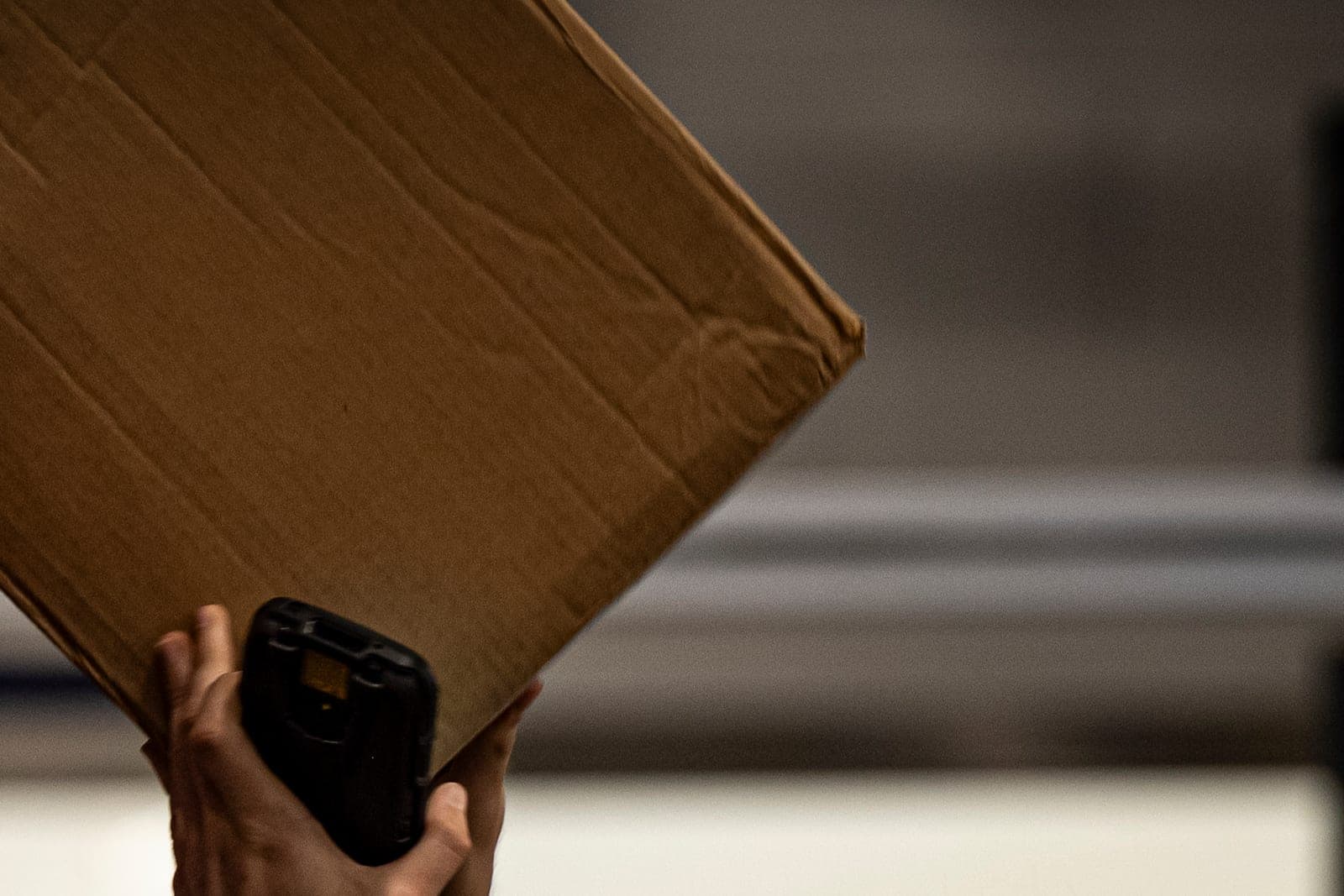
A photo and the receiver's name close every stop, and both stay on the order, so billing never waits on a camera roll. When a run ends, the app drafts an invoice or adds the stops to that account's weekly statement, and the office reviews and sends each one.
Status texts and the Customer Agent
Customers who agreed to status texts get one at pickup and one at the drop, and anyone can opt out with a one-word reply, which the company honors the way FCC rules require. The Customer Agent puts text and web requests on the board and answers "where is my delivery?" from it, with the drop photo once the stop closes. Each reply makes clear the sender is the courier's AI assistant, and asking for a dispatcher always works.
Gate codes and receiver names show only to the driver on that run and to dispatch. The FTC's guide to protecting personal information (opens in a new tab) advises keeping only the sensitive details you need and giving each employee access to just what the job requires. We follow that as good practice, and your delivery records are never sold.
Depending on the package you pick, you get either the right to use the dispatch app we build or full ownership of it, and your accounts and delivery history stay with you under both.
How does the build run?
The pilot puts one or two drivers on the new board beside the whiteboard, and we fix whatever does not match the real day. Before that, your dispatcher approves a written spec covering order fields, rush rules, who may move a stop and how each account gets billed.
Once the pilot holds up, we connect your accounting software and your website's order form. Drivers keep the phones they already carry.
Before the whiteboard comes down, we run these tests:
- A phone order, a text order and a web order all land on the same board.
- A stop dragged to another driver leaves one phone and shows up on the other.
- A stop cannot close without a photo and a name, and with a weak signal it saves and sends once the signal returns.
- A finished run drafts an invoice whose lines match the closed stops.
- A customer who opted out of texts gets none.
This is an illustration, not a customer story. Bruno runs a same-day courier company that carries contracts and parts for offices across the metro. A law office calls at noon for a rush pickup downtown. Bruno puts it on the board, flags it rush, approves the rate and drags it to the nearest van. The driver photographs the envelope at the front desk and types the receiver's name. That evening the stop sits on the firm's weekly statement draft, and Bruno's office manager checks it before Friday.
What stays with your dispatcher and office?
Your dispatcher and office keep every call that needs judgment: who takes each run, whether a rush order fits, any change to a price, and what to say when a parcel arrives damaged. The app records and drafts, and the Customer Agent answers from the board, but neither one assigns a run or promises a delivery time.
- Runs. The dispatcher assigns every run and approves any rush or price change.
- Invoices. The office reviews and sends every invoice and weekly statement.
- Damage reports. A person reads the photos and works out with the customer what happens next.
- Road incidents. Drivers report them to the dispatcher, who decides how the rest of the run goes.
Long loads matched to drivers' hours belong in dispatch software for trucking companies, and brokers who want one status link per load should read about load tracking software. Courier service software for a local desk stays closer to the curb.
Frequently asked questions
What does courier dispatch mean?
Courier dispatch means taking delivery orders and sending them to drivers in a sensible sequence. The dispatcher matches each pickup and drop to a driver, moves stops when a rush job comes in and keeps track of which deliveries are done.
How does a courier service work?
A courier service picks up a parcel in one place and drops it at another, often on the same day. The customer books by phone, text or web form, a dispatcher assigns a driver, and the driver collects the parcel and gets a name or photo at the drop. Customers pay per delivery or on an account.
What is proof of delivery?
Proof of delivery is the record showing a parcel reached its drop. It usually holds the receiver's name, the time and a photo of the parcel at the door or desk. Couriers keep it on the order to answer questions and bill the stop.
How do you run a courier business?
Run a courier business from one board. Take every order the same way, assign each run on purpose, end every stop with a photo and a name, and bill from finished runs. Write your rates down, review invoices before they go out, and study which customers keep your vans busy.
Next step
Book a free workflow consult and bring a week of orders, a photo of your whiteboard and one account's last invoice. We will trace each delivery from the first call to the bill and mark every spot where someone typed it twice. We work from the Kansas City metro and meet owners face to face or by video call.
Our standards
- The examples in our guides are illustrations, not customer stories.
- Your AI runs on private and on-premise models, not public AI tools, and nothing you give us is used to train AI models.
- Agents are built so each action is logged in a record that shows any later edit.
- Every call and text opens with a short line saying it is the business's AI assistant, and asking for a person always works.
- Texts go only to people who contacted you or gave you permission, and every message says how to stop.
- If anyone may be hurt or in danger, the only instruction an agent gives is to call 911.
- Depending on the investment package you choose, you get either the right to use the software we build for you or full ownership of it.
- We work from the Kansas City metro and meet owners face to face or by video call.
- Same team. Same jobs. More capacity.
About the ScaleAlphaSi team
ScaleAlphaSi is a Kansas City firm specializing in Advanced AI Engineering. We design and build AI agents and custom software for small businesses, trades and growing companies. Each guide draws on our experience with owners and office teams: where AI delivers, where your people stay in charge, and how to begin with a single workflow.
Meet the team