A CRM for roofing contractors should follow a roof the way your crew does: lead, inspection, estimate, contract, material order, build day, final walk-through, invoice and review. Each stage needs its own owner and its own next step, so no job sits between steps with nobody watching. When the CRM is built that way, an AI agent can handle the follow-up while your people handle the roofs.
This post is for roofing owners who have outgrown a whiteboard and a stack of clipboards. It lays out the stages to track, how storm leads and retail jobs differ, and where AI follow-up fits inside a CRM built around your jobs. If you are deciding whether to buy a boxed system or have one built, read custom CRM vs. off the shelf next.
What stages should a CRM for roofing contractors track?
A roofing CRM should track every handoff between people, from the first call to the last review. If a stage has no clear owner, jobs stall there. The usual stages run from new lead and inspection to contract, materials, build day, walk-through, invoice and review.
Here is a stage list many roofing companies start from. Rename them to match how you talk.
- New lead. The call, web form, referral or canvasser's note. Source, address and what the homeowner noticed.
- Inspection booked. Date, inspector and access notes like a locked side gate or a steep back slope.
- Inspection done. Photos, measurements and the inspector's findings.
- Estimate sent. The scope and price your estimator set.
- Insurance path or retail path. The job splits here. More on that below.
- Contract signed. Deposit terms, color choice and any upgrades.
- Materials ordered. Shingle line, color, drip edge, vents and the delivery date.
- Build day. Crew, dumpster, weather watch and a heads-up text to the homeowner.
- Final walk-through. Punch list, magnet sweep for nails, and photos of the finished roof.
- Invoice and payment. Final bill, and any insurance check that still has to clear.
- Review request. Sent after the walk-through, the same request on the same schedule for every customer.
That list is long on purpose. Roofing has more handoffs than most trades, and each one is a chance to drop the ball.
Is a CRM for roofers different from a general sales CRM?
Yes, because a roof job does not end at the signature. A general CRM is built to close a deal. A CRM for roofers has to carry the job through materials, the build and the walk-through. Look for two tracks, stage photos and easy weather rescheduling.
A few things roofing needs that a general tool often lacks:
- Two tracks for one pipeline. Insurance jobs and retail jobs move at different speeds and need different paperwork.
- Photos tied to stages. Inspection photos, build-day photos and finished-roof photos, each in the right place.
- Weather awareness. Build days move. The CRM should make rescheduling one step, not five calls.
- Crew and material tracking. Who is on the roof and whether the bundles arrived.
If you are shopping for a CRM for roofing company use, ask to see the build-day and walk-through stages first. That is where general tools fall short.
Storm season leads and canvassers' notes
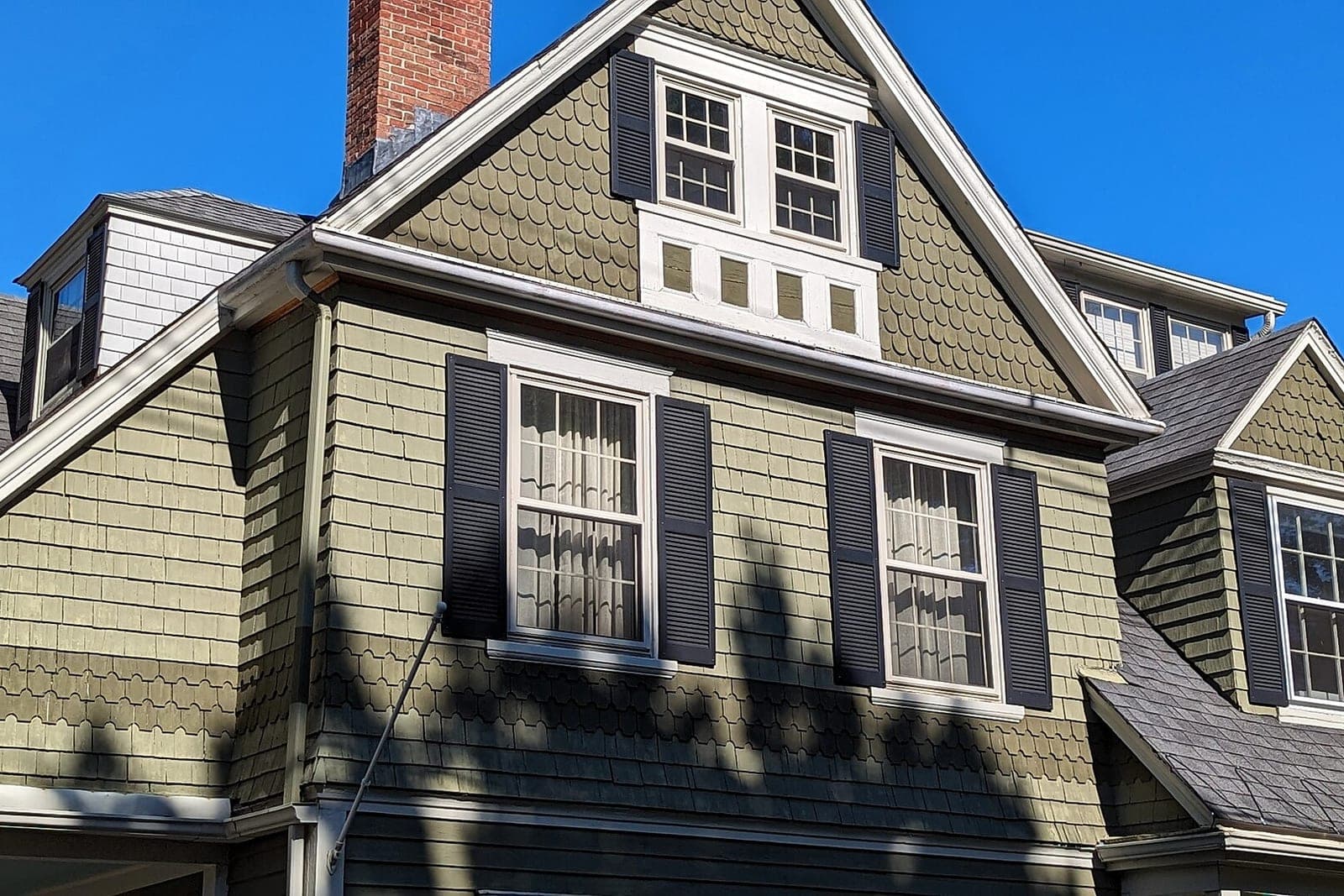
After a hail storm, leads pour in faster than anyone can call them back. That is when a CRM proves its worth, or falls apart. Every lead should land in one place with its source, and the AI can text each one in order to book an inspection.
Every lead should land in one place with its source. Door-knocking crews can log a note on the spot: the address, what they saw from the street and whether the homeowner agreed to a callback. Log only people who said yes, and get their okay in writing before any text, in line with the FCC's rules on automated texts (opens in a new tab). Only text people who contacted you or gave you permission, and make opting out easy.
Then the AI works the list in order. It texts each new lead to offer an inspection time, books it on the inspector's calendar, and follows up on the ones who do not answer. Your team stops losing storm leads in a pile of sticky notes.
Retail jobs vs. insurance jobs
Track them separately, even inside one CRM, because they are different kinds of work. A retail job is a homeowner paying directly on a shorter cycle, while an insurance job waits on the carrier's claims, adjuster visits and scope approvals. Each needs its own stages, paperwork and follow-up.
A retail job is a homeowner paying directly, often for an aging roof. The cycle is shorter. The homeowner compares a few quotes and decides. Follow-up after the estimate is where most retail jobs are won or lost.
An insurance job waits on the carrier: claims, adjuster visits, scope approvals and supplements. That path has its own paperwork and its own timeline. In Missouri, the state's rule on exterior contractors (opens in a new tab) bars a roofing or exterior contractor from negotiating an insurance claim for the owner. We cover it in depth in insurance claims software for roofers, so we will not repeat it here. In the CRM, the job simply sits on the insurance track with its own stages until the scope is approved.
How does AI follow-up help a roofing company?
It does the follow-up your estimators never have time for. It keeps every lead and every quiet estimate moving, and it hands the conversation back to a person whenever pricing or a promise comes up. Our guide to AI CRM for small business covers the same idea across trades.
A boxed CRM makes your crew work its way, with its stage names and its idea of when a job is done. A build follows yours. We can build a roofing CRM shaped around your own stages, with retail and insurance tracks, inspection photos tied to each job, and AI that texts new leads right away, books inspections on your inspectors' calendars, nudges stalled inspections, follows up on quiet estimates and flags every signed contract so materials get ordered. It ties into the estimating and accounting tools you already use. That kind of system sits in the full web applications tier on our Solutions page, where quoting engines and customer portals live too. Your customer data and logins stay yours.
A few rules keep it in its lane:
- It never quotes a price or offers a discount.
- It never promises a build date or a finish date.
- It never discusses what insurance will or will not cover.
- Any homeowner who asks about those gets a person, with the full history attached.
What the AI never decides
The AI never decides prices, discounts or scope, never promises dates or warranties, and never discusses insurance coverage. Roofing runs on judgment calls, so safety on the roof, crew assignments, complaints and leaks after the build stay with people who know the work.
- Every price, discount and change to scope
- Every promise about dates, weather or warranties
- Insurance conversations and anything about coverage
- Safety on the roof and crew assignments
- Complaints, leaks after the build and upset homeowners
Same team. Same jobs. More capacity.
One roof through the pipeline
This is an illustration, not a customer story.
A hail storm rolls through on a Tuesday. By Wednesday, a roofing company has dozens of new leads from calls, its website and two canvassers. Each lead lands in the CRM with its source. The AI texts each one, and many book inspections on the spot.
One homeowner, a retired teacher, books for Friday. The inspector finds damage and uploads photos from the roof. The homeowner chooses the insurance path. The job sits on that track while the claim moves.
A few weeks later the scope is approved. The estimator meets her, and she signs. Materials are ordered and the delivery date lands in the CRM. Rain pushes the build a day, and she gets a text about the new date that the office approved. After the walk-through, the crew sweeps for nails and uploads finished photos. The final invoice goes out, and a review request follows the next day.
Frequently asked questions
What is the best CRM for roofers?
The best CRM for roofers is the one that matches how your jobs actually move. A tool with every feature but the wrong stages will be ignored by your crew. Start with your own stage list, then pick or build around it.
Will a roofing CRM work with our estimating tool?
Usually, yes. Where your estimating tool can connect, the CRM pulls the estimate in. Where it cannot, the estimator attaches it, and the agent handles the follow-up from there.
Do canvassers need to learn a new app?
Not always. Many crews log notes by text or a short form on their phone. The agent files the note under the right address, and your office sees every note on the job record.
Will the agent ever talk to the insurance adjuster?
No. Adjuster calls and claim questions stay with your team. The agent can remind your staff about a pending claim, but it does not speak for you to the carrier.
Next step
If your roofing jobs live in three places and storm leads slip through, book a free workflow consult. We are a Kansas City metro team and can meet you in person or on video. We would walk your stages with you, see where inspections and estimates stall, and map what a custom roofing build would track and automate. When the roof is done, our post on roofing reviews covers the last stage.
About the ScaleAlphaAi team
We are a Kansas City company that designs and builds AI agents and custom software for small businesses, trades and growing firms. We write these guides from our work with owners and office teams: what AI handles well, what stays with your people, and how to start with one workflow.
Meet the team