Dental insurance verification software works through tomorrow's schedule before patients arrive: it gathers each plan's benefits from the payer portals where each payer allows it, flags gaps and keeps the breakdown on the patient's record for staff to confirm. We build it as a custom app beside your practice system, and your team still confirms every benefit.
This guide is for office managers and front-desk leads at dental practices. Our guide to AI for dental offices in Kansas City covers recall and phones, and AI for small business gives the bigger picture. This post covers the verification app itself.
What dental insurance verification software checks before a visit
Dental insurance verification software checks that each plan is active on the visit date and what it covers for the scheduled treatment. It also shows which limits apply and how much the patient has used. It runs for everyone on the coming schedule, so your coordinator starts with a short list of open questions.
Each patient's check holds the same pieces, in the same order:
- Plan and subscriber. Plan name, group, subscriber details and a photo of the card, front and back.
- Active or ended. Whether the plan is in force on the visit date.
- Frequency limits. How often the plan covers cleanings, exams and X-rays, and when the patient last had each.
- Waiting periods. Whether one still applies to the planned work.
- Maximum and deductible. How much of each is used so far this year.
- Still unknown. Anything the plan's reply left out, which becomes a call.
Under HIPAA, HHS adopted a standard electronic eligibility inquiry (opens in a new tab) for asking a plan about a patient's coverage. When a reply leaves out details your team needs, such as the last cleaning date, the app marks them for a call.
Why do phone calls and portal tabs leave gaps?
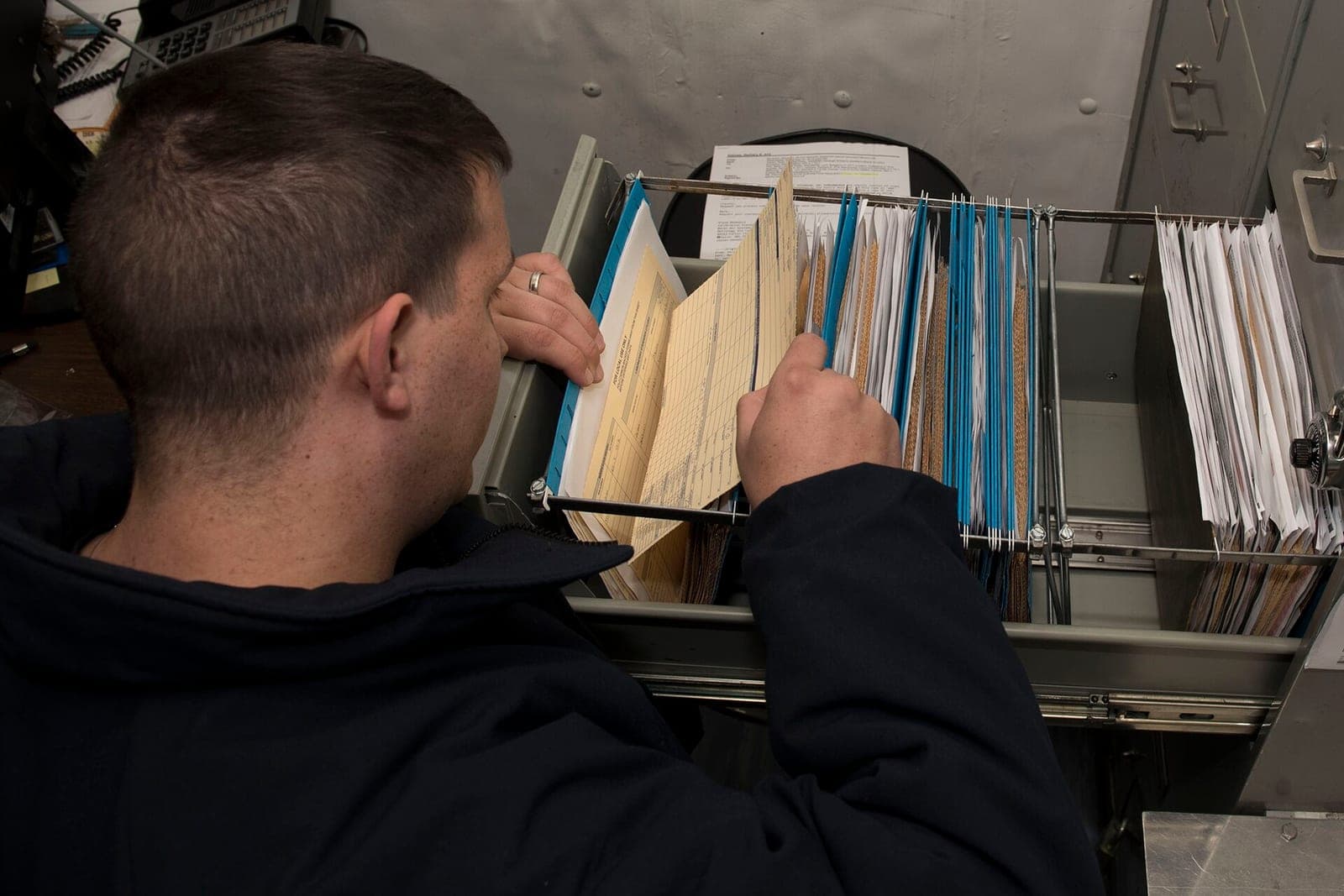
Phone calls and portal tabs leave gaps because every plan shows its details a different way. Nothing ties what staff find back to the patient's record. A coordinator copies benefits onto a sticky note or a free-text field. The note is easy to lose, and staff have to look up the same benefits again at the next visit.
Dental insurance eligibility verification by phone means long holds, one plan at a time. The tools a front desk already has each cover part of the job:
- The practice system's eligibility check. It shows whether a plan is active, but it is often thin on frequency limits and waiting periods.
- Generic insurance eligibility verification software. It returns the plan's raw reply, one patient at a time, with no worklist.
- A spreadsheet or paper form. It has the boxes, but nobody can tell who filled them in or when.
None of them puts the dental details, who verified them and tomorrow's visits on one worklist. The checklist in our guide to dental office computer systems is a good first step. This app is the full workflow.
What does our verification app do, screen by screen?
We build dental insurance verification as a full web application your front desk logs into beside the practice system. It reads the schedule, gathers each plan's details, flags the gaps and saves a breakdown your coordinator signs off on. Nothing reaches the patient's chart until a person has confirmed it.
- The worklist. Tomorrow and next week by visit time, each patient marked not started, gathered, needs a call or verified.
- The insurance card. Plan, subscriber details and card photos on file for each patient.
- The gather. The app's AI pulls benefit details from payer portals where each payer's terms allow it, or through the standard electronic inquiry. Staff confirm them beside the visit.
- The gap flags. An ended plan, a reached frequency limit, a waiting period or a used-up maximum shows at the top.
- The saved breakdown. Each confirmed benefit is stored on the patient's record with the checker's name and the date.
- Patient reminders. We can set up the Admin Agent to ask for a missing card photo or subscriber details by text or email. It writes only to patients who agreed to hear from you that way. Anyone can opt out at any time. Each message says it comes from the office's AI assistant, and any patient can ask for a person.
- The practice system link. The app reads your schedule and patient list, so nobody switches systems.
- Access and the log. Only insurance staff open a breakdown, and every view and change is logged.
Your coordinator approves each breakdown before it is marked verified, and no screen estimates what a plan will pay. Depending on the package you pick, you get the right to use the software we build or full ownership of it, and your patient records stay yours either way.
How do we pilot it at the front desk?
We build from a written spec of your plans, your checklist fields and the rule for when a breakdown counts as verified. Then one front-desk lead runs the app on a real week of visits beside the old way. Everyone else logs in once the pilot passes, and saving breakdowns to the practice system goes live last.
Before the whole front desk logs in, the pilot week must pass six checks.
- Tomorrow's worklist matches the practice system's schedule, patient for patient.
- A plan that has ended lands at the top of the list with a flag.
- A cleaning booked sooner than the plan's limit allows shows a flag on that visit.
- A breakdown shows who saved it and when, and a later edit keeps the first version.
- A login without insurance access cannot open a breakdown.
- A reminder never goes to a patient who has not agreed to texts.
HIPAA's covered entity rules (opens in a new tab) reach plans, clearinghouses and providers such as dentists who send claims electronically. A vendor that handles patient information for a covered provider needs a business associate agreement, and that agreement is in place before the app touches patient data. Nothing your office shares is used to train AI models.
This is an illustration, not a customer story. Janelle leads the front desk at a family dental office. On the first pilot afternoon, the worklist showed one patient whose plan had ended and another whose last cleaning was too recent for the plan's limit. Janelle called the first for new card details and offered the second a later date. Both calls happened the day before, not at the check-in window.
What stays with your coordinator, the dentist and the plan?
The plan decides coverage, and your coordinator decides what to tell the patient. The app gathers, sorts and flags, but it never tells a patient they are covered and never guesses a payment. The dentist decides treatment whatever the benefits show, and every money conversation stays with your team.
- Verifying benefits. A staff member confirms each breakdown and marks it verified.
- Cost talks. Estimates, balances and payment plans go to a person who knows the patient.
- Treatment. What a patient needs is the dentist's and hygienist's call.
- Claims. A person reviews and sends every claim.
- The hard cases. A plan that will not answer goes to the coordinator with notes.
Same team. Same jobs. More capacity.
Frequently asked questions
How do you verify dental insurance benefits?
You verify dental insurance benefits by confirming the plan is active, then checking what it covers for the proposed treatment. Next come frequency limits, any waiting period and how much of the yearly maximum is used. Staff read the plan's portal or electronic reply, call when details are missing and save the breakdown with their name and the date.
What is dental insurance verification?
Dental insurance verification is the front-desk step of confirming a patient's plan and benefits before a visit. It shows whether the plan is active, what it covers for the work ahead and which limits apply. The office can then talk with the patient about cost before treatment instead of after it.
What is insurance eligibility verification?
Insurance eligibility verification is checking that a patient is enrolled in a plan and that the plan is active on the visit date. It is the first step of a full benefits check. Offices can ask a plan electronically through a standard inquiry, then confirm the details that matter for the visit.
Why is insurance verification important?
Insurance verification is important because it catches an ended plan, a used-up limit or missing subscriber details before the claim goes out. That gives the office time to fix the record and gives the patient a clearer picture of cost. Skipped checks tend to show up later as returned claims and surprise bills.
Why is it important to verify insurance before the appointment?
Verifying insurance before the appointment gives your team time to call the plan, ask the patient for a new card or move work the plan does not cover yet. At the check-in window there is no time for any of that. A day ahead, the talk is calm, and the patient can choose with the facts in hand.
Next step
Book a free workflow consult and bring a week of your schedule with the verification notes your team kept. We will look at which plans take the most phone time and where details go missing, then sketch the worklist and breakdown screens. We work from the Kansas City metro and meet owners face to face or by video call.
Our standards
- The examples in our guides are illustrations, not customer stories.
- Your AI runs on private and on-premise models, not public AI tools, and nothing you give us is used to train AI models.
- Agents are built so each action is logged in a record that shows any later edit.
- Every call and text opens with a short line saying it is the business's AI assistant, and asking for a person always works.
- Texts go only to people who contacted you or gave you permission, and every message says how to stop.
- If anyone may be hurt or in danger, the only instruction an agent gives is to call 911.
- Depending on the investment package you choose, you get either the right to use the software we build for you or full ownership of it.
- We work from the Kansas City metro and meet owners face to face or by video call.
- Same team. Same jobs. More capacity.
About the ScaleAlphaSi team
ScaleAlphaSi is a Kansas City firm specializing in Advanced AI Engineering. We design and build AI agents and custom software for small businesses, trades and growing companies. Each guide draws on our experience with owners and office teams: where AI delivers, where your people stay in charge, and how to begin with a single workflow.
Meet the team