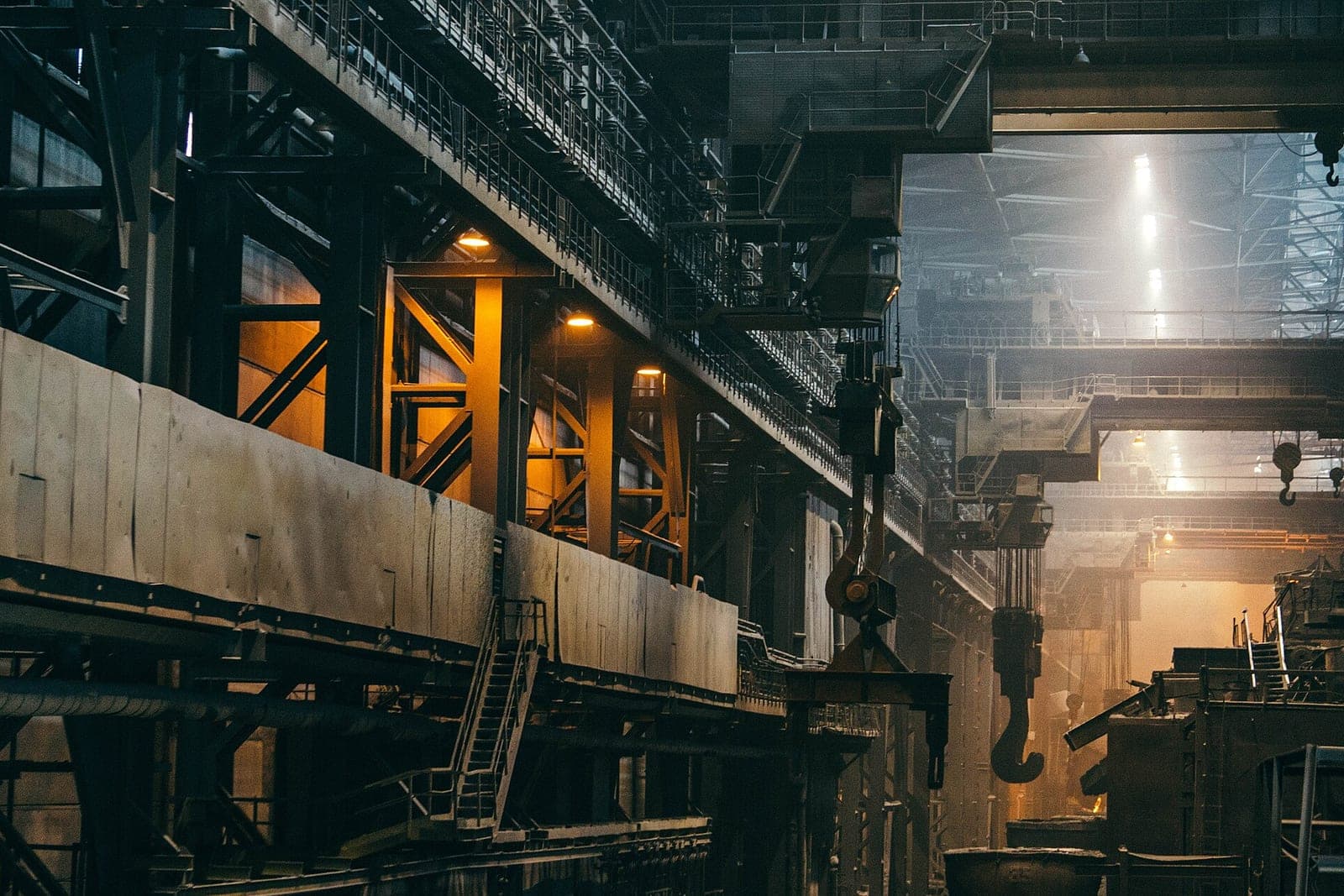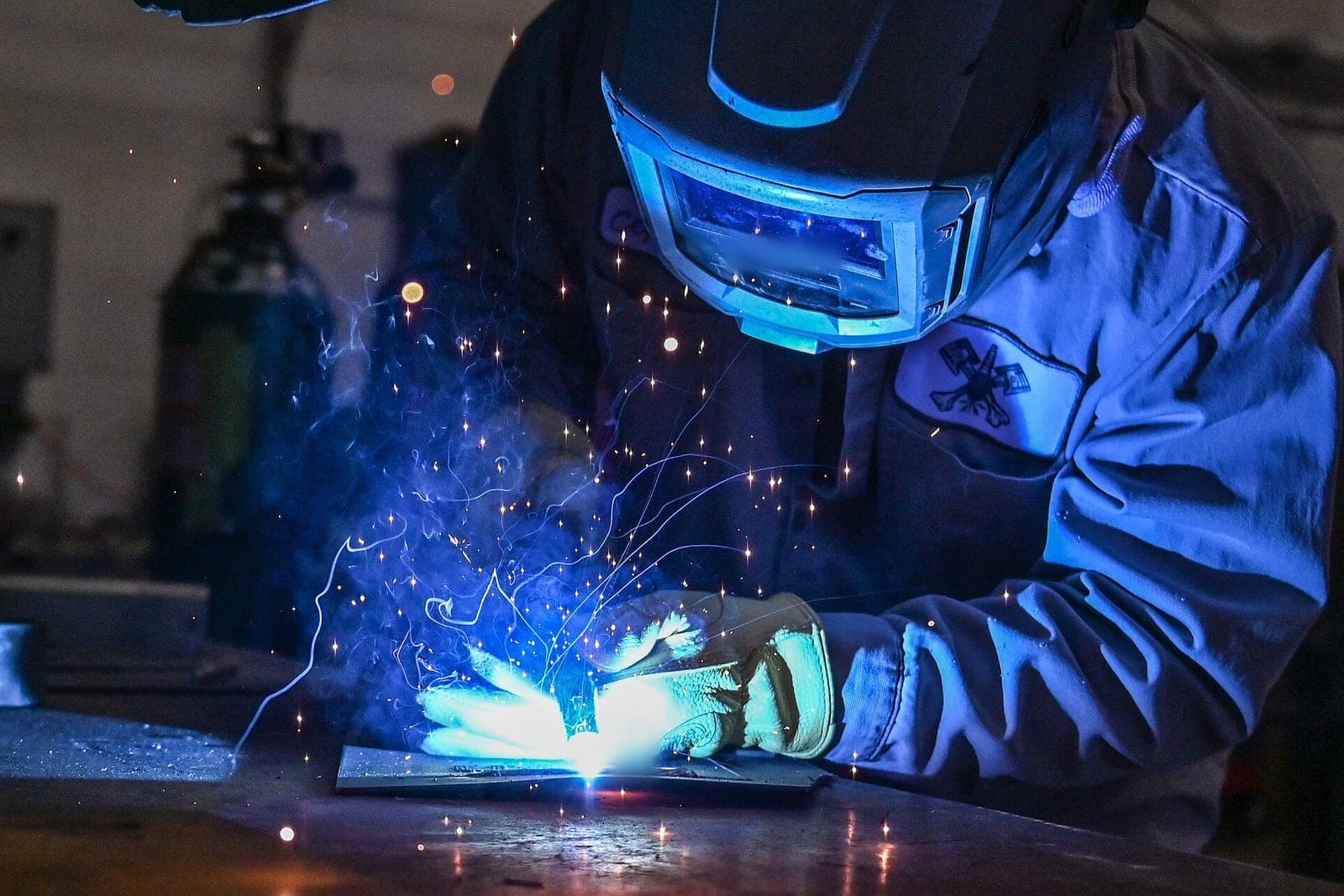
Fabrication shop management software puts every custom job on one board, from the won quote and the cut list to the weld bay, the outside coater and the truck. In a small fab shop, the schedule usually lives on a whiteboard, material dates sit in email and the coater's dates stay in the foreman's head. When one of those slips, nobody sees the ship date move until the customer calls.
This guide is for owners and foremen at small metal fabrication and welding shops doing custom work, repairs and parts for local manufacturers. Our guide to AI for small business shows where an app like this fits, and our hub on AI for manufacturers covers quotes, orders and supplier email around it.
What should fabrication shop management software show?
Fabrication shop management software should show where every job stands: quote won, drawings approved, material ordered and received, cut, fit-up and weld, inspection hold, outside coating and ship. It should tie each stage to a date, so a late delivery or a slow coater moves the ship date the day it happens.
A fab job is a chain. The Bureau of Labor Statistics entry for welders (opens in a new tab) describes them reading blueprints, sketches and specifications, inspecting the materials and welding to the print. That only works when the print on the bench is the current one.
So the board holds four kinds of record for each job:
- The drawing and cut list. The approved revision, with the cut list taken from it.
- Material. What was ordered, from whom and the promised arrival.
- Outside work. Which coater has the parts and the day they come back.
- The promise. The ship date the customer was given.
Why does a whiteboard lose track of a fab job?
A whiteboard loses track because it shows what is next, not what each job is waiting on. It cannot see that a plate order is late or that the powder coater pushed a batch. The foreman holds those dates in memory, so the board looks fine until a truck shows up with nothing to load.
General software for metal fabrication fills only part of the gap. Spreadsheets hold job lists but no history of who changed a date. Boxed metal fabrication software often assumes an ERP and a full-time planner. Drawing and nesting tools lay out the parts, then stop at the edge of the floor.
What a small shop actually misses:
- Material dates in email. A supplier's new arrival date never reaches the schedule.
- Coater dates in someone's head. Nobody else can answer when the parts come back.
- No hours by job. Time on the floor is guessed at the end of the week, not logged against the job.
- No view of open bay time. A new rush job gets promised into a week that is already full.
The app we build, screen by screen
We build one board for the whole shop, a job page with the drawing and cut list, material and coating trackers, a tablet view for the floor and a weekly view of open bay time. It is metal fabrication shop software shaped around your stages, and the bay view doubles as your fabrication shop scheduling software.
We build it as a full web application, with logins for the office, the foreman, the estimator and the floor.
- The job board. Columns for each stage from quote won to ship. A job moves only when its stage is done.
- The job page. The approved drawing, the cut list from it and the customer's ship date in one place.
- Material and coating. Each order and each trip to the coater carries a due date. When a due date moves, the ship date moves with it and the job turns amber.
- The floor tablet. Crews move jobs between stages and log hours against each job from a tablet in the shop.
- Bay time. Open weld bay hours for the coming weeks sit beside each promised ship date, so a crowded week shows before anyone says yes.
- The permit step. Field jobs and work outside the weld bay get a hot work permit step. OSHA's general industry welding standard (opens in a new tab) says the person who authorizes cutting and welding inspects the area first and sets the precautions, preferably in a written permit. The app records that sign-off; job sites follow OSHA's construction rules instead.
- Safety data sheets. Paints, primers and shielding gases each carry a sheet the crew can open on the tablet. OSHA's hazard communication standard (opens in a new tab) allows electronic copies as long as nothing stands between workers and the sheet right away.
The Ops Agent drafts next week's board from open jobs, material dates and the coater's due-back dates. It flags any job at risk of missing its ship date. The foreman approves the schedule before it reaches the floor.
Depending on the investment package you choose, you get either the right to use the welding shop management software we build or full ownership of it, and your job history and drawings stay yours under both.
How do we build and test it?
One crew runs the board for a few weeks first, beside your whiteboard, so the two can be checked against each other. Before that, you approve a written spec of your stages, hold points and release rules. The rest of the shop joins once the board and the whiteboard agree.
The spec covers the questions that matter in your shop. Which stages need a sign-off? When does a job turn amber? Who may move a ship date? The app connects to the tools you already use: your accounting software for invoices, the export from your nesting tool and the email your suppliers send dates in.
This is an illustration, not a customer story. Dmitri runs an ornamental railing and gate shop with three welders and one paint partner across town. On Thursday, the Ops Agent drafts next week's board and flags a stair rail whose tube delivery slid two days. Dmitri moves a gate job up to fill the bay, approves the board and calls the builder about the rail before it is late.
Before the rest of the shop joins, these checks pass on real jobs:
- A late material date moves the ship date and turns the job amber.
- A coater's new due-back date shows on the job page and the board.
- Hours logged on the tablet add up to the right job.
- A job cannot pass the inspection hold until a named person clears it.
- Every date change shows who made it and when.
What stays with the foreman and estimator?
The schedule, the quote, every inspection call and every promise to a customer stay with people. The foreman approves the weekly board. The estimator owns each quote. Your qualified people clear each inspection hold. The app keeps the record, and the AI drafts and flags.
- The foreman decides what runs first when two jobs want the same bay.
- The estimator prices every job and every change.
- A qualified person clears each weld inspection; the app never passes a weld.
- Talks with an upset customer about a late job stay with the owner.
Quoting has its own guide, job shop quoting software, and pass or fail records belong in quality inspection software for manufacturing. Following up on late steel is covered in expediting purchase orders. Machine-heavy shops can compare machine shop scheduling software.
Same team. Same jobs. More capacity.
Frequently asked questions
How do you manage a fabrication shop?
Manage a fabrication shop from one board that shows each job's stage and what it waits on. Track material and outside coating dates, log hours by job, hold each weld at inspection until a qualified person clears it and review next week's schedule every Thursday with the foreman.
How do you quote metal fabrication?
Quote metal fabrication by adding up material, cutting, fit-up and weld time, finishing, outside coating, hardware and delivery, then your overhead and margin. Past jobs of a similar size are the best guide to hours. The estimator prices each job and reviews any change before work starts.
What is metal fabrication and welding?
Metal fabrication is turning raw steel, aluminum or other metal into finished parts by cutting, bending, forming and joining them. Welding is one of the joining methods, using heat to fuse pieces together. Small shops often do both, along with grinding, drilling and finishing.
What is a weld map used for?
A weld map is a drawing that numbers each weld on a part or assembly. Shops use it to record who made each weld, which procedure applied and how it was inspected. It ties every joint back to a person and a record, which helps when a customer asks how a part was built.
Next step
Book a free workflow consult and bring your whiteboard photo, a week of supplier emails and one job that shipped late. We will trace where its date slipped and sketch the board that would have shown it. We work from the Kansas City metro and meet owners face to face or by video call.
Our standards
- The examples in our guides are illustrations, not customer stories.
- Your AI runs on private and on-premise models, not public AI tools, and nothing you give us is used to train AI models.
- Agents are built so each action is logged in a record that shows any later edit.
- Every call and text opens with a short line saying it is the business's AI assistant, and asking for a person always works.
- Texts go only to people who contacted you or gave you permission, and every message says how to stop.
- If anyone may be hurt or in danger, the only instruction an agent gives is to call 911.
- Depending on the investment package you choose, you get either the right to use the software we build for you or full ownership of it.
- We work from the Kansas City metro and meet owners face to face or by video call.
- Same team. Same jobs. More capacity.
About the ScaleAlphaSi team
ScaleAlphaSi is a Kansas City firm specializing in Advanced AI Engineering. We design and build AI agents and custom software for small businesses, trades and growing companies. Each guide draws on our experience with owners and office teams: where AI delivers, where your people stay in charge, and how to begin with a single workflow.
Meet the team