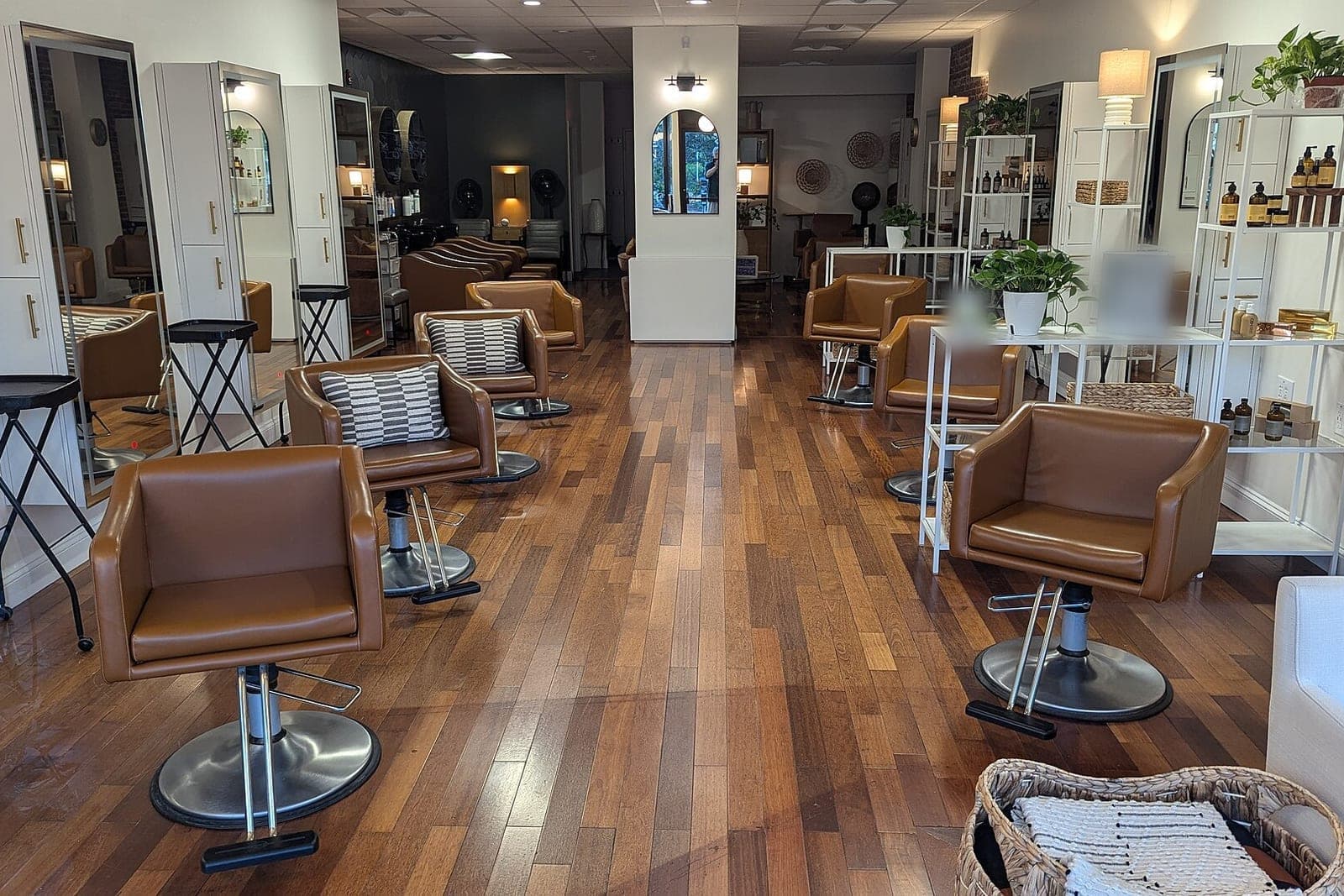
Salon software for independent stylist businesses gives a booth renter or suite stylist one place for their own clients, their own book and their own money. Your client cards, color formulas and booking rules stay with you, not with the salon you rent from. Rent paid and product sold sit in the same app instead of a notes app on your phone.
This guide is for booth renters, suite renters and solo studio owners. Phones and front-desk coverage are in our guide to an AI receptionist for hair salons and spas, and AI for small business shows where AI helps first. Owners managing several chairs should read barber shop management software, which covers the owner's side.
What should salon software for independent stylist businesses do?
Salon software for independent stylist businesses should hold your clients, your book and your money in one record you control. That means client cards with formulas and notes, a booking page with your rules, deposits through your processor, reminders, and a ledger of rent and product sales.
Your client list is the business. The BLS profile of hairstylists (opens in a new tab) notes that some stylists lease booth space from a salon owner and may keep records of the products used and services given to each client, such as hair color. When you rent, that record should follow you if you move chairs.
The pieces that matter for a business of one:
- Client cards. Formulas, processing notes, past services and photos the client agreed to.
- Your booking page. Your services, times, buffers and the hours you choose to work.
- Deposits and no-shows. Rules you set and post before anyone books.
- Reminders. Texts for clients who agreed to them, and anyone can opt out.
- Rent and product. What you paid the salon and what you sold.
Why do booth renters outgrow the salon's system?
Booth renters outgrow the salon's system because it was built for the owner, not for you. The client list, the booking rules and the reports belong to the salon's account. When you leave, your formulas and history can stay behind, and the deposit rules were never yours to set.

The other usual answers each miss something:
- A hair stylist booking app built for big salons. Strong on many chairs, weak on one stylist's rent and product records.
- A free scheduling link. It books times, but it holds no formulas and enforces no deposit.
- A notes app and a paper card box. Formulas get lost, and rent and product totals live in three places.
- Texts at midnight. Clients ask to book after hours, and the reply waits until you wake up.
The real gap is late-night booking texts, no-shows with no deposit, and money kept in a notes app.
What we build: your book, your clients, your rules
We build a hair stylist scheduling app around one stylist's business. Client cards, a booking page with your rules, deposits through your processor, reminders and a rent and product ledger share one record. You see your week, your clients and your money on any phone, and you approve every exception.
Client cards
Each card holds the formula, developer and processing time, past services, notes and photos the client agreed to. A color client's card opens at the top of their appointment.
Your booking page
Clients pick from your services, and each one carries its own length and buffer. A long color service never lands in a short gap. You set the days and hours you take bookings.
Deposits and no-show rules
You write the deposit and no-show policy, and the booking page shows it before anyone picks a time. No federal rule sets these amounts, and rules can vary, so check your state's rules. Deposits run through your own card processor, and the app keeps the receipt, never the card number. The PCI Data Security Standard (opens in a new tab) sets baseline security requirements for any business that stores, processes or sends cardholder data.
Reminders and open slots
Clients who agreed to texts get a reminder before each visit, and when a slot opens the app can offer it to wait-list clients who agreed to texts. Any of them can opt out with one reply, and you honor opt-outs the way FCC rules require.
Rent and product ledger
The ledger shows booth rent paid and product sold, week by week, with receipts attached. The IRS guide to keeping business records (opens in a new tab) says the same recordkeeping rules apply to electronic records and that an electronic system must reproduce them in legible form. Tax questions on rent or product sales go to your accountant.
Rebook at checkout
At checkout the app suggests the next visit from the client's usual rhythm, and you book it while they are still in the chair.
This is one of our small-business tools: a database, a simple login and links to your processor and calendar. Depending on the package you choose, you get either the right to use the app we build for you or full ownership of it, and your client list stays yours either way.
The Customer Agent answers booking texts after hours inside your rules and sends the deposit link, but only to clients who agreed to texts, and each one can opt out with one reply. Every reply is signed as your AI assistant, and asking for you always works.
This is an illustration, not a customer story. Inez rents a booth in a busy salon and does color and cuts four days a week. At eleven one night a regular who agreed to texts, and can opt out any time, asks for a full highlight. The Customer Agent offers two openings long enough for the service, and the client picks one and pays the deposit through Inez's processor. The next morning Inez sees the booking, opens the card with last spring's formula and approves a small change the client asked for.
How does the build run?
A stylist's build starts on paper, moves to a trial on your own calendar and ends with a test list. You approve the written spec first, covering services, deposit and no-show policy, reminder wording and what your ledger tracks. The trial runs a few weeks before you share the booking page with every client.
Before your booking page goes out to every client, we check these:
- A long color service cannot book into a short gap.
- The policy shows before any booking can save.
- A deposit receipt matches the processor's record, and no card number is stored.
- A client who opts out gets no further texts.
- The rent and product ledger matches your receipts for the month.
Solo trainers face a similar shape of business, shown in personal trainer scheduling software. Deposits for provider-led services work differently, as med spa booking software explains.
What stays with you?
You keep every exception to the deposit and no-show rules, every refund and every talk with a client about a color result. Pricing, your hours and which clients you take stay with you. Tax questions on rent and product sales go to your accountant, and licensing rules vary, so check your state's rules.
- Waiving a no-show fee for a regular is your call.
- A color correction consult is booked by you, never by the AI.
- Refunds and disputes go straight to you.
- Rent terms are between you and the salon owner.
Frequently asked questions
What is salon software?
Salon software is the tool a stylist or salon uses to book clients, keep client records and take payments. Independent stylist software adds what a renter needs: your own client cards and formulas, a booking page with your rules, and a simple record of rent and product sales.
What is an independent hair stylist?
An independent hair stylist runs their own business instead of working on staff. Many rent a booth or a suite inside a salon, set their own prices and hours, keep their own clients and buy their own product. Questions about how that is taxed belong with an accountant.
How does booth rental work in a salon?
In booth rental, a stylist pays the salon owner rent for a chair and station, usually on a set schedule, and keeps the money from their own services. The stylist books their own clients and buys their own supplies. The owner and the stylist agree on the terms in writing.
How do salon suites work?
A salon suite is a small private room a stylist rents inside a larger building of suites. Each renter decorates it, sets hours and runs their own book and payments. Shared areas are kept up by the building, and the renter pays on the schedule in their lease.
Next step
Book a free workflow consult and bring your client card box or notes app and last month's rent receipts. We will move a few clients onto sample cards, follow one week of bookings and deposits, and show where one app would hold it all. We work from the Kansas City metro and meet owners face to face or by video call.
Our standards
- The examples in our guides are illustrations, not customer stories.
- Your AI runs on private and on-premise models, not public AI tools, and nothing you give us is used to train AI models.
- Agents are built so each action is logged in a record that shows any later edit.
- Every call and text opens with a short line saying it is the business's AI assistant, and asking for a person always works.
- Texts go only to people who contacted you or gave you permission, and every message says how to stop.
- If anyone may be hurt or in danger, the only instruction an agent gives is to call 911.
- Depending on the investment package you choose, you get either the right to use the software we build for you or full ownership of it.
- We work from the Kansas City metro and meet owners face to face or by video call.
- Same team. Same jobs. More capacity.
About the ScaleAlphaSi team
ScaleAlphaSi is a Kansas City firm specializing in Advanced AI Engineering. We design and build AI agents and custom software for small businesses, trades and growing companies. Each guide draws on our experience with owners and office teams: where AI delivers, where your people stay in charge, and how to begin with a single workflow.
Meet the team