Small farm management software gives a diversified grower one field log for what went in the ground, what came out and what it cost. It turns this week's harvest into a list buyers order from and prints the packing list for delivery day.
This guide is for market gardens, CSA farms and small vegetable farms that sell to restaurants and stores, and it shows the app we would build. Our guide to custom software for small business explains the build tiers, and AI for small business shows where an app like this fits.
What should small farm management software keep track of?
Small farm management software should keep track of every planting by field and bed, every harvest by date, and the inputs and labor hours each field used. It should also hold your buyers and their weekly orders, so the harvest, the availability list and the invoices all draw on the same records.
That comes down to five records:
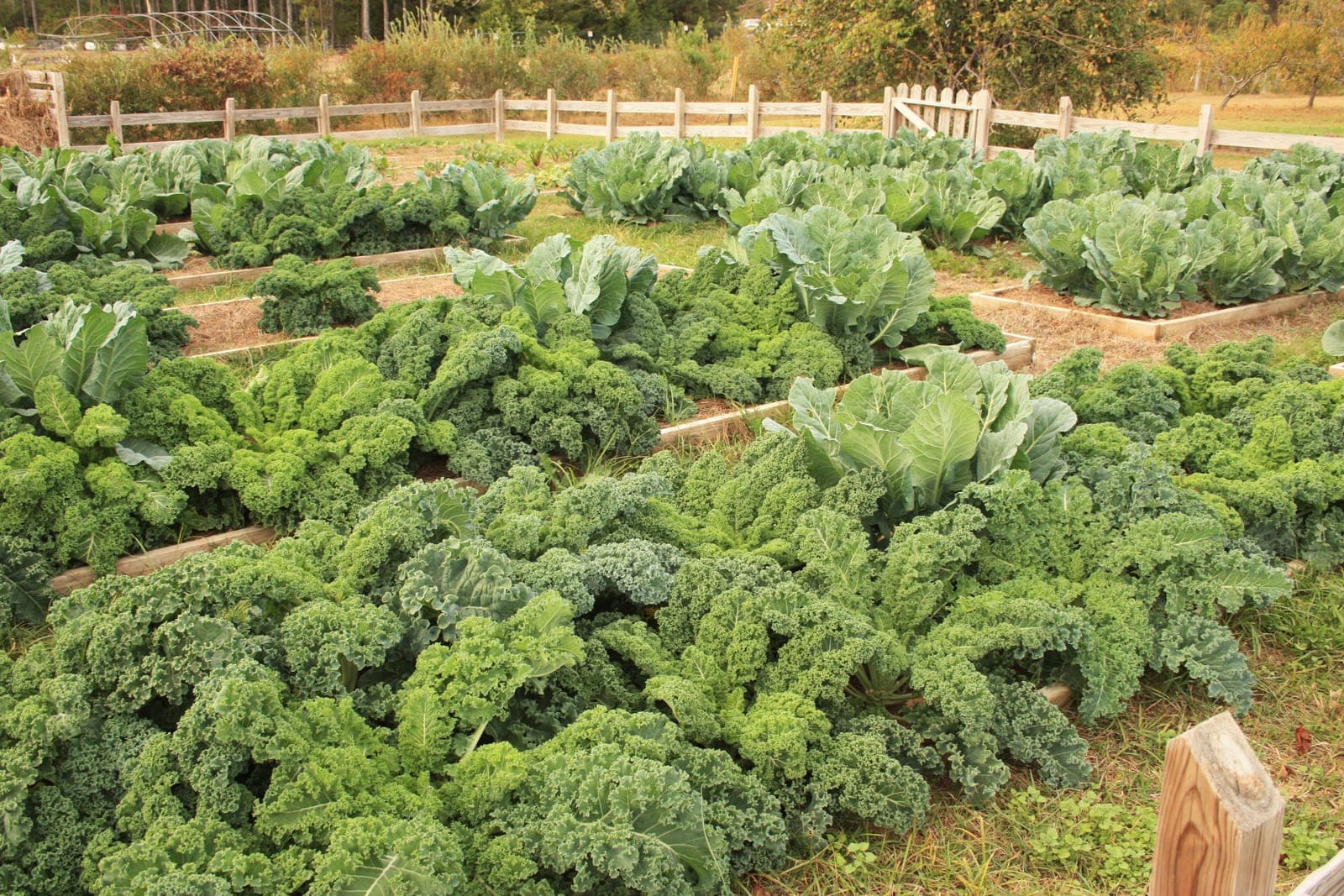
- Fields and beds. A simple map of each field and bed, with what is planted, when, and what is planned next.
- Harvests. What came out of which bed, on which day, in the units you sell.
- Inputs and hours. Seed, compost, row cover and the hours each crew member spent, tied to a field.
- Buyers. Restaurants, stores and CSA members, with how each one orders and pays.
- Orders. What each buyer asked for this week and what you packed.
Some farms also keep sales records for food rules. FDA's rule on qualified exemption records (opens in a new tab) says a farm using that exemption must keep records showing it still meets the criteria, including a written yearly review. Whether your farm qualifies is a question for the rule and your adviser. The app keeps sales sorted by buyer type, but it does not make a farm exempt, approved or legally covered.
Why do notebooks and spreadsheets fall behind on a market farm?
Notebooks and spreadsheets fall behind on a market farm because the work happens in the field and the records live somewhere else. Plantings get written down late or not at all. The weekly availability list is rebuilt by hand from memory, and nobody can say what one field really cost to grow.
General tools each cover one piece:
- Paper field notebooks. Easy in the dirt, but hard to search and easy to lose.
- Spreadsheets. Fine for a crop plan, but they drift from what was really planted.
- Big farm management software. Built for large row-crop farms, with more features than a market garden needs and none for a weekly list.
- Online store builders. Good at taking orders, but they never see the harvest log. A fixed catalog on terms suits a B2B ordering portal better than a list that changes with the harvest.
- Crop planning software. Helpful for seeding dates, but it stops before harvest and orders.
What we build: a farm app, screen by screen
We build one app where the field log, the availability list, buyer orders and field costs share the same records. A crew member logs a harvest on a phone in the field, even with no signal. The Sales Agent drafts the weekly list from those harvests, and the farmer approves every list and price before buyers see it.
We build it as one of our full web applications, with logins for the farmer, the crew and your buyers, and a link to your accounting software.
- Field and bed map. Each field and bed with its plantings. Tap a bed to log a seeding or a note.
- Harvest log. Crew members log what came out of each bed and how much. Entries save on the phone and sync when the signal comes back.
- Inputs and labor. Seed, amendments, row cover and crew hours, each tied to a field.
- Weekly availability list. What you have this week, built from the harvest log and your own notes. Restaurants, stores and CSA members log in and order from it.
- Pick-and-pack list. On delivery day, one list per buyer and one combined pick list for the crew.
- Field cost summary. Inputs and hours added up per field for the season, beside what that field sold.
This is also where CSA management software usually falls short. Share customers get a box, and the app records what went in it each week alongside every other order.
The Sales Agent drafts the weekly availability email for buyers who asked to get it, and any buyer can unsubscribe from that email at any time. It also answers routine order questions from the list you approved. The Finance Agent drafts invoice reminders for buyers on terms. The farmer approves every availability list, price, substitution and invoice.
Depending on the investment package you choose, you get either the right to use the app we make for you or full ownership of it, and your field records stay yours under both. Each agent sees only the records its job needs, every edit is logged with a name, and your farm data is never sold or used to train AI models.
This is an illustration, not a customer story. Yusuf runs a market farm with a small crew, two restaurant buyers, a corner grocery and a list of CSA members. On Tuesday the crew logs the morning's greens and squash from their phones at the far field. The Sales Agent drafts Wednesday's list, and Yusuf cuts the squash quantity before he approves it. One restaurant orders more than he has, so he offers a substitution himself. On Friday the pick list prints for each stop.
How does the build run?
The pilot is one field and one or two buyers for part of a season, run beside your notebook. It starts once you approve a written spec of your fields, beds, crops, units, buyers and cutoff rules, and we connect your accounting software after orders and invoices match.
Spray records stay tied to the field. Under EPA's Worker Protection Standard display rule (opens in a new tab), a farm with workers or handlers must keep each pesticide application's details, such as the crop or area treated, on the farm for the period the rule sets. Owners and their close family have exemptions, so check the rule and your state's rules. Our guide to pesticide application record keeping software covers spray logs in full.
During the pilot, we make sure of each of these:
- A harvest logged with no signal saves on the phone and shows up once the phone reconnects.
- The availability list never shows more than the harvest log holds, after your own holdbacks.
- Each buyer's order appears on that buyer's packing list and nowhere else. Lot codes and recalls belong to food traceability software, not this app.
- A field's cost summary matches a hand count of its inputs and hours.
- A substitution changes the invoice only after the farmer approves it.
What stays with the farmer?
The farmer keeps the calls the season depends on: what to plant and where, what to hold back, how to price each crop, which buyer gets the last of the tomatoes and what to offer in place of a short crop. The grower and their accountant decide tax and program questions. The app keeps the record, and the AI drafts.
- Prices. The farmer sets every price on the list.
- Short orders. A buyer upset about a short order hears from the farmer.
- CSA boxes. What goes into each box is the farmer's call each week.
- Spraying. Spray decisions follow the label and the applicator's judgment, never the app.
Because crews log as they go, the farm record keeping software has the season's records already done by the first frost.
Frequently asked questions
What is farm record keeping?
Farm record keeping is writing down what happens on the farm as it happens: plantings, harvests, inputs, hours, sales and spray applications. Good records show what each field cost and earned, help plan next season and support any records a rule or buyer asks for. Many small farms keep them in a notebook or spreadsheet.
What is a CSA farm share?
A CSA farm share is a season of produce a customer pays for ahead of time, often picked up or delivered as a weekly box. The farm is paid early in the season, and share customers get whatever the fields produce. Many farms let people choose a full or half share.
What is a market garden?
A market garden is a small, intensive vegetable farm that grows many crops on a small area and sells them directly. Buyers are usually farmers markets, restaurants, stores and CSA members. Market gardens tend to grow in beds, sow again as soon as one clears and harvest by hand.
What is farm management software?
Farm management software is an app that keeps a farm's records in one place, such as plantings, harvests, inputs, labor, orders and costs. Large farms use it for equipment and field data, while small diversified farms need one that handles many crops, weekly orders and work done on a phone in the field.
Next step
Book a free workflow consult and bring last season's field notebook, a week of buyer orders and your crop plan. We will follow one bed from seeding to invoice, mark each place a number was copied by hand and show where one record would carry it. We work from the Kansas City metro and meet owners face to face or by video call.
Our standards
- The examples in our guides are illustrations, not customer stories.
- Your AI runs on private and on-premise models, not public AI tools, and nothing you give us is used to train AI models.
- Agents are built so each action is logged in a record that shows any later edit.
- Every call and text opens with a short line saying it is the business's AI assistant, and asking for a person always works.
- Texts go only to people who contacted you or gave you permission, and every message says how to stop.
- If anyone may be hurt or in danger, the only instruction an agent gives is to call 911.
- Depending on the investment package you choose, you get either the right to use the software we build for you or full ownership of it.
- We work from the Kansas City metro and meet owners face to face or by video call.
- Same team. Same jobs. More capacity.
About the ScaleAlphaSi team
ScaleAlphaSi is a Kansas City firm specializing in Advanced AI Engineering. We design and build AI agents and custom software for small businesses, trades and growing companies. Each guide draws on our experience with owners and office teams: where AI delivers, where your people stay in charge, and how to begin with a single workflow.
Meet the team