Digital vehicle inspection software lets your shop photograph a car at drop-off, mark existing damage on a diagram the customer signs, and attach the tech's time-stamped inspection photos to the same record. When a customer later asks about a scratch, you can show the picture from the moment they handed over the keys.
This guide is for independent shop owners and service managers. For more, see AI for small business and our guide to AI for auto repair shops.
What should digital vehicle inspection software capture?
Digital vehicle inspection software should capture the car as it arrived, what the customer agreed to at the counter and what the tech found in the bay. Each step needs photos with the time on them and a name beside every entry, all tied to one repair order and one vehicle.
- Drop-off walk-around. Each side, both bumpers, the wheels, the glass and the dash with its warning lights and mileage.
- Damage diagram. An outline of the car where the writer taps each scratch, dent or chip and adds a close-up.
- Customer sign-off. The customer signs the diagram and the work they asked for, right at the counter.
- Tech inspection. The tech's photos and short notes from the bay, item by item, each with its time.
This post is about the record itself. Turning the tech's findings into a price and following up on declined work is covered in our guide to auto repair shop estimates, and booking the drop-off is covered in auto repair shop scheduling software. Jewelers photograph a ring at intake for the same reason, so jewelry repair tracking software has its condition on record before any work starts.
Why do clipboards and generic photo apps leave gaps?
Clipboards and generic photo apps leave gaps because they keep pictures and paper apart. A check-in sheet sits in a tray, the photos stay on a writer's phone, and neither one is tied to the repair order. When a customer questions a dent, someone has to search through both and hope the dates line up.
The trouble sits in four spots:
- The back lot. Metal buildings and far corners can block the signal, so photos must save on the device and send later.
- A note rewritten after the fact. The old entry should stay beside the new one, with a name and time.
- Someone else's checklist. A generic list skips your inspection items and the labels your techs already use.
- One visit, scattered. Drop-off photos, the diagram and the tech's notes should come out as one file.
The app we would build for your counter and bays
We would build a digital vehicle inspection app as one of our small-business tools, with a check-in screen at the counter, a bay screen and an office view. It runs on the phones and tablets your team already has, and every screen writes to the same repair order.
- Walk-around at drop-off. The writer follows a set order of photos around the car. The writer cannot finish until every angle is in.
- Damage diagram. Taps on the outline mark each scratch or dent, with a close-up photo linked to the spot.
- Customer sign-off. The customer reviews the diagram and the requested work on a tablet and signs. Night key drops get their walk-around first thing in the morning, marked as taken without the customer present.
- Tech photos. In the bay, the tech adds photos and notes by item. Each one keeps its time.
- Visit history. Every visit per vehicle, in order, with an export.
The FTC's auto repair guidance (opens in a new tab) advises drivers to ask for an estimate in writing that commits the shop to calling for their OK before any work runs past a set limit of time or money. So the sign-off screen shows the limit your writer set, and that line stays in the record. At check-in, the writer can also look up the vehicle in NHTSA's recall lookup (opens in a new tab) and note whether it needs a recall repair.
The history screen helps your customers too. The FTC's guide to auto warranties (opens in a new tab) says drivers don't have to use the dealer for maintenance to keep a warranty, and tells them to keep their repair records. A clean visit history with photos gives them that record.
The Ops Agent can spot a repair order with no signed diagram and remind the writer before the car goes to a bay. Depending on the package you choose, you get either the right to use the app we build or full ownership of it, and your customer records stay yours. Repair counters that take in laptops and phones face the same drop-off question, covered in computer repair shop software. Paint and body work starts with the same drop-off record, then auto body shop management software follows the car across a production board.
How would the pilot work in your shop?
The pilot runs with one service writer and one bay on real cars, after we write a spec of your photo order, damage diagram, inspection items and sign-offs. The rest of the shop joins once the counter and the bay both trust the record, and we fix what they find along the way.
The app can connect to the shop management system you already use, so the repair order, the customer and the vehicle come in without retyping, and the photos go back with the order.
Checks before the whole shop uses it
- A photo taken in the back lot with no signal keeps its time and syncs later.
- A diagram cannot be saved without a signature or a note on why there is none.
- A changed note still shows what it said first, who changed it and when.
- Each repair order shows drop-off photos, the signed diagram and the tech's photos in order.
- The export for one visit matches what the screens show.
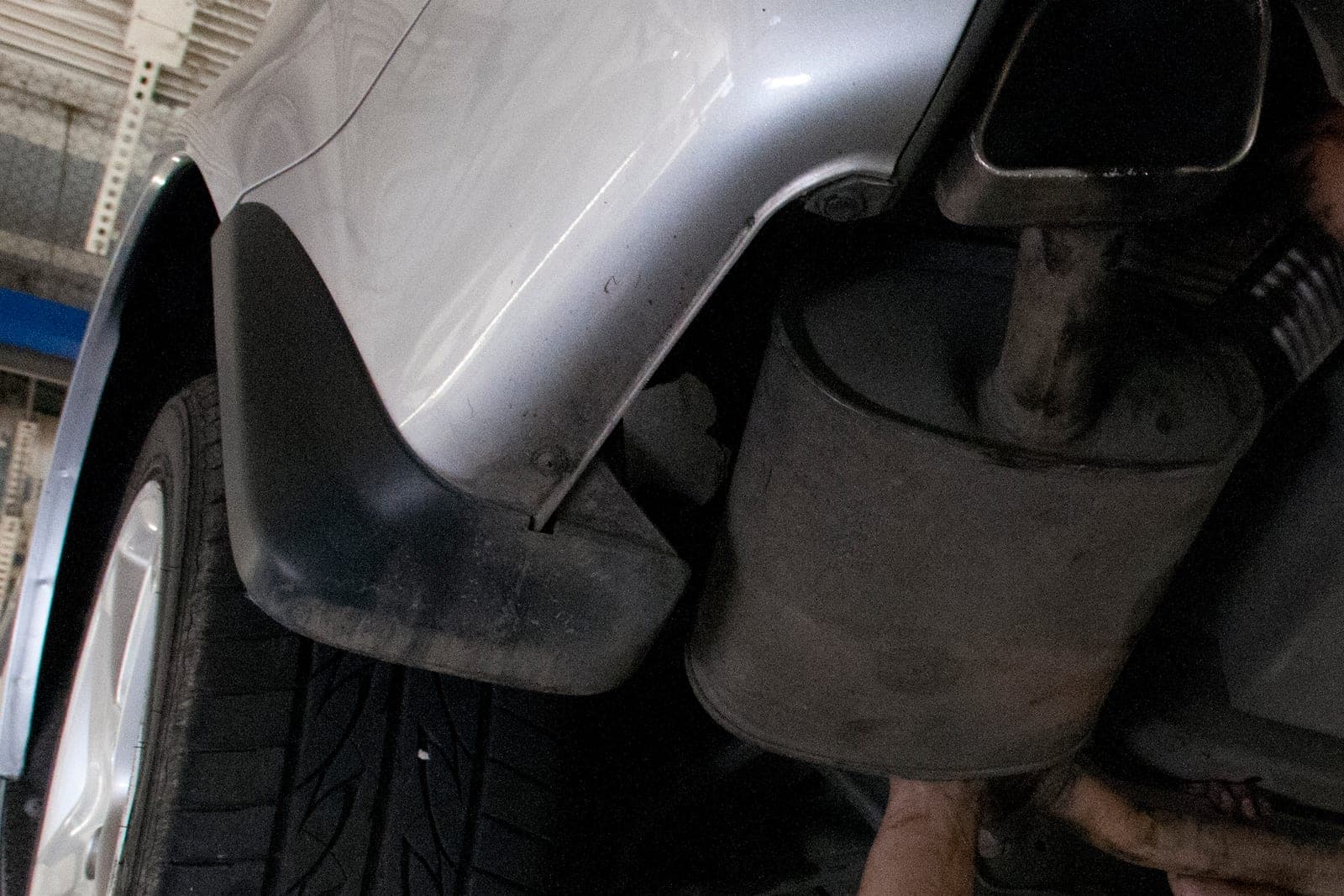
This is an illustration, not a customer story. Midway through the pilot at a three-bay shop, a customer comes back to say a rear bumper scuff is new. The service writer, P., pulls up the drop-off photo with the scuff in it and the customer's signature on the diagram. It does not end every disagreement, but the talk starts from the same picture.
Which calls stay with your writers and techs?
Your service writers and techs keep every call that needs judgment. The app holds the photos, the diagram and the times as one shared record, and the people below decide what that record means for the customer at the counter.
- Prices and discounts, set by the writer, never by the app.
- Labels on findings, set in the bay by the tech.
- Whether a car should be driven, a talk the writer has in person or by phone.
- Damage disputes and comebacks, handled by the owner with the photos in hand.
Same team. Same jobs. More capacity.
Frequently asked questions
What is a digital vehicle inspection?
A digital vehicle inspection is a shop's inspection recorded on a phone or tablet instead of a paper sheet. The tech checks each item, adds photos and notes, and the results go into the customer's record, where the service writer can share them and the shop can find them later.
What is a multi point inspection?
A multi point inspection is a set check of a car's main wear items, done while it is in the shop for other work. The tech looks at each item on the shop's list and marks it as fine, worth watching or needing attention, often with a photo.
What is included in a multi point inspection?
A multi point inspection usually covers tires and tread, brakes, fluids, belts and hoses, the battery, lights, wipers, steering and suspension parts, and visible leaks. Each shop sets its own list, so the items and the labels can differ from one shop to the next.
What is a vehicle condition report?
A vehicle condition report records how a car looks and runs at a set moment, such as drop-off. It notes existing scratches, dents and chips, often on a diagram, along with the mileage and any warning lights, and the customer signs it.
What is a vehicle walk around inspection?
A vehicle walk around inspection is a slow lap around the car to find and photograph existing damage before work starts. At a repair shop it happens at drop-off, ideally with the customer there, and it feeds the damage diagram they sign.
Next step
Book a free workflow consult if your drop-off notes still live on a clipboard. We look at how cars come in today, how your techs record findings and where a scratch question usually stalls. We work from the Kansas City metro and meet owners face to face or by video call.
Our standards
- The examples in our guides are illustrations, not customer stories.
- Your AI runs on private and on-premise models, not public AI tools, and nothing you give us is used to train AI models.
- Agents are built so each action is logged in a record that shows any later edit.
- Every call and text opens with a short line saying it is the business's AI assistant, and asking for a person always works.
- Texts go only to people who contacted you or gave you permission, and every message says how to stop.
- If anyone may be hurt or in danger, the only instruction an agent gives is to call 911.
- Depending on the investment package you choose, you get either the right to use the software we build for you or full ownership of it.
- We work from the Kansas City metro and meet owners face to face or by video call.
- Same team. Same jobs. More capacity.
About the ScaleAlphaSi team
ScaleAlphaSi is a Kansas City firm specializing in Advanced AI Engineering. We design and build AI agents and custom software for small businesses, trades and growing companies. Each guide draws on our experience with owners and office teams: where AI delivers, where your people stay in charge, and how to begin with a single workflow.
Meet the team