
Inspection software for property managers records each unit's condition room by room, with dated photos, a note on every item and the tenant's sign-off, then turns the walk-through into a clean report. A custom app built around your units keeps the same room order at every visit, so move-in and move-out reports line up.
This guide is for property managers and landlords with a portfolio who are choosing inspection software. For the wider picture, start with AI for small business and our guide to AI for property management in Kansas City. For exterior rules in community associations, see HOA violation tracking software.
What should inspection software for property managers do?
Inspection software for property managers should walk an inspector through each unit in a fixed room order and capture a condition, a note and dated photos for every line. It should collect the tenant's signature where your process calls for one, then produce a report an owner or tenant can read without help.
It should handle each kind of visit you run:
- Move-in and move-out. The condition record every deposit decision rests on.
- Routine checks. A walk-through during the lease, with proper notice, to catch leaks, worn filters and small repairs early.
- Turnover checks. What the make-ready crew needs to fix before the next tenant.
- Owner reviews. A short condition summary for the owner, with photos.
Every line holds the item, a condition from your own scale, a note, the photos and the name of the person who checked it.
Why do paper forms and general inspection apps fall short?
Paper forms and general inspection apps fall short because they do not know your units. A paper checklist cannot hold photos, and a generic app lists rooms your duplexes lack while missing the appliances they have. Reports come out long, and move-in rarely lines up with move-out.
Off-the-shelf rental property inspection software often shows the same gaps:
- Photos apart from the form. Pictures sit in a camera roll, and someone matches them to lines later.
- A shifting room order. Each inspector walks a unit differently, so a line-by-line comparison breaks.
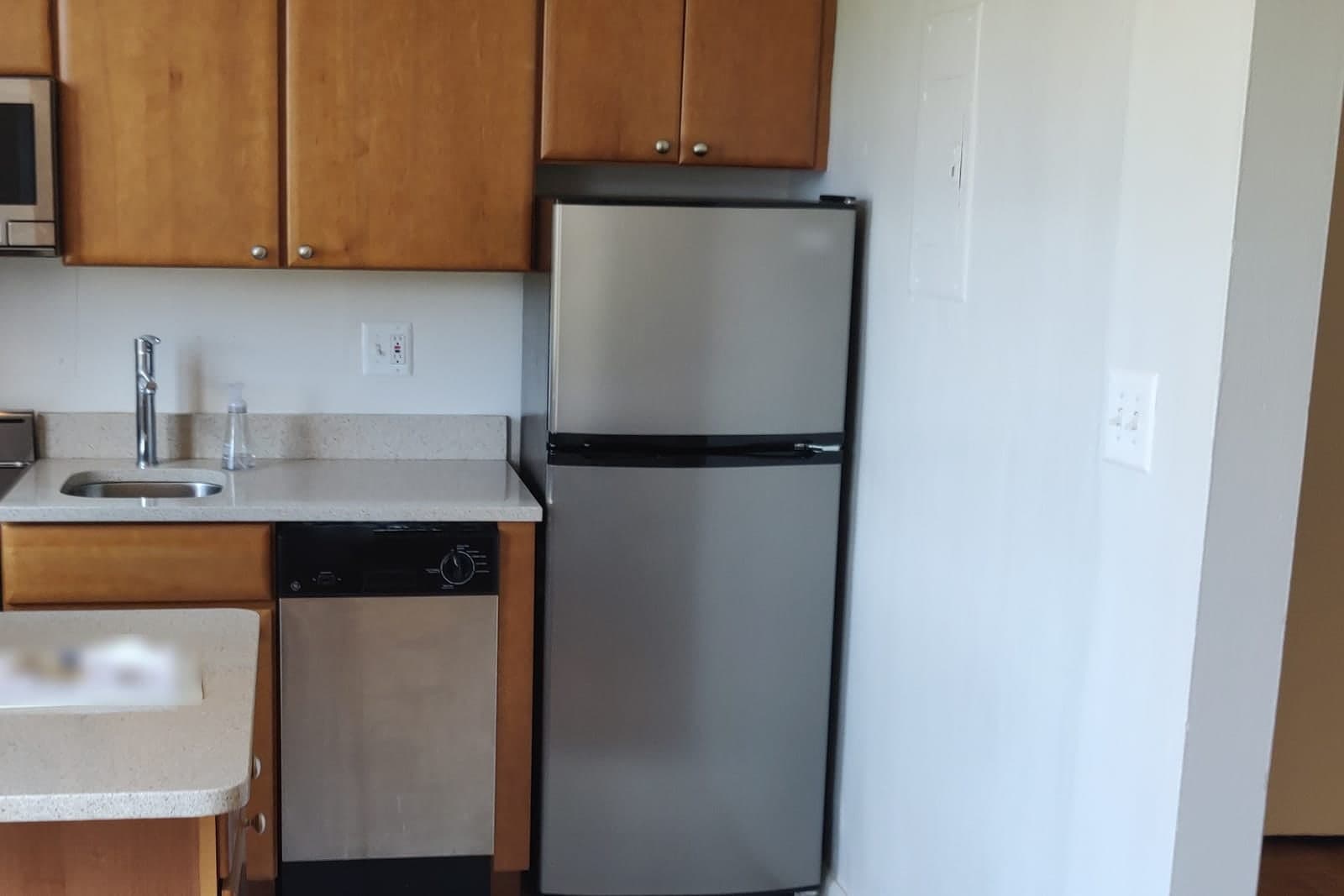
- No appliance record. Nobody can say what shape the fridge was in two tenants ago.
- Everyone sees everything. A contract inspector logs in and sees the whole portfolio.
What does a custom inspection app include?
A custom inspection app includes templates built from your own unit types, an appliance register, access rules for each inspector and reports your owners will read, built as one of our full web applications. Each piece follows the way your team already walks a unit.
- Templates. One per unit type, such as a studio, a duplex side or a house with a basement, built from your floor plans.
- Appliance register. Each unit's appliances with model, serial number and a photo, carried from inspection to inspection.
- Inspectors see only their properties. A contract inspector sees the units assigned to them and nothing else.
- Clean reports. Lines with damage or notes come first, every photo is dated, and empty lines fold away.
The Admin Agent can draft the tenant's copy and the owner's summary for a manager to check and send. Repair calls from tenants are a separate job, covered in our guide to an answering service for property management.
Our plans give you either the right to use the inspection app we build or full ownership of it, depending on the package. The inspection records stay yours under both.
Move-in and move-out, side by side
Move-in and move-out reports compare cleanly when both use the same room order, dated photos on each line and the tenant's sign-off on each line. The app then sets the two reports next to each other, so a manager sees what changed without paging through two files.
- Same room order every time. The move-out opens on the move-in template, room by room and line by line.
- Dated photos. Each photo keeps the date and time it was taken, so move-in pictures never mix with later ones.
- The tenant signs each line. At move-in, the tenant initials each line on the tablet or adds a note where they see it differently.
- Compared line by line. Both conditions and both sets of photos sit side by side, and changed lines are flagged for review.
Dated photos help a deposit conversation, but they do not settle one, and a manager still judges each changed line. Flagged lines can also become the cleaning list, the move-out request our guide to AI for cleaning companies covers from the cleaner's side. Between guests on a short-term rental, cleaners run a different check, and our guide to a vacation rental cleaning app covers their photo steps for each turn.
This is an illustration, not a customer story. Esme manages rental homes on both sides of the state line. At a move-out, the comparison shows a carpet stain the tenant had already noted and initialed at move-in, so she marks it as existing and moves on.
How do we build and test it with one portfolio?
We build it from your floor plans and test it on one group of units. A written spec of your unit types, rooms, rating scale and report layout comes first, and your managers mark it up before we start. One or two inspectors then pilot the property management inspection software on those units.
On the pilot units, we confirm that:
- A move-out opens in the same room order as its move-in and flags every changed line.
- A contract inspector sees only the units assigned to them.
- A fridge's serial number and photo carry over from one tenant to the next.
- The owner summary shows only what changed, with dated photos.
- A tenant's initials and notes stay attached to their lines after the report is signed.
It connects to your property management system, so units, tenants and leases are entered once.
What stays with your managers. Deciding what counts as damage and what is normal wear, every deposit deduction, every notice to a tenant and any dispute stay with people. The app shows the evidence and never decides.
Same team. Same jobs. More capacity.
Kansas and Missouri move-in and move-out rules
Kansas and Missouri both shape how managers record condition and handle deposits, in different ways. Kansas puts weight on a joint move-in inventory, while Missouri spells out the tenant's place at the move-out inspection. Managers working both sides of the Kansas City metro need each state's steps in one app.
Kansas. Kansas law on move-in inventories (opens in a new tab) requires the landlord and tenant to inventory the unit together at move-in, record the condition of the premises and any furnishings or appliances, and both sign it. When keeping part of a deposit, the Kansas deposit rule (opens in a new tab) lets a landlord apply it to unpaid rent and damages only as itemized in a written notice delivered to the tenant.
Missouri. Missouri's deposit law (opens in a new tab) requires a landlord who keeps part of a deposit to give the tenant a written, itemized list of damages, and it grants the tenant the right to be present at the move-out inspection. The app can draft the inspection notice with its date and time for a manager to send, then log whether the tenant came. Deadlines and amounts are in each statute, and deposit disputes go to your attorney.
Frequently asked questions
Why do property managers do inspections?
Property managers do inspections to record a unit's condition, catch small problems such as leaks before they grow, and give owners a clear picture of their property. The move-in and move-out reports also form the record behind any deposit decision.
What do property managers look for during an inspection?
Property managers look at walls, floors, doors, windows, fixtures and appliances in each room, plus signs of leaks, pests, wear beyond normal use and unapproved changes. They also check items the lease covers, such as filters, and note anything that needs a work order.
What is a move in inspection?
A move in inspection is a walk-through at the start of a lease that records the condition of every room and appliance, with photos. The tenant and the manager review it and sign it, and it becomes the starting point for the move-out comparison.
What is a move out inspection?
A move out inspection is the walk-through after a tenant leaves, done in the same room order as the move-in. The manager compares each line with the move-in record and notes any damage beyond normal wear. In Missouri, the tenant has the right to be present.
How often should landlords do inspections?
Landlords should inspect at every move-in and move-out, then on a routine schedule the lease allows, often at renewal or with the seasons. Each routine visit needs the notice your lease and state law require, and a repair request can prompt a quick check of one room.
Can a property manager take photos during an inspection?
Usually yes. Photos of the unit's condition are a normal part of an inspection, especially at move-in and move-out. Keep them to the property, leave people and personal papers out of the frame, give proper notice before entering, and store the photos with the report.
Next step
Book a free workflow consult and bring one move-in report with its matching move-out. We will lay them side by side, show where the lines drift apart, and sketch templates for your unit types. We work from the Kansas City metro and meet owners face to face or by video call.
Our standards
- The examples in our guides are illustrations, not customer stories.
- Your AI runs on private and on-premise models, not public AI tools, and nothing you give us is used to train AI models.
- Agents are built so each action is logged in a record that shows any later edit.
- Every call and text opens with a short line saying it is the business's AI assistant, and asking for a person always works.
- Texts go only to people who contacted you or gave you permission, and every message says how to stop.
- If anyone may be hurt or in danger, the only instruction an agent gives is to call 911.
- Depending on the investment package you choose, you get either the right to use the software we build for you or full ownership of it.
- We work from the Kansas City metro and meet owners face to face or by video call.
- Same team. Same jobs. More capacity.
About the ScaleAlphaSi team
ScaleAlphaSi is a Kansas City firm specializing in Advanced AI Engineering. We design and build AI agents and custom software for small businesses, trades and growing companies. Each guide draws on our experience with owners and office teams: where AI delivers, where your people stay in charge, and how to begin with a single workflow.
Meet the team