
Waste hauling software gives a small trash company one record of every route, stop and bill, so the office no longer rebuilds the week from paper sheets. Drivers check off stops from a phone. Missed pickups turn into tickets on the next sheet, and recurring invoices come from the same account list the routes use.
This guide is for small residential and light-commercial haulers running a few trucks on fixed weekly routes. Our guide to route optimization software for service companies covers route planning in depth, and AI for small business shows where AI helps first.
What should waste hauling software track?
Waste hauling software should track each route day as an ordered list of stops, the carts and containers at every stop, and what the driver found there. It should turn missed pickups into tickets, carry holiday shifts and draft recurring invoices from the same account list, so routes and billing never drift apart.
The Bureau of Labor Statistics (opens in a new tab) describes refuse and recycling collectors gathering trash and recyclables from homes and businesses, with some driving the truck along a scheduled route. That scheduled route sits at the heart of waste hauler software, and every stop on it carries a few facts:
- The account. Who pays, the service address and the pickup day.
- Carts and containers. How many, what size, and trash or recycling.
- Access notes. A gate, a back alley, a dog in the yard or a cart kept by the garage.
- A map pin. Where the cart really sits, which is not always the front door.
- The last result. Done, blocked or missed, with a photo when it matters.
Why do paper route sheets drift away from billing?
Paper route sheets drift away from billing because the routes and the account list live in separate places. A customer adds a cart, the driver learns about it on the street, and the office never hears. Months later the bill still shows one cart while the truck empties two every week.
The phone adds to the drift. Missed-pickup calls land on sticky notes, and Monday's misses depend on someone remembering them Tuesday.
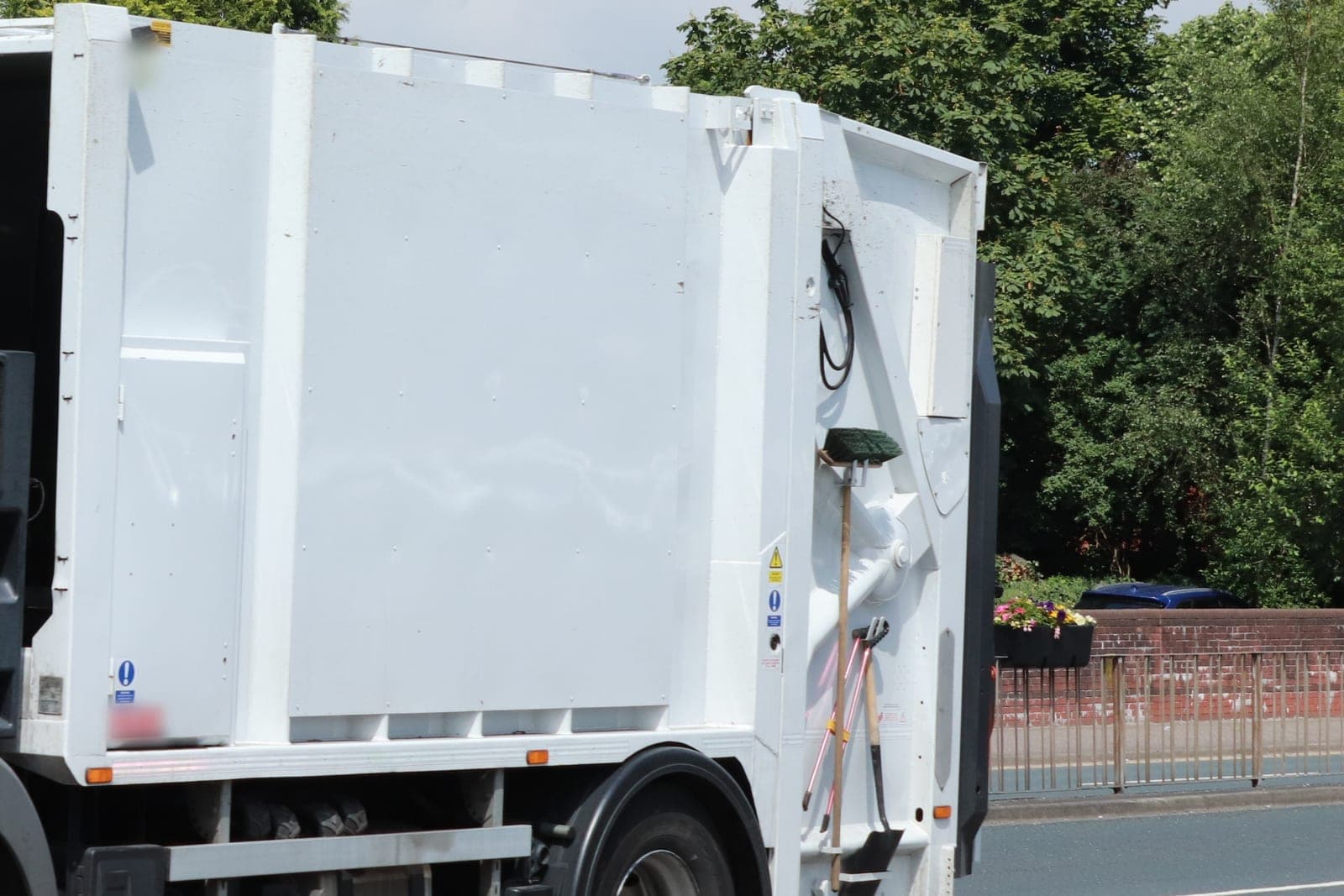
The usual tools each leave a gap for a small hauler:
- Spreadsheets. They hold the account list, but a driver cannot check off a stop or add a photo.
- Route planning apps. Good at the order of stops, silent on cart counts and recurring bills.
- Boxed trash hauling software. Often built for big fleets, with roll-off screens and dispatch rules a small company never uses.
- Accounting software. It sends invoices well, but someone types each cart change in by hand.
What we build: route sheets, tickets and cart billing
We build software for waste haulers around the routes you already drive: route days as stop lists, a driver phone view, missed-pickup and extra-bag tickets, holiday shifts and recurring invoices by cart or container. One account list feeds the routes and the bills, and every change keeps a record of who made it.
We build it as one of our full web applications, with logins for the office and each driver.
Route days
Each route day lists stops in the order your drivers run them, with cart counts, access notes and a map pin. The office can print it or send it to a phone.
The driver's phone
Drivers touch this part of the trash pickup software all day, tapping each stop as done, blocked or missed. A blocked or empty curb needs a photo, so a customer who calls later sees the same curb the driver found. Drivers tap only while parked, never while the truck rolls.
Missed pickups and extra bags
A missed-pickup report or an extra-bag request becomes a ticket on the next route sheet for that area. The ticket closes only when the driver returns and marks it done. When the reason is something the truck cannot take, the reply points the customer to a drop-off site. EPA's household hazardous waste page (opens in a new tab) explains that leftover paints, cleaners, oils, batteries and pesticides need special care when thrown away and that some of them can harm sanitation workers. Drop-off rules vary by place, so check your state's rules and your city's.
Holiday weeks
A holiday shift moves each route after the holiday by one day, and the sheets update together. Customers who agreed to texts get a notice of their new pickup day, and anyone can opt out with a one-word reply, which we honor the way FCC rules require.
Recurring billing
Invoices draft each cycle by cart or container from the account list, with payment reminders, and the office approves them before they go out. New service, a cancel or a cart-size change waits for the office before it touches billing. For customers who sign up online, federal law on online recurring charges (opens in a new tab) calls for clear terms, the customer's express consent before billing and simple ways to stop the charges, so the sign-up page shows all three.
The Customer Agent logs missed-pickup and extra-bag requests as tickets, but only customers who agreed to texts hear back from it, and anyone can opt out. Customers can see in each reply that the hauler's AI assistant wrote it, and asking for a person always works.
Depending on the package you choose, you get the right to use the hauling app we build or full ownership of it, and your account list and route history stay with you either way.
How does the build run?
One driver runs one route day on the phone, beside the paper sheet, as the pilot. Before that, your office approves a written spec covering stop fields, ticket reasons, holiday rules, cart sizes and who may change an account. We fix whatever the street shows us on that route.
Once the pilot holds up, we load the other routes and connect your accounting software. Each action is logged, and your records are never sold.
These checks run on the pilot route before handover:
- A cart added to an account shows on the next route sheet and on the next invoice.
- A blocked stop cannot close without a photo.
- A missed-pickup ticket rides the next sheet and closes only when the driver marks it done.
- A holiday shift moves every later route by one day and notifies only customers who agreed to texts, and an opt-out stops them.
- A cancel stops billing only after the office approves it.
This is an illustration, not a customer story. Alton runs a small trash company with routes through the towns outside the city. On Monday a customer reports a missed cart, and the ticket lands on Tuesday's sheet for that area. The driver's photo from Monday shows the cart was behind a closed gate, so Alton's office explains that, and the driver empties it Tuesday. The same customer asks for a second cart, and Alton approves the change before the new line reaches the invoice.
What stays with your office and drivers?
Your office and drivers keep the calls that need a person: whether a customer gets a credit, whether a stop was truly missed, what a new account pays and how a dispute ends. The app records each stop and drafts each bill, and the Customer Agent logs requests, but neither one grants a credit or changes a price.
- Credits. The office approves every credit and every account change.
- Invoices. The office reviews each recurring invoice before it goes out.
- Stops. Drivers confirm each stop and each missed-pickup return.
- Prices. The owner sets every rate and every extra charge.
Trash route software for weekly curbside service differs from on-demand hauling. For dump runs and donation stops, see junk removal software, and pumpers on reminder cycles should read about septic software. Roll-off containers run on drop and pickup dates instead of weekly stops, which our guide to dumpster rental business software covers.
Frequently asked questions
What is a waste hauler?
A waste hauler is a company that collects trash, and often recycling, from homes and businesses and takes it to a landfill or a drop-off site. Small haulers run a few trucks on fixed weekly routes and bill each customer for the carts or containers they use.
How does trash pickup work?
Each street gets a set pickup day. Customers roll their carts to the curb ahead of time, the driver empties each one along the route, and anything left behind gets logged for a return trip. Extra bags or bulky items usually need a call ahead and can cost extra.
How do trash companies charge?
Trash companies usually charge a recurring fee shaped by how many carts or containers you have, their size, how often they are emptied and any extras such as added bags or bulky pickups. Business accounts often pay by container size and pickups per week. Each company sets its own rates.
How does trash pickup work on holidays?
On many holiday weeks, pickup slides one day later for each route after the holiday, so a Monday route might run on Tuesday. Every hauler sets its own holiday calendar, so customers should watch for that company's notice before the holiday week.
Next step
Book a free workflow consult and bring one week of route sheets, your account list and the sticky notes from the phone. We will match every stop to a bill and mark each cart the invoice missed. We work from the Kansas City metro and meet owners face to face or by video call.
Our standards
- The examples in our guides are illustrations, not customer stories.
- Your AI runs on private and on-premise models, not public AI tools, and nothing you give us is used to train AI models.
- Agents are built so each action is logged in a record that shows any later edit.
- Every call and text opens with a short line saying it is the business's AI assistant, and asking for a person always works.
- Texts go only to people who contacted you or gave you permission, and every message says how to stop.
- If anyone may be hurt or in danger, the only instruction an agent gives is to call 911.
- Depending on the investment package you choose, you get either the right to use the software we build for you or full ownership of it.
- We work from the Kansas City metro and meet owners face to face or by video call.
- Same team. Same jobs. More capacity.
About the ScaleAlphaSi team
ScaleAlphaSi is a Kansas City firm specializing in Advanced AI Engineering. We design and build AI agents and custom software for small businesses, trades and growing companies. Each guide draws on our experience with owners and office teams: where AI delivers, where your people stay in charge, and how to begin with a single workflow.
Meet the team