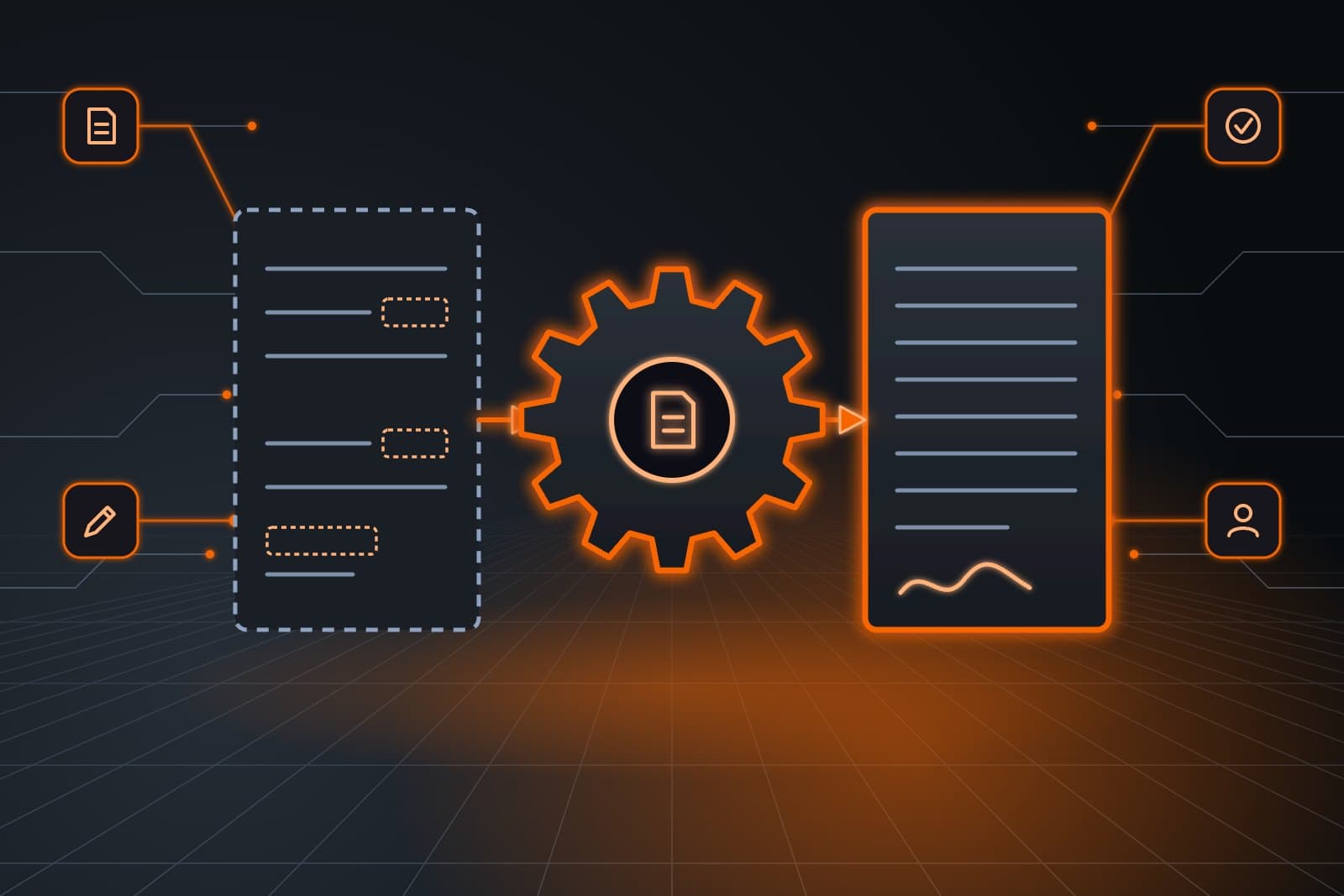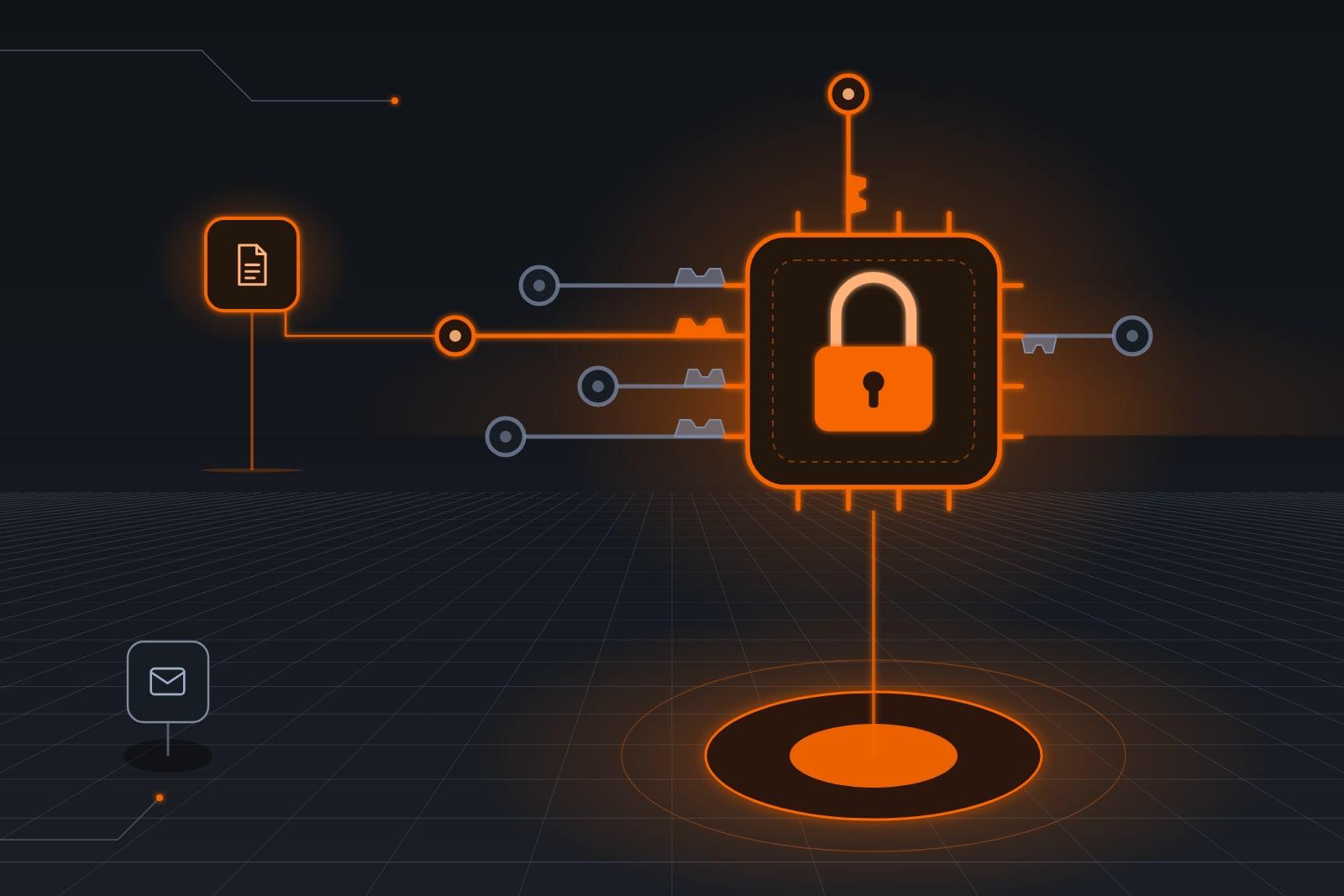
Least privilege AI agents get only the logins, data and actions their one job needs. Hardened Agent Templates, our software product, give you a ready-made, security-first agent with those limits built in from day one.
ScaleAlphaSi builds AI security software, and this line is a product in its own right. You subscribe to the hardened agents you need and run them beside the other agents and AI tools you already use, whoever built them.
The line covers common jobs such as bookkeeping, scheduling, the front desk and the inbox. Our Security page lists Hardened Agent Templates beside our other AI security products.
What is least privilege for an AI agent?
Least privilege is the security principle that a user, or a program acting for a user, gets only the access its assigned tasks need. NIST's glossary entry on least privilege (opens in a new tab) defines it that way. For an agent, it means its own logins, folders and actions, cut to one job.
Least privilege limits what an agent can reach. Least agency also limits what it may do on its own. It may read every invoice, yet still need a person's yes before sending one.
OWASP's guidance on excessive agency (opens in a new tab) describes AI apps that can take damaging actions after an unexpected, unclear or manipulated output. It names the usual root causes as excessive functionality, excessive permissions and excessive autonomy. Our templates answer all three.
Why do least privilege AI agents matter?
Agents read outside text all day, and some of it can carry planted instructions. Whatever an agent can reach, a successful trick can reach too. Tight limits decide how far a mistake or an attack travels, so they matter most where an agent touches money, customer records or messages that leave the business.
NIST's technical blog on agent hijacking (opens in a new tab) describes experiments in which researchers often got an agent to follow planted instructions. One task told it to send a user's cloud files to an unknown recipient.
An agent with no route to your files has nothing to send. For how planted instructions work, read What Is Prompt Injection in AI? Attacks and Defenses.
NIST's summary of responses on AI agent security (opens in a new tab) reports: “There was also widespread agreement that, while fundamental cybersecurity principles and practices remain relevant, they will require adaptation to satisfactorily address agent security.”
Our templates are that adaptation, sized for a small business.
What protections come built in?
Our Hardened Agent Templates are ready-made, security-first versions of common agent jobs, each with four controls wired in from the first day. The controls are sandboxing, scoped credentials, human-in-the-loop approval steps and audit logging. Your agent goes live with its limits set, so nothing waits for a later patch.
- Sandboxing, a walled-off workspace. The agent sees only the folders, inboxes and tools you connect, so a fooled agent has nowhere else to go.
- Scoped credentials, logins limited to the job. Each agent has its own account with only the rights its work calls for. Passwords and keys never reach the AI model or the logs.
- Human-in-the-loop approval steps. Refunds, payments, deletions and permission changes wait for a named person, who sees what the agent wants to do and why.
- Audit logging. Each action, run or held, goes into an append-only record you can read.
Which actions does each template allow?
Each request an agent makes has three possible outcomes: it runs inside its own login, it waits for a named person, or it stops because the login lacks that right. The table follows a scheduling agent, an inbox agent and a bookkeeping agent through common requests. Every row, whatever the outcome, lands in the audit log.
| Request | What the template does | Control |
|---|---|---|
| Scheduling agent moves a job on your board | Runs, inside its own login | Scoped credentials |
| Scheduling agent drafts a parts order | Drafts it, then holds the price for a person | Approval step |
| A vendor email tells the inbox agent to export your customer list | Stops: no export right, and no such file in its workspace | Sandboxing |
| Bookkeeping agent drafts an invoice for a finished job | Runs, and sends it only when your rules allow | Scoped credentials |
| Bookkeeping agent prepares a refund | Holds it for the owner plus a second person | Approval step |
| An email asks the bookkeeping agent to change a vendor's bank details | Holds it for the owner plus a second person | Approval step |
| Any agent tries to widen its own access | Stops, because only a person changes permissions | Scoped credentials |
A separate product brings that same review to agents built anywhere, covered in Human Approval for AI Agents: Which Actions Wait for You.
What does a business need to run one?
Three things make a hardened agent work: the tools it will act in, such as your CRM, shared inbox or books; a named person who owns its approval rules; and your sign-off on what it may reach. It runs beside the other agents and AI tools you already use, whoever built them.
You need no other ScaleAlphaSi product first.
How does a business start with one?
Setup starts with a map of every system the agent will touch and what it must read, write or send there. We build its logins and workspace from that map, you write the approval list, and we test on your own past work before launch.

- Map the job. We list each system, folder and inbox the agent needs.
- Cut the access. We create its own logins inside a walled-off workspace.
- Name the approvers. You decide which actions wait for a person, and who that person is.
- Test before launch. We run it on your own past cases with you.
- Widen with care. Access grows only when you sign off.
Request a call and we will map one job you want a hardened agent to take, such as bookkeeping or scheduling. We show the logins it would need beside the agents and tools you already run.
Which agent jobs does the line cover?
Ready-made hardened agents exist for the work a small business hands off most: bookkeeping, scheduling, the front desk and the inbox. The bookkeeping and scheduling agents carry the tightest limits, because they touch your ledger, your bank and your job board. A planted instruction that reached either could try to move money or change records.
The scheduling agent never moves money, and each price waits for a person. The bookkeeping agent writes only where it codes transactions or drafts invoices, and bank-detail changes need the owner plus a second person.
What can't the templates prevent?
No template stops every attack. NIST's release on attacks against AI (opens in a new tab) says no foolproof method yet exists for protecting AI from misdirection. Our templates plan for that, so a fooled agent still meets a narrow login, a walled-off workspace and a person on every risky step.
The templates set limits at setup and do not read each message for planted instructions. That check belongs to a separate product, described in AI Agent Guardrails: A Runtime Layer That Checks Each Action.
They also cannot fix shared passwords or old accounts elsewhere in your business.
Hardened agents at a dental practice
Example: a dental office's front desk and books
Clementine runs a small dental office with one office manager. She subscribed to a hardened front-desk agent and a hardened bookkeeping agent, which run beside the AI writing tool her office already used.
The front-desk agent sees the schedule and patient phone numbers, nothing clinical, and books cleanings within her rules. Questions about care go to her licensed staff as a message.
One Monday, an email posing as a supply vendor asked for new bank details and quick payment. The bookkeeping agent cannot change bank details alone, so it held the request for Clementine and her manager.
Her manager phoned the vendor at the number on file and learned it had sent no such email. The audit log showed the request, the hold and who decided.
Frequently asked questions
Can hardened agents run beside agents we got elsewhere?
Yes. Hardened agents run beside other agents and AI tools, whoever built them, each on its own logins inside its own workspace.
The four controls cover the hardened agent itself. We check on a call how it connects to your tools, and we do not claim it fits every system.
Who owns the logins a hardened agent uses?
Your business owns every login and account a hardened agent signs in to, and each one carries only the rights its job needs. When your subscription ends, we revoke our access on the schedule in your written agreement.
What happens when an agent needs more access?
An agent that needs more access asks for it instead of taking it. The request goes to the person you named, and if that person agrees, that one login is widened and the change is written to the audit log.
Do tighter limits make an agent less useful?
Tighter limits make an agent ask more often, which costs a person a moment now and then. We draw the limits around your real routine, so everyday steps still run on their own.
Next step
Request a call and bring a list of the logins your team shares today. On the call, we set a hardened bookkeeping or scheduling agent beside the software you run and show which logins it should never see.
Our standards
- The examples in our guides are illustrations, not customer stories.
- Your AI runs on private and on-premise models, not public AI tools. Nothing you give us is used to train AI models.
- Agents are built so each action is logged in a record that shows any later edit.
- Texts go only to people who gave you permission, and every message says how to stop.
- If anyone may be hurt or in danger, the only instruction an agent gives is to call 911.
- Depending on the investment package you choose, you get either the right to use the software we build for you or full ownership of it.
- We work from the Kansas City metro and meet owners face to face or by video call.
- Same team. Same jobs. More capacity.
About the ScaleAlphaSi team
ScaleAlphaSi is a Kansas City AI advisory firm specializing in Advanced Marketing and AI Engineering. Our team drives demand through SEO, AEO, GEO and paid ads management. Once that demand arrives, we build specialized AI agents to scale operations for profitability. Each guide draws on engagements with owners and operations teams, covering where to start, where people stay in charge and how to scale one workflow at a time.
Meet the Team