AI automation in Overland Park works best on the repeat tasks that slow a local office: calls, booking, quote follow-up, invoicing and weekly reports. Staff own prices and judgment, while a long-term partner keeps the system current as AI improves.
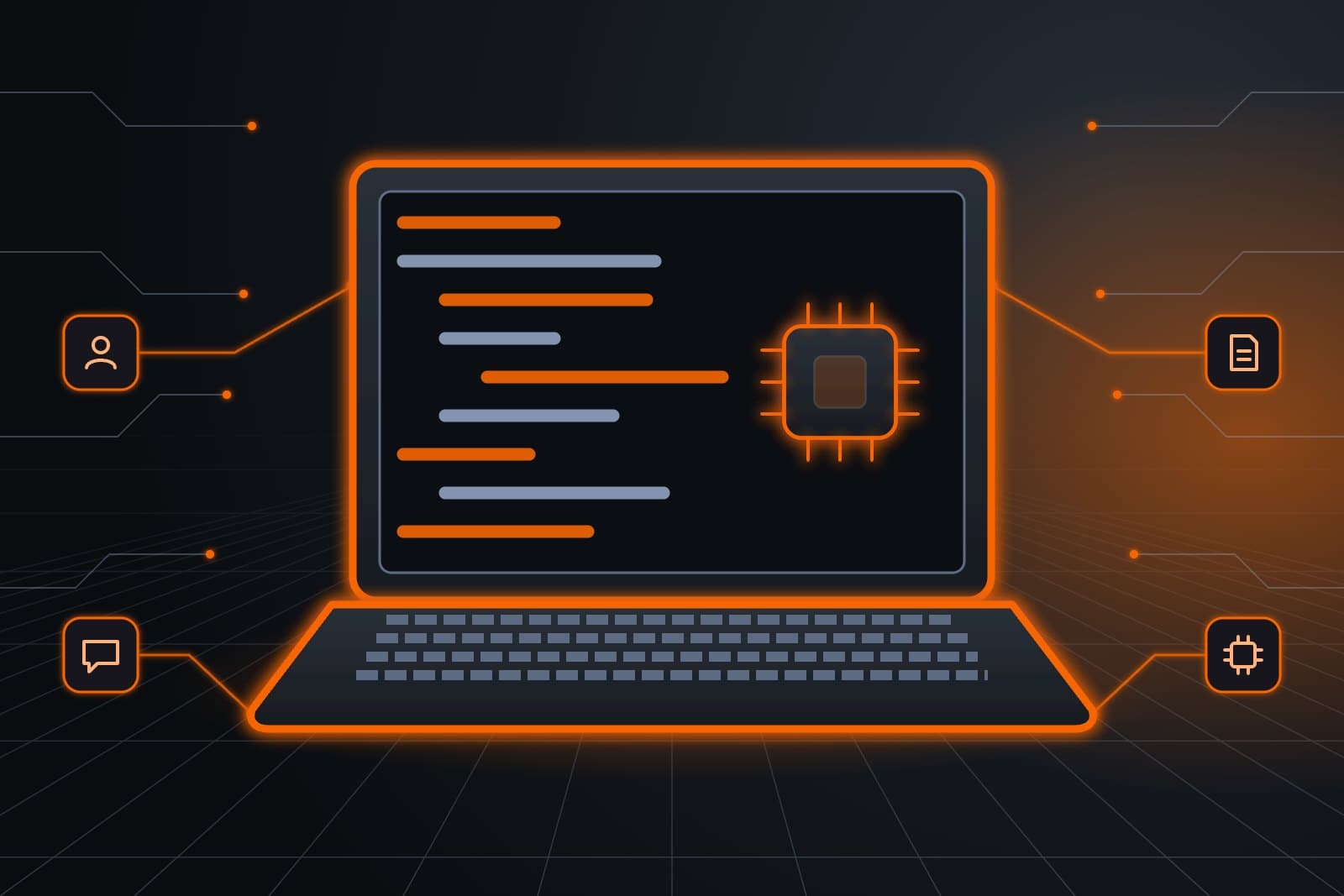
AI automation means software that runs a written, repeatable process inside the tools you already use. An AI agent does that work: it reads a request, follows your rules and hands anything unusual to a person.
Dental offices, law firms, HVAC contractors, property managers and the corporate offices along College Boulevard all carry this kind of repeat work.
Where should AI automation in Overland Park start?
The best first tasks happen daily, follow clear rules and cost you customers when they are missed. Booking, quote follow-up and invoice reminders fit that test. Mistakes in that work are easy to spot, so you can judge whether the Sales Agent helps with quotes before you hand it a second task.

- Front desk: the Customer Agent answers the phone and books open appointment times at a dental office or a salon.
- Quote follow-up: the Sales Agent checks in on a plumber's open estimates on a schedule you approve.
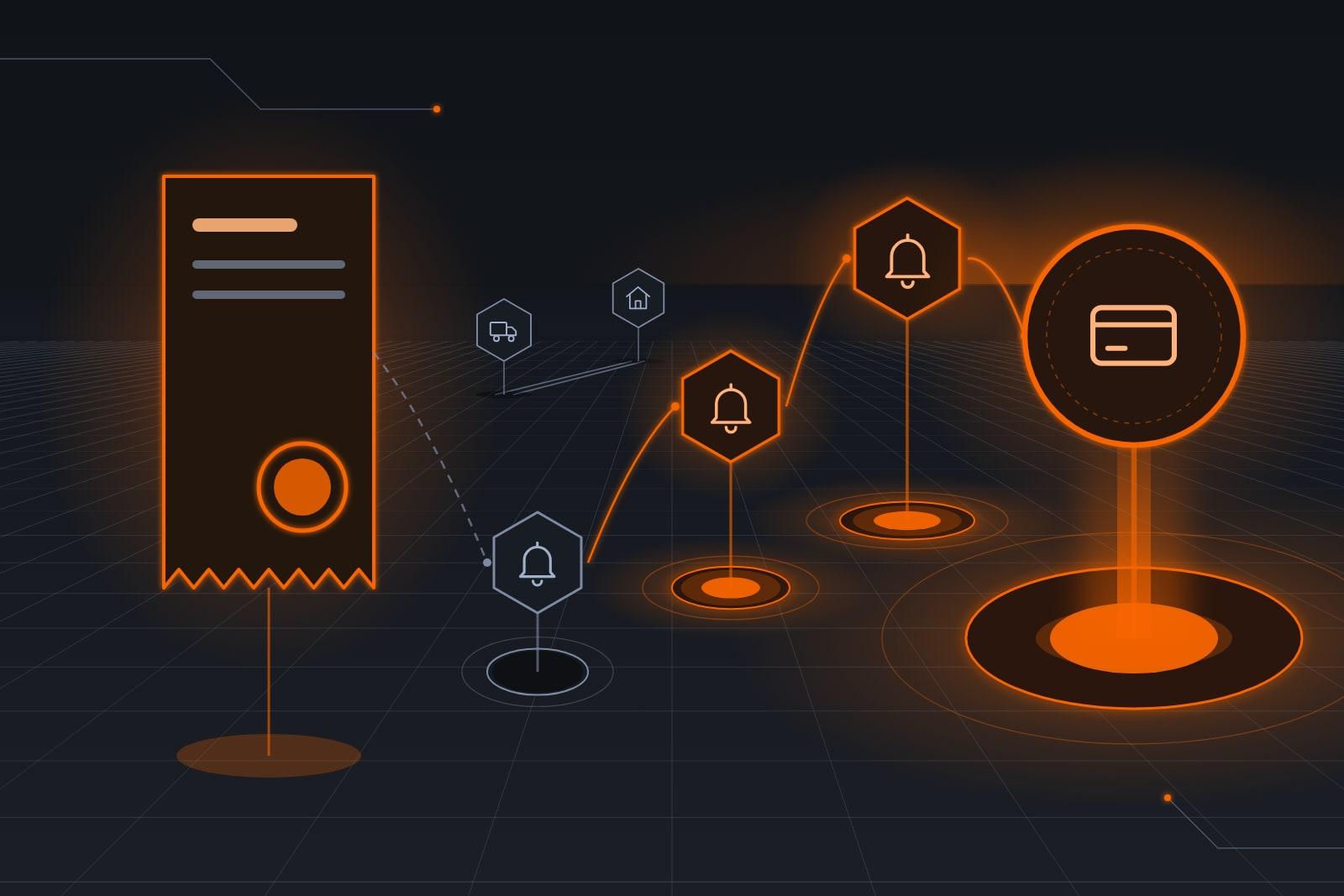
- Billing: the Finance Agent drafts invoices from finished jobs at an auto shop and sends polite reminders.
- Reporting: the Finance Agent puts Monday's numbers in front of the owner, straight from the live books.
- Scheduling: the Ops Agent keeps a contractor's job board current and flags any booked job that is missing details.
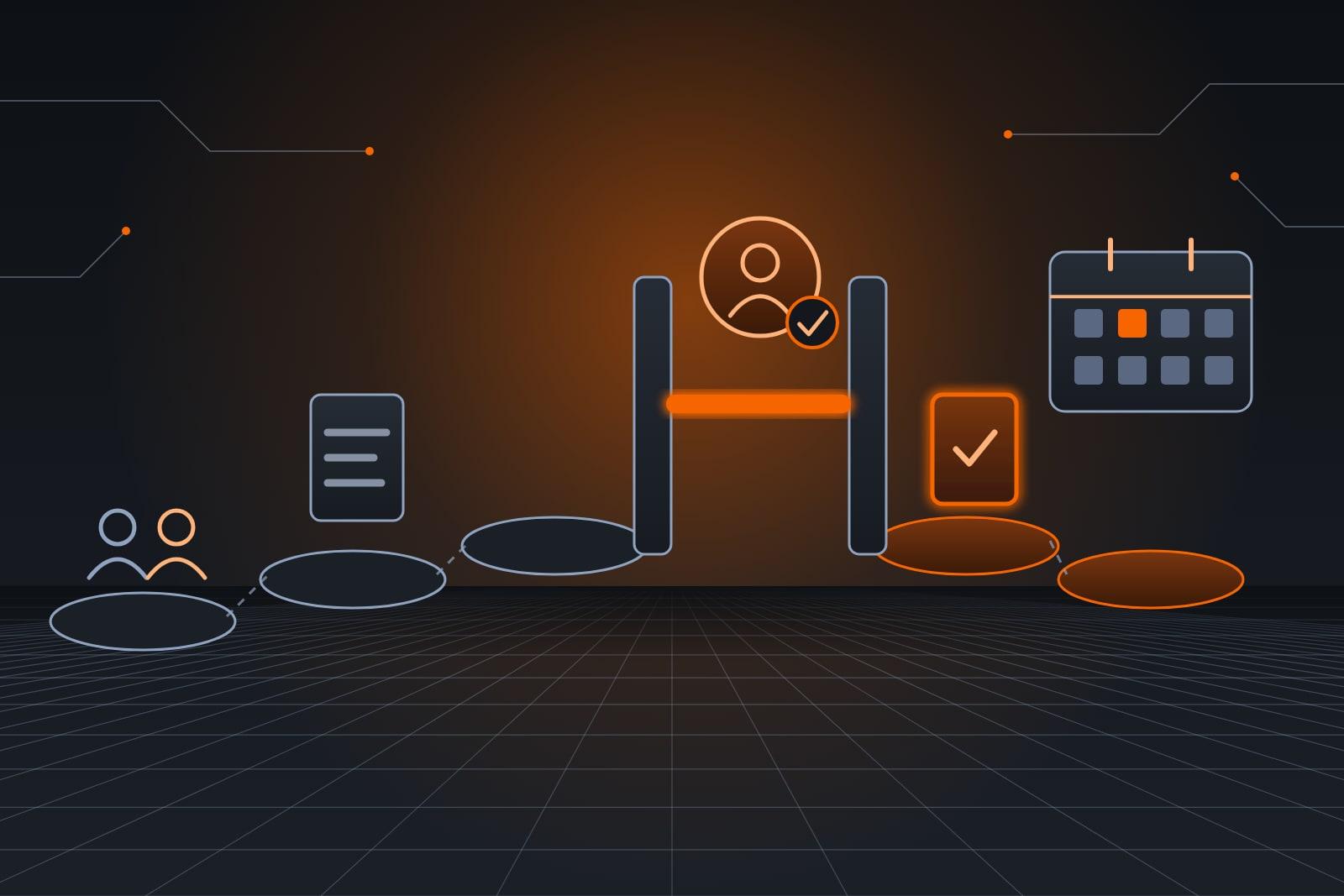
- Onboarding: the Admin Agent collects forms and files documents for an accounting practice.
Not sure which task tops your list? Book a free consult meeting, and we will rank them with you.
What should stay with your staff?
Staff keep every decision that needs judgment, a license or a relationship: prices, discounts, complaints, refunds, hiring and anything legal. An agent drafts, sorts and reminds, then a named person approves. That split protects customers, while your people spend their hours on the work they were hired to do.
| Workflow | What the agent handles | What stays with staff |
|---|---|---|
| Calls and booking | Routine questions, open times, confirmations | Complaints, refunds, special requests |
| Quote follow-up | Scheduled check-ins on open estimates | Price changes, discounts, scope |
| Invoicing | Invoice drafts, payment reminders | Disputes, payment plans, write-offs |
| Weekly reporting | One summary from several systems | What the numbers mean |
| Client onboarding | Forms, documents, first meeting | Advice, engagement terms, conflict checks |
Why does automation need ongoing care?
Automated workflows drift out of date as your services, hours and software change. New AI models, the engines behind each agent, keep arriving, and some handle a task better than the one you launched with. ScaleAlphaSi reviews each workflow on a schedule, tests every upgrade first and rolls in the ones that prove better on your own work.
"AI systems should be tested before their deployment and regularly while in operation." — National Institute of Standards and Technology, federal standards lab, AI Risk Management Framework core (opens in a new tab)
Each candidate model runs against an evaluation set: past calls, quotes and invoices from your office with known right answers. A model that beats your current engine runs in shadow mode, drafting replies customers never see, before going live.
That testing targets a common worry: 46% of AI users in the Federal Reserve Banks' small business survey (opens in a new tab) named accuracy a top challenge.
Your team's business rules stay untouched unless you approve a change.
Our managed AI services guide details that care. To vet a partner, see AI agency in Overland Park.
A staged rollout, step by step
A staged rollout launches one workflow at a time, with a person approving the agent's work until it proves reliable. A new task is added only after the scheduled review approves the last one. The same steps suit a law firm, a restaurant group or a real estate team.
- Map the task. We watch how the work moves today and write the rules down with your team.
- Connect the tools. The agent opens only the systems its task requires, following NIST's principle of least privilege (opens in a new tab).
- Test with real cases. Past calls, quotes or invoices run through the agent before it handles a live customer.
- Launch with approvals. A staff member signs off on each message or booking during the first weeks.
- Review and widen. A scheduled review decides what to loosen, what to fix and which task comes next.
AI for Overland Park businesses covers intake, proposals, client service and reporting. For the first decisions, start with AI for small business.
How does an automated office run?
An automated office hands routine calls and quote follow-up to its agents. Your own staff keep advice, claim questions and every upset client. A monthly review spots gaps in the answers, then the team adds each fix once the owner approves.
Example: an insurance agency's renewal season
At an independent insurance agency on Monday, the Customer Agent answers routine calls, then books callbacks with the right licensed agent. On Wednesday, the Sales Agent follows up on last week's quotes in wording a producer approved.
A month later, the review flags one renewal form behind a run of repeat calls, so we write and test an answer for it.
Why automate with ScaleAlphaSi?
ScaleAlphaSi runs your marketing and your automation as one team, so each new lead from a campaign reaches the Sales Agent with its source and offer. Each agent works inside the software your office already uses, and updates ship only after testing shows they perform better.
- Marketing before agents: search and ad campaigns bring in new leads, and the Sales Agent answers them.
- Try it first: any agent can run free for 30 days in your own tools.
Book a free consult meeting to plan your marketing and automation together.
Frequently asked questions
Do we need technical staff to run the agents?
Technical staff are not needed. We set up, monitor and tune each workflow. Your team approves only the flagged decisions, and nobody learns prompts, models or new software.
Can automation handle after-hours calls?
After-hours calls can go to the Customer Agent, which answers routine questions and books open times on your calendar.
A new caller asking for a quote goes to the Sales Agent instead, and anything urgent goes straight to the on-call person you name.
How long before a workflow goes live?
Workflow timing depends on how many tools the task touches and how clean its rules are today. You get a written timeline after the free consult meeting.
What happens when a better AI model comes out?
A better AI model is first scored on your evaluation set of past cases. If it wins, it shadows the live agent, then takes over with the old version on standby. Your scheduled review covers the switch.
Next step
Book a free consult meeting. We will list your repeat tasks and show which one an agent should take first.
Our standards
- The examples in our guides are illustrations, not customer stories.
- Your AI runs on private and on-premise models, not public AI tools. Nothing you give us is used to train AI models.
- Agents are built so each action is logged in a record that shows any later edit.
- Texts go only to people who gave you permission, and every message says how to stop.
- If anyone may be hurt or in danger, the only instruction an agent gives is to call 911.
- Depending on the investment package you choose, you get either the right to use the software we build for you or full ownership of it.
- We work from the Kansas City metro and meet owners face to face or by video call.
- Same team. Same jobs. More capacity.
About the ScaleAlphaSi team
ScaleAlphaSi is a Kansas City AI advisory firm specializing in Advanced Marketing and AI Engineering. Our team drives demand through SEO, AEO, GEO and paid ads management. Once that demand arrives, we build specialized AI agents to scale operations for profitability. Each guide draws on engagements with owners and operations teams, covering where to start, where people stay in charge and how to scale one workflow at a time.
Meet the Team