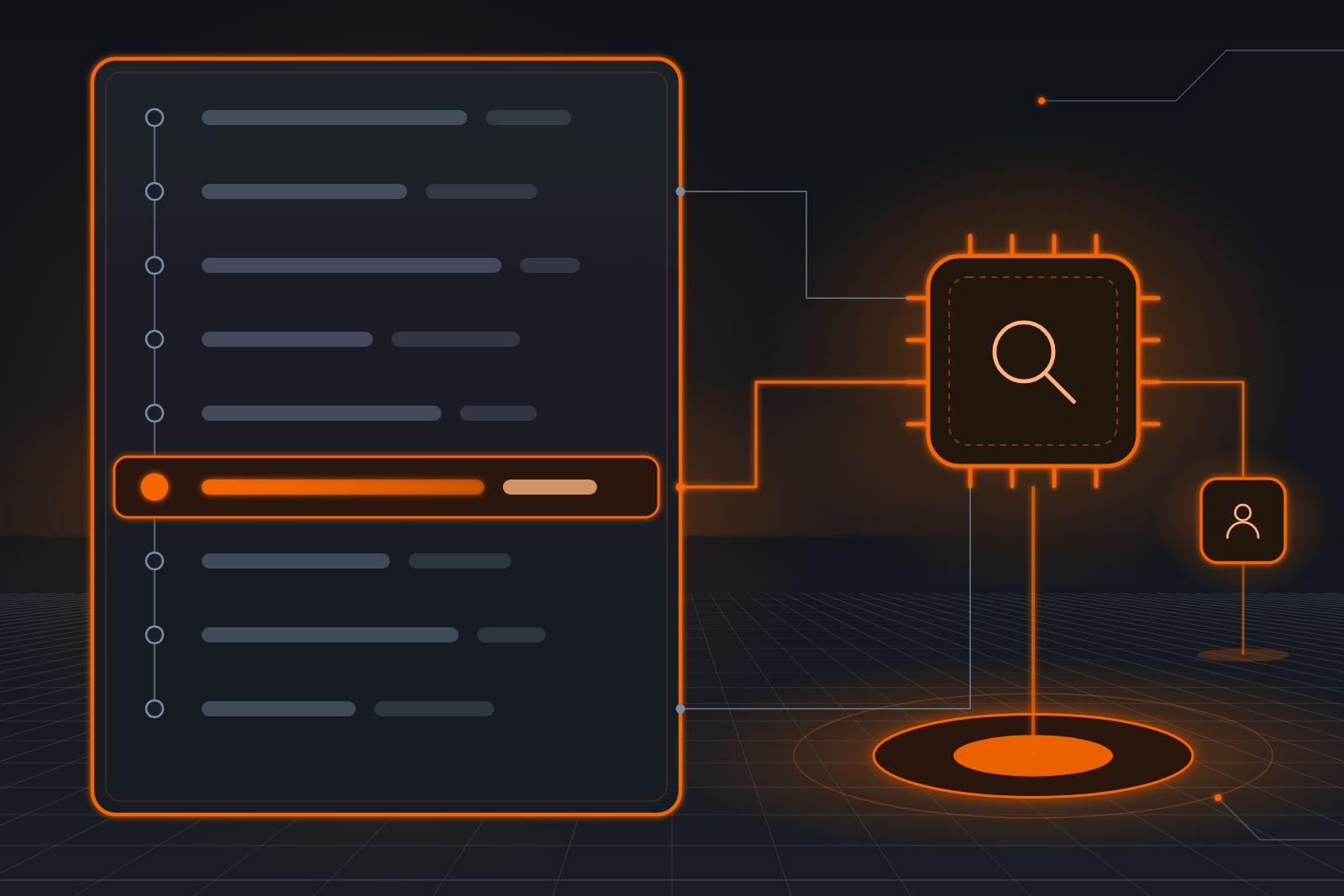
An audit trail for AI agents is a time-ordered record of each tool call, decision and outcome. Our Agent Audit & Risk Dashboard is a software product that keeps that record, flags high-risk or unusual activity and sends a weekly summary.
ScaleAlphaSi makes AI security software, and this dashboard is a product you subscribe to by itself. You point it at the agents and AI tools your office already runs, whoever built them.
A tool call is the moment an agent acts inside one of your systems, such as a bookkeeping agent drafting an invoice. The dashboard sorts those calls onto one page, with the actions that matter most first.
The dashboard is listed on our Security page, and each product there is sold on its own.
What is an audit trail for AI agents?
An audit trail is a record in time order that lets someone rebuild what happened, from the first request to the final result. That is how NIST's glossary entry on audit trails (opens in a new tab) describes it. For an agent, each step is a message it read, a choice it made and an action it took.
Each step in the record has three parts.
- The tool call. Which agent acted, in which of your systems and at what time.
- The decision. The rule it followed and the message or record that set it off.
- The outcome. What changed, what went out and who approved it, if a person did.
Passwords, access keys and other secrets never enter the record.
Why does agent work need a record?
An agent can act wrongly for days before anyone notices, because no one watches each step it takes. Text planted in an email or a file can steer it, and the same request can bring a different result on another day. Without a record, a customer reports the problem first.
Agent hijacking is the first risk. Orders hidden in a web page, a document or a message steer the agent into a task its owner never set.
In one experiment described in NIST's technical blog on agent hijacking (opens in a new tab), attack success rose from 11% to 81% once researchers built new methods against the model. That was a single model on a research test bench.
A well-tested agent can still be pushed off course, and the record is how you learn it happened. Our guide What Is Prompt Injection in AI? Attacks and Defenses explains how planted text works.
Variety is the second risk. NIST's report on monitoring deployed AI (opens in a new tab) puts it plainly: “AI outputs are typically non-deterministic, meaning the AI may exhibit a range of behaviors under the same input conditions.”
In practice, an agent might word Tuesday's invoice differently from Monday's, so the record of real work carries the weight.
What gets recorded, and what gets flagged?
The Agent Audit & Risk Dashboard records every tool call, decision and outcome in one place. High-risk actions and unusual activity rise to the top for the person you name. Once a week, that person gets a plain summary of what each agent did and what needs a look.
- A high-risk list. Actions you mark at setup, such as refunds, payments or bank-detail changes, shown first.
- Unusual activity. Work outside an agent's written job, such as late-night activity or a sudden run of one kind of action.
- A weekly summary. A short report that closes out each week of agent work.
Regulated files, such as payroll or care notes, can stay outside the systems the dashboard reads.
Which agent actions count as high risk?
High-risk actions move money, change who can reach your systems or send something outside the business in your name. We mark them with you at setup, and the dashboard lists them first. Routine work still lands in the record, one row for each action.
| Action | Agent | Risk | What it shows |
|---|---|---|---|
| A refund, a large payment or a bank-detail change | Books agent | High | First on the list, with the owner and the second person who agreed |
| An invoice drafted from a finished job | Books agent | Routine | One row, tied to the job it came from |
| A purchase order with a price | Orders agent | High | On the list, with the person who agreed the price |
| A visit moved to another day | Booking agent | Routine | One row, with the reason it gave |
| A delay notice to a customer | Chat agent | Routine | One row, with the wording it used |
| An email sorted and a reply drafted | Inbox agent | Routine | One row, with the draft and who sent it |
| A burst of one kind of action after hours | Any agent | Unusual | Marked for review, with every action in the burst |
The rows are examples, and your rule owner can move any action up or down.
Who reads the weekly summary, and when?
One named person reads it at a set time each week, such as the owner or the office manager. That reader starts with the high-risk list, then checks anything marked unusual. Every flagged item gets a decision before the next week begins.

- Pick the reader. Choose one person and a set weekly slot, plus a backup for the weeks they are away.
- Clear the high-risk list. Confirm each item, or open its record to see what set it off.
- Update the list. Add a new tool, a new rule or a new kind of request, so the list stays accurate.
Which agents should you connect first?
Start with the agents that touch money or schedules, whoever built them, because one wrong step there costs the most. That means books, payments and job records. Inbox and messaging agents come next, since they write to people outside the business in your name.
Request a call and have a list of your agents and tools ready. On the call, we check how the dashboard connects to each one and mark which of their actions go on your high-risk list.
What must be in place to use it?
The dashboard needs agents or AI tools whose activity it can read, plus one person who owns the high-risk list. It runs alongside those agents and leaves their daily work as it was. The company that built them matters less than whether they can share a record of their actions.
How do we switch the dashboard on?
Setup starts from a list of the agents and AI tools your business runs. We check how each one connects, tell you plainly if one shares too little and agree on your high-risk list. You and we then read the first full week of real work together.
What does the dashboard leave to you?
Every decision stays with you and your team. The dashboard records and ranks actions, yet it never blocks, approves or undoes one. Blocking belongs to a separate product, our Secure Agent Runtime Layer, approval belongs to a named person, and no single control stops every attack.
Our post AI Agent Guardrails: A Runtime Layer That Checks Each Action covers that product, which stops a bad action before it runs.
NIST's news release on attacks against AI (opens in a new tab) says no foolproof method yet exists for protecting AI from misdirection. So pair the dashboard with narrow access for each agent and a person who approves prices, payments and anything legal.
An audit trail for AI agents is evidence of what they did. It is no regulator's stamp of approval.
A Monday review, start to finish
Example: a home-care agency's Monday review
Ignatius runs a home-care agency. His scheduling agent came from one provider and his bookkeeping agent from another, and the dashboard reads both.
One Monday, the summary opened with a request to change a supplier's bank details, held by the bookkeeping agent for a second approval.
The record showed the email behind it, from an address that did not match the supplier's. A call to the number on file confirmed the supplier never sent it, so Ignatius declined it.
The unusual list held late shift drafts from the scheduling agent, made after two caregivers called in sick. Each draft waited for the scheduler to pick who covered.
Frequently asked questions
Will the dashboard catch every problem?
The dashboard will not catch every problem. It records each action and ranks the ones that look risky, yet a harmful step can look routine, so the weekly read still matters.
Who can see the agent record?
The agent record is open to the people you choose, such as the owner, an office manager and a bookkeeper. Our team reads it while we tune the setup, and access ends for anyone you name.
How long is the record kept?
The record is kept for the period your written agreement sets. When your subscription stops, we end our access and delete our copies on that schedule, except anything the law requires us to keep.
Does the dashboard work with the agents we already run?
Yes, the dashboard works with the agents and AI tools a business already runs, whoever built them, as long as they can share a record of what they do.
On a call, we check how it connects to each of your tools. We do not claim it fits every tool.
Next step
Request a call and have last month's list of refunds, payments and supplier changes ready. On the call, we show the dashboard against the agents and tools you run and mark which actions belong on your high-risk list.
Our standards
- The examples in our guides are illustrations, not customer stories.
- Your AI runs on private and on-premise models, not public AI tools. Nothing you give us is used to train AI models.
- Agents are built so each action is logged in a record that shows any later edit.
- Texts go only to people who gave you permission, and every message says how to stop.
- If anyone may be hurt or in danger, the only instruction an agent gives is to call 911.
- Depending on the investment package you choose, you get either the right to use the software we build for you or full ownership of it.
- We work from the Kansas City metro and meet owners face to face or by video call.
- Same team. Same jobs. More capacity.
About the ScaleAlphaSi team
ScaleAlphaSi is a Kansas City AI advisory firm specializing in Advanced Marketing and AI Engineering. Our team drives demand through SEO, AEO, GEO and paid ads management. Once that demand arrives, we build specialized AI agents to scale operations for profitability. Each guide draws on engagements with owners and operations teams, covering where to start, where people stay in charge and how to scale one workflow at a time.
Meet the Team