A job site photo app files your crews' photos to the right job, with the time and place attached, and keeps working when the signal drops. The office then pulls a clean proof PDF for a customer or an insurer, without digging through anyone's camera roll.
This guide is for owners of roofing, remodeling and other contracting companies who need to find the right job photo months later. It builds on our guides to AI for small business and AI for construction companies in Kansas City. Photos for quoting a job are a different tool, covered in our post on AI estimates from photos.
What should a job site photo app do?
A job site photo app should file every photo to the right job and stage and record when and where it was taken. It should keep trying to upload when the signal drops and turn a set of photos into a proof PDF. It should also limit who sees which jobs, because the photos show customers' homes.
The details decide whether crews keep using it:
- Job and stage first. The crew lead picks the job and the stage, such as tear-off, decking or final, before shooting, so nothing needs sorting later.
- Required shots. Each job type has a short list of must-have photos, and a stage is not marked done until they are in.
- Time and place at capture. The phone's clock and location go into the record the moment the photo is taken, not when it uploads.
- Notes and arrows. A crew member can circle the soft spot or add a short note while standing in front of it.
- Location kept private. Location details reveal where customers live, so only office staff who need them can see them.
Other trades use the same idea their own way. Restoration crews tie moisture readings to photos, as our post on moisture mapping software explains, and pool service routes send a photo after each stop.
Why do camera rolls and group texts lose proof?
Camera rolls and group texts lose proof because photos end up scattered across phones with no job attached. A text thread shrinks the file and can strip its details. A crew member's phone leaves when they do. Finding last spring's decking photo takes an afternoon nobody has.
A boxed construction photo app fixes part of this. The gaps we hear about come in four kinds. Uploads fail on a weak signal and lose the photo. Folders do not match how your crews name stages. Nothing records who edited or deleted a photo. And exports dump every file into a download instead of a page a customer or adjuster can read. Ranch notes scatter the same way, with calving details on one phone and weights on another, as our guide to cattle record keeping software explains.
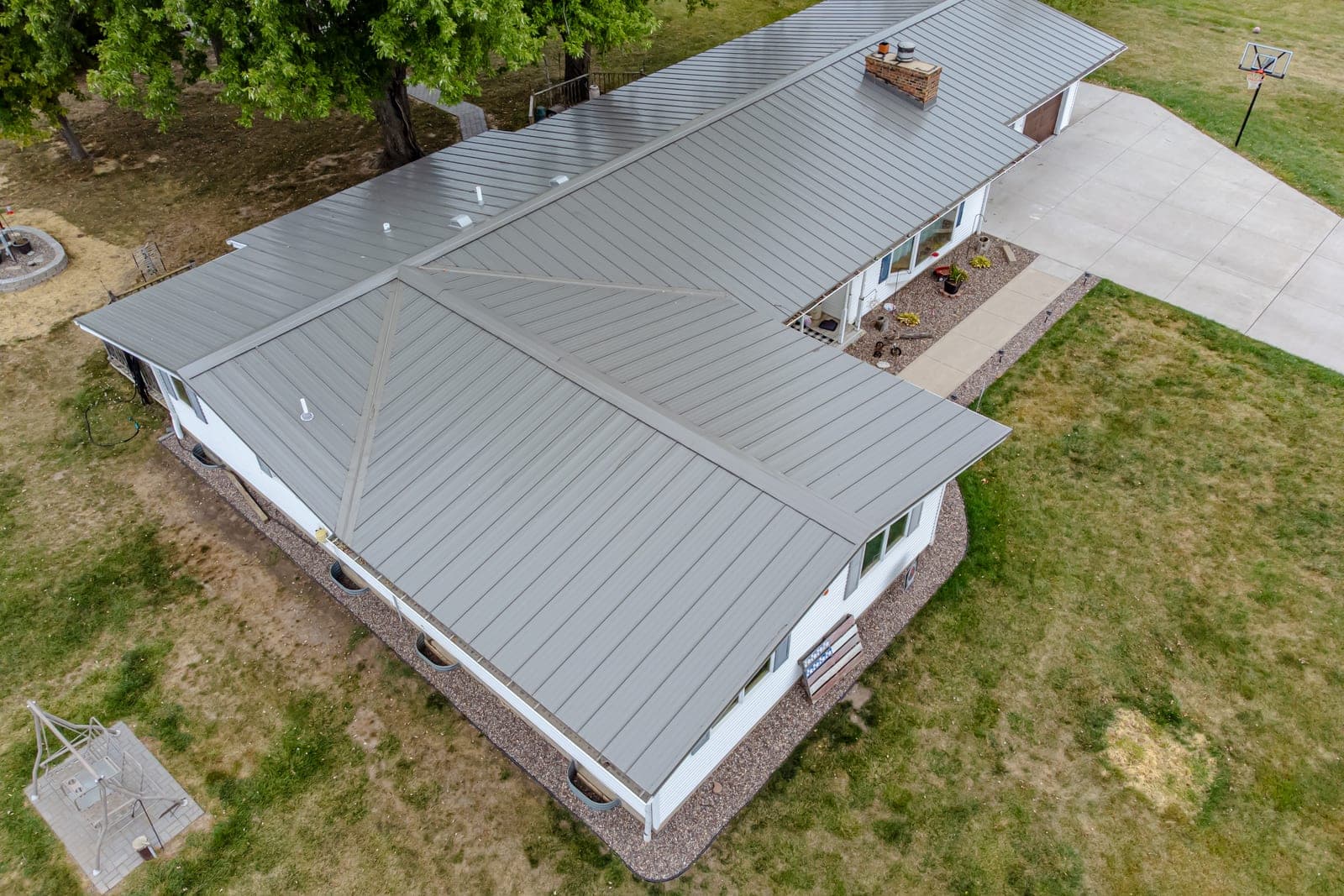
What we build: a photo app your crews will open
We build a photo app around your jobs, your stages and the proof your customers and insurers ask for. It is one of our small-business tools. It has a simple login, a database of your jobs and a camera screen for any phone or tablet your crews already carry.
- Today's jobs. Crews see only the jobs they are on, pulled from your schedule, so nobody types an address.
- Uploads that wait in line. With no signal, photos wait in line on the phone and retry on their own until the upload goes through. The crew can see what is still waiting before leaving the site.
- The proof PDF. Pick a job and a stage from the phone or the office. The app builds a PDF with each photo, its time and place, and the crew's notes, in order.
- The office view. Every job's photos by stage, searchable by address or customer, with a log of who added, edited or hid each photo.
Depending on the plan you pick, you get the right to use the app or full ownership of it. Your photos and job records stay yours either way. If a stage closes without its required shots, the Ops Agent can remind the crew lead that evening, and the office decides whether to send someone back.
This is an illustration, not a customer story. K. runs a roofing and siding crew. A homeowner calls in the spring, asking whether the old decking was really sound. The office opens the tear-off stage and builds the proof PDF with the decking photos. It goes out before the call ends.
How do we pilot the app with one crew?
We pilot the app with one crew on real jobs, after you approve a written spec of your job types, stages, required shots and who can see what. The rest of the company starts only once the pilot runs clean. Each fix it needs is made before the next crew logs in.
Five checks happen with the pilot crew on a live job.
- A full stage of photos taken on a roof with no signal uploads once the phone is back online.
- Each photo keeps its original time and place after it uploads.
- A crew member sees only the jobs they are on.
- The proof PDF reads in stage order on a phone and on a computer.
- A hidden or edited photo shows in the log with who did it and when.
The app also plugs into the scheduling tool or CRM you already run, so the job list comes from one place and photos stay with their jobs.
What stays with your people?
Your people decide what to shoot beyond the required list, what goes into each proof PDF and what gets shared with a customer or an insurer. Claim decisions stay between the homeowner and the insurer, and legal questions go to your attorney. The app files and packages photos, and it never decides anything.
Photos are property worth keeping straight. The U.S. Copyright Office (opens in a new tab) explains that copyright protects original works, photographs included, as soon as they are fixed in a tangible form. Under the federal rule on works made for hire (opens in a new tab), the employer is the author of a work an employee creates within the scope of the job. Photos from subs or freelancers are different and need a written agreement. None of this means a homeowner gives up any rights to photos of their own home.
Same team. Same jobs. More capacity.
Kansas City storm season and insurance photos
Around Kansas City, roof and siding photos often end up in an insurance claim, and Kansas and Missouri each draw their own lines. A contractor's dated, ordered photos can help a homeowner show the insurer what was damaged. The claim itself stays between the homeowner and the insurer.
On the Kansas side, the Kansas Department of Insurance (opens in a new tab) asks homeowners to take photos or video of damaged areas for their insurer, and it cautions that permanent repairs done before the insurer's inspection can get a claim denied. That makes your before photos worth filing with care. In Missouri, a contractor may not represent or negotiate for an owner on an insurance claim for roof or exterior work. Your crew shares photos, and the homeowner handles the claim. The app keeps each job's state on file, so the office knows which side of the line a job sits on.
Frequently asked questions
What is the best photo app for contractors?
The best contractor photo app is the one your crews use on every job without being reminded. That usually means photos file to the right job on their own, uploads survive a weak signal, and the office can pull a clean proof PDF. A boxed app can suit standard stages, while a custom one follows yours.
What is photo documentation?
Photo documentation is a dated, organized set of photos that shows the condition of a job at each stage. For a contractor, that means before, during and after shots tied to the job, with short notes, so anyone can see what was there and what your crew did.
How do you timestamp photos?
Phones record the time, and the location when it is turned on, inside each photo file. A job site photo app reads both at the moment of capture, keeps them with the photo and prints them on the proof PDF, so nobody has to type a date by hand.
How do you organize work photos?
Organize work photos by job first, then by stage or area, and tag each one when it is taken rather than later. Required shots for each job type keep crews consistent, and a search by address or customer finds old jobs fast. Sorting a camera roll after the fact rarely holds up.
What is the best way to share photos with clients?
Share a short, ordered set rather than every photo from the job. A proof PDF or a private link per job, with the stage, the time and a one-line note under each photo, is easy for a client to read and forward. Keep location details out of anything shared beyond the client.
Next step
Book a free workflow consult and bring a recent job where a photo went missing or showed up too late. We will look at how photos travel from your crews to your office today and where a custom app could close the gaps. We work from the Kansas City metro and meet owners face to face or by video call.
Our standards
- The examples in our guides are illustrations, not customer stories.
- Your AI runs on private and on-premise models, not public AI tools, and nothing you give us is used to train AI models.
- Agents are built so each action is logged in a record that shows any later edit.
- Every call and text opens with a short line saying it is the business's AI assistant, and asking for a person always works.
- Texts go only to people who contacted you or gave you permission, and every message says how to stop.
- If anyone may be hurt or in danger, the only instruction an agent gives is to call 911.
- Depending on the investment package you choose, you get either the right to use the software we build for you or full ownership of it.
- We work from the Kansas City metro and meet owners face to face or by video call.
- Same team. Same jobs. More capacity.
About the ScaleAlphaSi team
ScaleAlphaSi is a Kansas City firm specializing in Advanced AI Engineering. We design and build AI agents and custom software for small businesses, trades and growing companies. Each guide draws on our experience with owners and office teams: where AI delivers, where your people stay in charge, and how to begin with a single workflow.
Meet the team