AI for volunteer coordination takes the small, constant messages off a coordinator's desk. The agent matches volunteer skills to open shifts, drafts reminders and walks new people through onboarding steps. Staff still confirm coverage, safety and every final assignment.
Many of a coordinator's short messages each week follow a pattern. Our AI agents for nonprofits page shows where this work sits beside fundraising, grants and programs.
Joint Census Bureau research with AmeriCorps (opens in a new tab) found that over 75.7 million people age 16 or older volunteered through an organization from September 2022 to September 2023. Each volunteer needs shift offers, reminders and thanks, so the messages pile up.
Where does AI for volunteer coordination help?
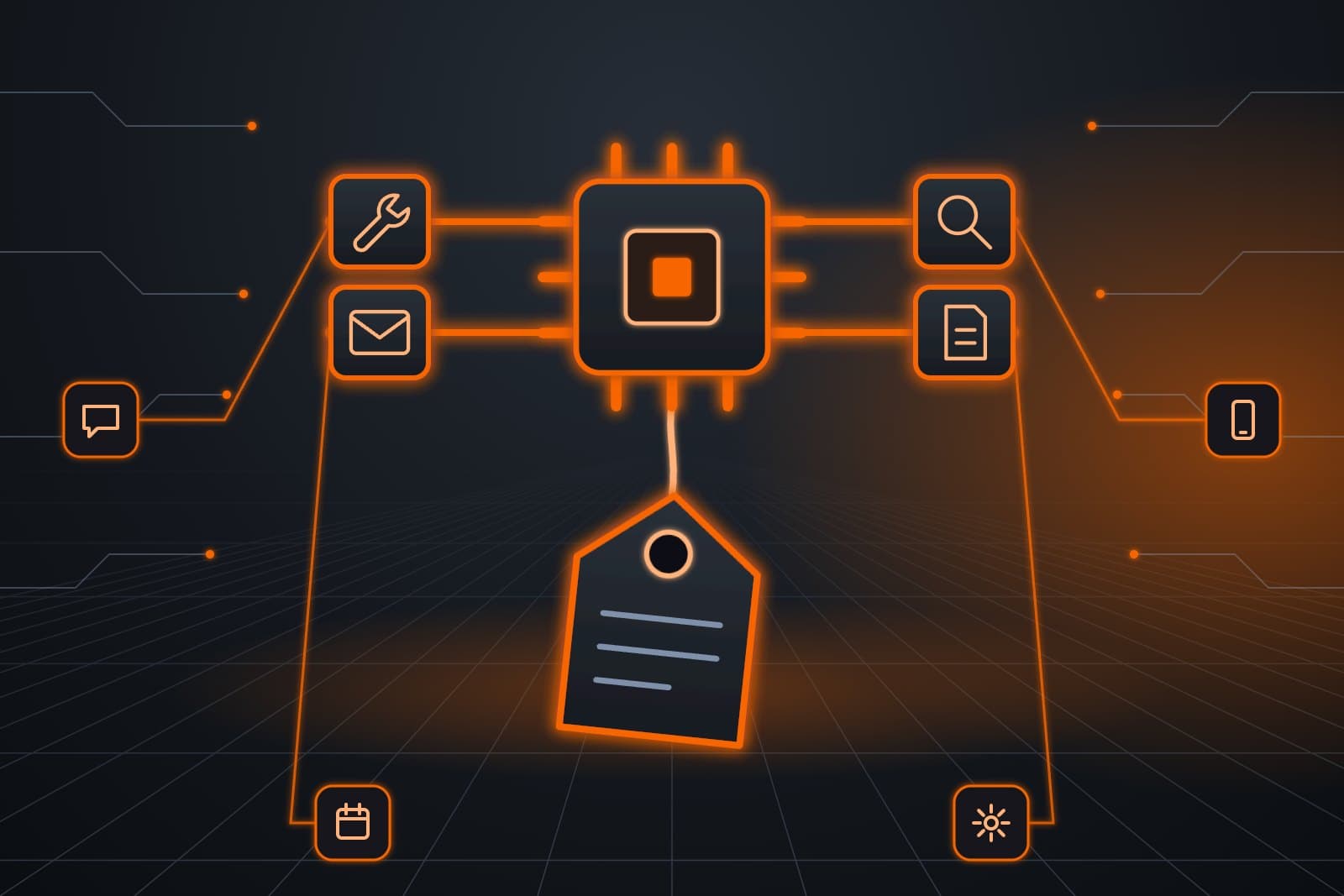
Agents handle the repeatable side of the job. The Customer Agent answers sign-up questions, and the Ops Agent offers open shifts, sends reminders and fills cancellations from a backup list. Both write to the calendar and roster you already use, and the coordinator keeps the program, the training and the people.
- Inquiries. New people get the next step, such as an orientation date.
- Shift offers. Open slots go to volunteers whose skills and hours fit.
- Reminders. The address, parking and what to bring, before each shift.
- Cancellations. The slot goes to the backup list, and the coordinator sees the change.
Once hours are worked, they need a record of their own. Our guide to a volunteer hour tracking system covers check-in, approval and exports.
What does onboarding look like?
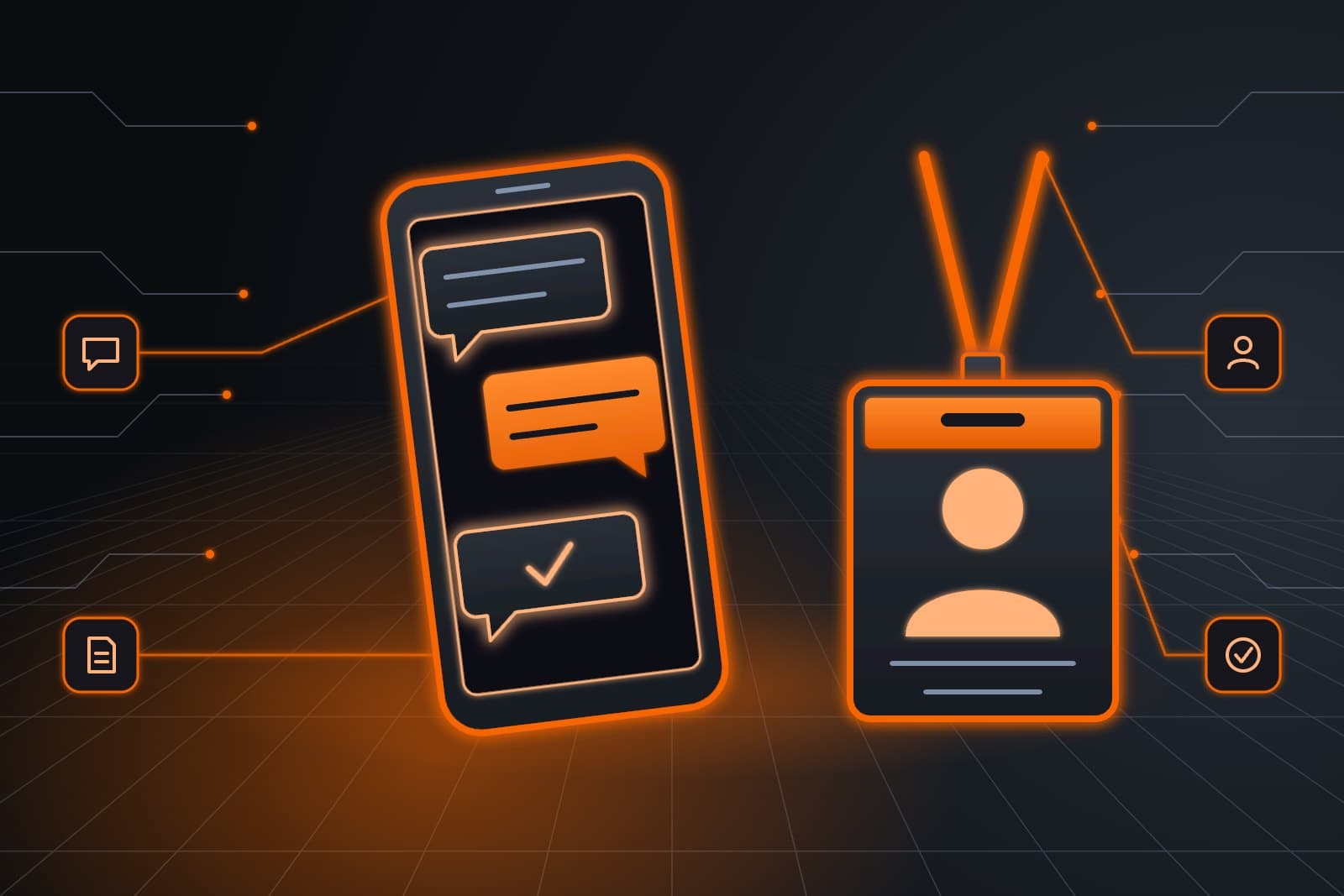
Onboarding becomes a short series the Admin Agent sends after someone signs up: a welcome, the orientation date, the forms to complete and what to expect on a first shift. Each step uses wording your coordinator wrote. The agent tracks who finished each step and reminds anyone who has not.
- Welcome note with the orientation date.
- Forms and any required training.
- A first-shift guide with parking and a contact name.
- A thank-you after the first shift, with an invitation back.
Background checks, when your program needs them, stay a staff process with its own vendor and rules.
Who decides coverage and safety?
Coverage and safety calls belong to the coordinator every time. That includes which shifts can run short, who may work with children or vulnerable adults and how to handle a no-show on a critical slot. The Ops Agent reports gaps early, and a person chooses what to do about them.
| Task | Agent | Coordinator |
|---|---|---|
| Propose a roster | From skills and hours | Confirms it |
| Fill a cancellation | From the backup list | Sees each change |
| Place someone with children | Never | Decides |
| Handle an upset volunteer | Passes it on | Yes |
How are volunteers matched to shifts?
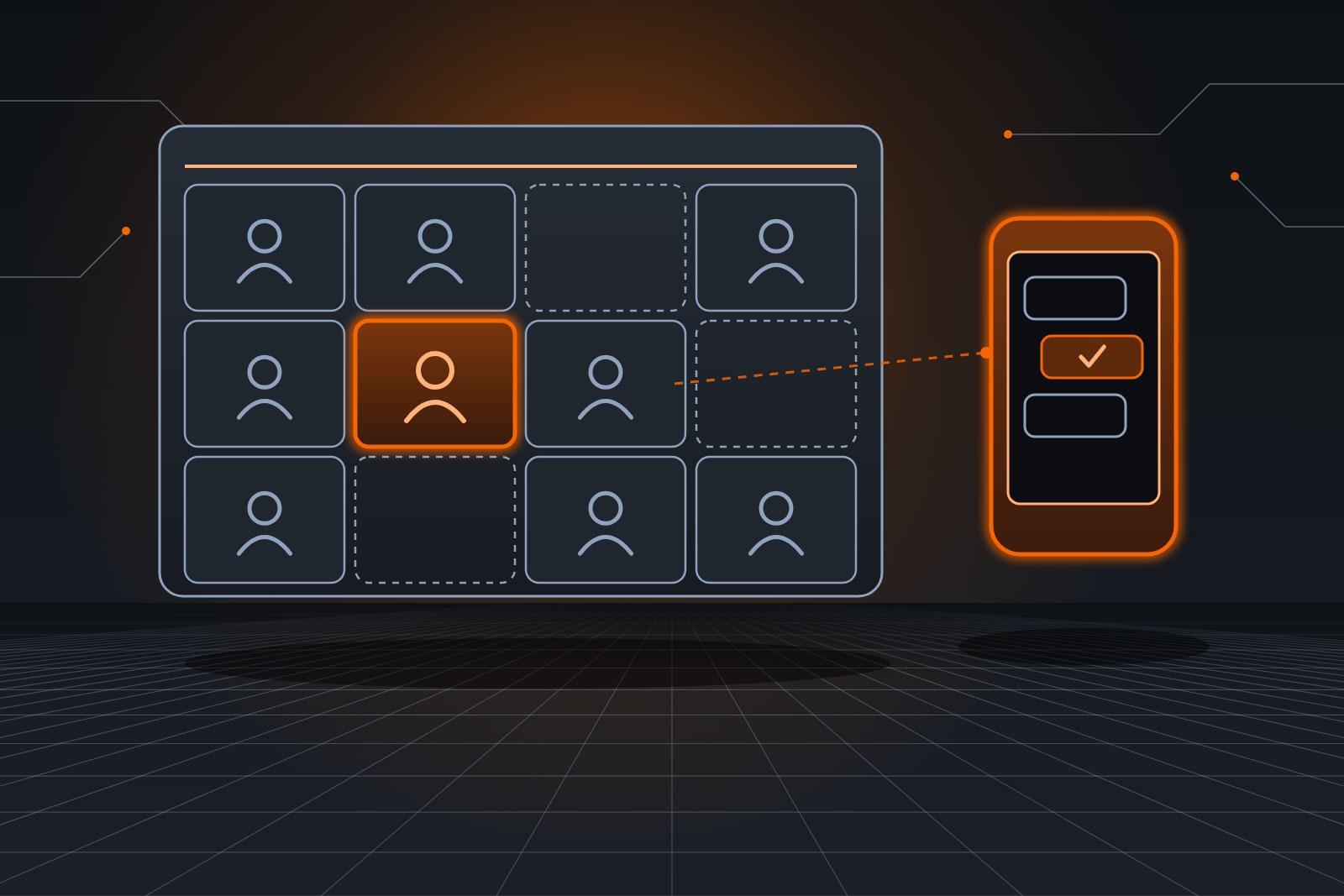
Matching starts from what volunteers told you: skills, languages, certifications, preferred days and how often they want to help. The Ops Agent compares those fields with each shift's needs and proposes a roster. The coordinator reviews it, swaps anyone who should not be placed and confirms.
The agent never guesses at a skill. A shift that needs a forklift license or a food handler card goes only to people with that record, and an empty slot is flagged instead of filled with the wrong person.
The Ops Agent handles the roster and the calendar, while the Customer Agent answers new inquiries.

What about texts and volunteer privacy?
Shift texts go only to people who agreed to receive them. The FCC's order on consent for automated texts (opens in a new tab) protects a person's right to take that consent back, so every message gives an easy way to opt out, and opt-outs are honored.
Keep constituent details such as home addresses, health notes and background check results out of prompts. A staff member reviews any new message template before it is sent to volunteers.
AI for nonprofits best practices lists the decisions that never go to an agent.
How ScaleAlphaSi links volunteer tools
ScaleAlphaSi connects the Ops Agent to the calendar, roster and text line your program already runs. It starts with reminders for one recurring shift, then adds matching and the backup list once the coordinator trusts it. Your team sets every rule the agent follows.
Our nonprofit agent work follows the same rule: the agent prepares and a person decides.
For the wider picture of donors, volunteers and grants, see the Kansas City nonprofit guide.
Book a free consult meeting to walk through one week of your volunteer schedule.
Covering cancellations before a weekend
Example: a Saturday sorting shift
A food bank runs a Saturday sorting shift that often ends up short. The Ops Agent sends Thursday reminders and, when two volunteers cancel Friday night, offers both slots to the backup list.
One volunteer accepts within the hour, and the agent updates the roster. The other slot calls for someone who can lift heavy cases, so the agent flags it for the coordinator, who calls a regular and confirms her by morning.
Frequently asked questions
Can AI schedule volunteers on its own?
AI can propose a schedule and fill routine gaps from a backup list, but a coordinator confirms the roster. Placements that touch safety, children or sensitive programs always go to a person before anyone is assigned.
How does volunteer matching work with AI?
Volunteer matching compares the skills, availability and preferences each volunteer shared with the needs of each shift. The agent proposes matches and flags any shift it cannot fill with a qualified person, rather than guessing.
Do volunteers need to download an app?
Volunteers rarely need a new app, because the agent works over text and email, using the calendar you already have. People who prefer a sign-up page can keep using it, and the agent reads from the same schedule.
What if a volunteer replies with a problem?
A reply that raises a problem, such as an injury or a complaint, goes to a staff member right away with a short summary. If anyone may be hurt or in danger, the agent tells the volunteer to call 911.
Next step
Book a free consult meeting and bring one shift that is hard to fill. We will map the messages around it, then you can try the Ops Agent free for 30 days on that shift.
Our standards
- The examples in our guides are illustrations, not customer stories.
- Your AI runs on private and on-premise models, not public AI tools. Nothing you give us is used to train AI models.
- Agents are built so each action is logged in a record that shows any later edit.
- Texts go only to people who gave you permission, and every message says how to stop.
- If anyone may be hurt or in danger, the only instruction an agent gives is to call 911.
- Depending on the investment package you choose, you get either the right to use the software we build for you or full ownership of it.
- We work from the Kansas City metro and meet owners face to face or by video call.
- Same team. Same jobs. More capacity.
About the ScaleAlphaSi team
ScaleAlphaSi is a Kansas City AI advisory firm specializing in Advanced Marketing and AI Engineering. Our team drives demand through SEO, AEO, GEO and paid ads management. Once that demand arrives, we build specialized AI agents to scale operations for profitability. Each guide draws on engagements with owners and operations teams, covering where to start, where people stay in charge and how to scale one workflow at a time.
Meet the Team