Auto detailing software for a small shop has one core job: keep every quote, car and coating date in one place. Most of the rest can wait until the shop outgrows a calendar and a shared customer list.
A CRM, short for customer relationship management software, is a shared record of each customer and their history. A detailing platform bundles a CRM with booking, invoicing and job tracking.
If the slow part is pricing jobs, start with our guide to auto detailing quotes.
What should auto detailing software do?
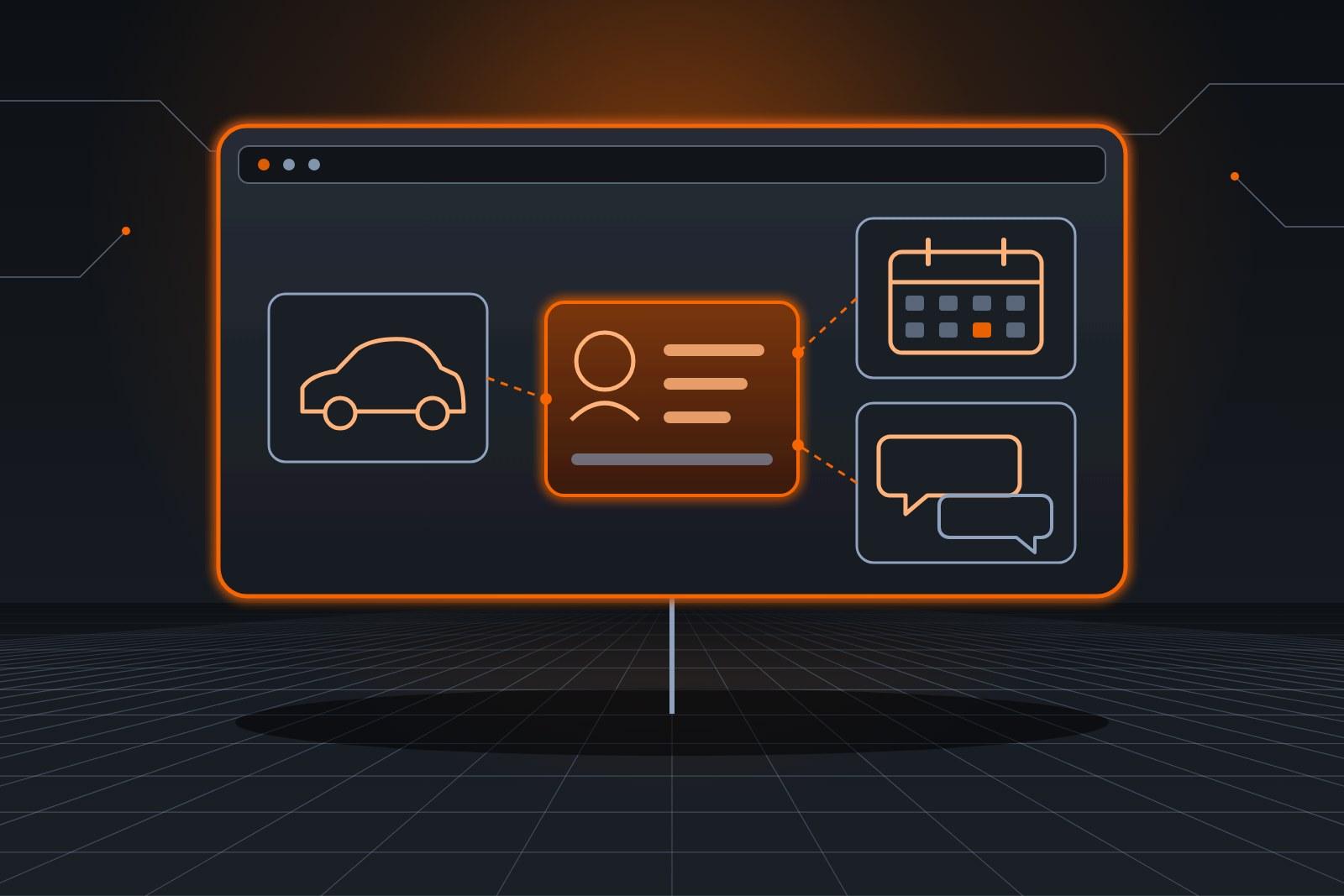
A shop system should hold one record per customer, with the car, the quotes, the photos and the coating dates side by side. It should also book against real job lengths and send reminders. Extra modules can wait until volume demands them.
- One record per car. Year, make, color, paint notes and the coating date.
- Quotes on that record. Each with its photos and the price the detailer set.
- Bookings sized by package. Job length comes from your own time grid.
- Reminders on your dates. Upkeep and follow-up, on the schedule the detailer chose.
- An export you control. Your customer list leaves with you if you ever switch.
The booking side, including how to size a slot, is covered in our guide to auto detailing scheduling software.
Where does an agent fit in the setup?
An agent such as the Customer Agent works inside the tools a shop already runs, writing to the same calendar, customer list and text line. It answers booking questions and sends reminders, while the Sales Agent gathers photos for quotes. The software stays the shared record, and the agents handle the repeat typing.
Fit matters more than features. For AI users in the Federal Reserve Banks' 2025 survey of small employers (opens in a new tab), the top challenges were accuracy (46%) and adapting tools to meet business needs (43%).
So each agent starts on one task, with the detailer checking its work until the rules need no changes.
When is a full platform worth it?
A shop with several bays, several detailers or fleet accounts with their own billing can justify the extra cost. Owner-operators often pay for modules they never open, then retype data between them. The test is whether the extra modules remove more work than they add.
Before any switch, run a week of real work through the trial: new inquiries, photo threads, coating reminders and a reschedule. A tool that slows any of those down costs more than it saves.
| Need | Light setup | Full platform |
|---|---|---|
| Customers and cars | A shared customer list | A built-in CRM |
| Booking | A calendar with your time grid | Online booking with deposits |
| Quotes | Text threads with photos | Templates with e-signatures |
| Reminders | Scheduled texts | Automated campaigns |
| Best fit | Owner-operators or small crews | Multi-bay shops with fleet work |

Which agent covers which desk?
Each desk in a detail shop maps to one agent, and the owner can start with any single one. Quotes, bookings, job sheets and invoices are the usual starting points. Each agent writes back to the same shared record the detailer reads.
- Quotes: the Sales Agent answers requests, sends the photo checklist and follows up on the schedule you set.
- Bookings: the Customer Agent fills open slots and sends upkeep reminders.
- Job sheets: the Ops Agent flags a booked job that lacks photos, keys or access notes.
- Billing: the Finance Agent drafts the invoice from a finished job.
Coating shops lean hardest on the upkeep side, which ceramic coating maintenance reminders walks through. Mobile operators add site questions, covered in mobile detailing quotes.
How ScaleAlphaSi connects your tools
ScaleAlphaSi links each agent to the calendar, text line and customer list you already use, wherever the software allows it. The agents then write every quote, booking and reminder back to that one record. Your team keeps working in the tools it already knows.
| Task | Agent | Detailer |
|---|---|---|
| Log a new request with photos | Yes | Reviews it |
| Price the job | No | Yes |
| Fill the slot | Yes, from your time grid | Sets the grid |
| Send upkeep reminders | Yes | Writes the wording |
| Handle a complaint | Passes it on | Yes |
Book a free consult meeting to walk through the tools you run today.
Moving scattered records into one place
Example: a coating shop with scattered records
A two-person coating shop keeps quotes in text threads, coating dates in a spreadsheet and bookings on a wall calendar. Upkeep reminders depend on whoever remembers.
The Sales Agent starts on new requests, logging each car and its photos into the shared customer list. Two weeks in, the detailer trusts its summaries.
Next, the Customer Agent takes over bookings on the existing calendar and loads the coating dates from the spreadsheet. Reminders start going out on the detailer's schedule.
The shop stops using the spreadsheet and the wall calendar. Prices, paint correction stages and every warranty question still go to the owner.
Frequently asked questions
Do we have to switch software to use an agent?
Switching software is rarely required. The agent works with the calendar and customer list you already run, where those tools allow a connection. The consult checks yours first.
Can the agent read our old spreadsheet?
An old spreadsheet can usually be imported once, so past coating dates and customer notes carry over. After that, the shared record becomes the one place the team updates.
What happens to our data if we stop?
Your customer list and records stay yours, in the tools you already own. Stopping an agent ends its access, and your calendar keeps every booking it made.
Does detailing software need a phone app?
A phone app helps when detailers work away from the shop, because they can see the day and add photos on site. A text-based setup can be enough for a small shop, and the agent works over text either way.
Next step
Book a free consult meeting with a list of the tools you use now. We will map where quotes, cars and coating dates live, then you can try any agent free for 30 days inside those tools.
Our standards
- The examples in our guides are illustrations, not customer stories.
- Your AI runs on private and on-premise models, not public AI tools. Nothing you give us is used to train AI models.
- Agents are built so each action is logged in a record that shows any later edit.
- Texts go only to people who gave you permission, and every message says how to stop.
- If anyone may be hurt or in danger, the only instruction an agent gives is to call 911.
- Depending on the investment package you choose, you get either the right to use the software we build for you or full ownership of it.
- We work from the Kansas City metro and meet owners face to face or by video call.
- Same team. Same jobs. More capacity.
About the ScaleAlphaSi team
ScaleAlphaSi is a Kansas City AI advisory firm specializing in Advanced Marketing and AI Engineering. Our team drives demand through SEO, AEO, GEO and paid ads management. Once that demand arrives, we build specialized AI agents to scale operations for profitability. Each guide draws on engagements with owners and operations teams, covering where to start, where people stay in charge and how to scale one workflow at a time.
Meet the Team